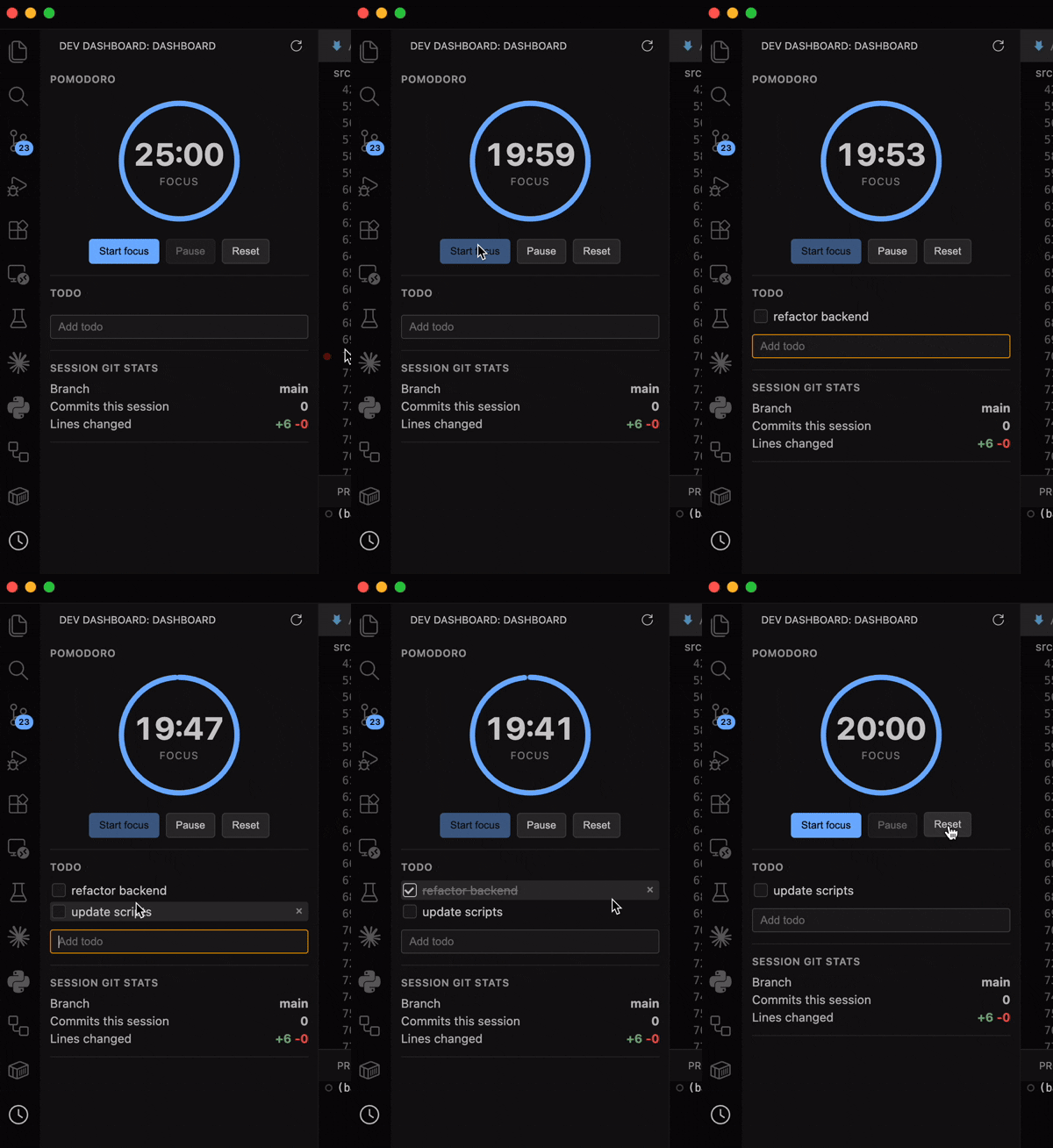
Dev Dashboard: Pomodoro & Git StatsA sidebar panel with a pomodoro timer, live git session stats, and a todo list. Installation Launch VS Code Quick Open ( Ctrl+P), paste the following command, and press enter.Copied to clipboard |

Dev Dashboard
A lightweight VS Code sidebar for staying focused while you work. It includes:
Requirements
Run locally
VS Code opens an Extension Development Host window with Dev Dashboard enabled. Select the Dev Dashboard icon in the Activity Bar to open it. To rebuild automatically while developing, run: Install from a VSIXTo create an installable package: Then install the generated SettingsConfigure the timer and Git refresh interval in VS Code settings:
License |