Skip to content
| Marketplace
Sign in
Visual Studio Code>Programming Languages>JustyBase SQL Editor (Vertica)New to Visual Studio Code? Get it now.
JustyBase SQL Editor (Vertica)

JustyBase SQL Editor (Vertica)

Preview

justybase

|
17 installs
| (0) | Free
Optional Vertica companion for JustyBase SQL Editor
Installation
Launch VS Code Quick Open (Ctrl+P), paste the following command, and press enter.
Copied to clipboard
More Info

JustyBase SQL Editor for Vertica

Read the JustyBase documentation portal for the shared SQL workflows and current capability boundaries.

JustyBase SQL Editor for Vertica

A Vertica-aware SQL workspace for analytical queries, catalog exploration, results, and operational insight in VS Code.

This companion extension adds Vertica runtime support to JustyBase SQL Editor. The core extension is installed automatically; Netezza is not required.

Marketplace

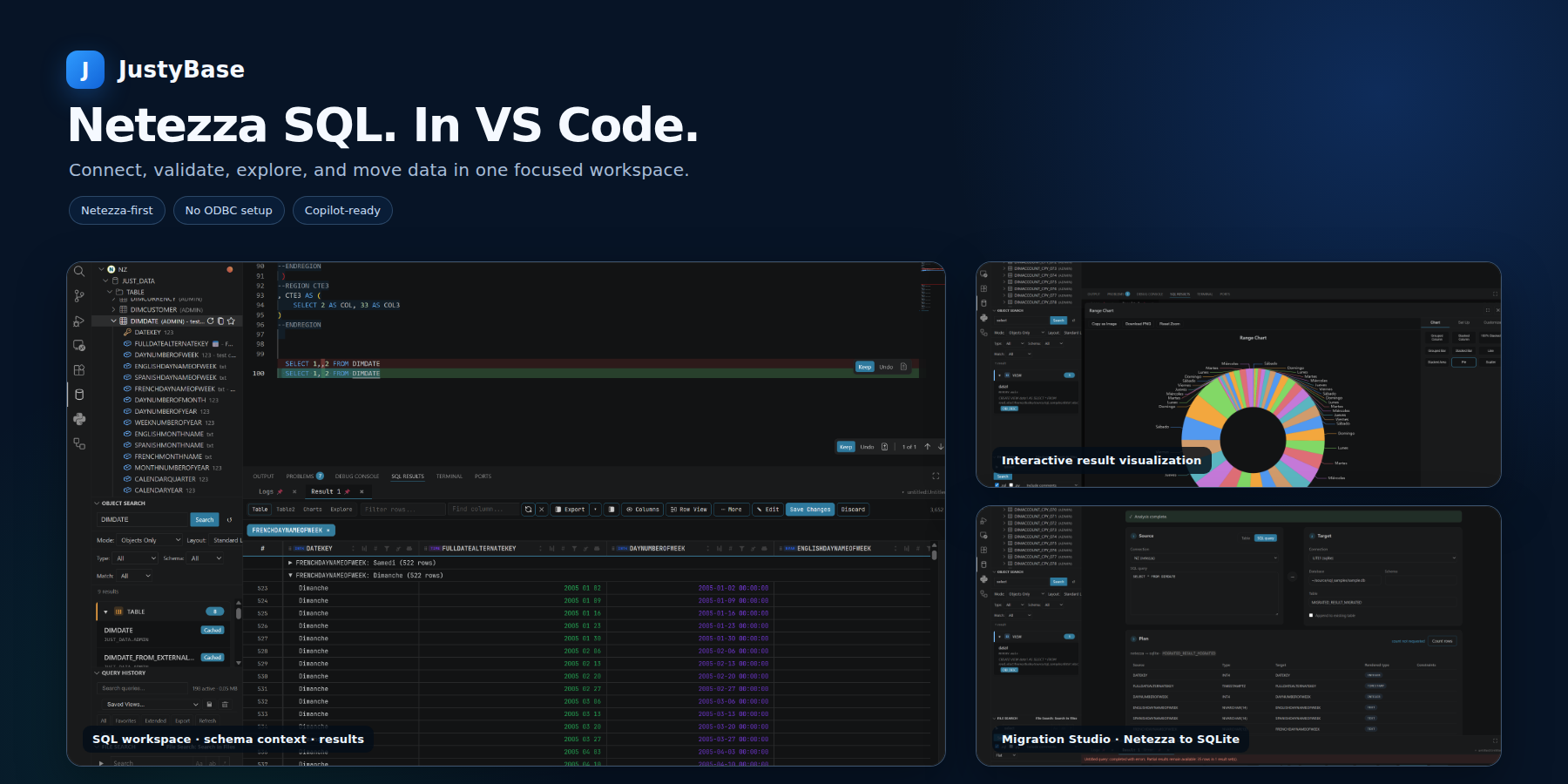
Vertica in the JustyBase workspace

Vertica workspace with schema browser, editor, and results

Connect to Vertica, browse catalog objects, author SQL, and inspect analytical results in one familiar VS Code workflow.

Features

  • Vertica connections through vertica-nodejs.
  • Schema browsing and metadata from v_catalog and v_monitor.
  • Vertica-aware SQL authoring, completion, snippets, and diagnostics.
  • Import previews, DDL export, maintenance helpers, and session monitoring.
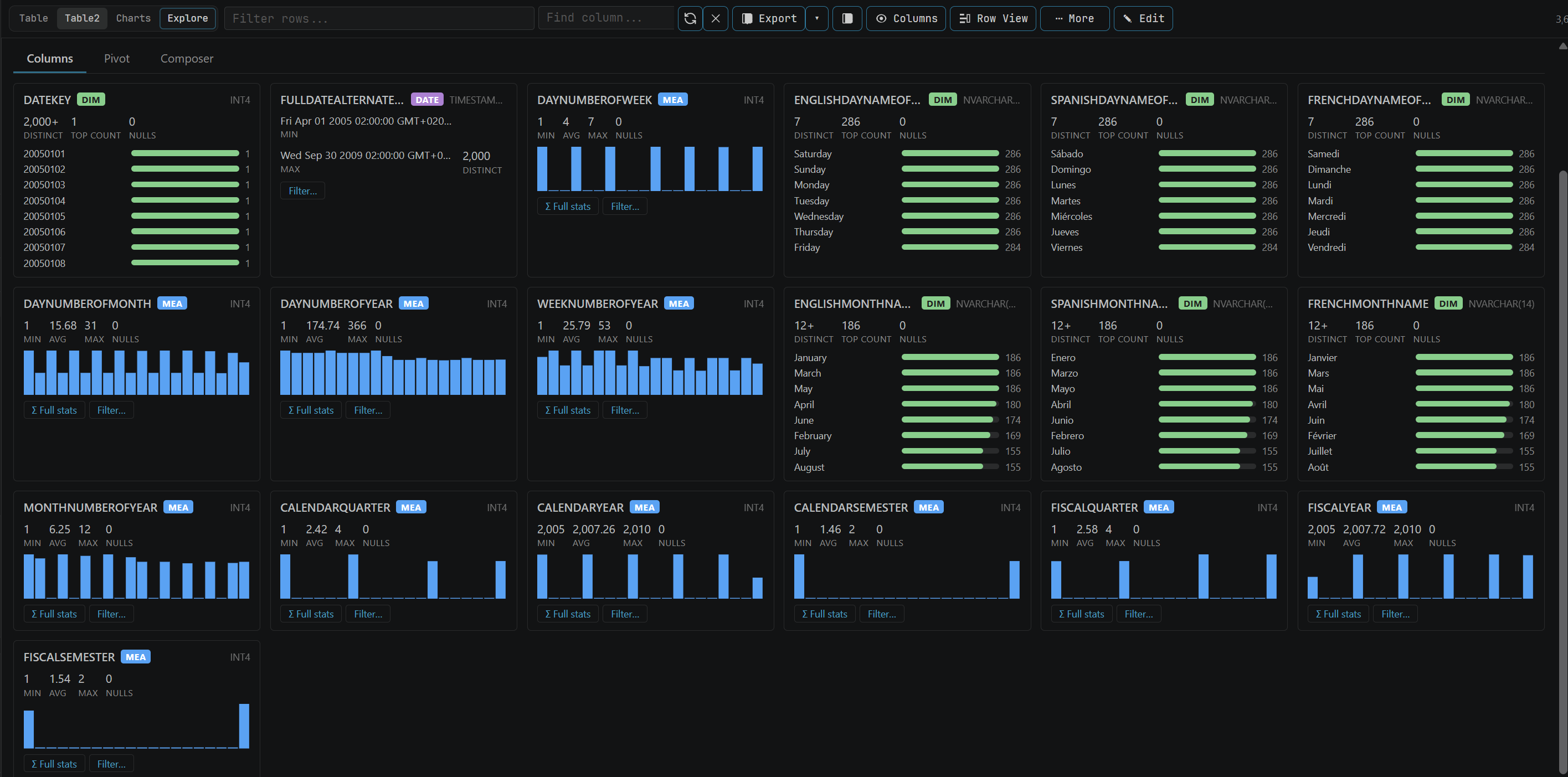
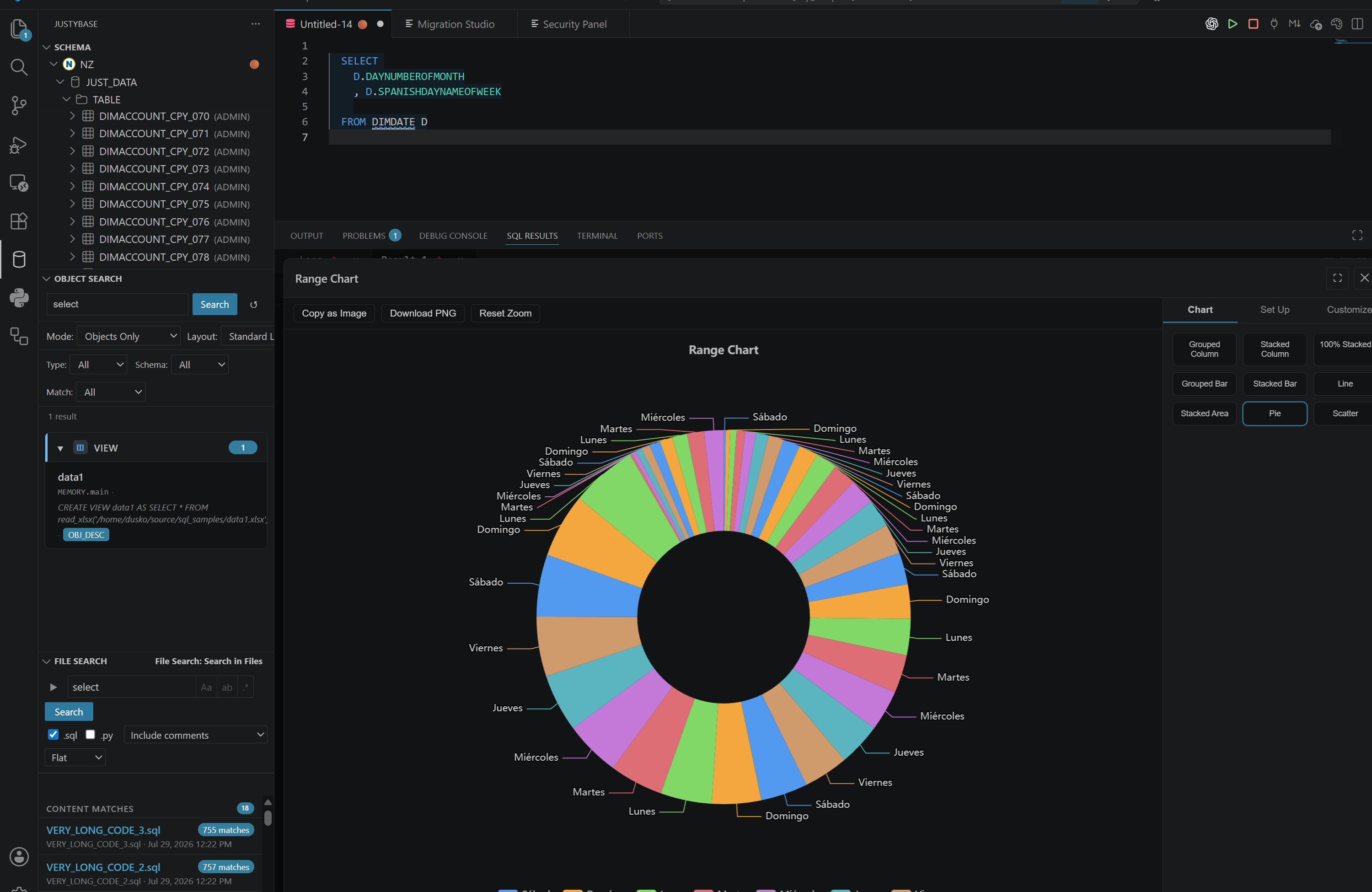
  • Shared result filtering, column profiling, exports, charts, and query history.

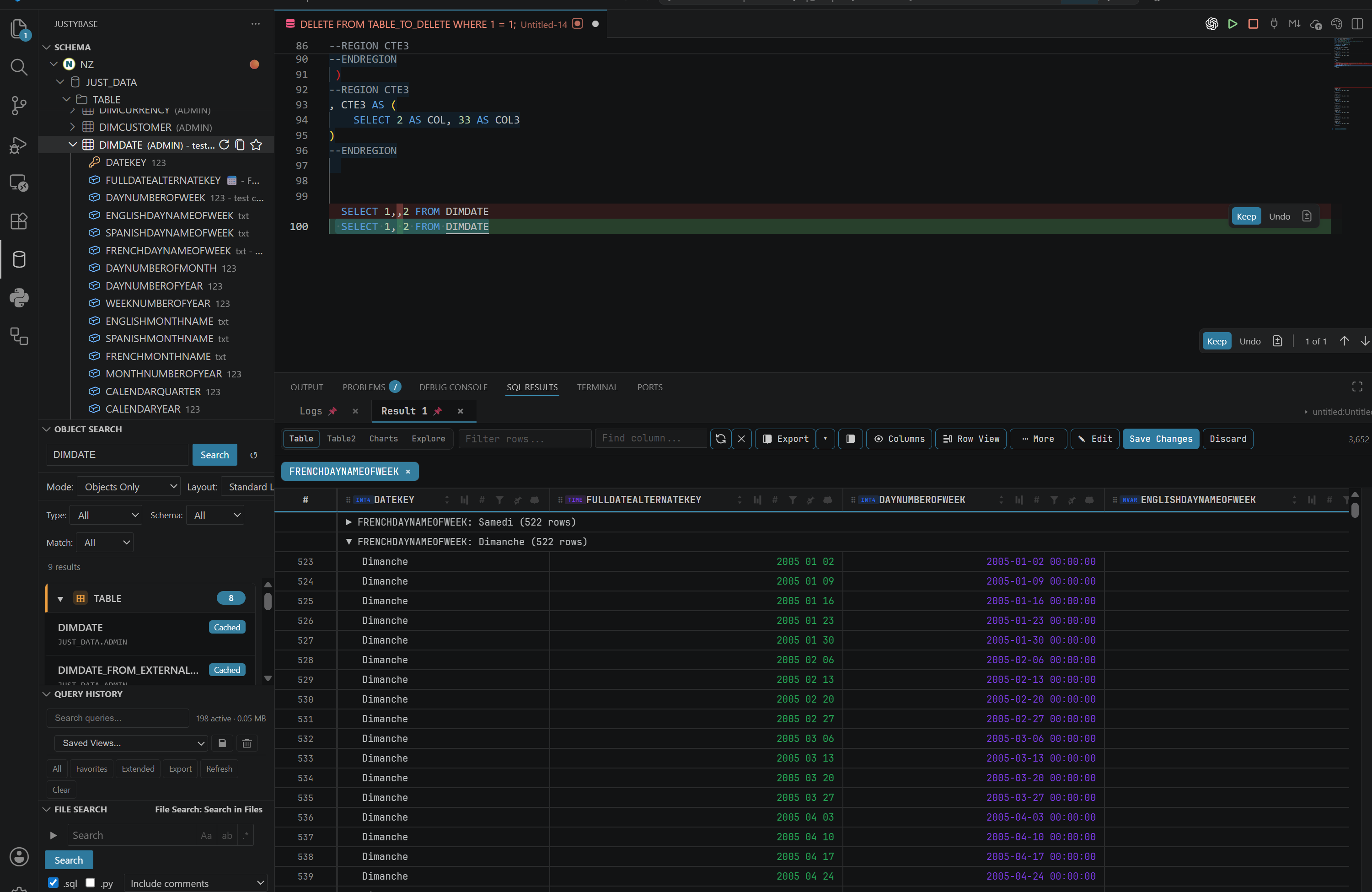
Validate analytical SQL

SQL validation and assisted correction

Use database metadata while writing, then review query output with the result explorer.

Vertica result explorer

Vertica query result chart

Quick start

  1. Install JustyBase SQL Editor (Vertica).
  2. Open Connect from the JustyBase view.
  3. Select Vertica and enter host, port, database, user, and password.
  4. Open a .sql file and run the current statement or selection with Ctrl+Enter / F5.

The shared connection form stores saved passwords in VS Code Secret Storage. Use local profiles and environment-specific configuration for credentials.

Scope

The pack focuses on Vertica runtime connectivity, catalog metadata, SQL authoring, DDL, import previews, maintenance, monitoring, and result analysis. Netezza-only workflows are hidden when a Vertica connection is active.

Development

cd extensions/vertica
npm install
npm run check-types
npm run build

License

Apache-2.0. The Marketplace VSIX includes THIRD_PARTY_NOTICES.md.

  • Contact us
  • Jobs
  • Privacy
  • Manage cookies
  • Terms of use
  • Trademarks
  • Your Privacy Choices
  • Consumer Health Privacy
© 2026 Microsoft