JustyBase SQL Editor for MySQL
Read the JustyBase documentation portal, including the MySQL capability matrix and shared SQL workflows.
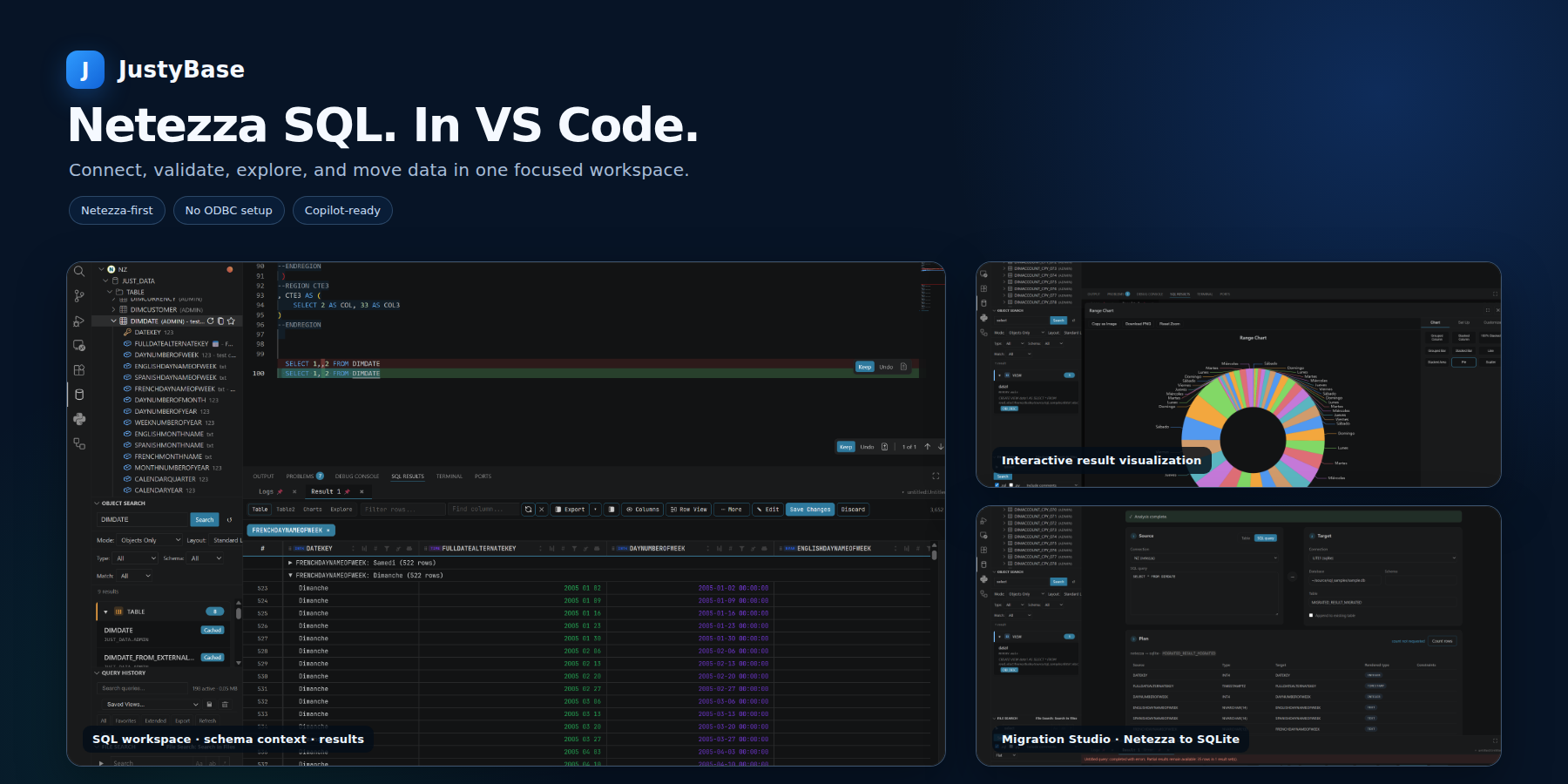
A practical MySQL workspace for connections, SQL authoring, schema browsing, and result analysis in VS Code.
This companion extension adds MySQL runtime support to JustyBase SQL Editor. The core extension is installed automatically; Netezza is not required.

MySQL in the JustyBase workspace
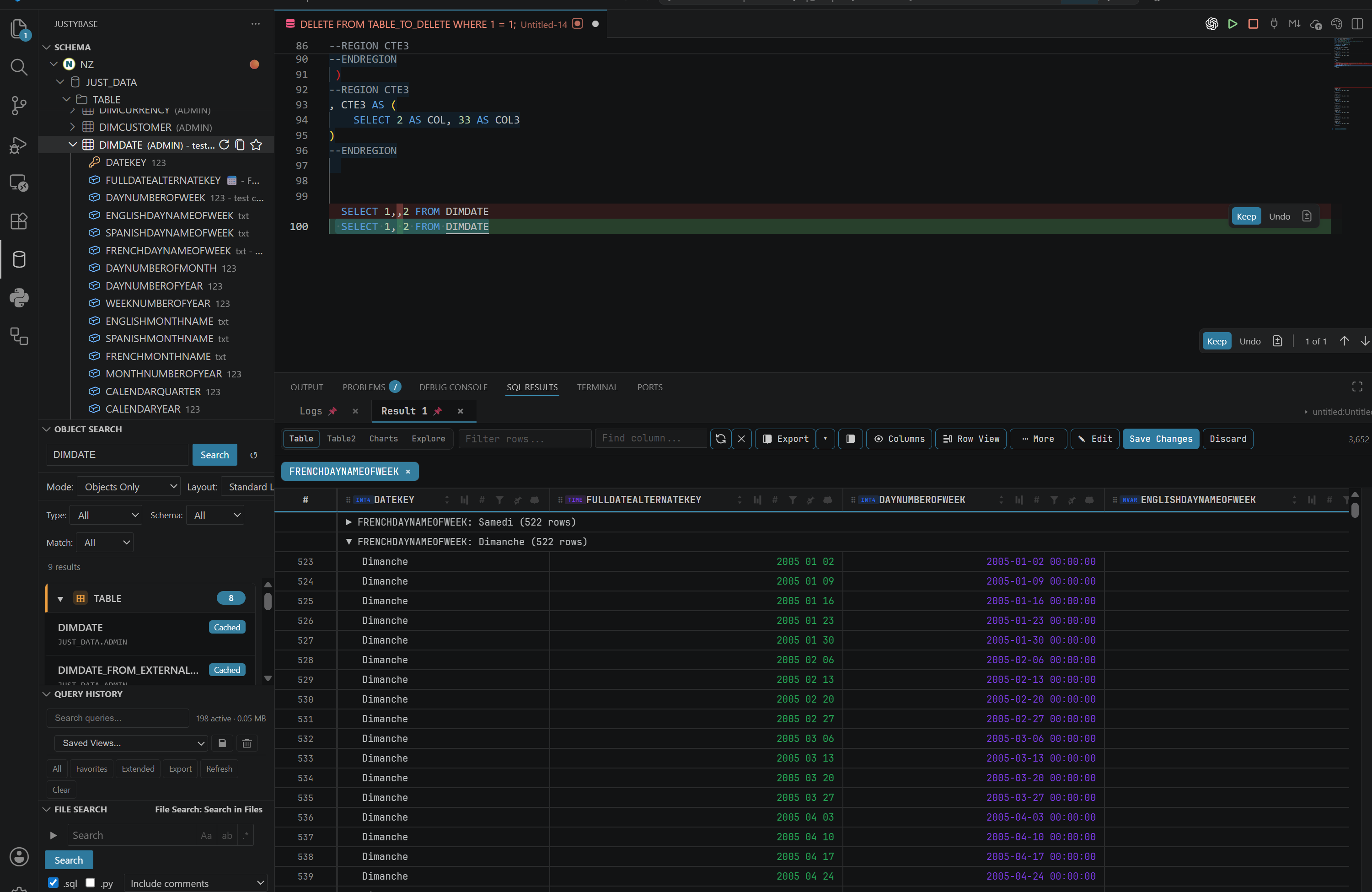
Connect to a MySQL database, browse schemas and objects, write queries, and review results without leaving VS Code.
Features
- MySQL connection profile through the shared JustyBase login panel.
mysql2 runtime with streaming results and query cancellation.- Metadata for databases, schemas, tables, views, procedures, functions, and columns.
- MySQL 8 authoring profile with a strict parser, completion, signatures, types, grammar, snippets, and dialect builtins.
- Syntax coverage for backtick identifiers, qualified names, CTEs, MySQL
LIMIT forms, INSERT IGNORE, ON DUPLICATE KEY UPDATE, and MySQL-specific types.
- DDL generation for tables and supported object types.
- Dedicated MySQL 8+ Index Designer and Partition Manager webviews for table structures.
Design indexes and partitions
For a MySQL table in the Schema Explorer, the table context menu provides:
- MySQL: Index Designer — loads
information_schema.STATISTICS, displays
existing indexes (including advanced index types as read-only metadata), and
creates standard or UNIQUE indexes from selected columns. Secondary indexes
can be dropped after confirmation; the PRIMARY index is protected.
- MySQL: Partition Manager — loads
information_schema.PARTITIONS and
displays method, expression, bounds, subpartitions, estimated rows, and
storage sizes. RANGE/LIST tables support named add/drop operations;
HASH/KEY tables support adding partitions by count and reducing them with
COALESCE PARTITION.
Both panels preview DDL and support copy/open-in-editor/execute actions. Every
write is host-validated and confirmed before execution. Non-partitioned and
subpartitioned tables are shown as read-only in the Partition Manager. A
RANGE/LIST table whose last partition is MAXVALUE cannot add a partition
from this panel because that requires REORGANIZE PARTITION. NDB partition
drops are disabled. Partition drops delete the rows stored in the selected
partition; review the warning and generated SQL before executing.
The current scope targets MySQL 8.0+ rather than MariaDB. Descending index keys
are offered only for InnoDB on versions that support them; other engines and
older servers are limited to ascending keys. Attach/detach, exchange,
reorganize, and partition-scheme conversion remain outside this webview scope.
See the MySQL structural maintenance reference for the
metadata sources, supported operations, and verification boundary.
Author and validate SQL

Use metadata-aware completion and parser diagnostics while writing. Copilot workflows can explain, rewrite, or optimize a query before you execute it.
Analyze results
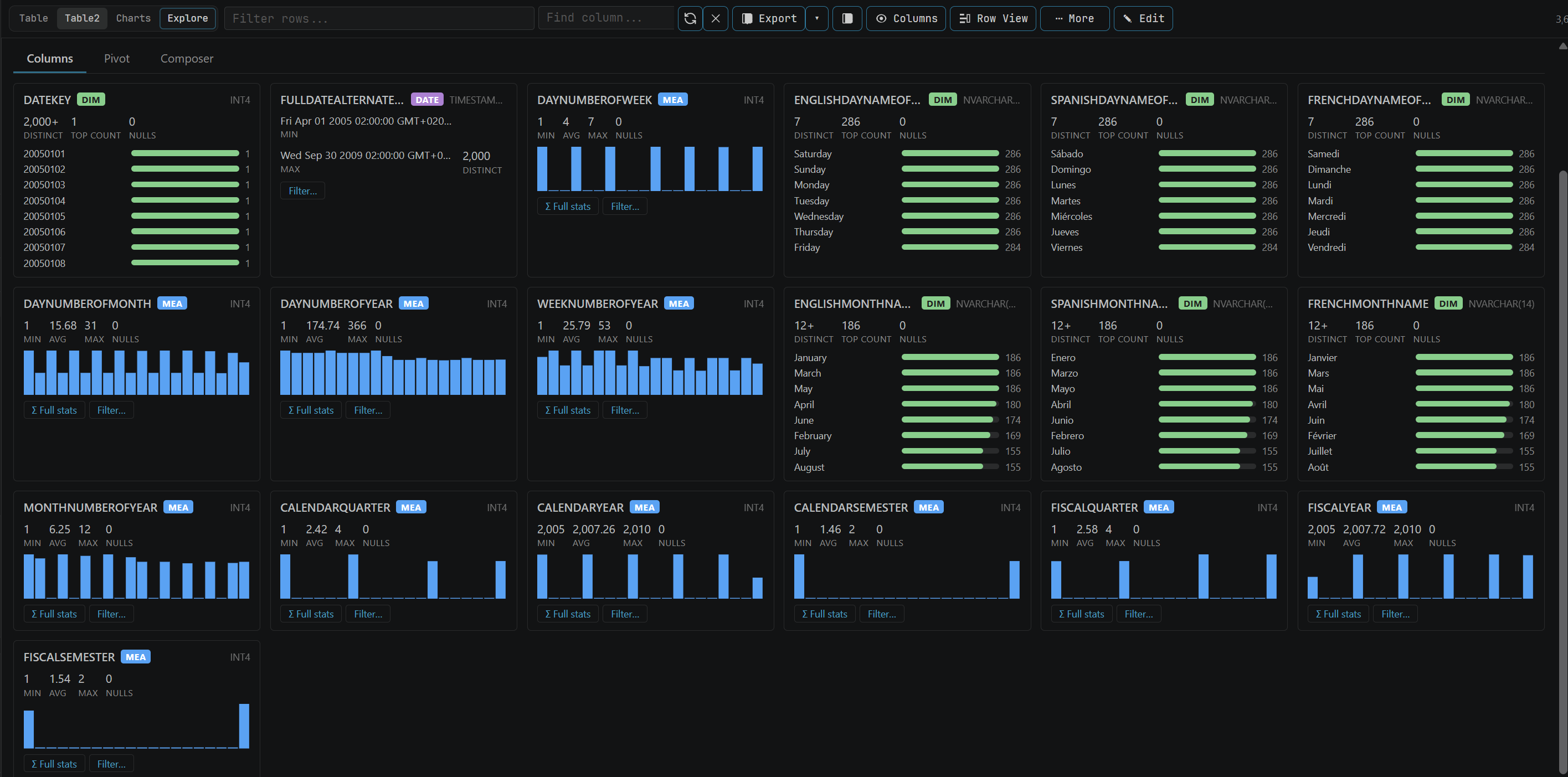
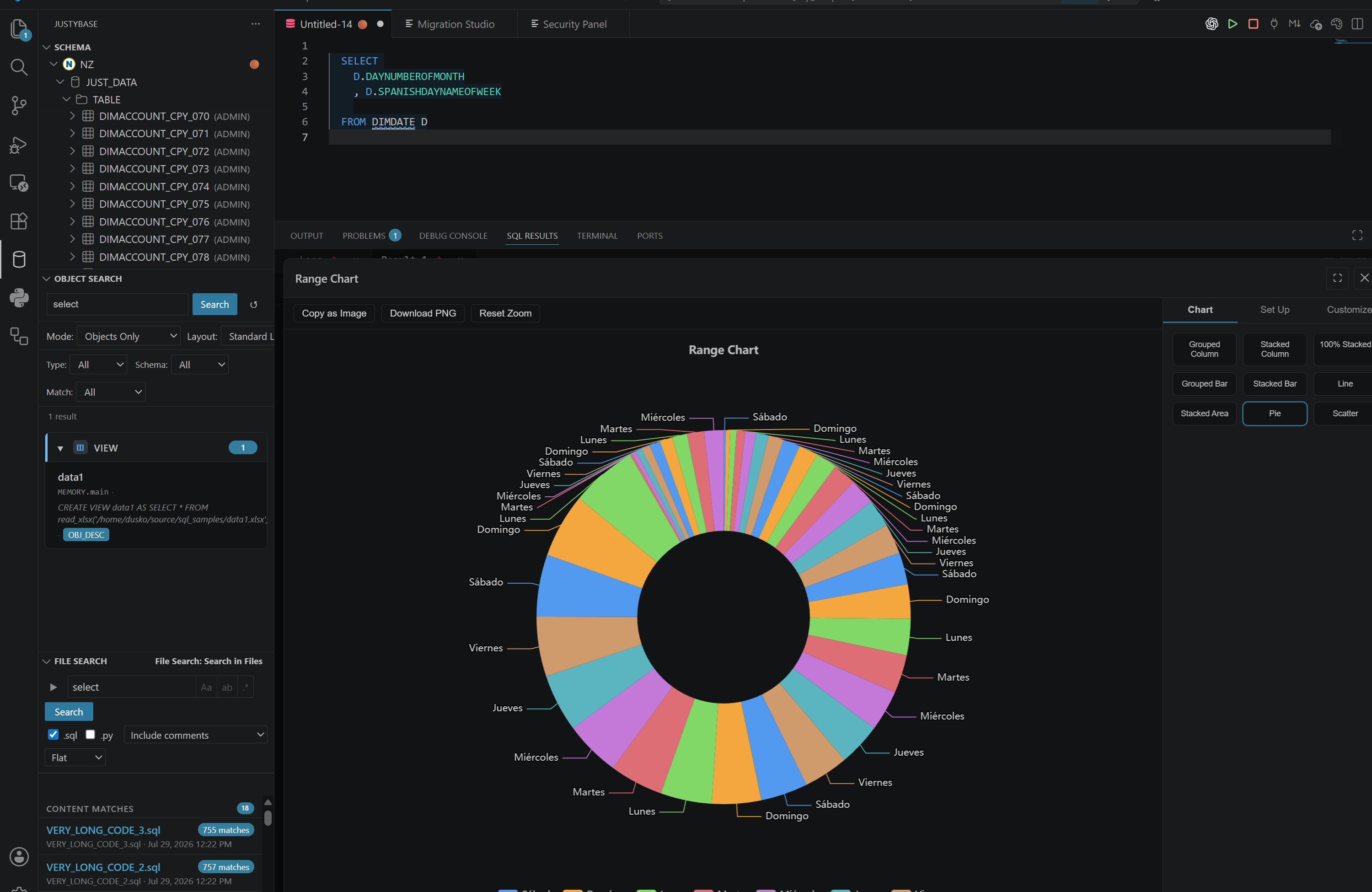
Filter and sort rows, inspect profiles and distinct values, export data, or visualize a result set.
Quick start
- Install JustyBase SQL Editor (MySQL).
- Open the JustyBase view and choose Connect.
- Select MySQL, enter host, port, database, user, and password.
- Open a
.sql file and run the current statement or selection with Ctrl+Enter / F5.
Connection secrets are kept in VS Code Secret Storage. Use separate saved profiles when working with multiple databases.
Runtime notes
The connection form supplies authentication and connection options. Large results stream through mysql2; cancelling a query aborts the active request. The optional pack focuses on MySQL SQL, metadata, execution, shared result workflows, and guarded table-structure operations described above.
Development
cd extensions/mysql
npm install
npm run check-types
npm run build
Keep the external mysql / mysql2 runtime dependency available when running a development or packaged extension.
License
Apache-2.0. The Marketplace VSIX includes THIRD_PARTY_NOTICES.md.

