JustyBase SQL Editor for ClickHouse
Read the JustyBase documentation portal, including the database support matrix and connection guide.
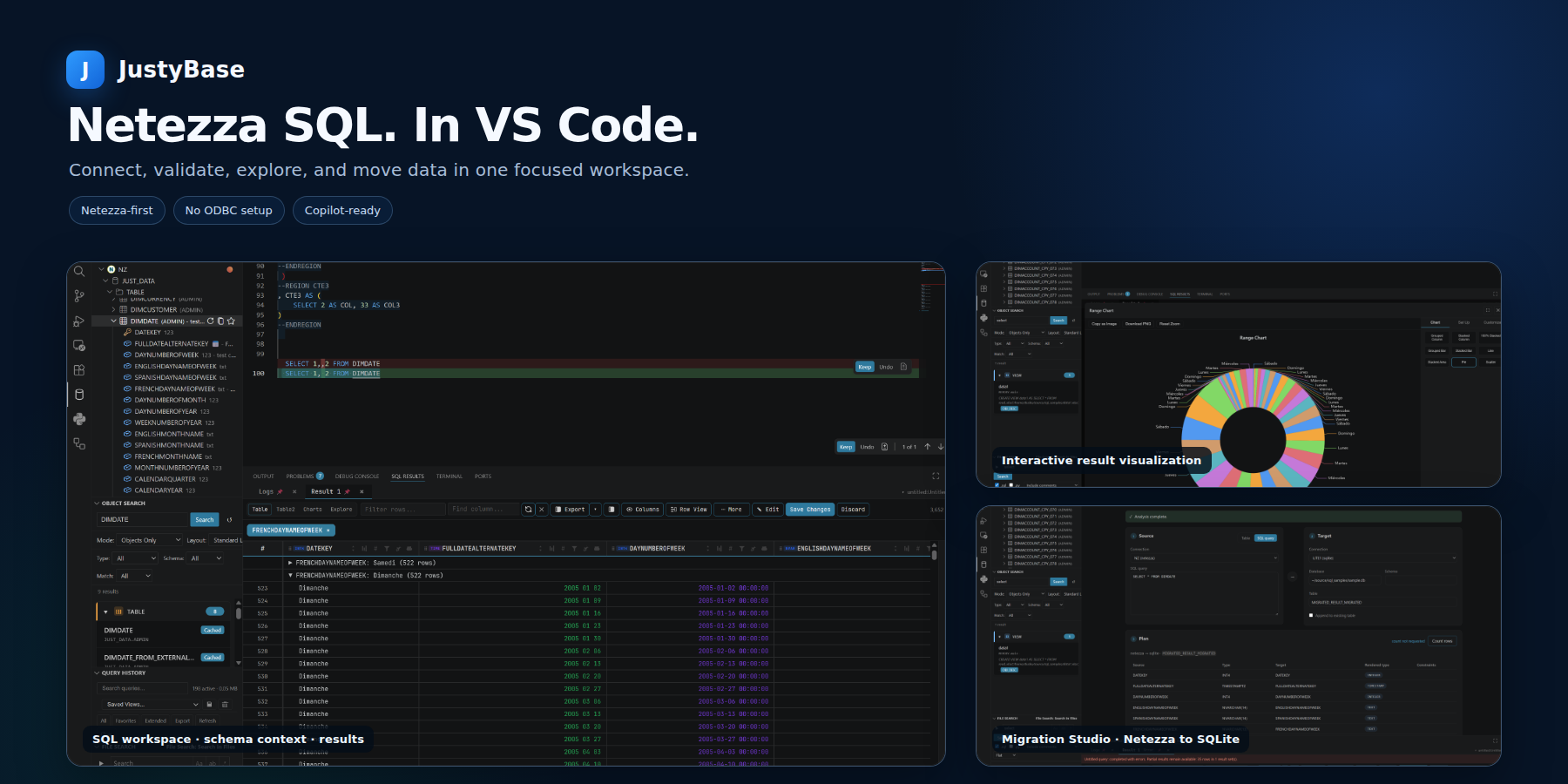
A ClickHouse-aware SQL workspace for HTTP/HTTPS connections, analytical queries, schema exploration, and MergeTree operations inside VS Code.
This preview companion adds ClickHouse connectivity to JustyBase SQL Editor. The core extension is installed automatically; a Netezza database is not required.

ClickHouse over HTTP
Connect to self-hosted ClickHouse or ClickHouse Cloud through the official @clickhouse/client HTTP interface. The connection form supports:
- HTTP or HTTPS / TLS, with certificate verification or an explicit option to skip certificate validation.
- Hostnames, ports, and full HTTP(S) host URLs; the default port is
8123.
- Database selection, user/password authentication, and a configurable HTTP request timeout.
- Database switching from the SQL tab without creating a new workspace profile.
- HTTPS/WSS TCP tunneling through a named relay target. When the tunneled
endpoint uses HTTPS, set TLS Server Name to the remote certificate DNS
name so certificate verification and SNI continue to use the private host.
Passwords are stored by the core extension in VS Code Secret Storage. Use certificate validation for normal deployments; only skip validation when trust is handled elsewhere in the network.
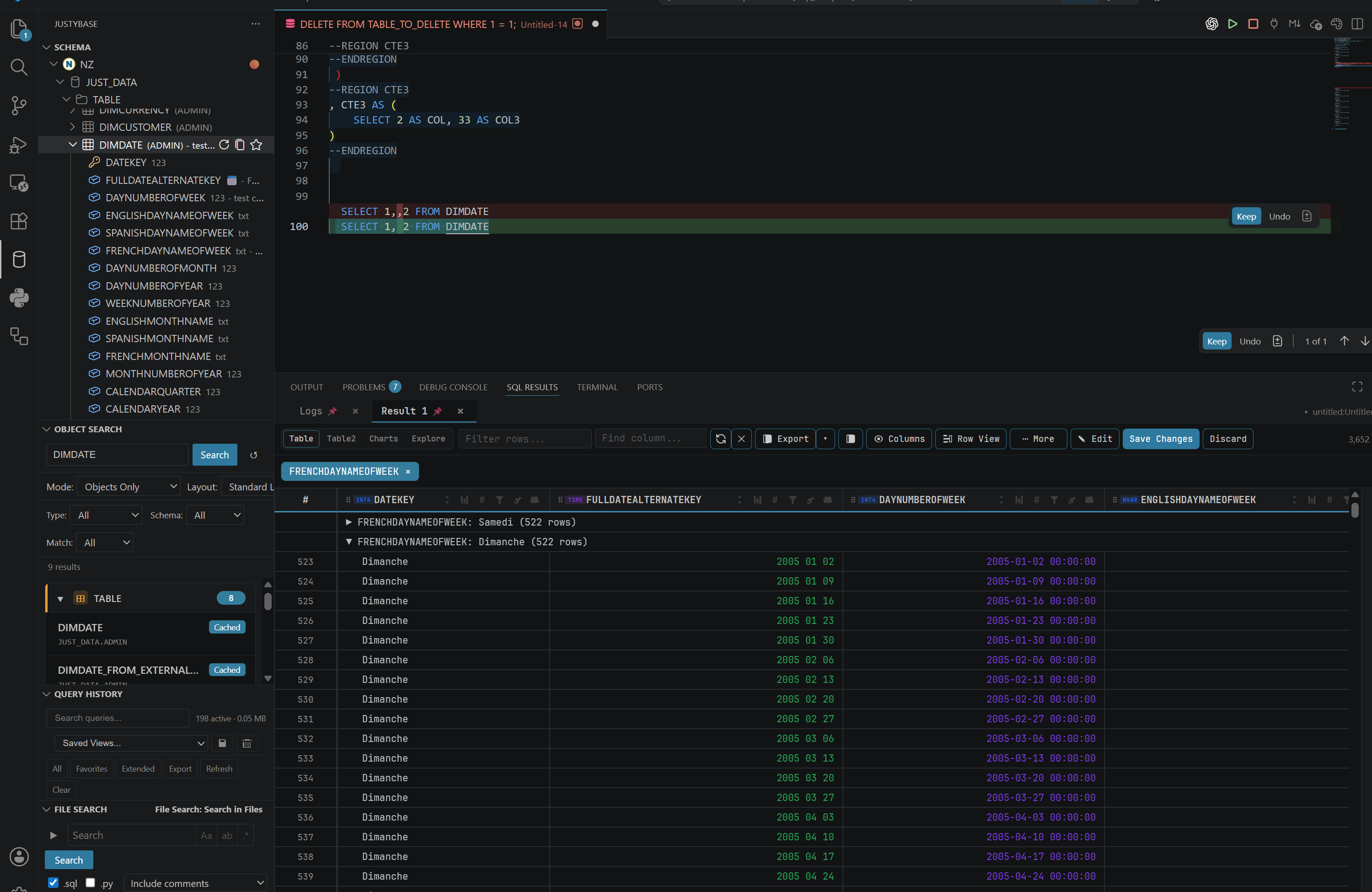
The Schema Browser reads ClickHouse catalog metadata from system.databases, system.tables, system.columns, and related system tables. It provides:
- Databases, tables, views, materialized views, comments, default expressions, ClickHouse data types, and column nullability.
- Primary-key columns, MergeTree sorting keys, table statistics, and partition inspection.
- Object search, column lookup, view-source search, and generated DDL for tables, views, and materialized views. Cache-backed table DDL retains the native engine, partition, primary-key, sorting, sampling, TTL, and SETTINGS clauses when the server exposes them.
ClickHouse uses database.object qualification in this integration. Three-part names and Netezza-style DB..TABLE references are not supported by the ClickHouse provider.
ClickHouse SQL authoring

The ClickHouse authoring profile adds completion, formatting, snippets, semantic context, and strict parser-backed diagnostics for common ClickHouse syntax, including:
- Backtick-quoted identifiers and ClickHouse
# comments.
PREWHERE, ARRAY JOIN, QUALIFY, SAMPLE, LIMIT ... BY, and WITH FILL ... STEP.ENGINE, PARTITION BY, PRIMARY KEY, ORDER BY, SAMPLE BY, TTL, and SETTINGS table options, plus CREATE MATERIALIZED VIEW ... TO ... POPULATE.- ClickHouse types such as
Nullable, LowCardinality, Array, Map, Nested, Tuple, AggregateFunction, Decimal, DateTime64, UUID, and the signed/unsigned integer families.
- Common analytical and conversion functions such as
uniqExact, argMax, argMin, toDate, toDateTime64, JSONExtractString, and arrayJoin.
The profile also highlights two database-specific risks: ALTER TABLE ... UPDATE/DELETE runs as an asynchronous mutation, and OPTIMIZE TABLE ... FINAL can force an expensive full merge.
Query results, plans, and imports
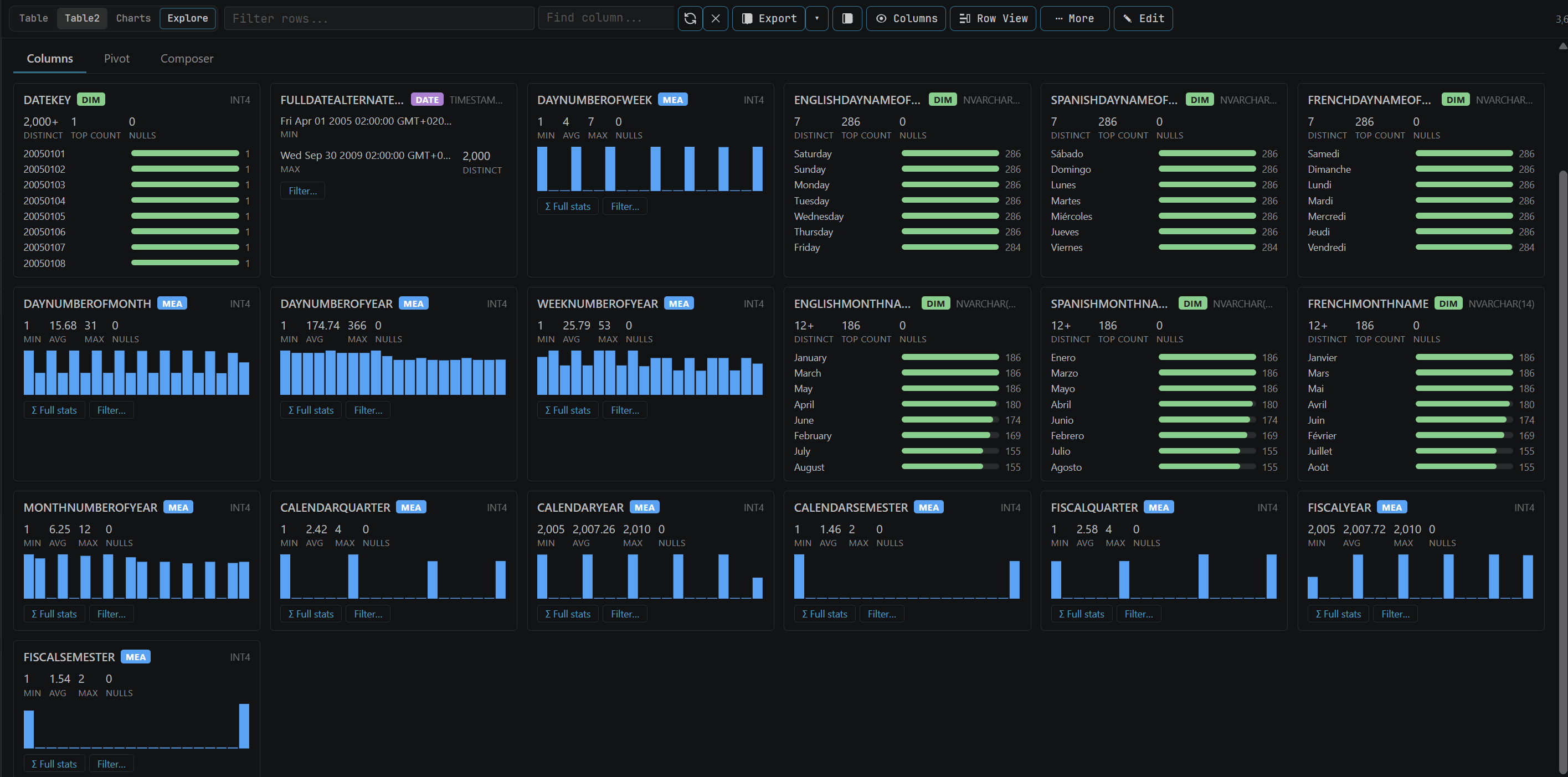
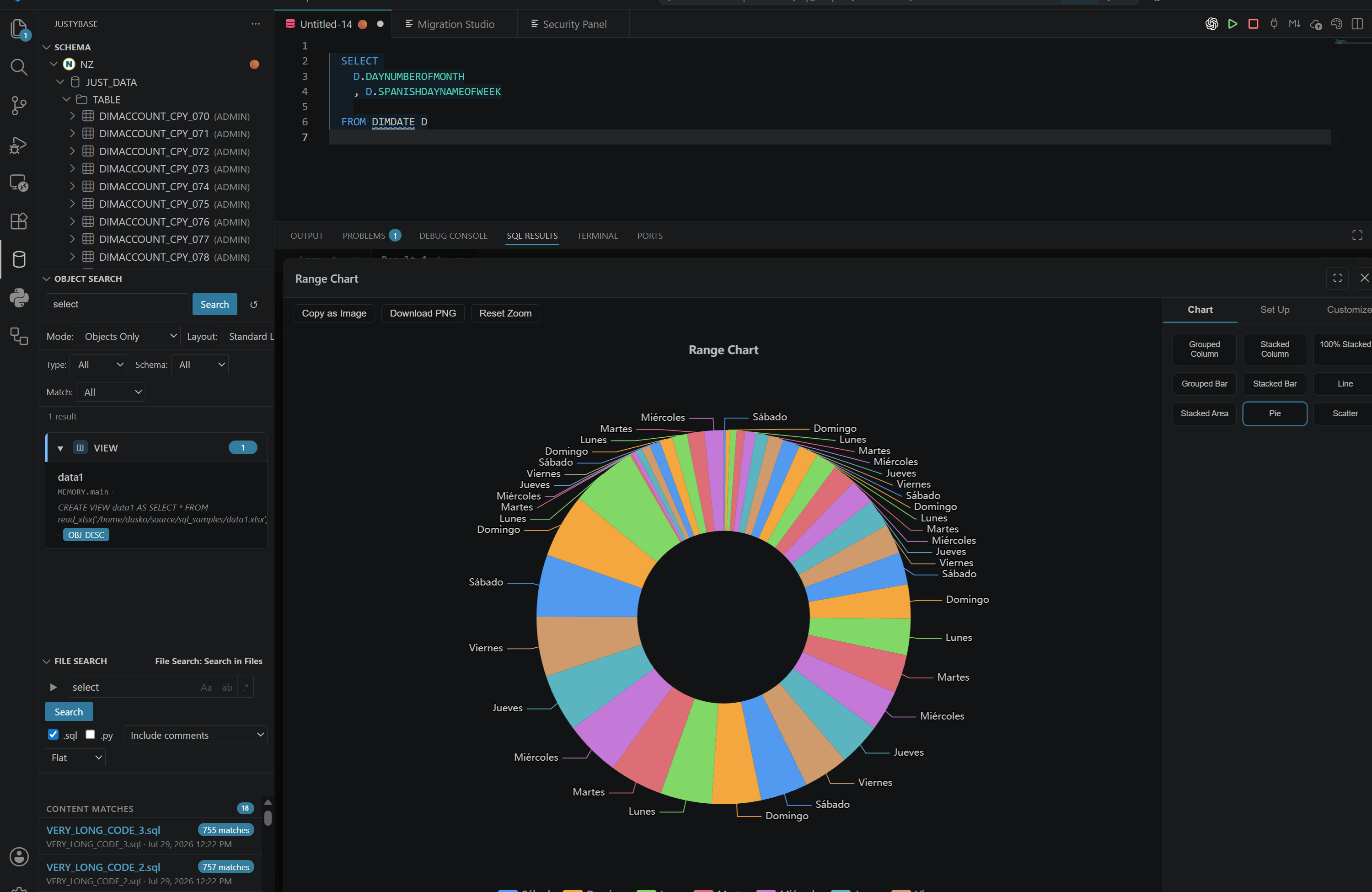
Query results stream over HTTP with column names and ClickHouse type information. Long-running queries can be cancelled from the result panel, and the shared result grid provides filtering, profiling, export, and chart workflows.
Use the shared Import Data, Advanced Import Wizard, and clipboard flows to:
- Preview inferred ClickHouse types and the target DDL before writing data.
- Create a
MergeTree target with nullable inferred columns and ORDER BY tuple() when no sorting key is supplied.
- Insert rows in batches while reporting progress and allowing cancellation.
Imports use ClickHouse's non-transactional ingestion model. Review the generated DDL and load SQL before confirming a write; a failed or cancelled batch is not a relational transaction rollback.
The Explain Plan action sends textual EXPLAIN output to the shared plan viewer. It preserves the ClickHouse plan text, including operators such as ReadFrom, Expression, Aggregating, and Sorting.
Maintenance and monitoring
- Optimize Table starts a background merge or, when explicitly selected, a
FINAL merge for the selected table.
- MergeTree partition inspection shows active partitions and their storage information where the server exposes it.
- Session Monitor lists active ClickHouse queries from
system.processes, their state, user, database, elapsed time, resource counters, and shortened SQL text.
- Query termination maps the monitor action to
KILL QUERY; storage summaries are read from active system.parts rows.
- Table recreation and DDL generation use the shared JustyBase maintenance and schema workflows.
ClickHouse does not expose relational indexes, foreign-key designers, stored-procedure DDL, or synonym DDL through this provider. Sorting keys and primary-key expressions are treated as table-engine metadata rather than relational constraints.
Quick start
- Install JustyBase SQL Editor (ClickHouse) from the VS Code Marketplace.
- Open the JustyBase view and choose Connect.
- Select ClickHouse, enter the host, port, database, user, and password, and choose HTTP or HTTPS / TLS.
- Test and save the connection, then select the database in the Schema Browser or SQL tab.
- Open a
.sql file and run a statement or selection with Ctrl+Enter / F5.
Example analytical query:
SELECT
    event_date,
    count() AS events,
    uniqExact(user_id) AS users
FROM analytics.events
PREWHERE event_date >= today() - 7
GROUP BY event_date
ORDER BY event_date
LIMIT 100 BY event_date;
Example MergeTree table definition:
CREATE TABLE analytics.events (
    event_date Date,
    user_id UInt64,
    event_type LowCardinality(String),
    properties Map(String, String)
)
ENGINE = MergeTree
PARTITION BY toYYYYMM(event_date)
ORDER BY (event_date, user_id);
Development and integration testing
From the repository root:
npm run install:clickhouse
npm run verify:clickhouse
npm run test:clickhouse:integration
npm run package:clickhouse
The live integration suite uses CLICKHOUSE_LIVE_TEST_HOST, CLICKHOUSE_LIVE_TEST_PORT, CLICKHOUSE_LIVE_TEST_DATABASE, CLICKHOUSE_LIVE_TEST_USER, and CLICKHOUSE_LIVE_TEST_PASSWORD. Optional CLICKHOUSE_LIVE_TEST_PROTOCOL and CLICKHOUSE_LIVE_TEST_TLS_MODE select HTTPS behavior. Keep credentials in local environment variables and never commit them.
License
Apache-2.0. The Marketplace VSIX includes THIRD_PARTY_NOTICES.md.

