kratai
The architectural oversight layer for AI-native development.
You focus on design. AI writes the code like a real software engineer.
kratai turns your codebase into living architecture diagrams — the single source of truth.
Maintain architectural control while AI agents code, and dramatically reduce token usage by giving them structured, accurate system information instead of expensive raw file dumps.
Early benchmarks with AI agents using kratai’s architecture context (via MCP + SKILL) showed:
- ~49% fewer output tokens
- ~66% reduction in total input tokens
- ~58% lower billing units
- ~70% faster completion time
Results from preliminary internal testing (kratai v.1.9.4 vs no skill baseline). Actual results may vary depending on task complexity and agent behavior.
✨ Key Features
🤖 AI Integration via SKILL & Local MCP Server
- Architecture-Aware SKILL — Pre-configured skill teaches AI to analyze existing patterns and follow your design principles automatically. No manual prompting required.
- Local MCP Server — Built-in Model Context Protocol server gives AI agents direct access to your architecture diagrams. AI can query your system structure before generating code, understanding the full context.
- Fundamental Software Engineering Principles — Ensure coding AIs consider foundational software engineering principles (KISS, DRY, SRP, high cohesion, low coupling) to produce minimal lines of code and maintain architectural integrity.
📊 Architecture Intelligence
- Deterministic Analysis — Generate interactive architecture diagrams directly from your codebase using static analysis. No LLM tokens required, no hallucinations, always reflects the actual code structure.
- Single Source of Truth — Diagrams represent the real state of your system, making it easy for developers to understand the overall architecture and reducing token costs when AI agents need context.
- Developer-Friendly Navigation — Git diff highlighting shows uncommitted changes at a glance. Click any element to jump directly to the code.
📐 Spec-Driven Development
Spec-Driven Development (SDD) represents a shift in how software is built with AI. Instead of starting with code and hoping the architecture and behavior emerge correctly, SDD treats specifications and architecture as the primary artifacts that guide development.
In traditional AI-assisted workflows, developers often rely on prompts and generated code, which can lead to:
- Inconsistent architectural decisions
- Difficulty understanding the overall system structure
- Growing technical debt as AI-generated code accumulates
Spec-Driven Development addresses this by making both what the system should do (specification) and how it should be structured (architecture) explicit and actionable. This creates a stronger foundation for AI agents to work from, resulting in more predictable, maintainable, and scalable outcomes.
kratai contributes to this approach by giving developers clear visibility and oversight over architectural decisions as they build with AI. It helps you understand how your system is structured, how changes impact that structure, and how to keep architectural intent aligned with implementation — even as AI generates large portions of the codebase.
📸 Visual Tour
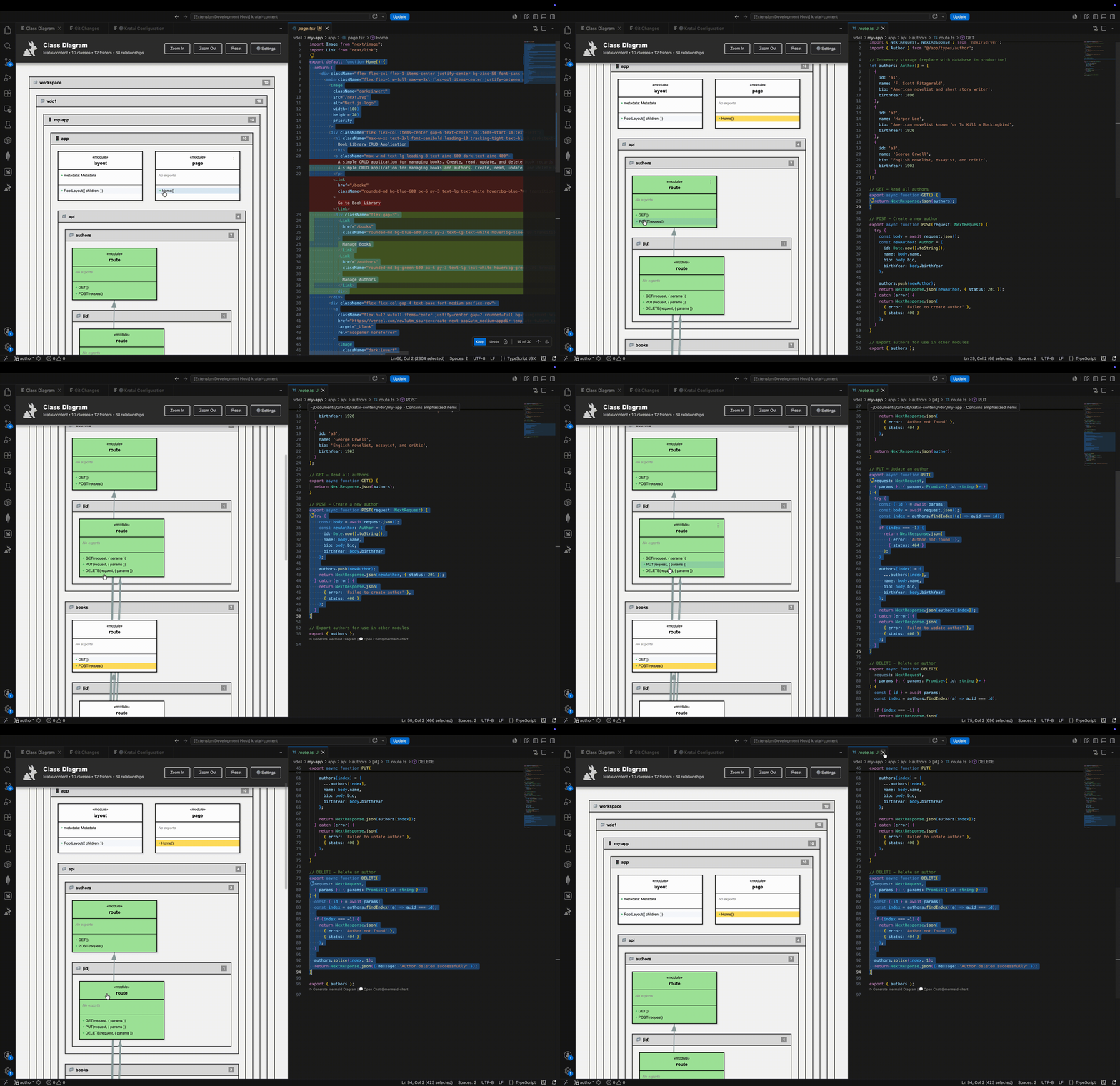
1. Built-in Coding Agent & SKILL
Pre-configured SKILL teaches AI to follow your design principles automatically. Local MCP server provides direct access to architecture data — no manual setup required.
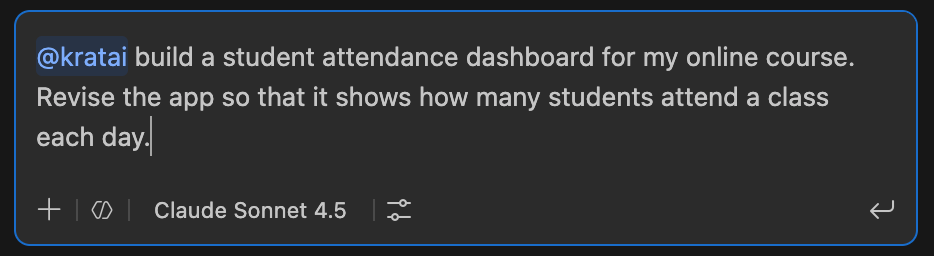
2. AI Understands Your Architecture
AI agents query your architecture before generating code. No expensive context dumps — AI gets structured, accurate system information through MCP server.
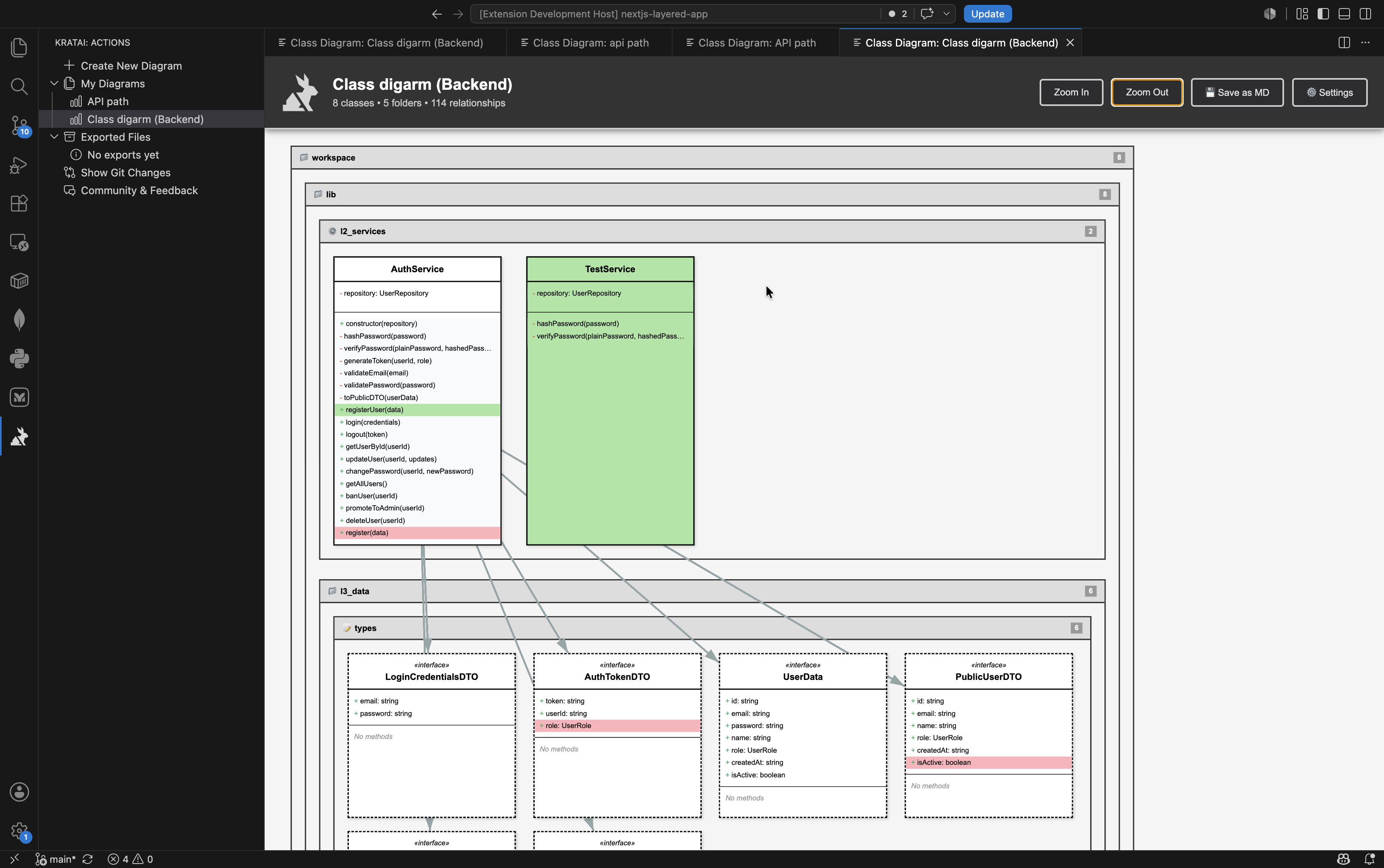
3. Architecture as Single Source of Truth
Create and save different architectural views — focus on domains, API layers, or specific features. Each diagram is a lens into your system structure.
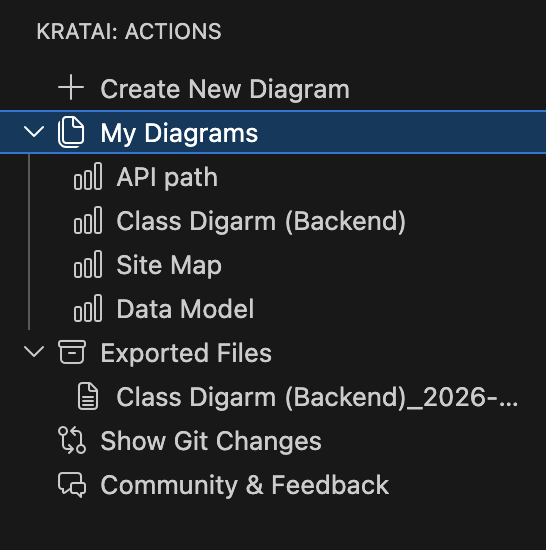
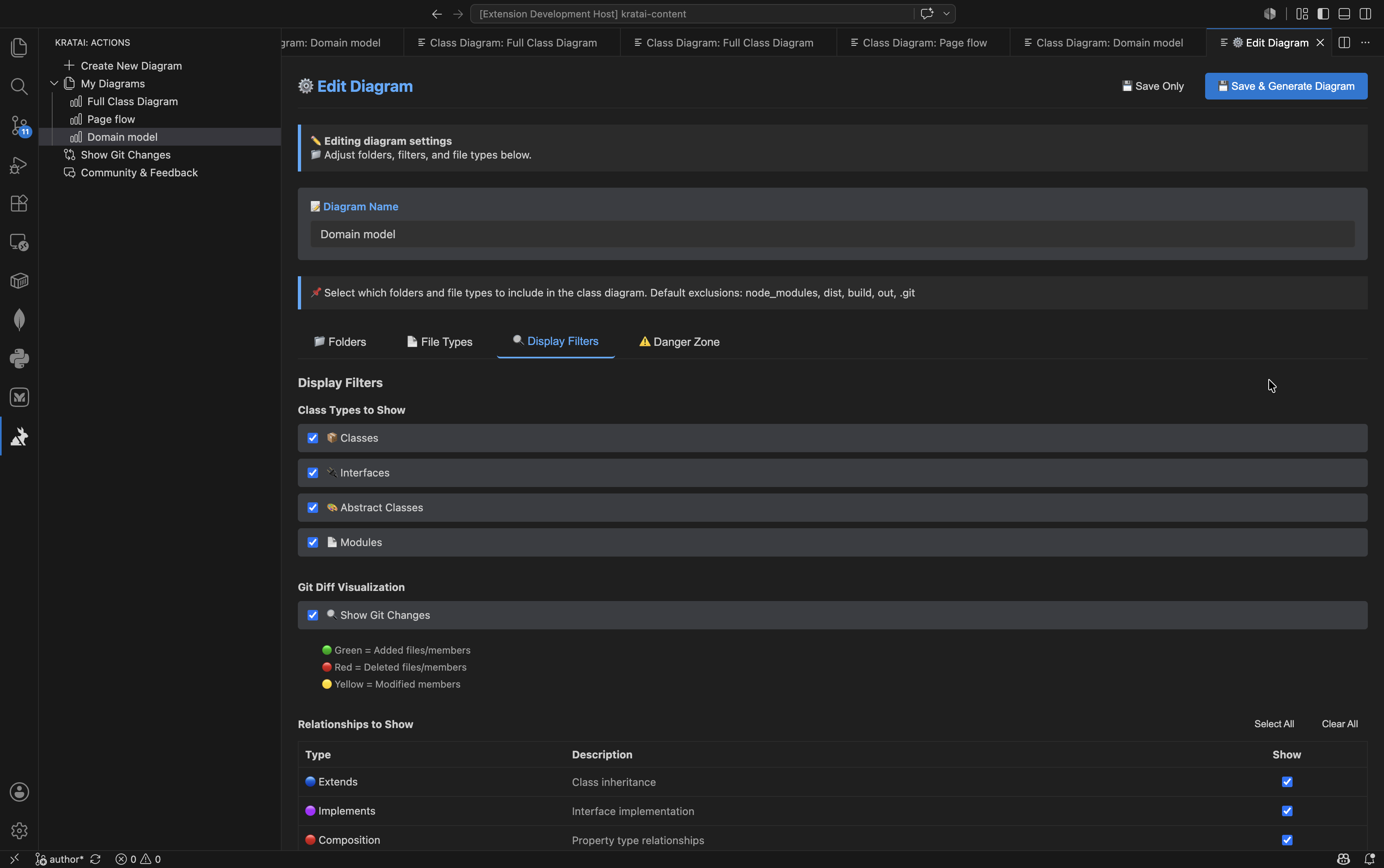
4. Fine-Grained Control Over Your Views
Choose exactly what to show — select folders, filter relationship types, and control class types. Tailor each diagram to your specific needs.
🚀 Getting Started
Quick Start (30 seconds)
- Install from VS Code Marketplace
- Open any TypeScript/JavaScript/Python/PHP project
- Click the kratai icon in the sidebar
- Click "Create New Diagram" → Generate
🌐 Supported Languages & Frameworks
| Language |
Support |
Framework Enrichment |
| TypeScript |
✅ Full |
Next.js (components, types, API calls) |
| JavaScript |
✅ Full |
Next.js (JSX rendering) |
| Python |
✅ Full |
Django (views, templates, ORM, DRF) |
| Java |
✅ Full |
Spring Boot (MVC, JPA, REST, DI) |
| PHP |
✅ Full |
Laravel/Symfony (planned) |
Framework-specific features automatically detect patterns like:
- Spring Boot: Controller→View (JSP/Thymeleaf), JPA relationships, REST endpoints, dependency injection
- Django: View→Template, ORM relationships, REST Framework
- Next.js: Component rendering, type usage, fetch() detection
📝 Release Notes
Latest: v1.9.9 (2026-07-23)
- 🎯 UML Notation Fix — Composition/aggregation diamonds now render on the correct (owner) side of the relationship, per standard UML notation
- 🔀 Overlapping Relationship Lines — Lines that used to stack exactly on top of each other (duplicate relationships, same-row connections) now automatically spread apart, in any direction
- 🐛 Java & Python Parser Fixes — Fixed local variables being misdetected as class fields (Java: methods with
throws clauses; Python: multi-line method signatures), which was producing bogus relationships in diagrams
- 🌐 Full Workspace Parsing — Removed single-language auto-detection; kratai now parses all supported file types by default, better supporting polyglot/monorepo projects
v1.9.8 (2026-07-09)
- 📸 Documentation Fix — Fixed screenshot images not displaying properly in VS Code Marketplace README
v1.9.7 (2026-07-09)
- 🎨 Config Panel UX Improvements — Fixed Folder Order tab not displaying selected folders, improved folder selection persistence
- 🐛 Critical Bug Fixes — Resolved folder selection save issues and JavaScript errors in config panel webview
See CHANGELOG.md for full release history.
🔗 Links
Made with ❤️ by the kratai team | MIT License

