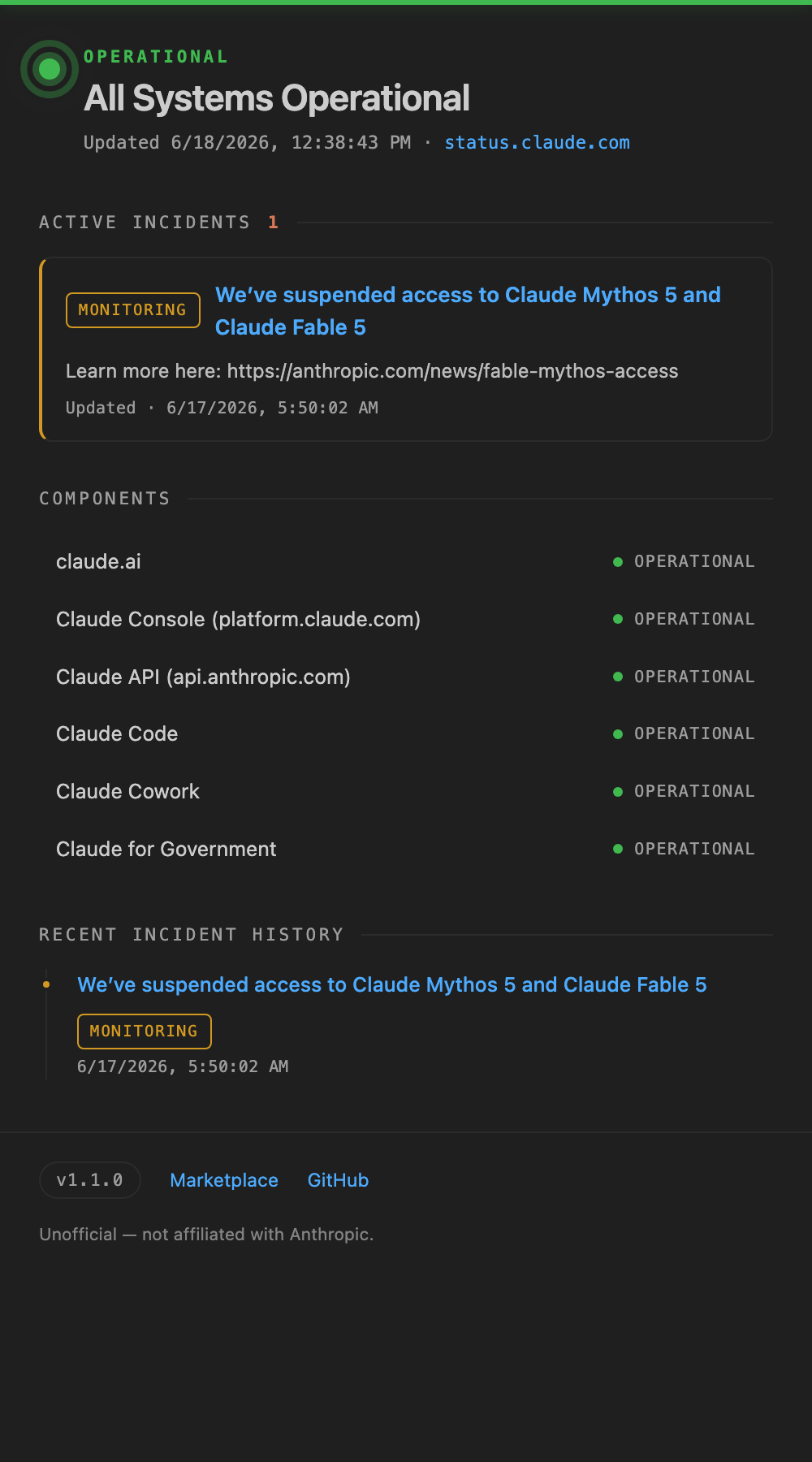
Unofficial: monitor Claude (Anthropic) service status, outages, and incidents from status.claude.com — right in your VS Code status bar. Not affiliated with Anthropic.
Installation
Launch VS Code Quick Open (Ctrl+P), paste the following command, and press enter.
Claude (Anthropic) service status — always visible in your VS Code status bar.
Know about an outage or incident without ever leaving the editor.
⚠️ Unofficial — This extension is not affiliated with Anthropic in any way. "Claude" and "Anthropic" are trademarks of Anthropic PBC. The names are used solely to indicate the publicly available Statuspage being displayed.
Features
Always on the status bar — See the current service status at a glance, shown as $(pass-filled) Claude.
Color-coded incidents — Minor issues are highlighted in yellow, major / critical in red. Ongoing incidents show a count like Claude (2).
Hover for details — A tooltip shows the overall status, ongoing incidents, and the state of each component.
Details panel — Click to open incident history and the component list.
Auto-refresh — Fetches the latest status automatically at a configurable interval (manual refresh is also available).
Official data source — Uses the v2 JSON API of Anthropic's official Atlassian Statuspage (status.claude.com).
Installation
Open the Extensions view in VS Code (Cmd/Ctrl + Shift + X)
Search for "Claude Service Status"
Click Install
After installation, Claude's status appears in the status bar automatically.
Usage
Status bar — Check the current status via the Claude item on the right. Click it to open the details panel.
Command Palette (Cmd/Ctrl + Shift + P):
Claude Status: Refresh Now — Fetch the latest status immediately
Claude Status: Show Details — Open the details panel
Status icon meanings
Display
Meaning
✅ Check icon
Operational
⚠️ Warning icon (yellow background)
Minor issue (minor)
❌ Error icon (red background)
Major issue (major / critical)
Claude (2)
Number of ongoing incidents
Settings
Setting key
Default
Description
claudeStatus.language
auto
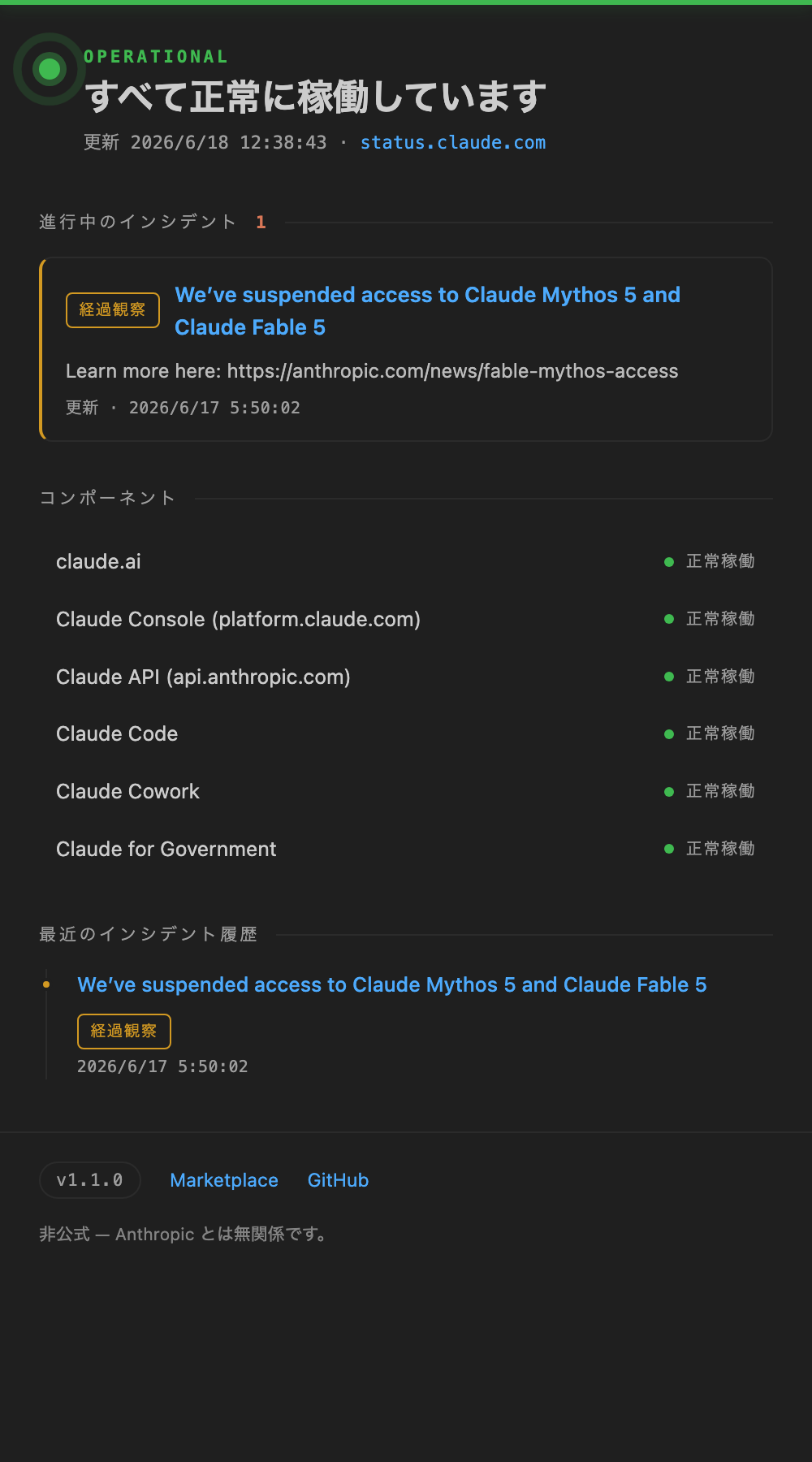
Display language: auto (follows VS Code), en, or ja. When set to ja, status text and labels are shown in Japanese.
claudeStatus.statusPageUrl
https://status.claude.com
Base URL of the Statuspage to monitor
claudeStatus.refreshInterval
60
Polling interval (seconds, minimum 15)
The Statuspage v2 API is rate-limited to 1 request per second per IP, so a refresh interval of 15 seconds or more is recommended.
Privacy
This extension communicates only with the public Statuspage API at status.claude.com. It never collects or transmits your code, input, or any personal information.
Feedback
Please report bugs and feature requests at GitHub Issues.