Skip to content
| Marketplace
Sign in
Visual Studio Code>Themes>GitHub Theme (Grayscale)New to Visual Studio Code? Get it now.
GitHub Theme (Grayscale)

GitHub Theme (Grayscale)

kontheocharis

|
4 installs
| (0) | Free
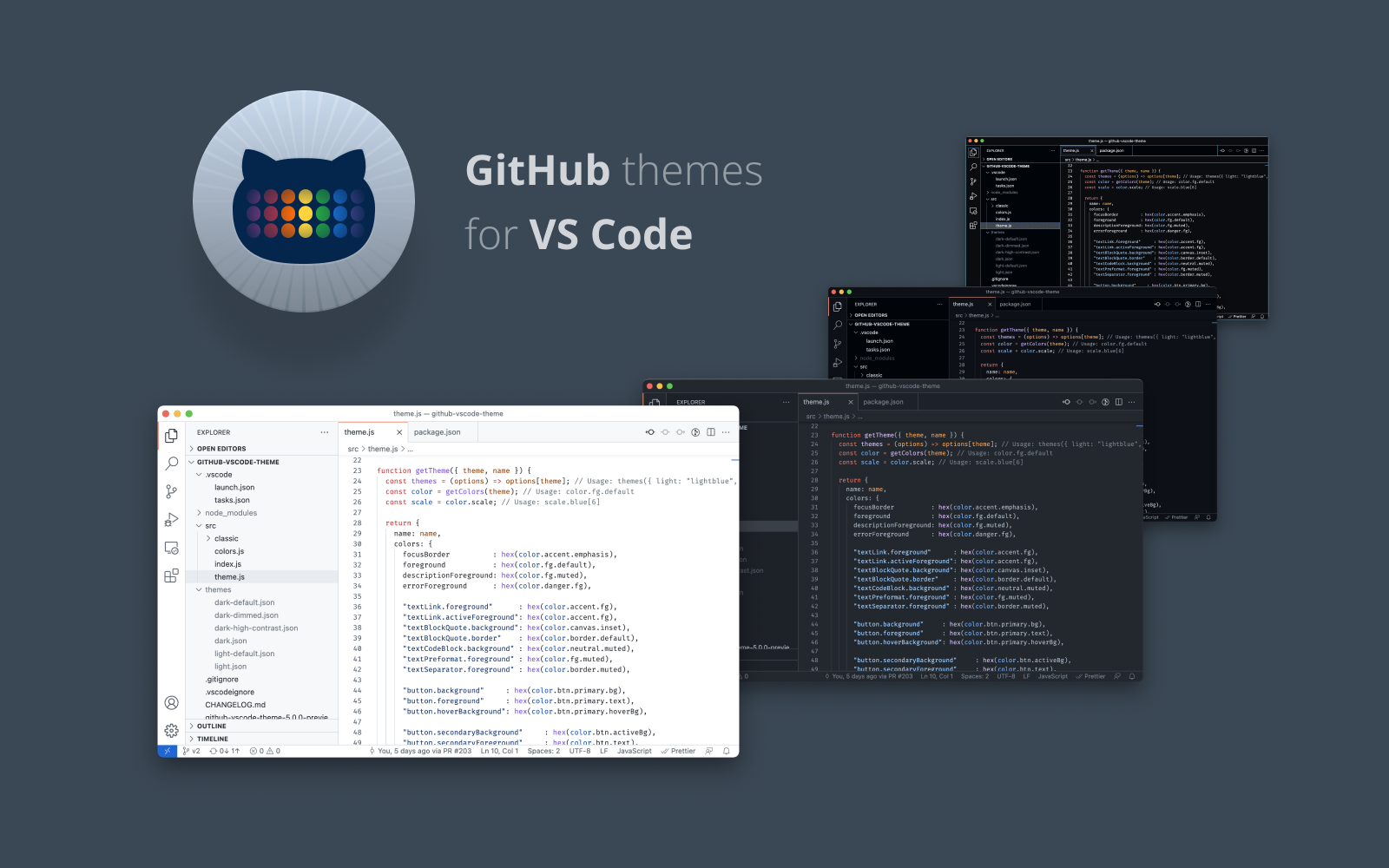
GitHub theme for VS Code with true grayscale backgrounds instead of blue-tinted ones
Installation
Launch VS Code Quick Open (Ctrl+P), paste the following command, and press enter.
Copied to clipboard
More Info

GitHub's VS Code themes (Grayscale)

Note: This fork was made by Claude AI

GitHub VS Code theme

A fork of GitHub's VS Code theme with grayscale backgrounds instead of blue-tinted ones for dark themes.

Install

  1. Download from the VS Marketplace or search for "GitHub Theme (Grayscale)" in VS Code.
  2. Click on the "Install" button.
  3. Then select a theme. Available themes:
    • GitHub Light Default
    • GitHub Light High Contrast
    • GitHub Light Colorblind
    • GitHub Dark Default (Grayscale)
    • GitHub Dark High Contrast (Grayscale)
    • GitHub Dark Colorblind (Grayscale)
    • GitHub Dark Dimmed (Grayscale)

Additionally, there are also two older themes:

  • GitHub Light (legacy)
  • GitHub Dark (Grayscale) (legacy)
  • Contact us
  • Jobs
  • Privacy
  • Manage cookies
  • Terms of use
  • Trademarks
© 2025 Microsoft