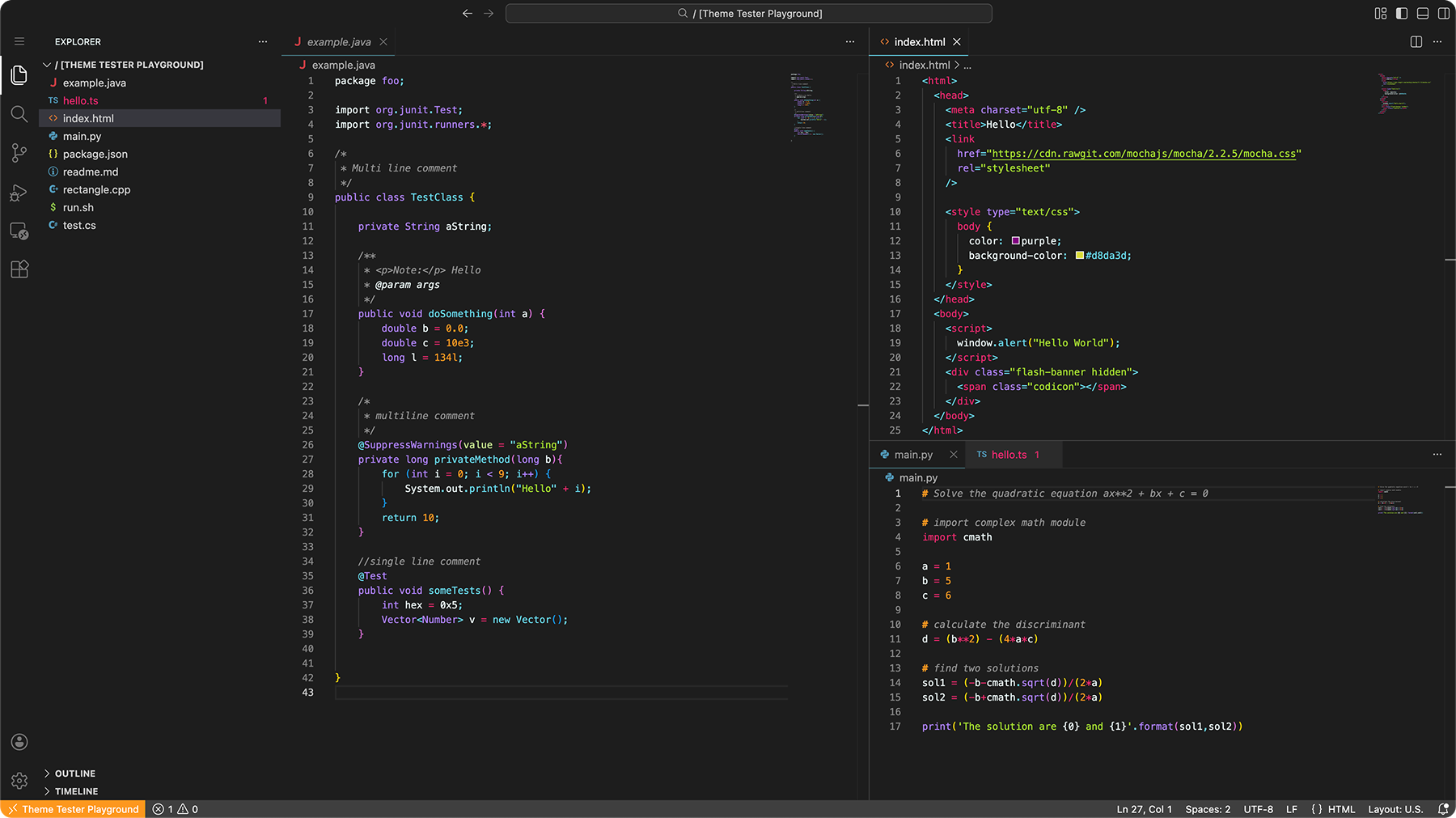
Nox (Latin for "night") is a carefully crafted dark theme featuring beautiful syntax highlighting and vibrant colors that are easy on the eyes during long coding sessions.
Screenshots
Supported filetypes
Python
JavaScript
HTML
CSS
Solidity
JSON
Markdown
And many more...
Installation
Search for "Nox" in VS Code Extensions, or install via CLI:
code --install-extension jshstw.nox
Then activate it in Code > Preferences > Color Theme and select Nox.
Contributing
Found a bug or have a feature request? Please open an issue in the GitHub repository.