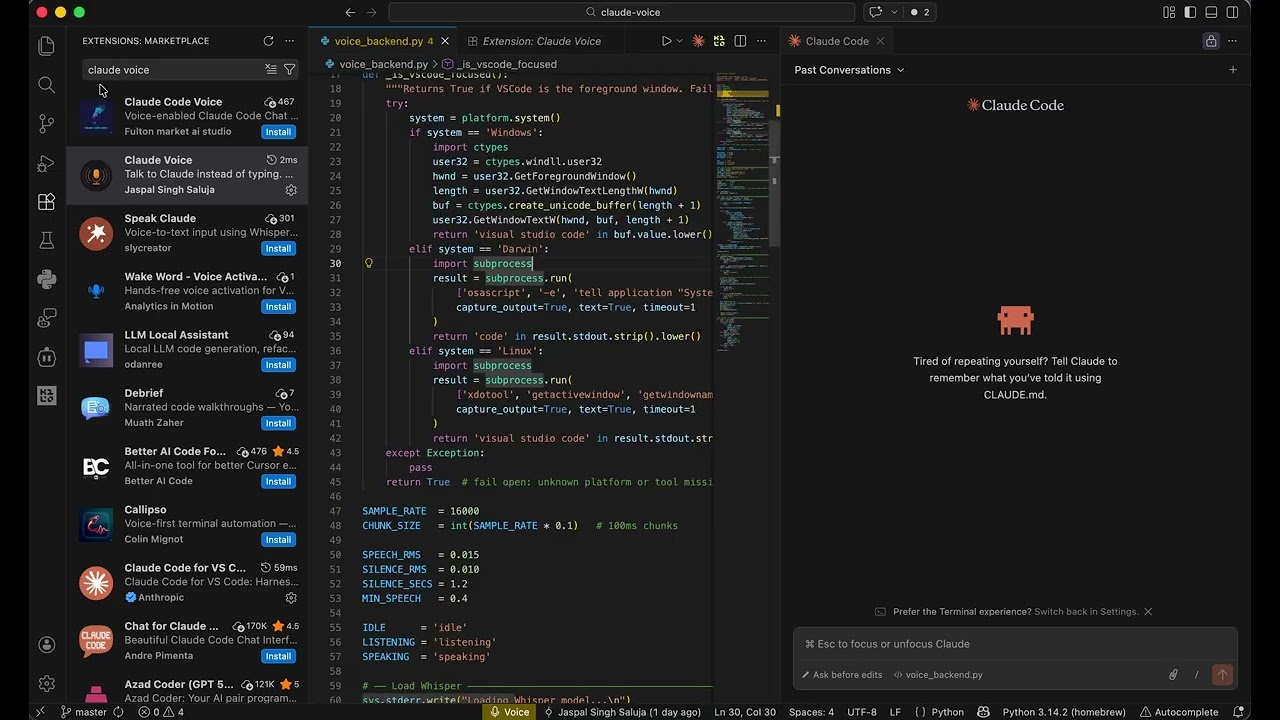
Claude Voice
Talk to Claude instead of typing. Press Ctrl+Alt+V (Windows/Linux) or Control+Option+V (Mac), speak your prompt, and it appears in Claude Code's chat input — ready to send.
No API key. No cloud. No subscription. Runs 100% offline on your machine.
Why Claude Voice?
- No API key required — just install and speak
- Your voice never leaves your computer — speech is processed locally on your machine
- Works offline — no internet connection needed after the initial model download
- Free to use — no per-request costs, no subscriptions
Setup
Install the extension. That's it.
On first use, if Python dependencies are missing, the extension will prompt you to install them automatically. Look for the 🎤 Voice button in your status bar.
The first use downloads a ~140 MB speech recognition model. After that, everything runs fully offline with no internet connection required.
How to use
- Press
Ctrl+Alt+V (Windows/Linux) or Control+Option+V (Mac) — or click 🎤 Voice in the status bar
- Speak your prompt naturally
- Pause for ~1 second when done — your words appear in Claude Code's chat input
- Press
Enter to send
Press Ctrl+Alt+V again at any time to cancel.
Requirements
- Claude Code extension installed
- Python 3.9 or higher
- A microphone
Settings
| Setting |
Default |
Description |
claude-voice.focusTarget |
claude |
claude = always focus Claude Code input before pasting. none = paste wherever focus already is (works with any input field). |
claude-voice.language |
en |
Spoken language. Pick your language from the dropdown for best accuracy and speed. Changing this setting restarts the voice backend automatically. |
Telemetry
Anonymous usage data is collected (transcription count, latency, word count, platform) to help improve the extension. No audio or transcribed text is ever sent. Respects VS Code's global telemetry setting — disable under Help → Privacy → Telemetry.
Troubleshooting
macOS — pynput requires Accessibility permissions: System Settings → Privacy & Security → Accessibility → enable VS Code.
Linux — Requires xdotool: sudo apt install xdotool
Slow first transcription — Whisper loads on first use (~5s). Subsequent transcriptions are faster.


