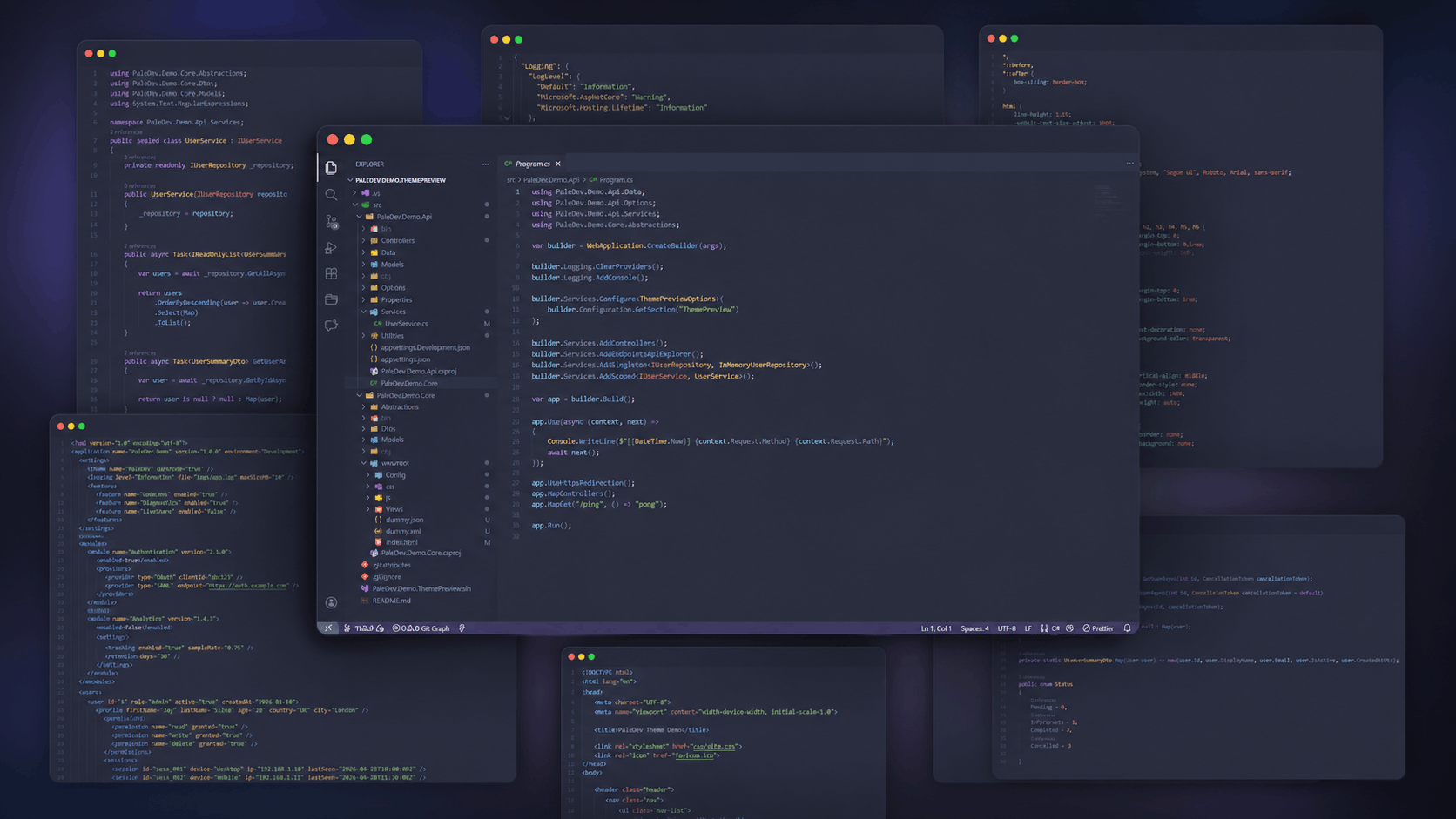
A modern dark theme for VS Code inspired by the Palenight VS Code theme, designed for better readability, high contrast, and long coding sessions with a clean and consistent color palette across the editor.
Installation
Launch VS Code Quick Open (Ctrl+P), paste the following command, and press enter.
Paledev Dark Theme is a modern dark theme for VS Code.
Inspired by the popular Palenight VS Code theme, it features a refined color palette with improved contrast, readability, and consistency across the editor.
For the best experience, we recommend using Cascadia Mono.
📦 Installation
Open VS Code
Go to Extensions
Search for Paledev Dark Theme
Click Install
Go to Preferences: Color Theme and select Paledev Dark Theme
💬 Feedback & Support
Found an issue or have a suggestion? Please leave a review on the Marketplace.