Aura Noir



Aura Noir is an ergonomic VS Code theme family built to make code structure read fast without turning the editor into a neon blur. It uses a low-glare slate background, refined syntax separation, and semantic token support so modern languages are easy to read during long coding sessions.
Install from the VS Code Marketplace →
Every variant gives each role its own hue so you can scan at a glance: green readable comments, variables that stand apart from plain text, and legible punctuation and operators.
Screenshots
| Aura Noir Modern |
Aura Noir Ember |
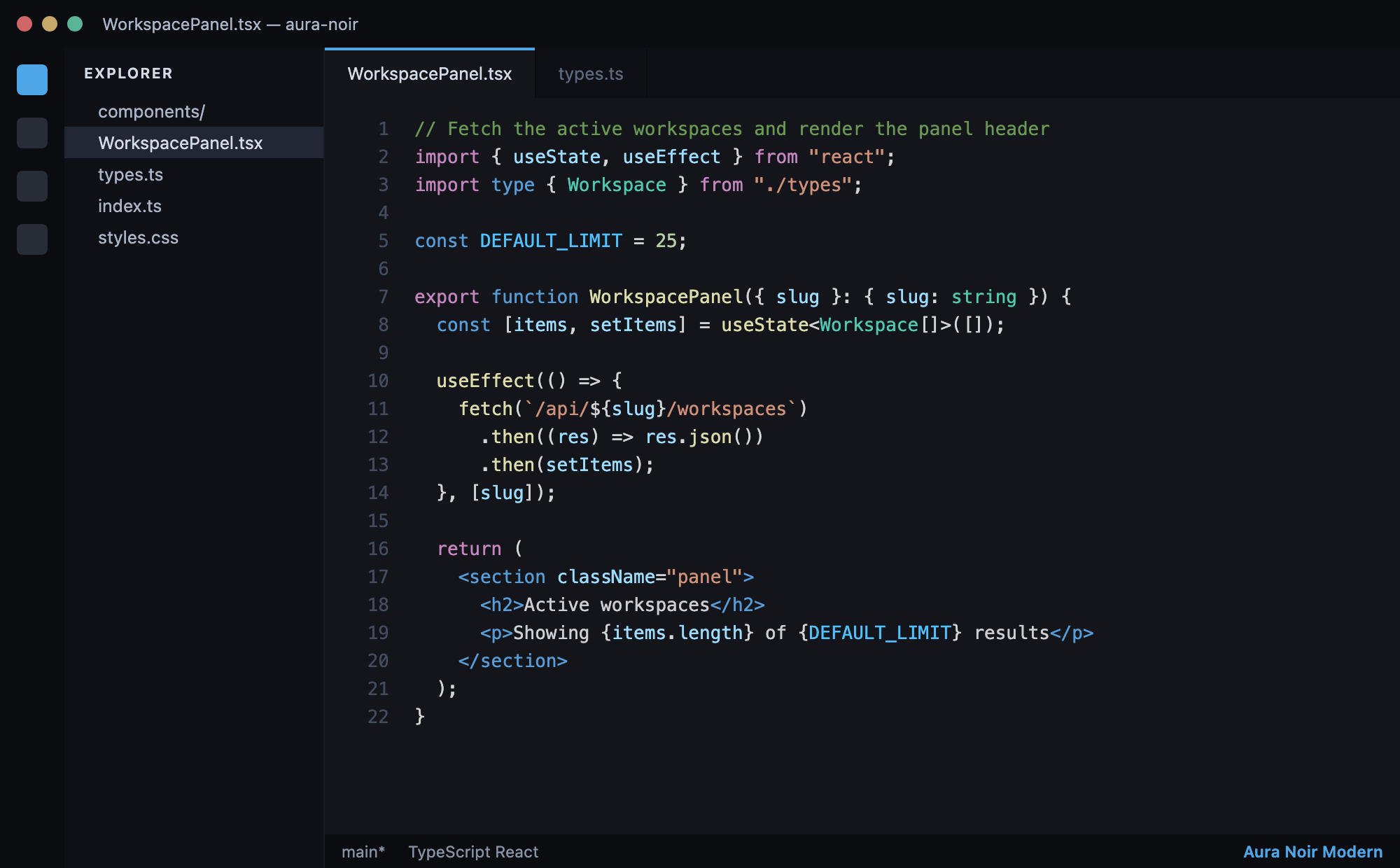 |
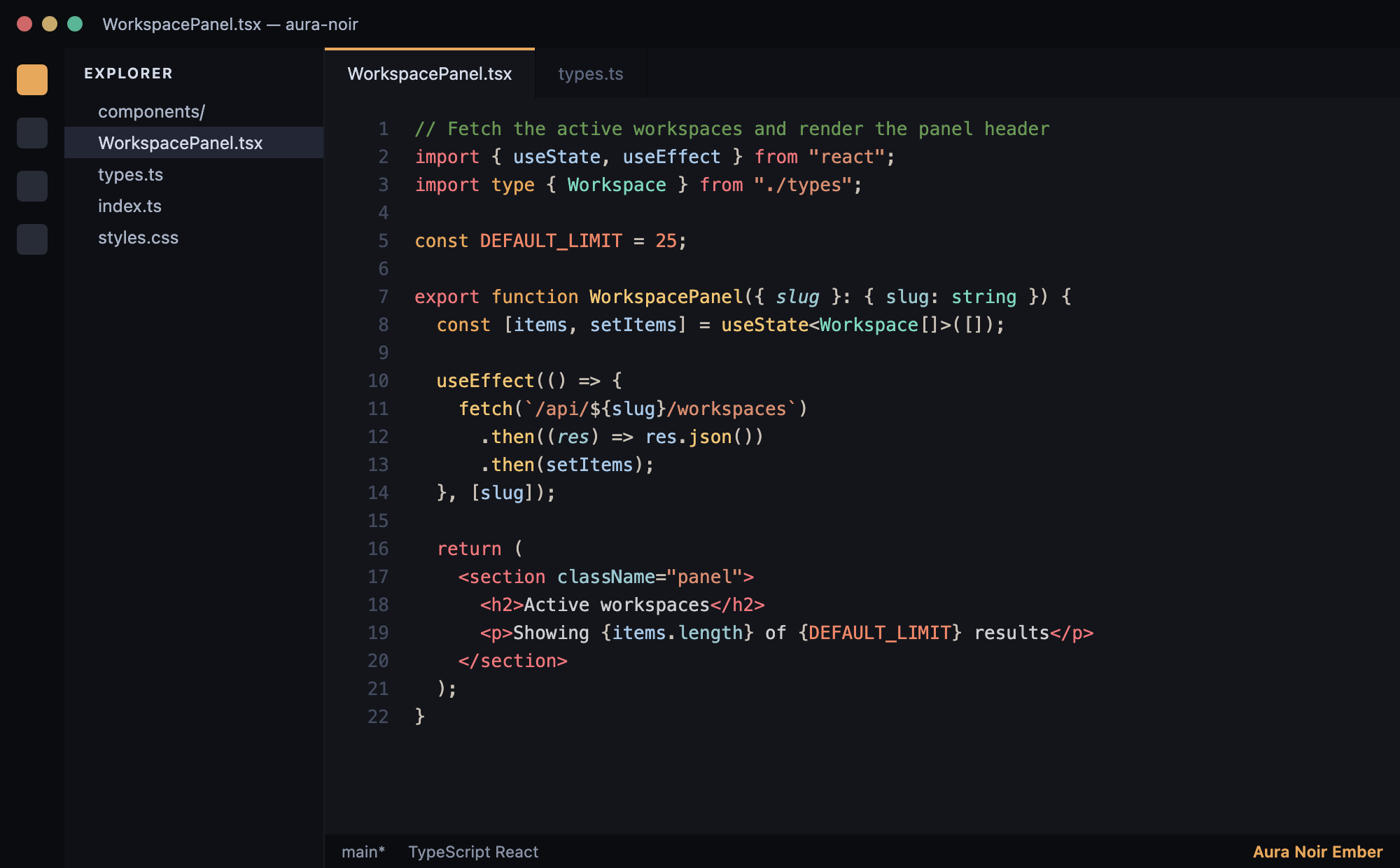 |
| Aura Noir Crimson |
Aura Day (light) |
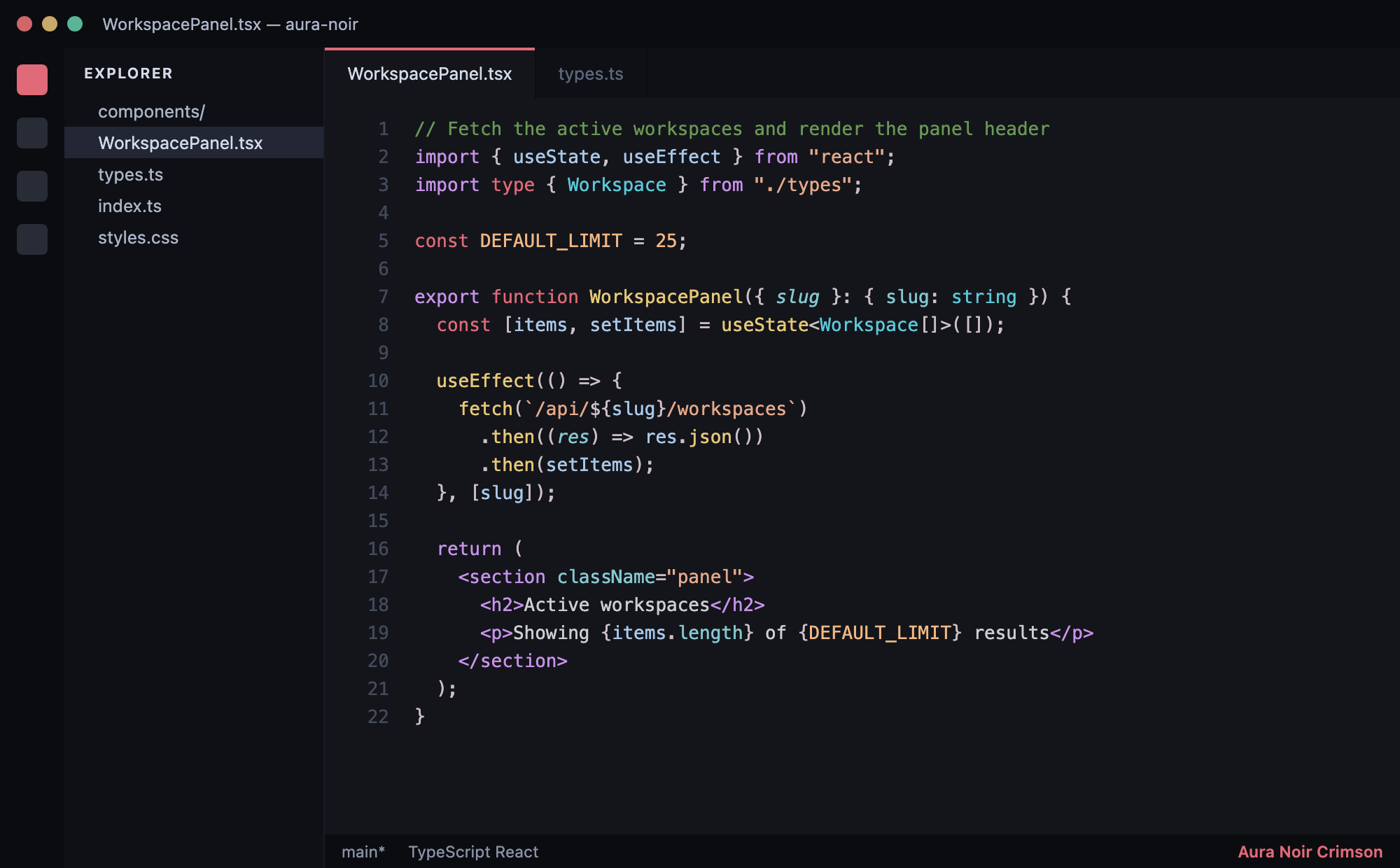 |
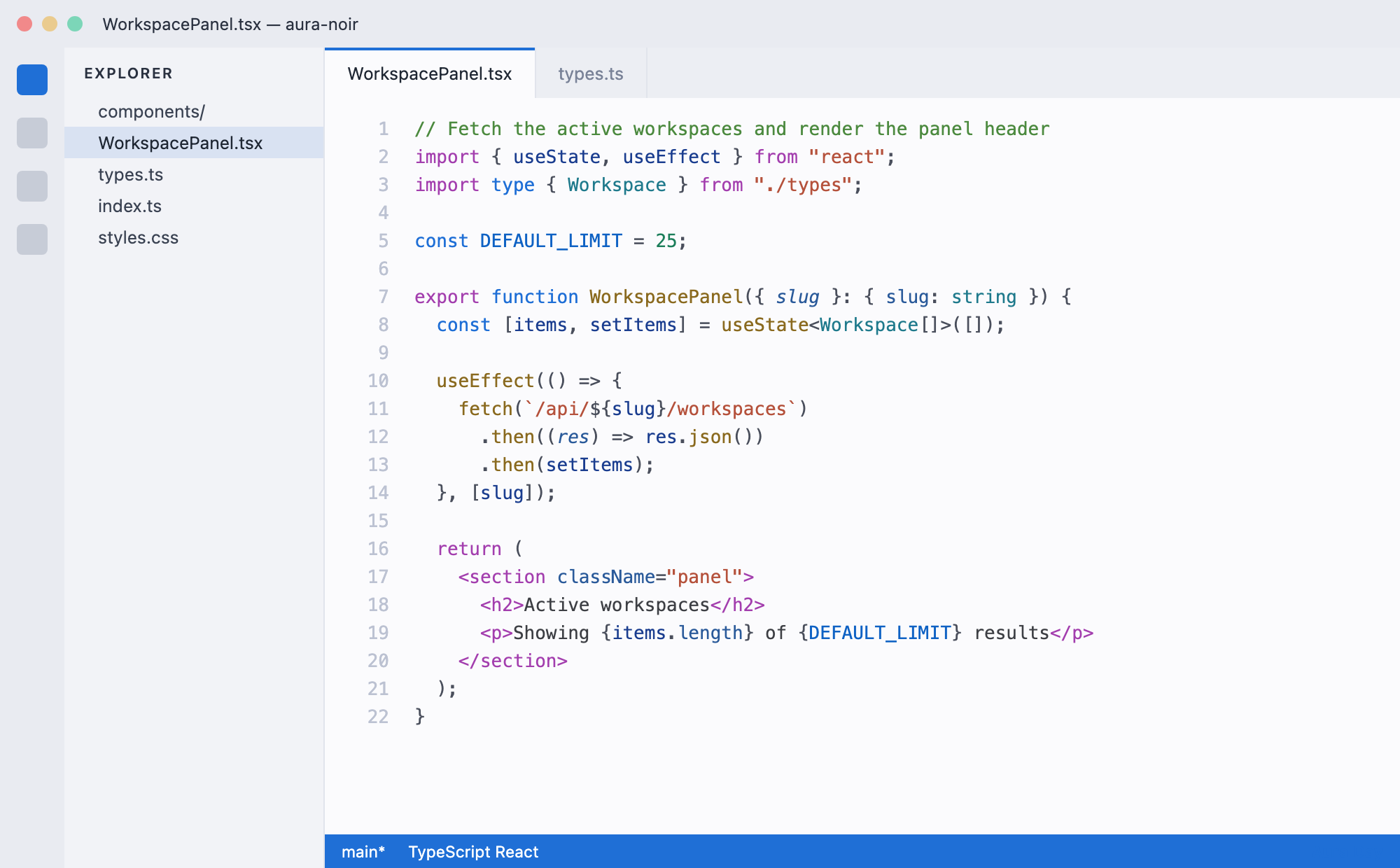 |
Variants
The extension ships nine selectable themes that share the same role→hue strategy and differ in their accent, syntax palette, and (for the light pair) background. Pick one in Preferences: Color Theme.
Dark
- Aura Noir (violet accent): purple keywords, salmon strings, teal-green functions, gold types.
- Aura Noir Modern (azure accent): VS Code Dark Modern rebuilt and improved, with blue declaration keywords, purple control flow, yellow functions, teal types, light-blue variables, and bright legible punctuation on the deeper Aura Noir black background. Start here if you love Dark Modern.
- Aura Noir Aurora (teal/cyan accent): cyan keywords, mint functions, lavender control flow, and warm peach strings for contrast.
- Aura Noir Ember (amber accent): amber keywords, gold functions, coral numbers, anchored by cool teal types and blue variables.
- Aura Noir Rose (rose accent): rose-pink keywords, violet control flow, cyan functions, gold types.
- Aura Noir Forest (green accent): emerald keywords, gold functions, cyan types, pink control flow.
- Aura Noir Crimson (red accent): crimson keywords, violet control flow, gold functions, cyan types.
Light
- Aura Lumen (violet accent): a light background with the same role mapping, violet keywords, magenta control flow, teal types, dark-blue variables, green comments.
- Aura Day (azure accent): the light companion to Modern, with azure keywords and purple control flow on a soft off-white background.
What makes it useful
- Easy to scan: Each token role (comments, variables, functions, types, keywords) gets a distinct hue, and control-flow keywords are split from declarations.
- Ergonomic Contrast: Soft slate background paired with pastel and muted brights prevents eye strain.
- Semantic token coverage: Support for languages that utilize modern VS Code tokenization.
- Full workbench palette: Tabs, panels, lists, terminals, and diagnostics feel fully integrated instead of relying on default UI colors.
Installation
- Open the Extensions view in VS Code (
Cmd+Shift+X or Ctrl+Shift+X), or open the Marketplace page.
- Search for
Aura Noir.
- Click Install.
- Go to
Preferences: Color Theme (Cmd+K Cmd+T) and pick any Aura variant: seven dark (Aura Noir, Modern, Aurora, Ember, Rose, Forest, Crimson) or two light (Aura Lumen, Aura Day).
Feedback
If you find a language or specific syntax token that doesn't look quite right or feels hard to read, feel free to open an issue.
| |

