This README is auto-generated by Sheeep from the embedded source block.
Edit it in the Sheeep editor, not in GitHub or a plain text editor.
Sheeep
Local-first notes and docs inside VS Code. Sheeep stores pages as files in your repository, gives them a custom editor, and keeps the workflow friendly to version control, agents, and normal project review.
Visual Studio Marketplace · VS Code ^1.85.0 · MIT
Maintainer
Sheeep is created and maintained by Jaseunda.
This is the official project, and official releases, direction, and published builds come from the main maintainer.
Screenshots
Home Workspace
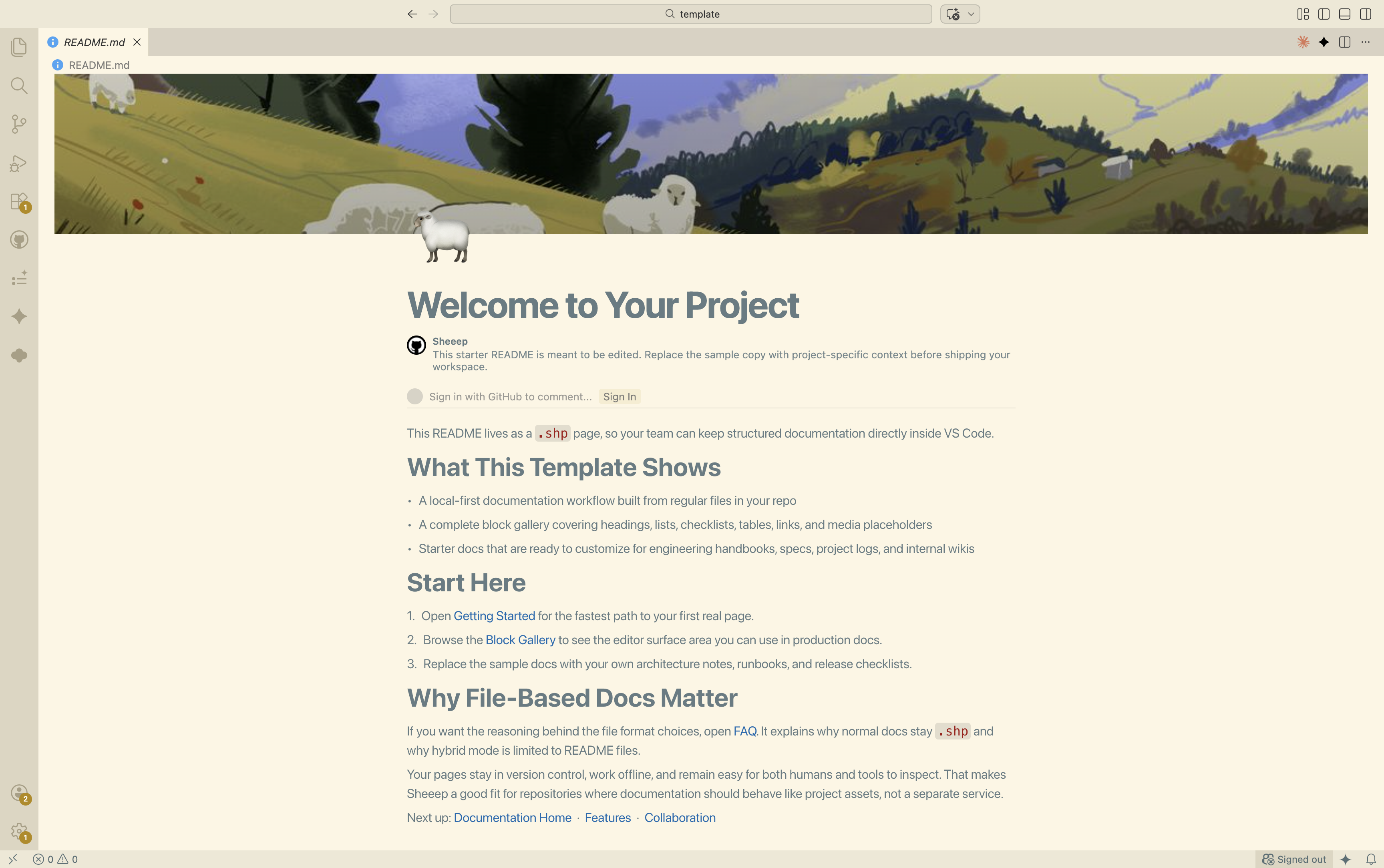
Custom Backgrounds
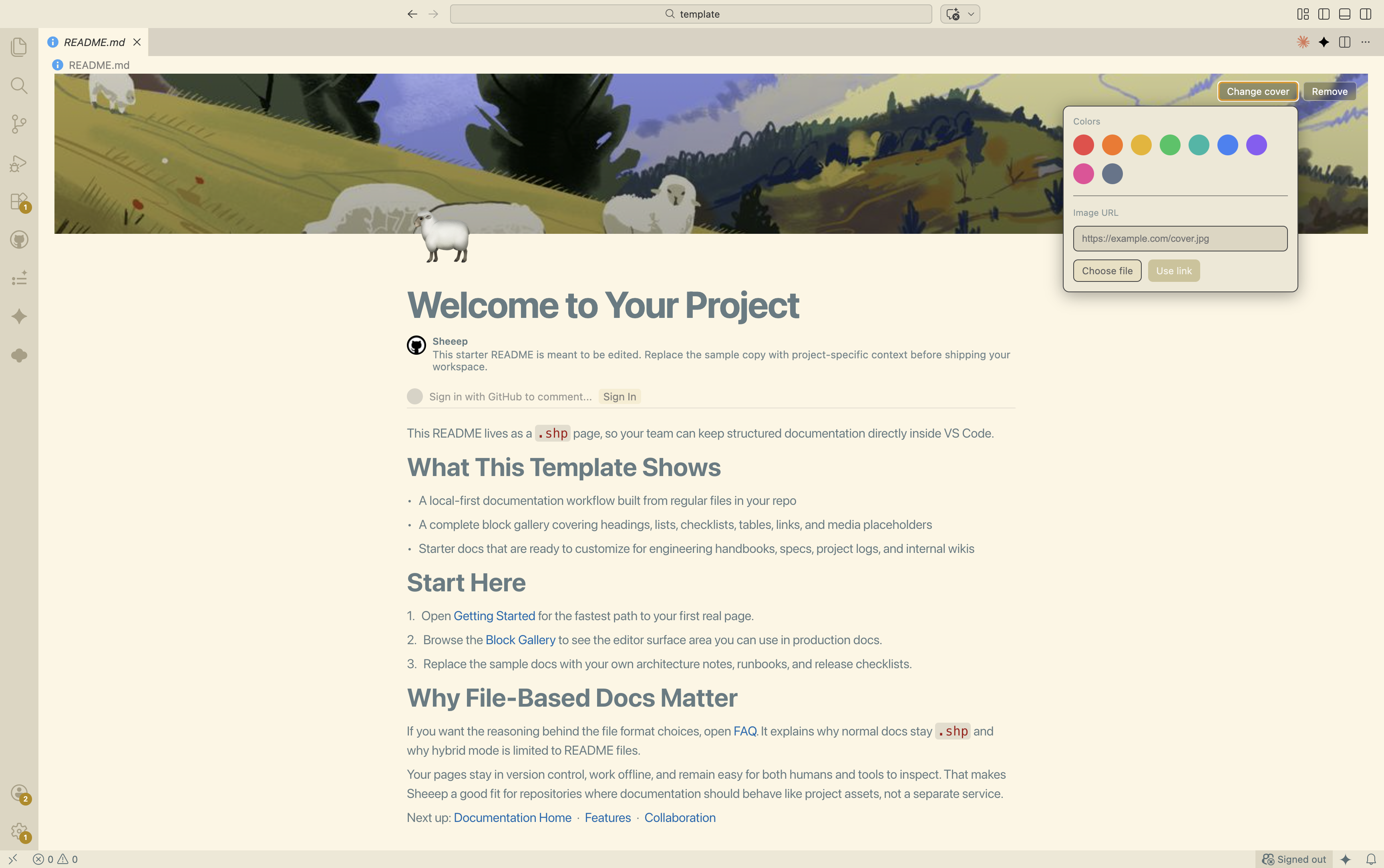
Emoji and Icon Picker
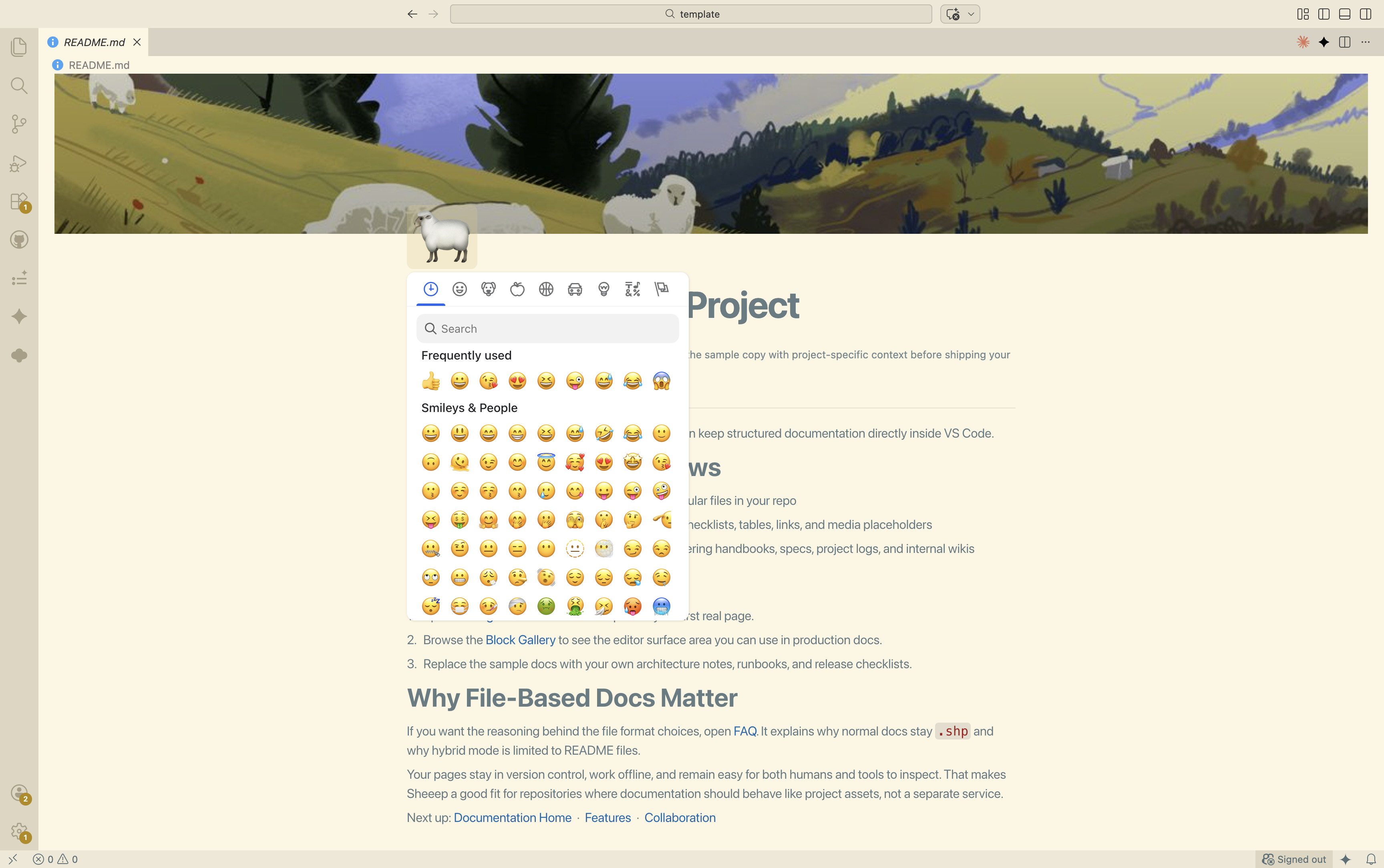
Kanban Task Board
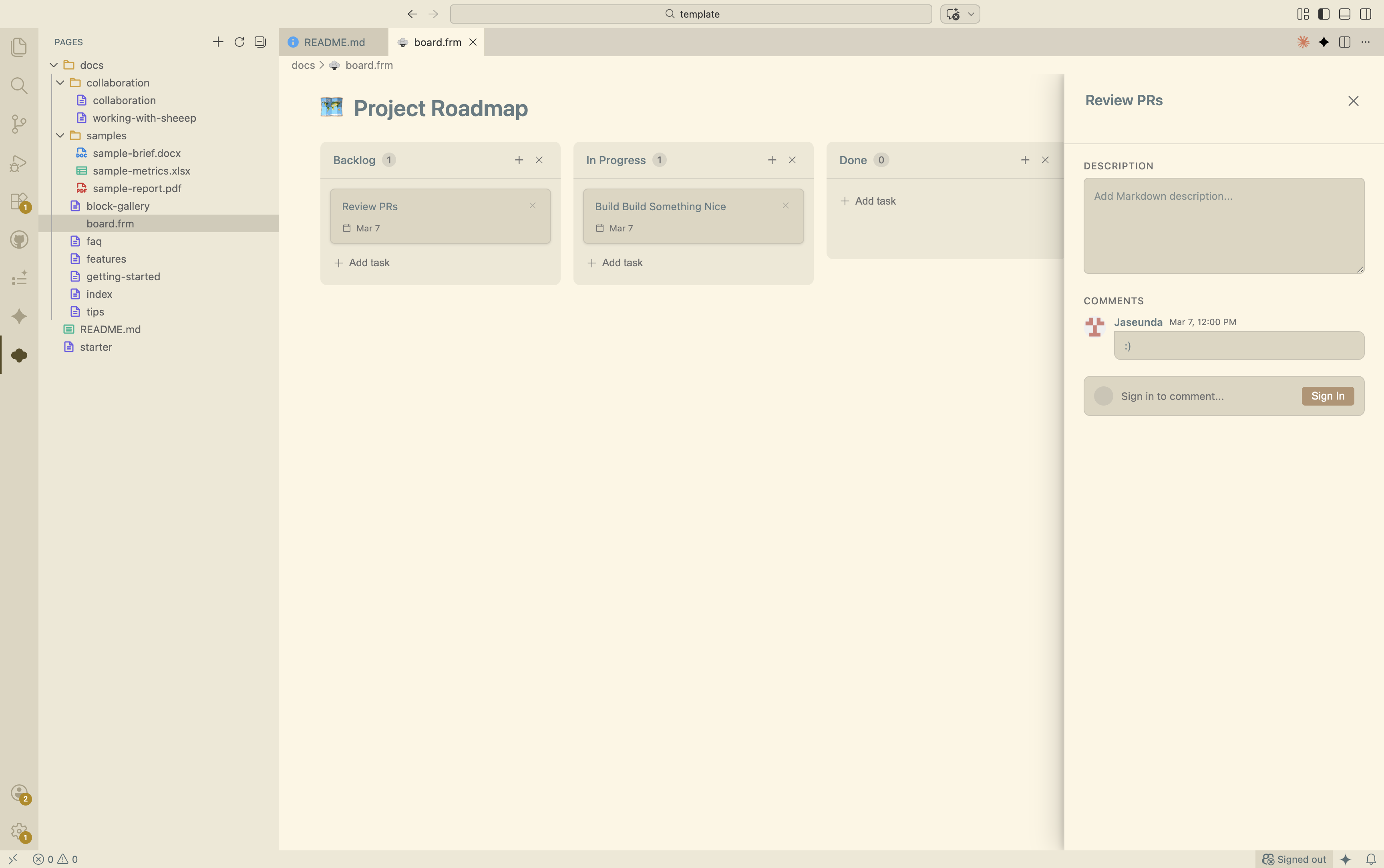
Non-Technical Review Mode
What Sheeep Does
- Edits
.shp pages in a custom rich editor instead of raw JSON
- Generates starter docs, examples, and agent guidance directly into your workspace
- Opens PDF, Excel, and DOCX files inside Sheeep
- Presents PDFs in a local browser route on
localhost:7865 for full-screen slide navigation
- Supports hybrid
README.shp and README.md files with embedded Sheeep source
Starter Template
Run Sheeep: Generate Starter Templates from the Command Palette to copy the entire bundled template into your workspace.
- Starter page and documentation set
- Sample PDF, Excel, and DOCX files for viewer testing
- A root
SKILL.md guide so agents can create and edit pages correctly
README Hybrid Mode
For README.shp and README.md, Sheeep stores the page source in a hidden comment block and generates the visible Markdown body from that source. This keeps GitHub readable without giving up the richer Sheeep document model.
Do not edit the generated Markdown body outside Sheeep. Open the README in the Sheeep editor and let the extension regenerate it.
Public Source Release Goal
Sheeep will be considered for a public source release once either milestone is reached.
| Milestone |
Live progress |
Goal |
| Official public repository stars |
 |
5,000+ |
| Official VS Code extension installs |
 |
10,000+ |
License
MIT © jas

