Iconotype — icon fonts in VSCode
An open-source IcoMoon alternative that lives in your editor. Import an IcoMoon
project, see your icons where you use them, complete them by name, and export the font
straight into your build — no account, no upload, no zip to unpack.


ext install iconotype.iconotype-vscode
Part of Iconotype — the same project file
opens in the web app (nothing to install,
try it first), the desktop app and here.
What you get: completion and inline previews of your own icons · diagnostics for a
typo'd or excluded one · workspace-wide rename with the codepoint pinned · usage, and
which icons nothing references · one-click export into the paths your project file
names · an SVG fixer that outlines strokes and bakes transforms so artwork survives the
trip into a font.
Getting started
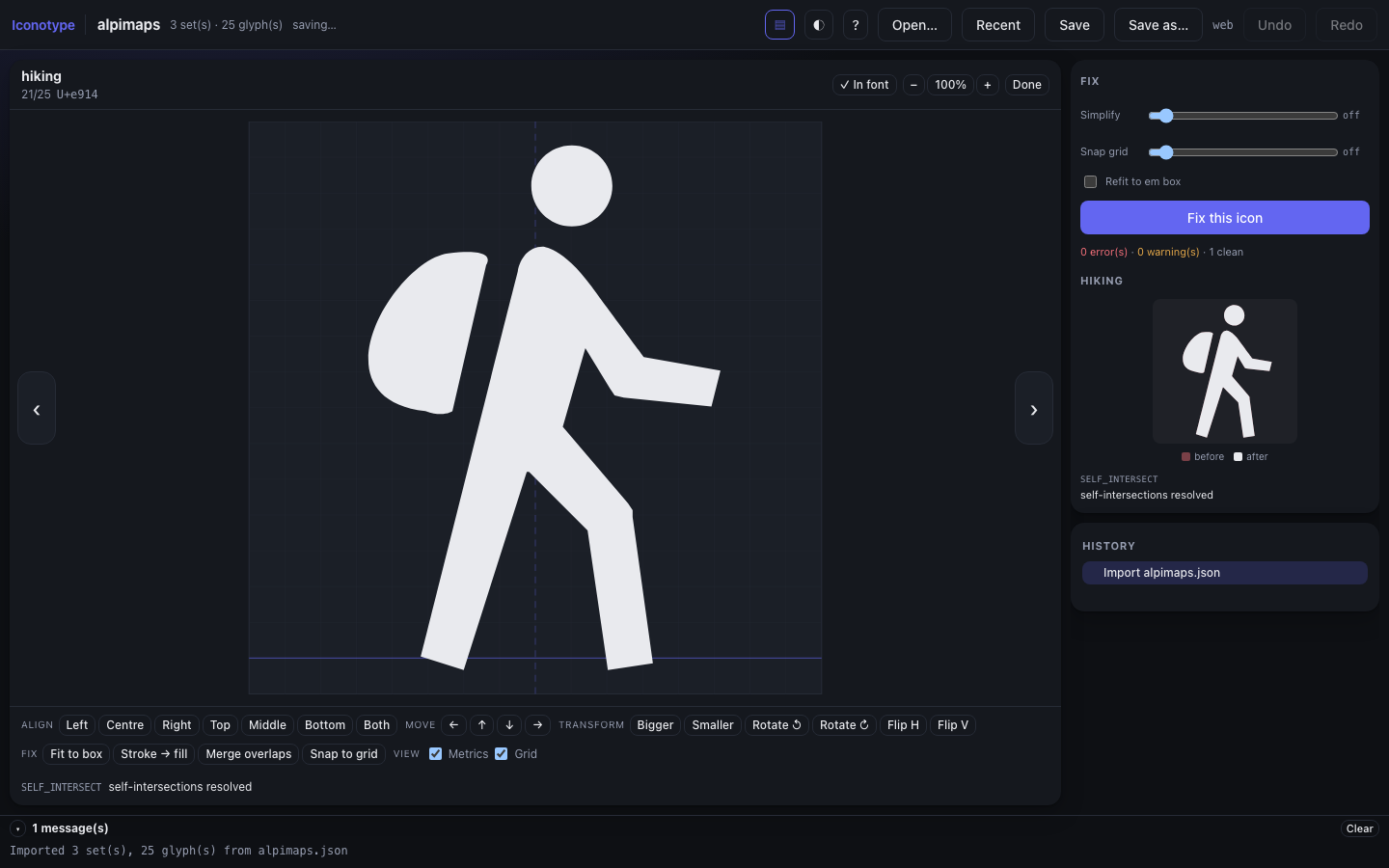
Already have an IcoMoon project? Run Iconotype: Import IcoMoon Project… — the
button on the Icons panel and the Fonts panel's welcome view do the same thing. It
takes an IcoMoon project or selection.json, a downloaded font package .zip, an
SVG-only archive, or a folder of .svg files, then asks five questions: the font name,
the class prefix, where fonts go, where the stylesheet goes, and which stylesheet
flavour. The result is a committed <name>.iconotype.json wired to your build.
Codepoints come across exactly as they were. That is the point: a font you already
shipped has its codepoints baked into every built stylesheet, and renumbering them
would silently change which glyph each existing class renders.
Right-clicking a .json or .zip in the explorer offers the same import, skipping the
file picker. The CLI equivalent is iconotype init.
Starting from nothing instead:
Create a font — Iconotype: New Icon Font… writes <name>.iconotype.json
at the workspace root. Commit it: it holds the artwork, the codepoints and where the
build writes.
Add icons — Iconotype: Add Icons from SVG…, or the + SVG button in the
Icons panel. Every SVG runs through the fixer: strokes are outlined, transforms are
baked, even-odd fills become non-zero, and anything a font cannot represent is
reported rather than silently mangled.
To pull icons out of another icon font, use + Project (Iconotype: Add Icons from Project or Zip…). Names you already have are skipped rather than overwritten,
and an incoming codepoint is honoured only when it is free — the font you are adding
to always keeps its own.
Point it at your build — the import wizard fills this in; edit it any time:
"output": {
  "fonts":  { "dir": "app/fonts", "formats": ["woff2", "woff", "ttf"] },
  "styles": [{ "kind": "scss-variables", "path": "app/css/_icons.scss" }]
}
Export — the Export button in the Icons panel, or Iconotype: Export Font.
Files are written in place; identical bytes are not rewritten, so a no-op export
leaves your working tree clean.
You are told when they are out of date rather than having to remember: the status
bar turns amber with export pending, the font is marked in the Fonts panel, and
the Icons panel shows a banner with a button. Clicking any of them exports only what
changed. Set iconotype.autoExport to onSave or onChange to skip the step.
The Icons panel
Click an icon to open it. The tick in its corner includes or excludes it from the built
font — excluded ones stay in the project, greyed out and struck through, so the artwork
is kept but never shipped. Right-click for usage, replace, copy and remove.
What you get in the editor
- Autocompletion on your font's prefix — type
app- and pick from your own icons,
each with a preview. Icons excluded from the build are never suggested.
- Inline previews: the glyph itself, drawn next to
app-home in your source and
next to a raw \e900 in CSS.
- Hover for the codepoint, tags, ligatures and licence.
- Diagnostics for a name that does not exist ("did you mean…", with a quick fix) and
for one that exists but is excluded from the font.
- F2 to rename an icon everywhere — the project file, every reference, and not
the codepoint, which must never move.
- Go to definition and find all references on any icon reference.
- Icons panel — a grid: filter, click to include or exclude from the build,
alt-click to open the editor.
- Fonts panel — every font in the workspace, with its icons.
- Usage panel — where each icon is used, unused ones first.
Settings
Put these in .vscode/settings.json so your team shares one layout. They are defaults
for fonts whose project file does not configure its own output.
| setting |
meaning |
iconotype.defaults.fontsDir |
where font files go, e.g. app/fonts |
iconotype.defaults.stylesDir |
where the stylesheet goes, e.g. app/css |
iconotype.defaults.styleKind |
css, scss-variables, css-variables, dart, … |
iconotype.defaults.formats |
woff2, woff, ttf, svg |
iconotype.autoExport |
off (default), onSave, or onChange |
iconotype.decorations.enabled |
inline glyph previews |
iconotype.diagnostics.enabled |
warn about unknown or excluded icons |
iconotype.usage.scanOnStartup |
scan for usage when the window opens |
iconotype.usage.include |
glob of files to search for references |
iconotype.usage.excludeDirs |
directory names to skip, at any depth — trim it to scan one |
iconotype.usage.useWorkspaceExcludes |
also skip what search.exclude/files.exclude hide |
iconotype.usage.maxFiles |
cap on one scan; hitting it is reported, never silent |
iconotype.usage.exclude |
a raw glob that overrides the directory list entirely |
iconotype.missing.include |
glob of files that count when reporting missing icons |
iconotype.missing.exclude |
files to leave out of missing reporting, usage still counted |
Missing icons, and why its scope is its own
The Usage view leads with Missing: names the code writes with the font's prefix
that the font has no icon for. They render nothing at all, silently. Each row offers
to find that name in the open libraries, or to add an SVG under it, so the markup you
already wrote starts resolving without being edited.
The two scopes are deliberately separate. Usage has to stay broad — an icon
referenced in one file you did not scan reads as unused, and the next thing anyone
does with an unused icon is delete it. Missing wants the opposite, because
app-toto in a changelog, a fixture or a design note is not a bug, and one noisy
source buries the entries that are. So narrow it to where a broken reference is real
code:
"iconotype.missing.include": "**/*.{ts,svelte}"
A file left out this way is still scanned for usage; it simply cannot report a
missing icon. Both settings are empty by default, which follows usage.include.
Only the prefixes the code is expected to write can produce a missing icon:
usagePrefixes when the project declares them, otherwise the class prefix. Declare
usagePrefixes: ["app-"] against a class prefix of icon- and unrelated icon-…
names in the workspace stay out of it — they still count as usage, because a
hand-written stylesheet using the class prefix is a real use.
This also matters when the prefix is broad: with app-, an ordinary class like
app-container will be reported, because nothing distinguishes it from an icon
reference. Scoping to source files, or excluding the file that holds them, is the
answer.
When the code writes a different prefix
If a build step rewrites references — a webpack alias mapping alpimaps-hiking onto
the icon-hiking class — put what the code writes in the project file:
"font": { "prefix": "icon-", "usagePrefixes": ["alpimaps-"] }
Completion, hover, usage, rename and diagnostics then look for both, and each usage
site is rewritten in the form it was written in. The Icons panel's Font settings
has a field for it, and the usage scan offers to fill it in when it finds a prefix your
code uses that the font does not.
Using the font you built
How to use it, in the editor's export panel, generates the build wiring for the
open project — its family, class prefix, output paths and real codepoints — for plain
HTML, Vite, webpack, Next.js, an SVG sprite, React/Vue/Svelte components, NativeScript
and Flutter. It is the part no export includes and everyone works out once, by hand.
The same build, in CI
iconotype build produces byte-identical output from the same project file, and
iconotype diff fails a pull request that moves or removes a codepoint — the change
that silently makes every already-shipped stylesheet render the wrong icon.

