Skip to content
| Marketplace
Sign in
Visual Studio Code>Other>VSMD - Markdown PreviewNew to Visual Studio Code? Get it now.
VSMD - Markdown Preview

VSMD - Markdown Preview

huachao

|
2 installs
| (0) | Free
A VSCode extension to render Markdown files as HTML
Installation
Launch VS Code Quick Open (Ctrl+P), paste the following command, and press enter.
Copied to clipboard
More Info

VSMD - Markdown Preview

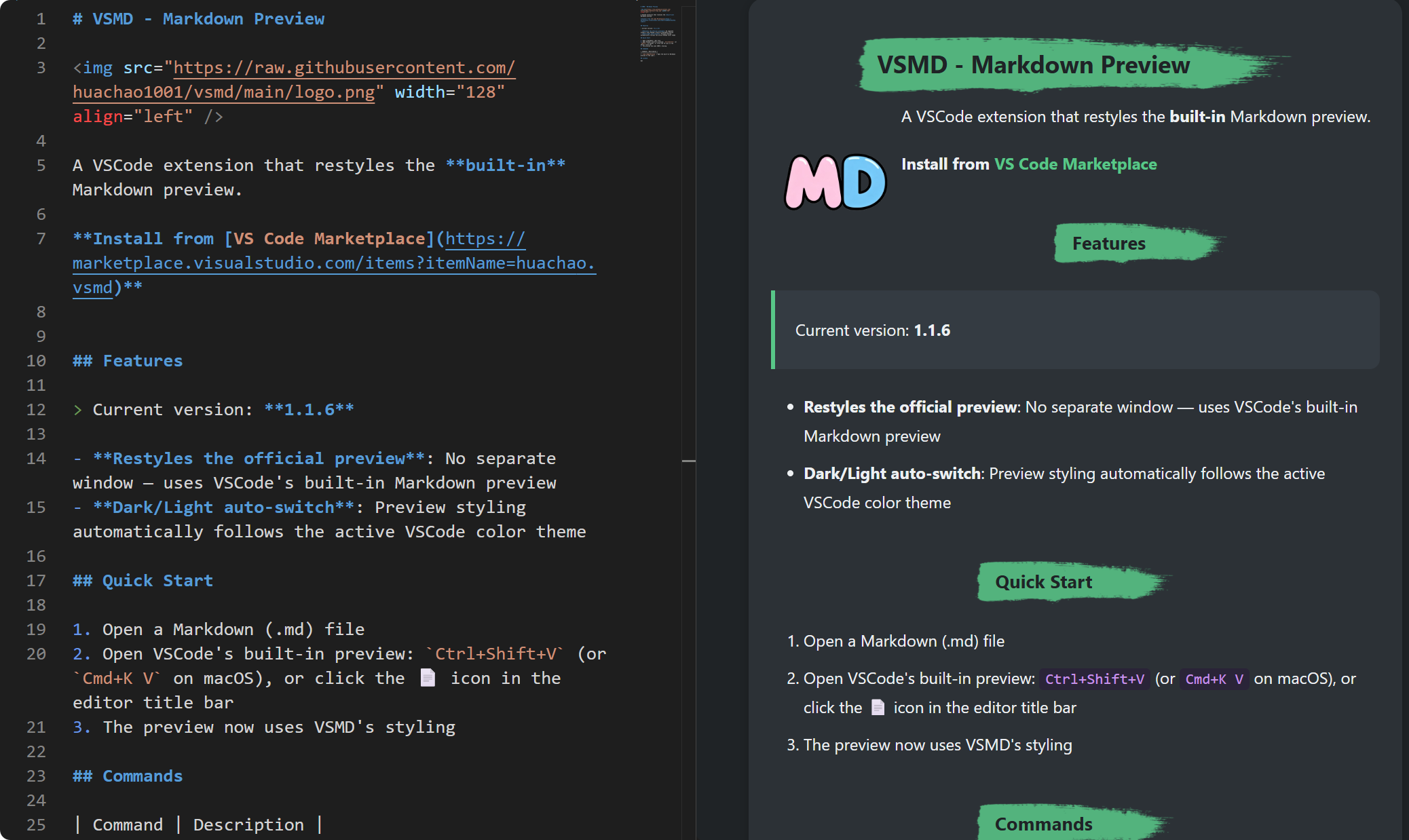
A VSCode extension to render Markdown files as HTML.

Features

  • One-click Preview: Click the markdown icon in editor title bar to toggle preview
  • Syntax Highlighting: Code blocks highlighted with highlight.js
  • Dark/Light Mode: Automatically follows VSCode theme, or manually override
  • Theme Customization: Support custom CSS themes (stored in ~/.vsmd/themes/)

Quick Start

  1. Open a Markdown (.md) file
  2. Click the 📄 icon in the editor title bar
  3. Preview appears in a side panel

Theme Customization

Custom themes are stored in ~/.vsmd/themes/. Each theme is a directory containing theme.css:

~/.vsmd/themes/
├── dark-elegant/
│   └── theme.css
├── github-style/
│   └── theme.css
└── your-theme/
    └── theme.css

Theme CSS Example

Use .vsmd-content-inner selector to only affect markdown content:

.vsmd-content-inner h1 {
  font-size: 2rem;
  color: #569cd6;
}
.vsmd-content-inner pre {
  background-color: #1e1e1e;
  border-radius: 6px;
}
.vsmd-content-inner blockquote {
  border-left: 4px solid #569cd6;
  background-color: [#252526](https://github.com/huachao1001/vsmd/issues/252526);
}

Commands

Command Description
vsmd.togglePreview Toggle Markdown Preview

Extension Settings

Setting Default Description
vsmd.themesDirectory ~/.vsmd/themes/ Custom themes directory

Buy Me a Coffee ☕

If you find this extension useful, please consider supporting:

Buy Me a Coffee

License

MIT

  • Contact us
  • Jobs
  • Privacy
  • Manage cookies
  • Terms of use
  • Trademarks
© 2026 Microsoft