 works with

Spring API Forge
Discover, test, and document Spring APIs without Swagger.
No app integration. No production risk. No Swagger dependencies. Just source-to-API in seconds with full testing workflows.



Spring API Forge eliminates Swagger UI integration overhead by discovering endpoints directly from your Spring Boot source code and generating organized HTTP Forge collections for testing, documentation, and automation—without adding app dependencies or production security risks.
Start In 60 Seconds
- Open a workspace with Spring Boot controllers.
- Run Spring API Forge: Scan Spring Boot Endpoints.
- Open the Spring APIs sidebar and click Open in HTTP Forge.
- Send the request immediately with URL, params, body, and schema context prefilled.
Why Spring API Forge (vs. Swagger UI)
| Feature |
Swagger UI |
Spring API Forge |
| App Integration |
Requires dependency + config |
None—reads source only |
| Production Risk |
Easy to expose accidentally |
Zero app-level exposure |
| Request History |
Limited/none |
Full—persisted in workspace collections |
| Saved Inputs |
Not supported |
Full—stored in workspace collections, shareable via git |
| Request Organization |
By tag only |
By controller + custom folders |
| Testing Workflows |
Basic |
Full (pre/post scripts, assertions, CI) |
| OpenAPI Export |
View only |
Export & reuse for docs/QA/automation |
Why Teams Use It
- Discover Spring Boot endpoints directly from source code instead of manually curating requests.
- Open endpoints in HTTP Forge with method, path, params, headers, and body/schema context already mapped.
- Keep one API contract that can flow into testing, OpenAPI generation, QA, and automation.
- Support multi-app workspaces and refresh endpoint discovery as source changes.
Collection Generation
Use the command Spring API Forge: Generate HTTP Forge Collection from Controllers to create runnable request collections directly from discovered Spring endpoints.
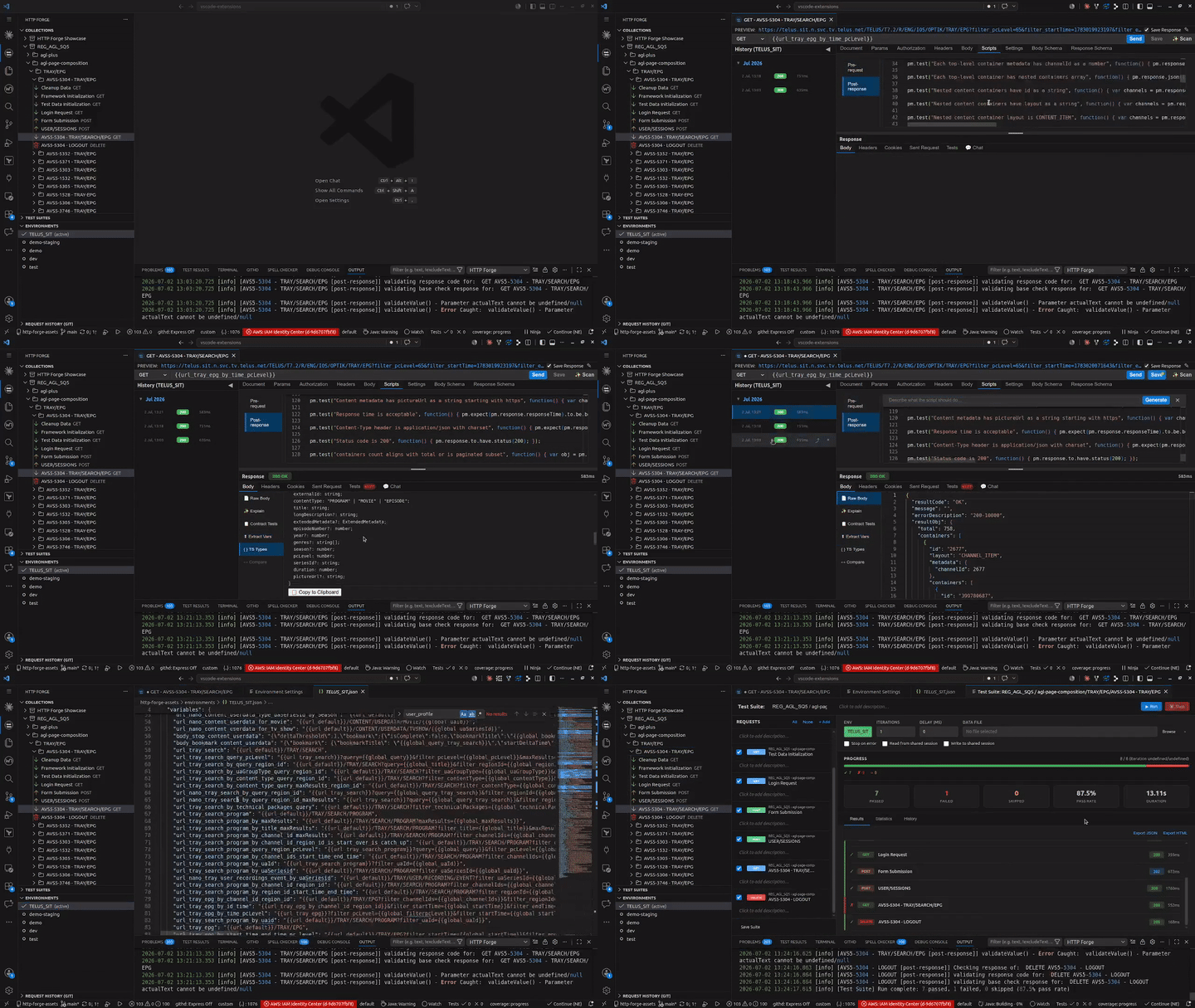
Visual preview: Spring API Forge discovers endpoints, then HTTP Forge handles collection editing and execution.
- Create new: creates a fresh collection (auto-incremented name if needed).
- Replace existing: overwrites the selected existing collection with newly generated controller folders and requests.
- Append existing: keeps existing items and appends generated controller folders/requests.
Walkthrough: Generate Collection From Controllers
- Run Spring API Forge: Generate HTTP Forge Collection from Controllers.
- Pick the target Spring app (when multiple apps are detected).
- Choose a mode:
Create new, Replace existing, or Append existing.
- Confirm the summary (if enabled), then Spring API Forge writes and opens the collection in HTTP Forge.
Expected result:
- Controller-based folders are created/updated.
- Requests include method/path/body/schema metadata from Spring annotations.
- Base URL variable is seeded per app (for example:
myServiceBaseUrl).
By default, Spring API Forge shows a pre-save confirmation summary before writing collection changes. You can disable this for faster one-click generation by setting:
{
  "springApiTester.confirmBeforeGenerateCollection": false
}
Example Setup
To scan repositories outside the current workspace, add paths in VS Code settings:
{
  "springApiTester.additionalPaths": [
    "/home/user/projects/order-service",
    "C:\\Users\\user\\projects\\user-service"
  ],
  "springApiTester.confirmBeforeGenerateCollection": true,
  "springApiTester.largeCollectionReplaceWarningThreshold": 200,
  "springApiTester.enableGenerationTelemetryLogs": true
}
Settings Presets
Preset recommendations and full copy-ready JSON examples are in docs/settings-presets.md.
Quick summary:
- Cautious: confirmation on, lower replace warning threshold, telemetry logs on.
- Fast: confirmation off, higher replace warning threshold, telemetry logs off.
- Monorepo: add multiple service paths, confirmation on, balanced warning threshold.
Configuration
| Setting |
Type |
Default |
Description |
springApiTester.additionalPaths |
string[] |
[] |
Absolute paths to external Spring Boot repositories to scan. The current workspace is always included. |
springApiTester.confirmBeforeGenerateCollection |
boolean |
true |
Show a confirmation modal before generating/replacing/appending an HTTP Forge collection from Spring controllers. |
springApiTester.largeCollectionReplaceWarningThreshold |
number |
200 |
Show an extra destructive-action warning when replacing collections with at least this many requests. |
springApiTester.enableGenerationTelemetryLogs |
boolean |
true |
Emit structured generation events in extension host logs for diagnostics and telemetry integration. |
Commands
| Command |
When To Use It |
Result |
Spring API Forge: Scan Spring Boot Endpoints |
After opening a workspace or changing controller code |
Refreshes endpoint discovery from workspace + additionalPaths |
Spring API Forge: Generate HTTP Forge Collection from Controllers |
You want a runnable collection from source quickly |
Creates/replaces/appends a full HTTP Forge collection and opens it |
Spring API Forge: Generate OpenAPI from Source |
You need api.yml from code-first controllers |
Writes an OpenAPI-like spec file in your workspace |
Spring API Forge: Show Spring API Explorer |
You want to focus on endpoint browsing |
Opens the Spring API sidebar explorer/panel |

