Skip to content
| Marketplace
Sign in
Visual Studio Code>Themes>Tarn ThemeNew to Visual Studio Code? Get it now.
Tarn Theme

Tarn Theme

harehare

|
2 installs
| (0) | Free
A dark theme inspired by a high-altitude glacial lake — deep navy, steel blue, teal functions, and light azure strings.
Installation
Launch VS Code Quick Open (Ctrl+P), paste the following command, and press enter.
Copied to clipboard
More Info
Tarn

Tarn Theme for VS Code

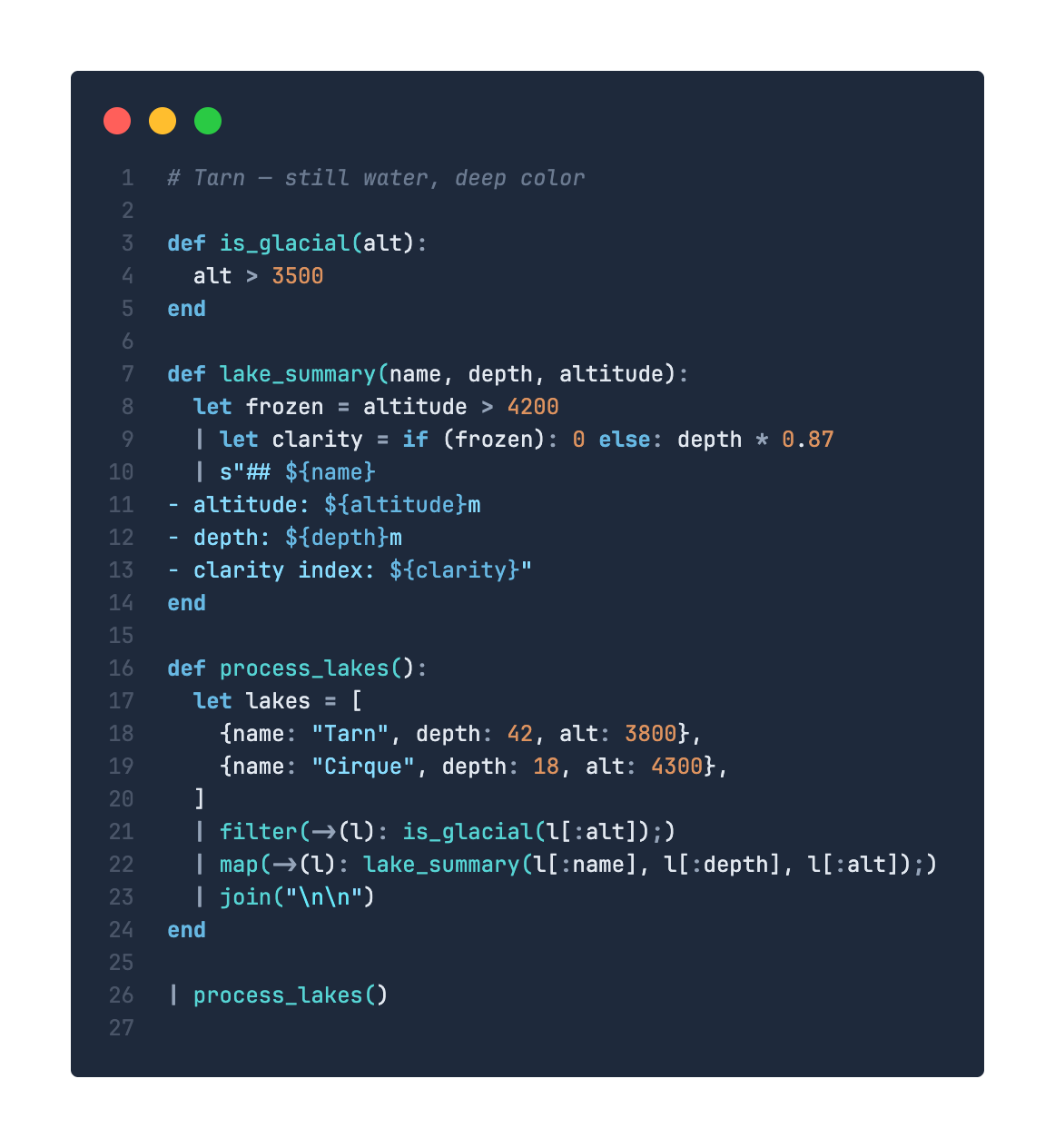
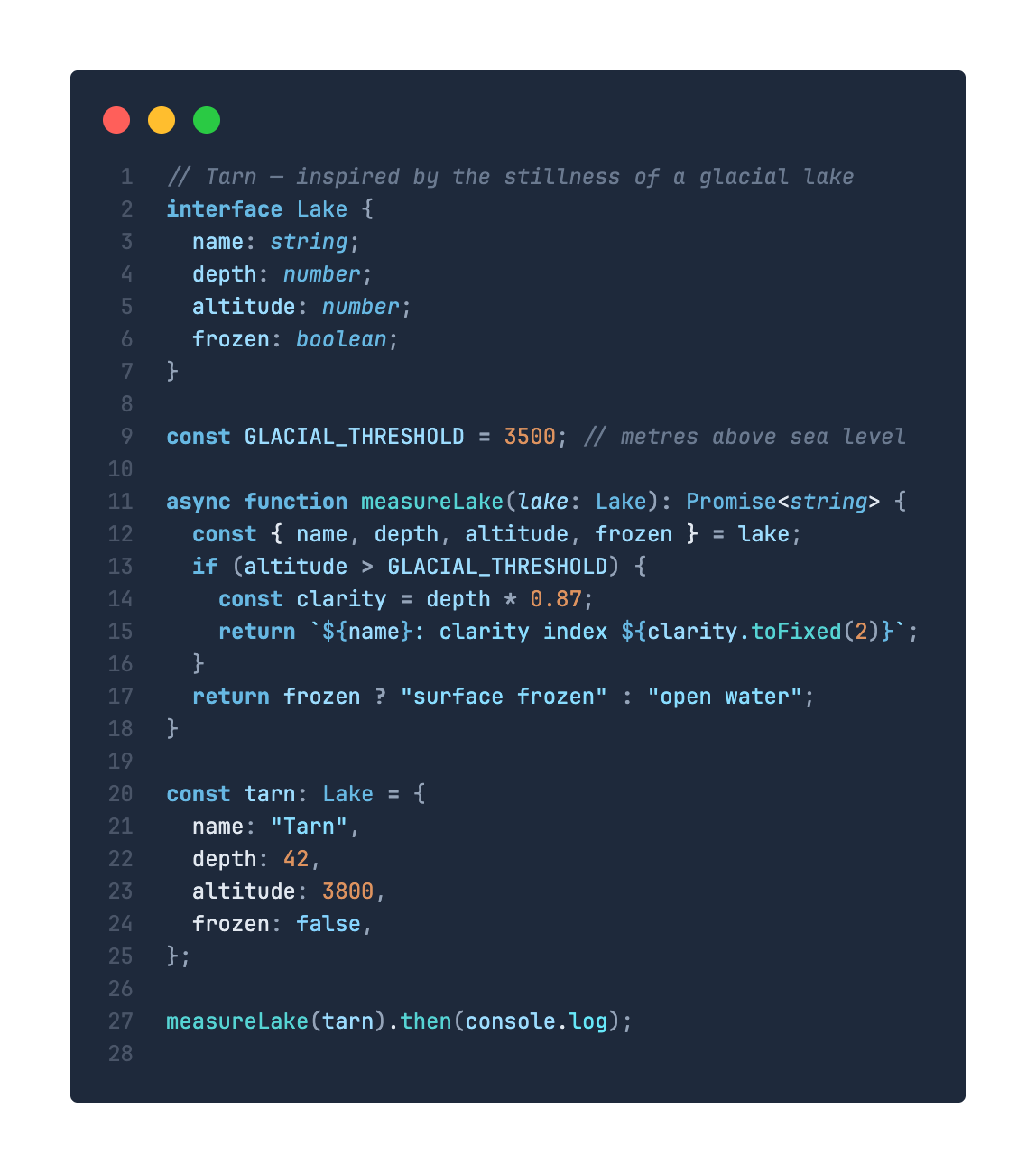
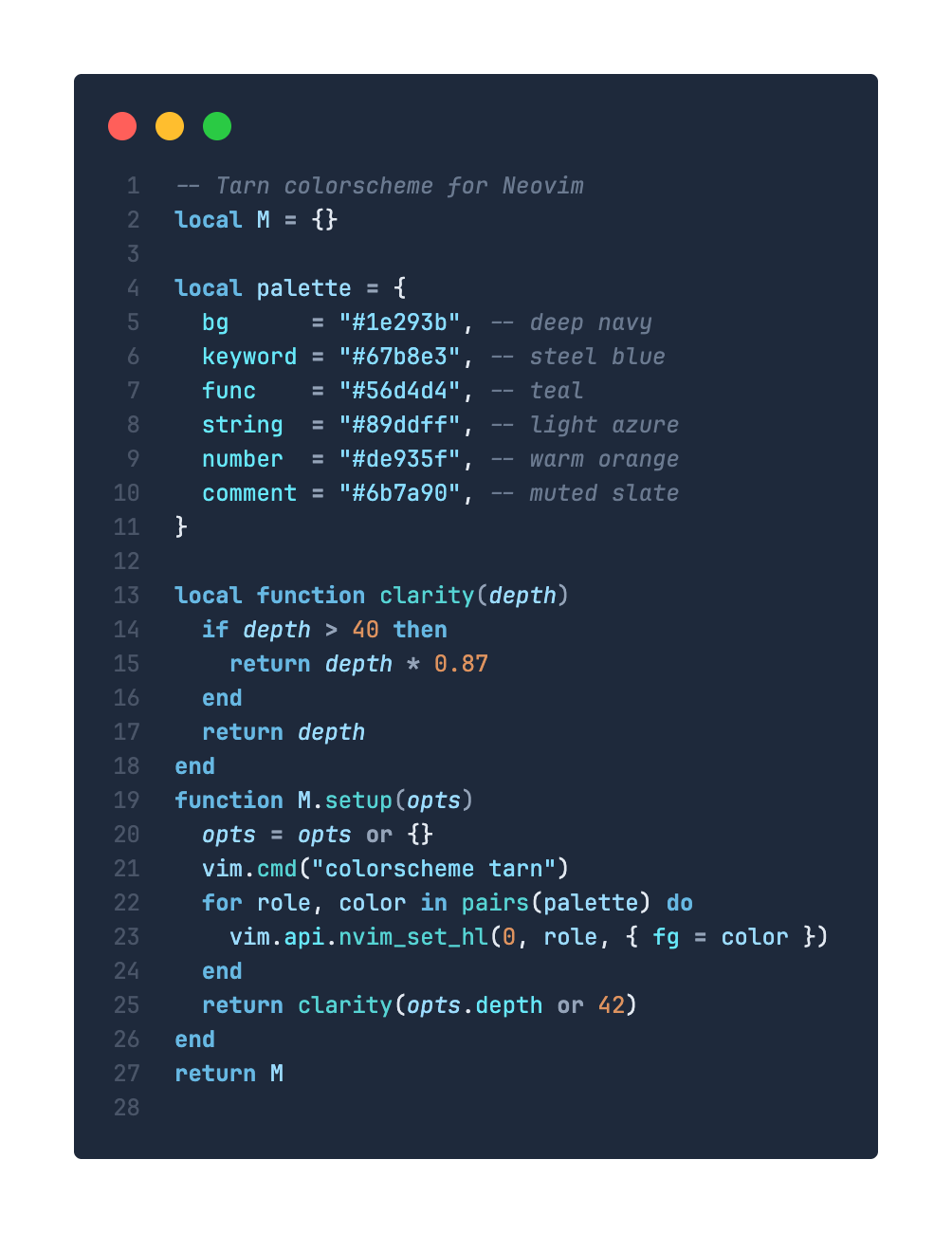
A dark theme inspired by the stillness of a high-altitude glacial lake — deep navy depths, steel blue shimmers, and teal-to-azure syntax highlighting.
VS Code Marketplace License: MIT


TypeScript Lua mq

Color Palette

Role Hex Preview
Background #1e293b
Keywords #67b8e3
Functions #56d4d4
Strings #89ddff
Numbers #de935f
Variables #9cdcfe
Properties #67e8f9
Comments #6b7a90
Operators #94a3b8

Installation

Via Marketplace

  1. Open Extensions (Ctrl+Shift+X / Cmd+Shift+X)
  2. Search for Tarn
  3. Click Install
  4. Open Command Palette → Preferences: Color Theme → select Tarn

Via CLI

code --install-extension harehare.tarn-theme

Manual Build

cd vscode
npx @vscode/vsce package
code --install-extension tarn-theme-*.vsix

License

MIT

  • Contact us
  • Jobs
  • Privacy
  • Manage cookies
  • Terms of use
  • Trademarks
© 2026 Microsoft