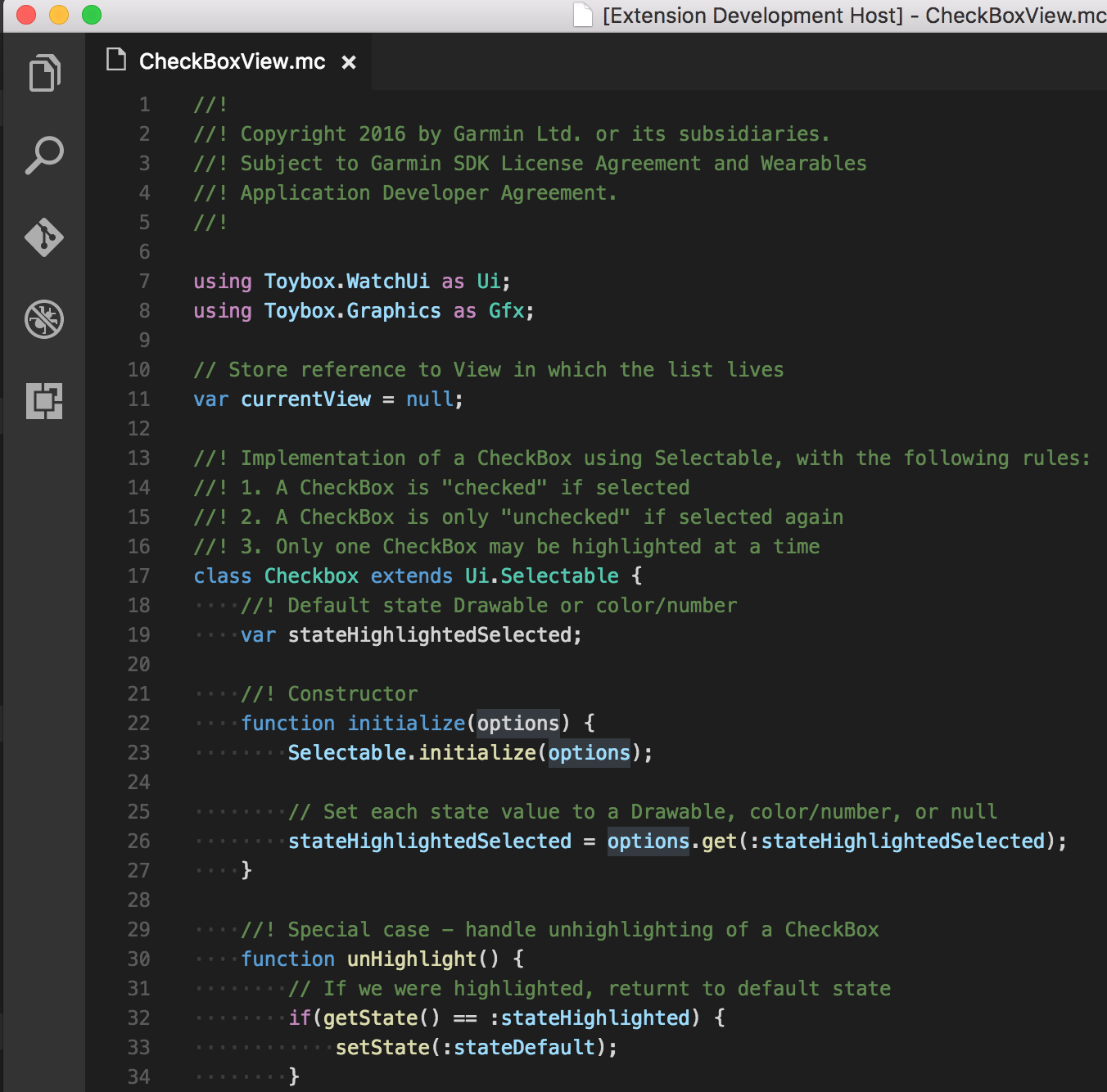
Monkey C (Community Edition)Lightweight community syntax highlighting for Monkey C. (See README for the official Garmin extension). Installation Launch VS Code Quick Open ( Ctrl+P), paste the following command, and press enter.Copied to clipboard |

Monkey C (Lightweight Community Edition)
Provides Visual Studio Code language support for the Garmin Connect IQ Monkey C language. Features
InstallationTo install the extension, search for "Monkey C" within the Visual Studio Code Extensions view ( Development and TestingAutomated TestingTo run the automated tests for both TextMate grammar and code formatting using Mocha: To manually verify the test playground file within the Extension Development Host: Known Issues
Release NotesDetailed release notes and version history are available in the CHANGELOG.md file. |