Vision Smash Code 🎨



A visual enhancement extension for VS Code that injects life into your coding experience! Provides mouse/cursor trails, typing effects, smooth window animations, and beautiful gradient themes.
🌐 English | 中文文档
🚀 Quick Start
📋 Prerequisites
⚠️ Important: You must install Custom CSS and JS Loader before using this extension, or no visual effects will work!
VS Code extensions cannot directly modify editor styles, so Custom CSS and JS Loader is required to inject custom CSS/JS.
📝 Enable Steps
- Open VS Code Extension Marketplace
- Install dependency:
Custom CSS and JS Loader (by be5invis)
- Install this extension: Search and install
Vision Smash Code (by gentlybeing)
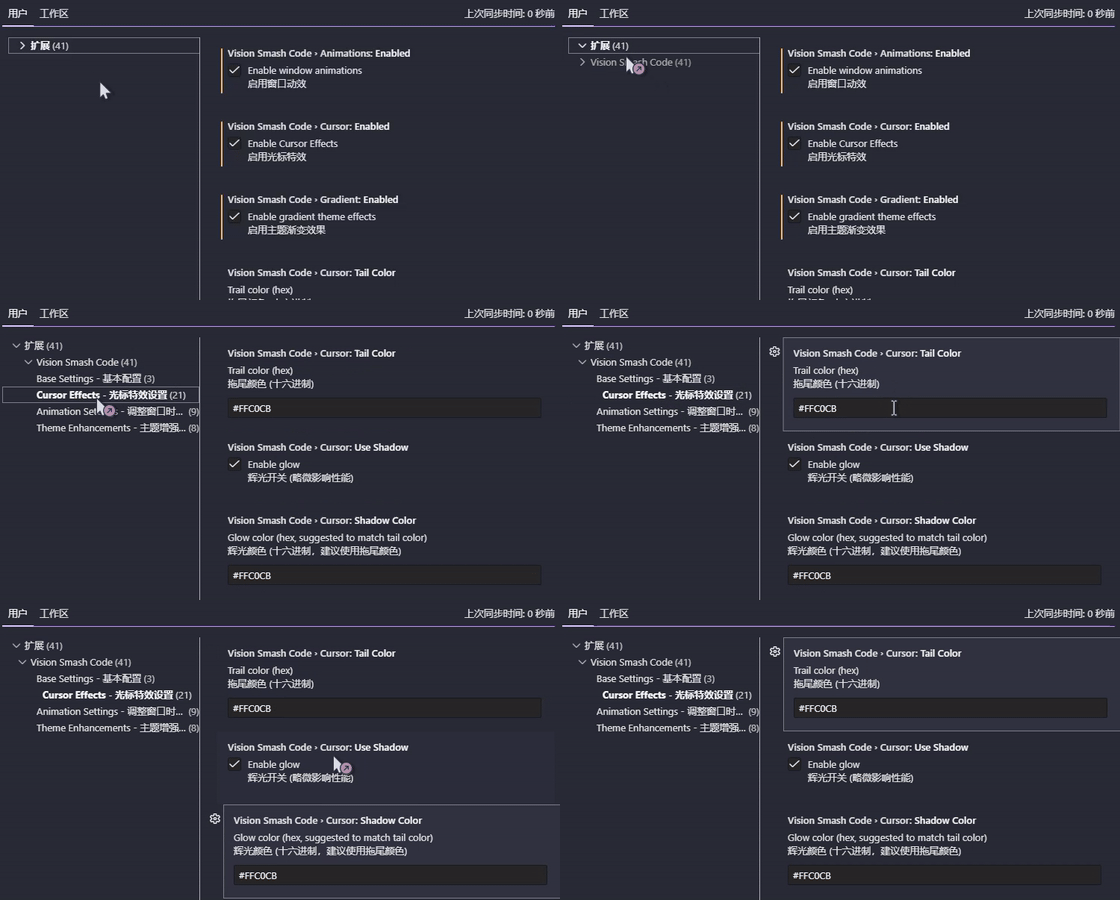
- Open Settings
- Press
Ctrl+Shift+P (Windows/Linux) or Cmd+Shift+P (macOS) to open the Command Palette
- Type
Vision Smash Code: OpenSettings and run
- Enable features: Toggle the features you want in the settings page
- Apply changes
- After changing config, the extension will prompt you to reload VS Code
- Click Confirm in the
Custom CSS and JS Loader prompt
- Wait for VS Code to restart and apply all effects
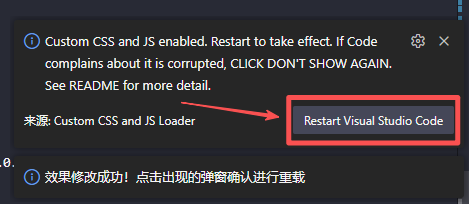
⚙️ Configuration Options
| Setting |
Default |
Description |
visionSmashCode.base.cursor |
false |
Enable cursor trail effects |
visionSmashCode.base.animations |
false |
Enable window animation effects |
visionSmashCode.base.gradient |
false |
Enable gradient theme effects |
visionSmashCode.base.word |
false |
Enable typing explosion effects |
visionSmashCode.base.mouse |
false |
Enable mouse tail effects |
❓ Why does VS Code show "corrupted"?
This is normal! Custom CSS and JS Loader modifies VS Code's internal files to inject styles. It does not affect any VS Code features or your experience.
To dismiss the warning:
✨ Features
All features can be enabled/disabled independently.
🌈 Gradient Theme Enhancements
Add beautiful gradients to various VS Code UI elements for a more vivid experience.
| Feature |
Preview |
| Top active tab gradient |
 |
| Line number rainbow glow |
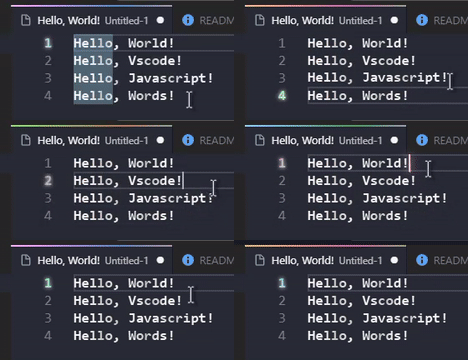 |
| Command palette gradient |
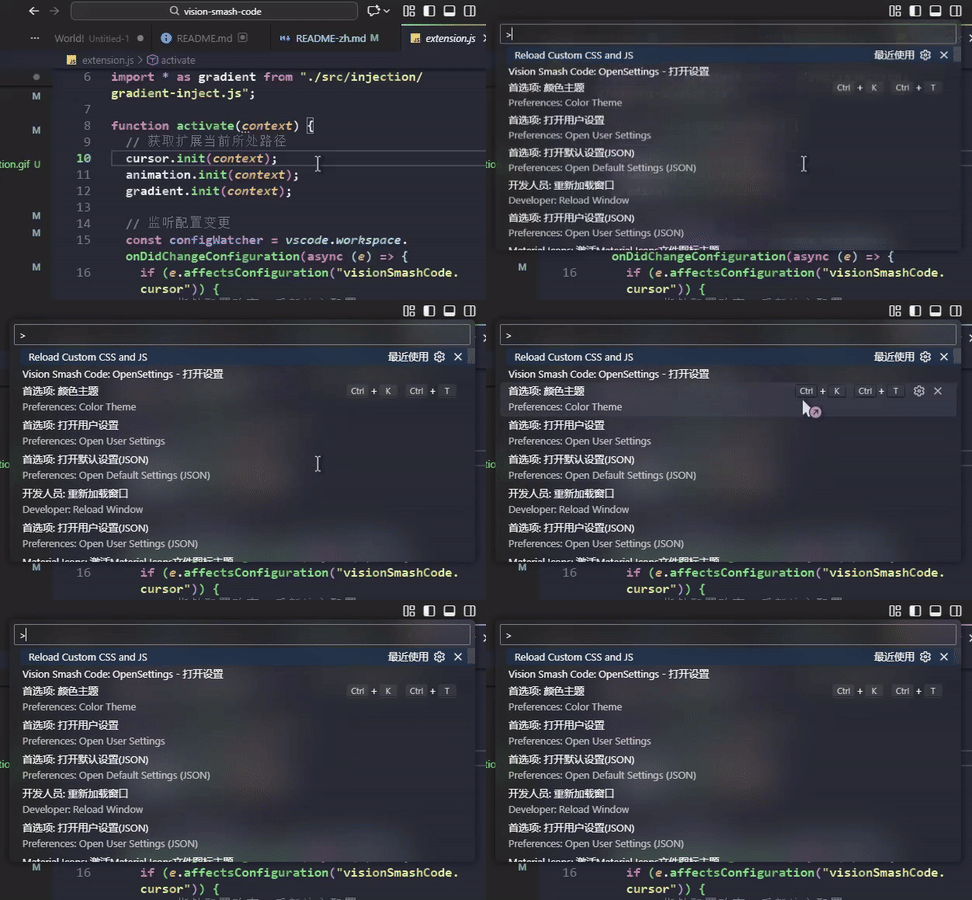 |
| Editor hover glass effect |
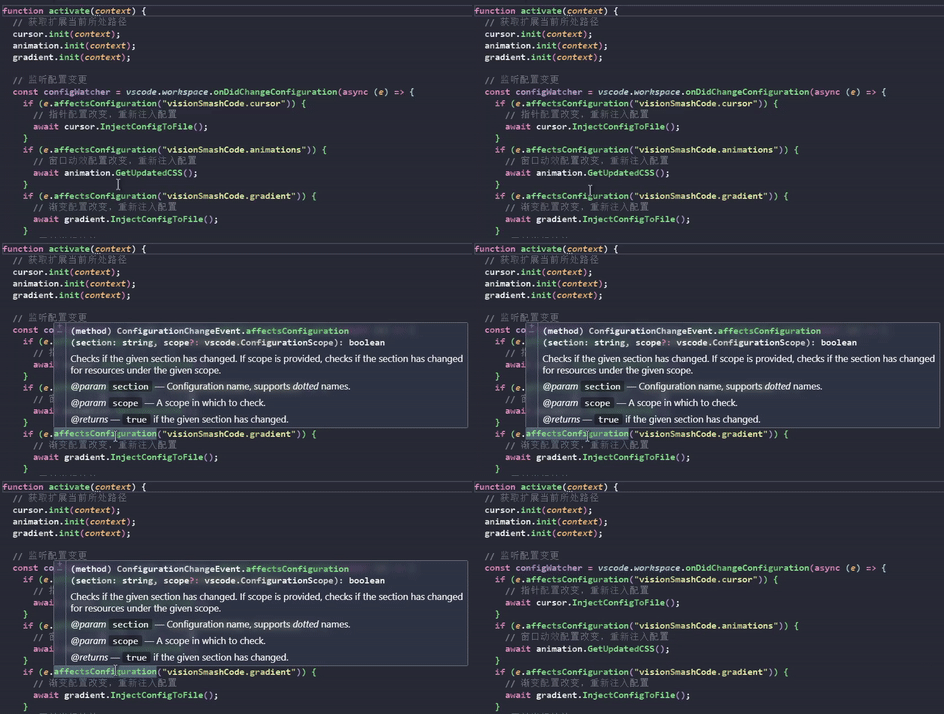 |
| Text subtle gradients |
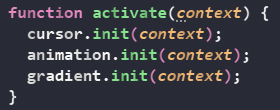 |
| Text glow |
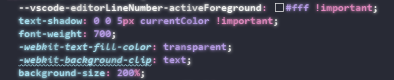 |
| Git change icon gradients |
Built-in |
🪟 Window Animations
Smooth animations for VS Code UI interactions, making operations more fluid and natural.
| Feature |
Preview |
| Command palette expand/collapse |
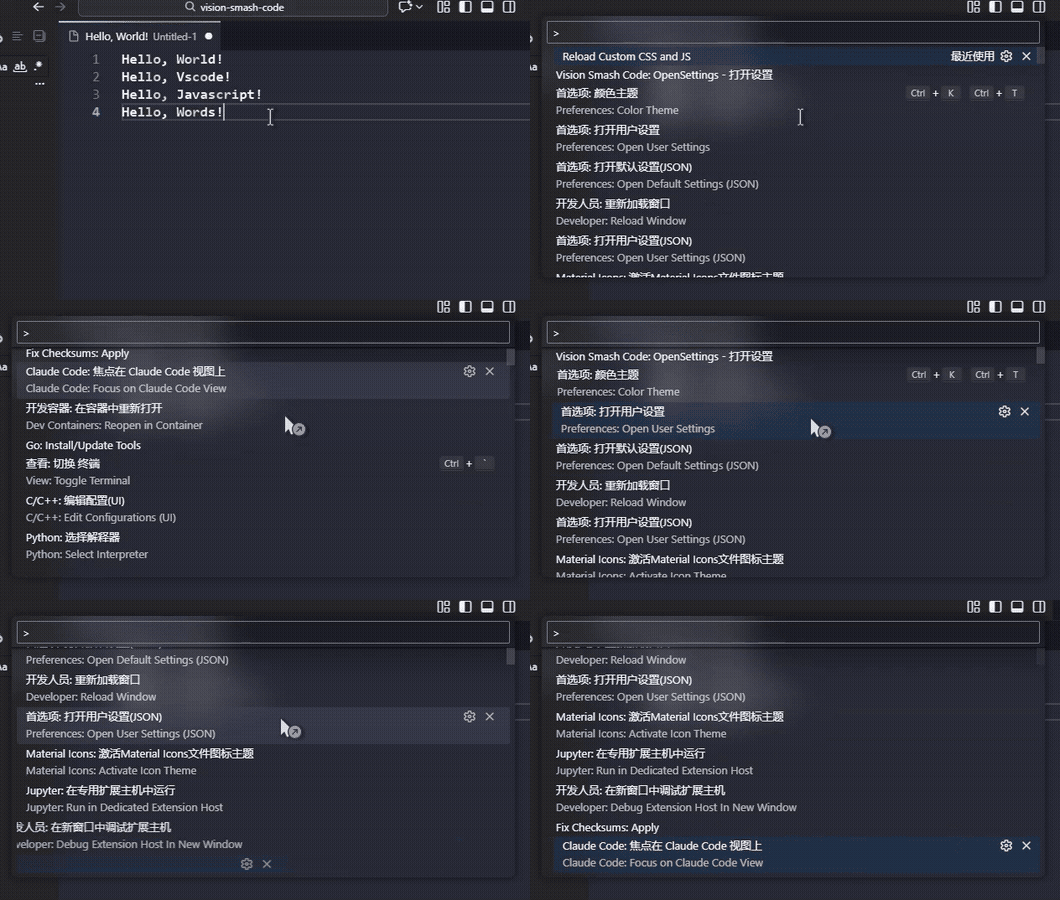 |
| List item fade-in |
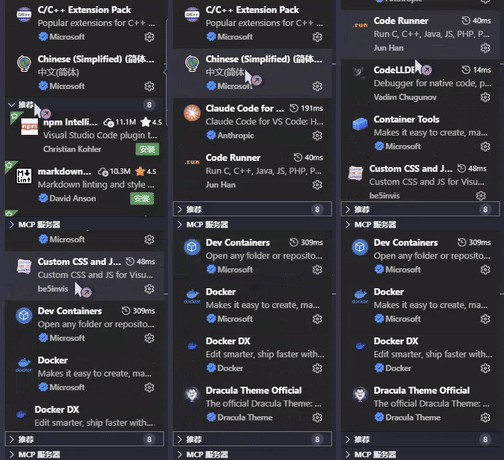 |
| Active item highlight |
 |
| Smooth UI mode transitions |
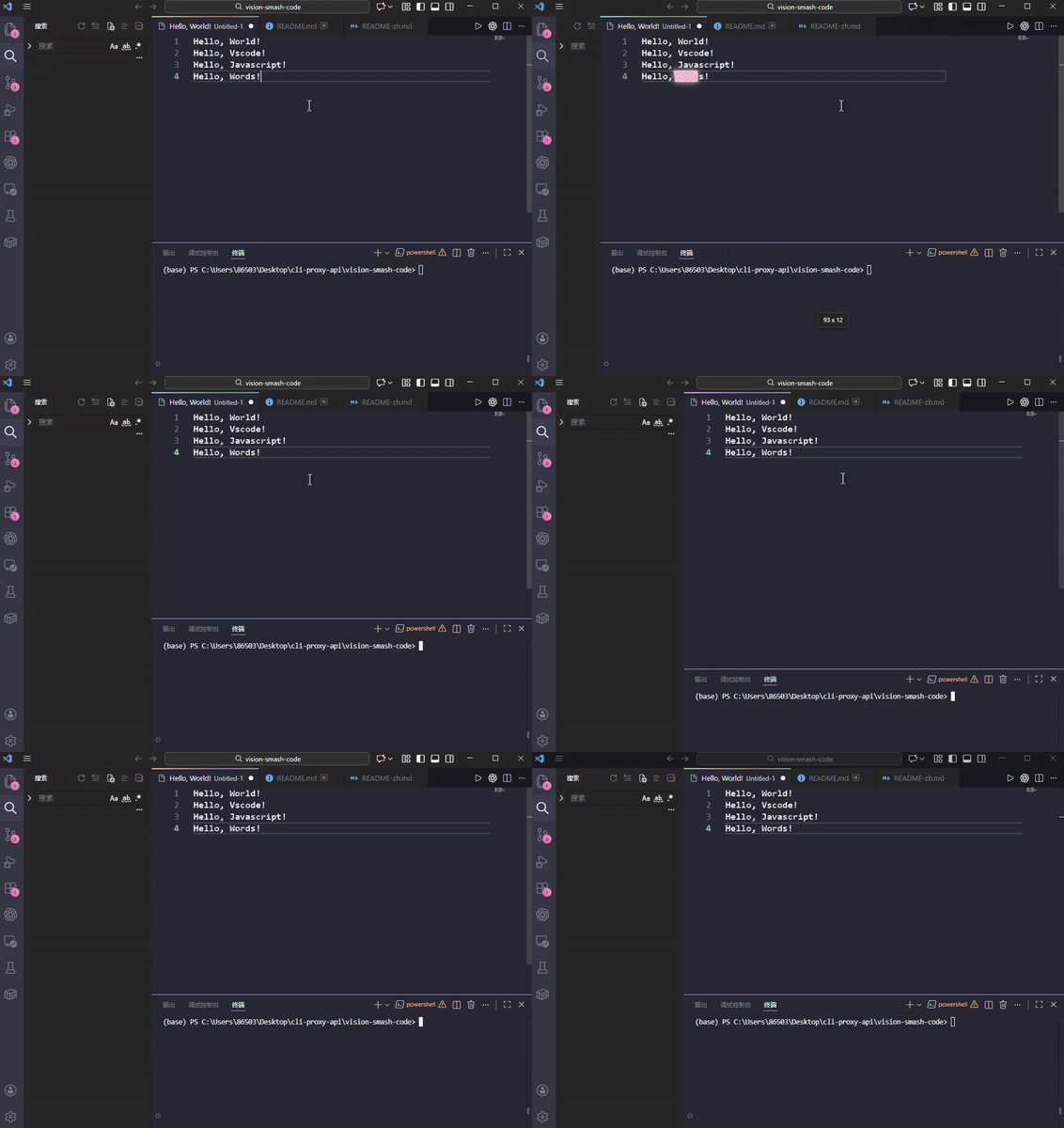 |
🖱️ Mouse Trail Effects
Add colorful mouse trails for a more dynamic coding experience. Five built-in styles (customizable):
| Style |
Effect |
| Dots |
 |
| Beam |
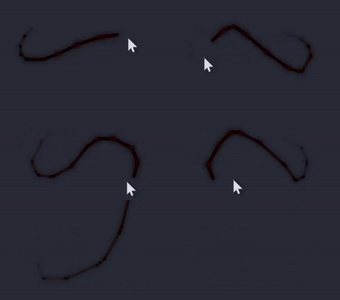 |
| Ribbon |
 |
| Smoke |
 |
| Electric |
 |
🆚 Typing Effects
Add visual effects to text input for a more fun typing experience.
| Effect |
Demo |
| Zoom |
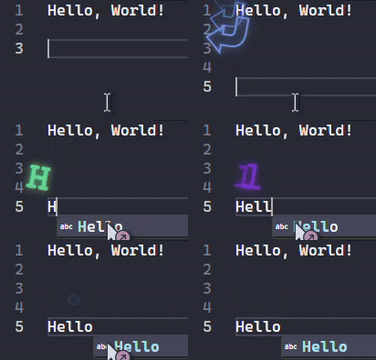 |
| Gravity |
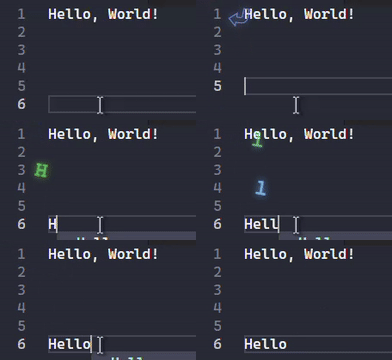 |
| Drift |
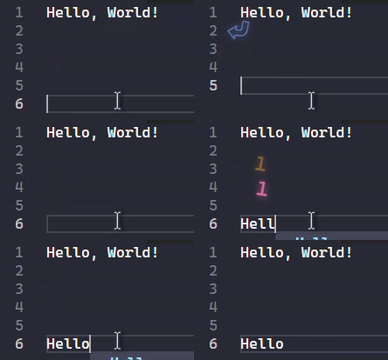 |
| Fixed (with random angle) |
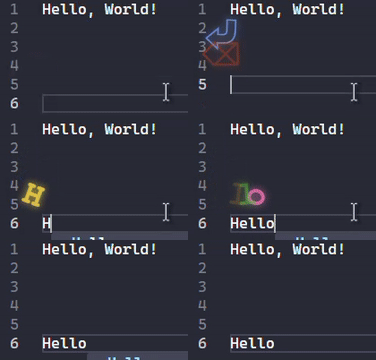 |
🟪 Cursor Trail Effects
Smooth trailing animation for the cursor, making movement more lively.
Features:
- ✨ Smooth cursor tracking animation
- 🎨 Customizable trail color
- 👻 Supports opacity and glow
- ⚡ Multiple animation durations and easing
- 🎯 Can be enabled/disabled independently
📦 Installation
From VS Code Marketplace (Recommended)
- Open VS Code
- Press
Ctrl+P (Windows/Linux) or Cmd+P (macOS) to open Quick Open
- Type
ext install gentlybeing.vision-smash-code
- Click the extension in the results
- Click Install
Or
- Click the Extensions icon in the sidebar (or press
Ctrl+Shift+X)
- Search for
Vision Smash Code
- Find the version by
gentlybeing
- Click Install
🙏 Acknowledgements
Thanks to the following projects for inspiration and reference:
| Project |
Purpose |
Link |
| VS Code |
Powerful code editor |
code.visualstudio.com |
| VSCode Animations |
Window animation inspiration |
GitHub |
| Neovide Cursor |
Cursor effect inspiration |
GitHub |
| Gradient Theme |
Gradient beautification |
GitHub |
| Custom CSS and JS Loader |
Style injection solution |
GitHub |
📄 License
This project is licensed under GPL-3.0. See LICENSE for details.
⭐ Support
If you like this project, please:
- Star it on GitHub
- Share with other developers
- Mention it on social media
- Consider sponsoring the developer (if possible)
Enjoy coding with style! 🎨✨

