Amber CRT Screen
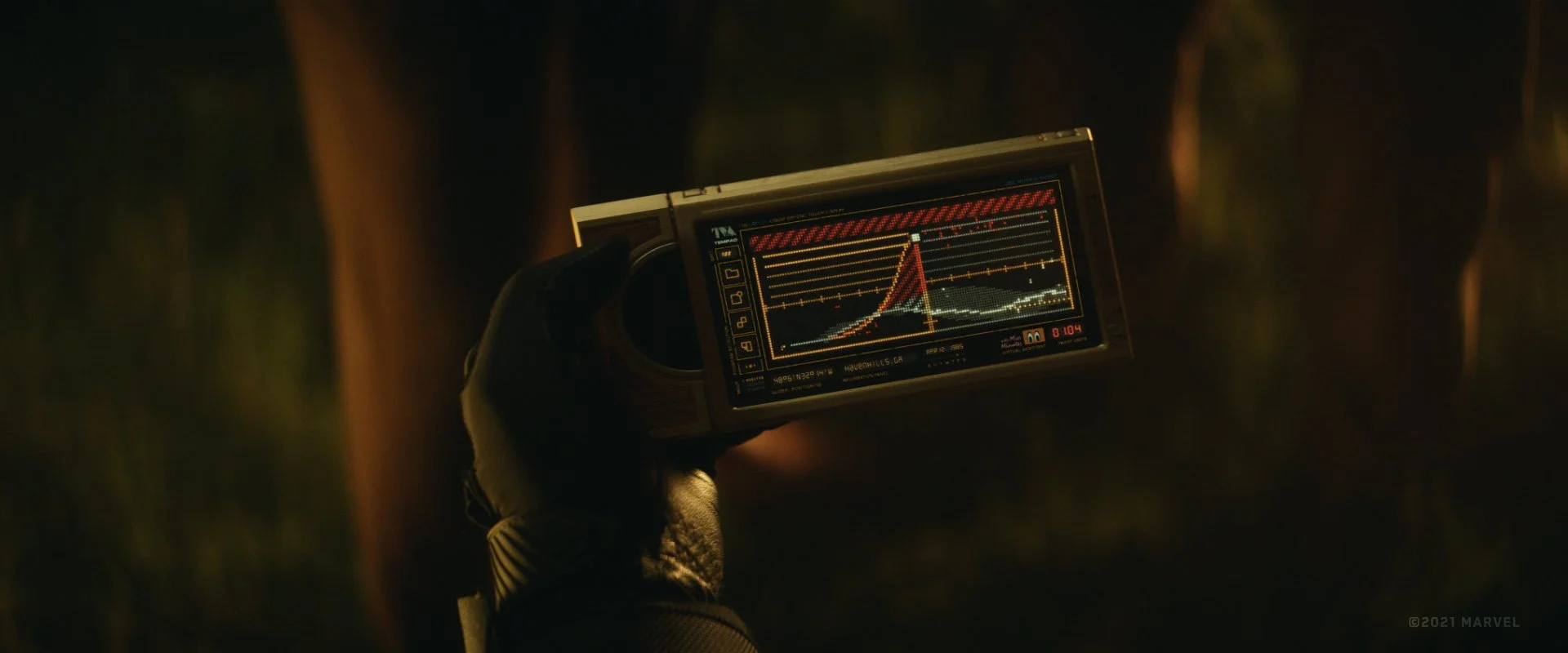
A theme pack inspired by 80s CRT monitors and the retrofuturist amber terminals of the Time Variance Authority from Marvel's Loki.
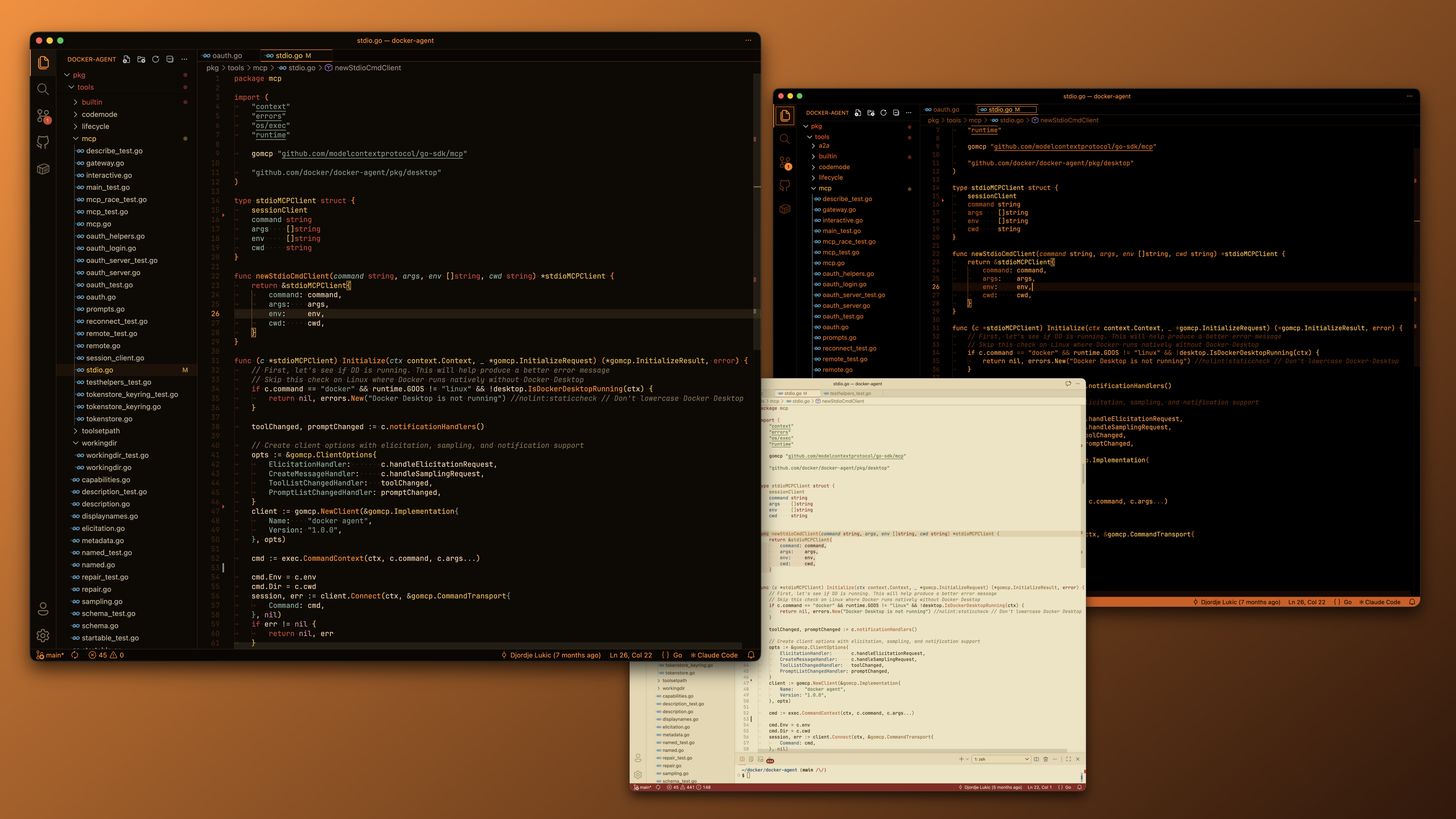

Ships three variants:
- Amber CRT — dark, warm near-black background with amber phosphor foreground and muted gruvbox-style accents.
- Daylight CRT — light, sun-bleached parchment background with rust-orange accents; the same palette logic rebalanced for a bright surface.
- Amber CRT Phosphor — high-contrast, pure-black background with a monochrome ladder of saturated orange shades. MS-DOS 5.0 boot screen energy.
Install Manually
git clone https://github.com/gabolaev/amber-crt ~/.vscode/extensions/amber-crt
Reload VS Code and choose Amber CRT Screen, Amber CRT Screen Daylight, or Amber CRT Screen Phosphor.
| |

