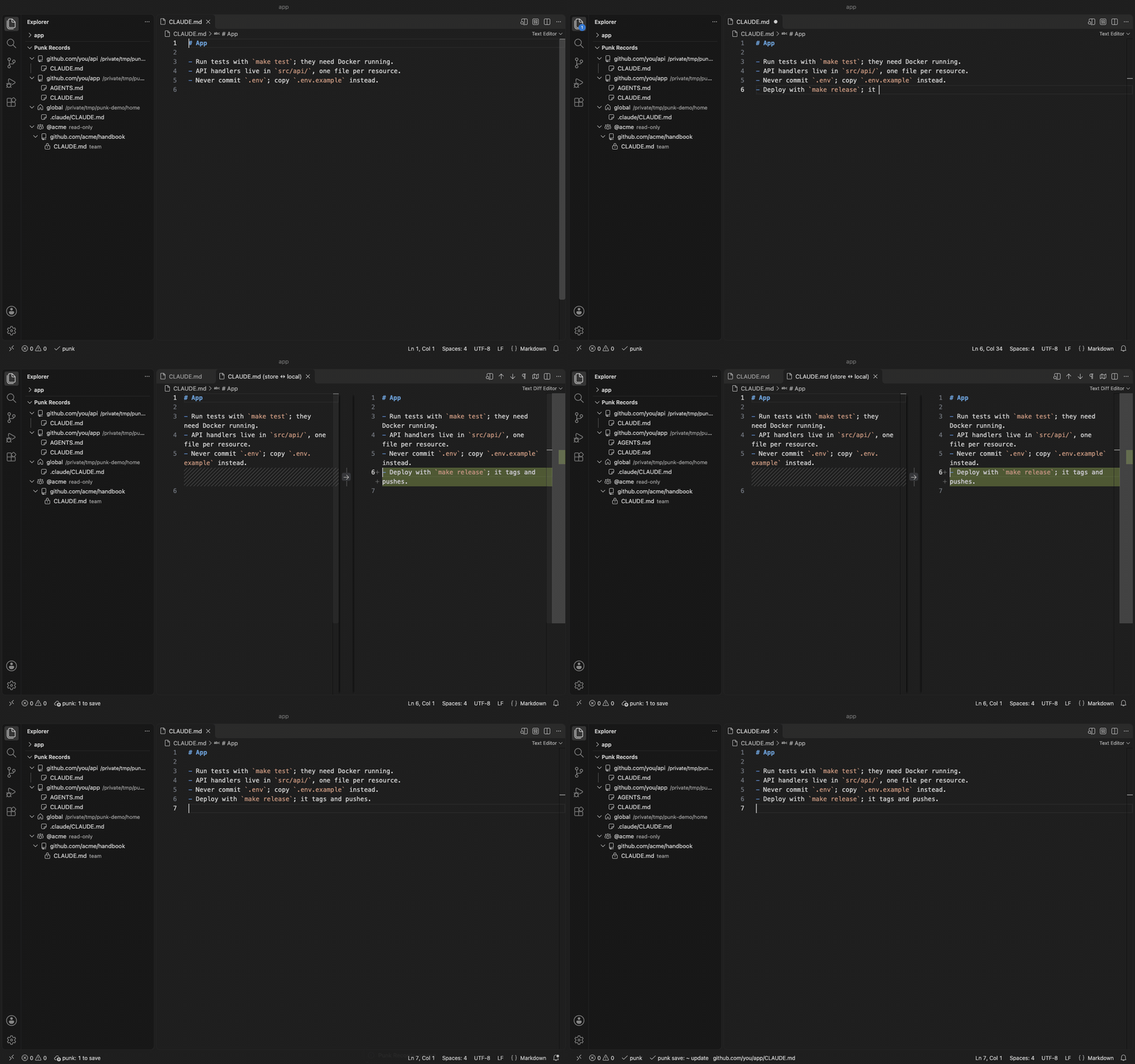
Keeps an eye on Punk Records, the store that persists and
syncs your AI agent memories (CLAUDE.md, AGENTS.md, napkins, rules) across projects and machines.
Features
Status bar.✓ punk when everything is saved and restored; otherwise how many memories wait to
be saved or restored, or how many conflicts need you. Click it for the actions.
Commands (Command Palette, "Punk Records: ..."): Save memories, Sync, Restore memories,
Compare with store, Remove duplicate lines, Refresh.
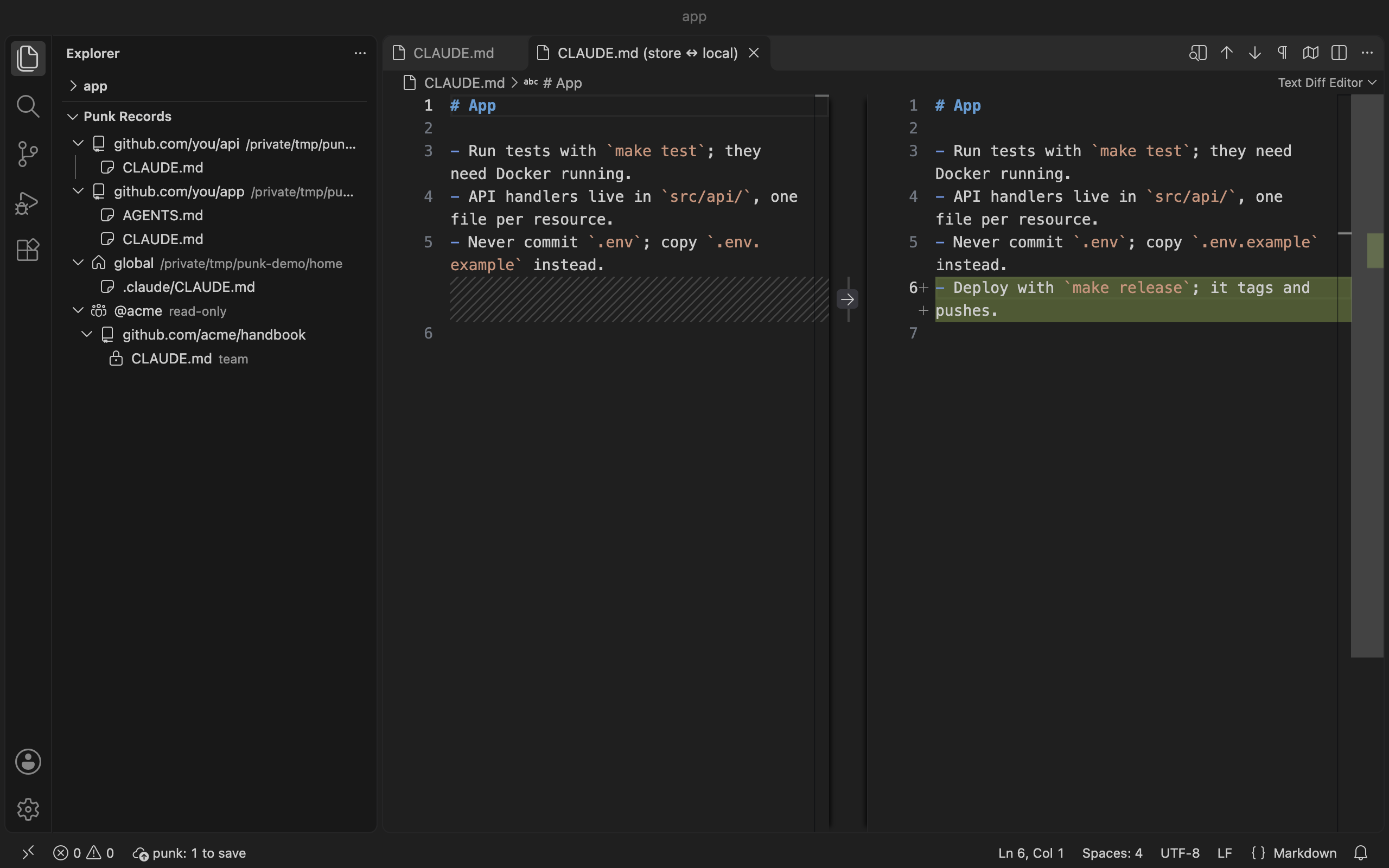
Conflicts in the diff view. "Compare with store" opens the store copy next to your local file in
VS Code's side-by-side diff.
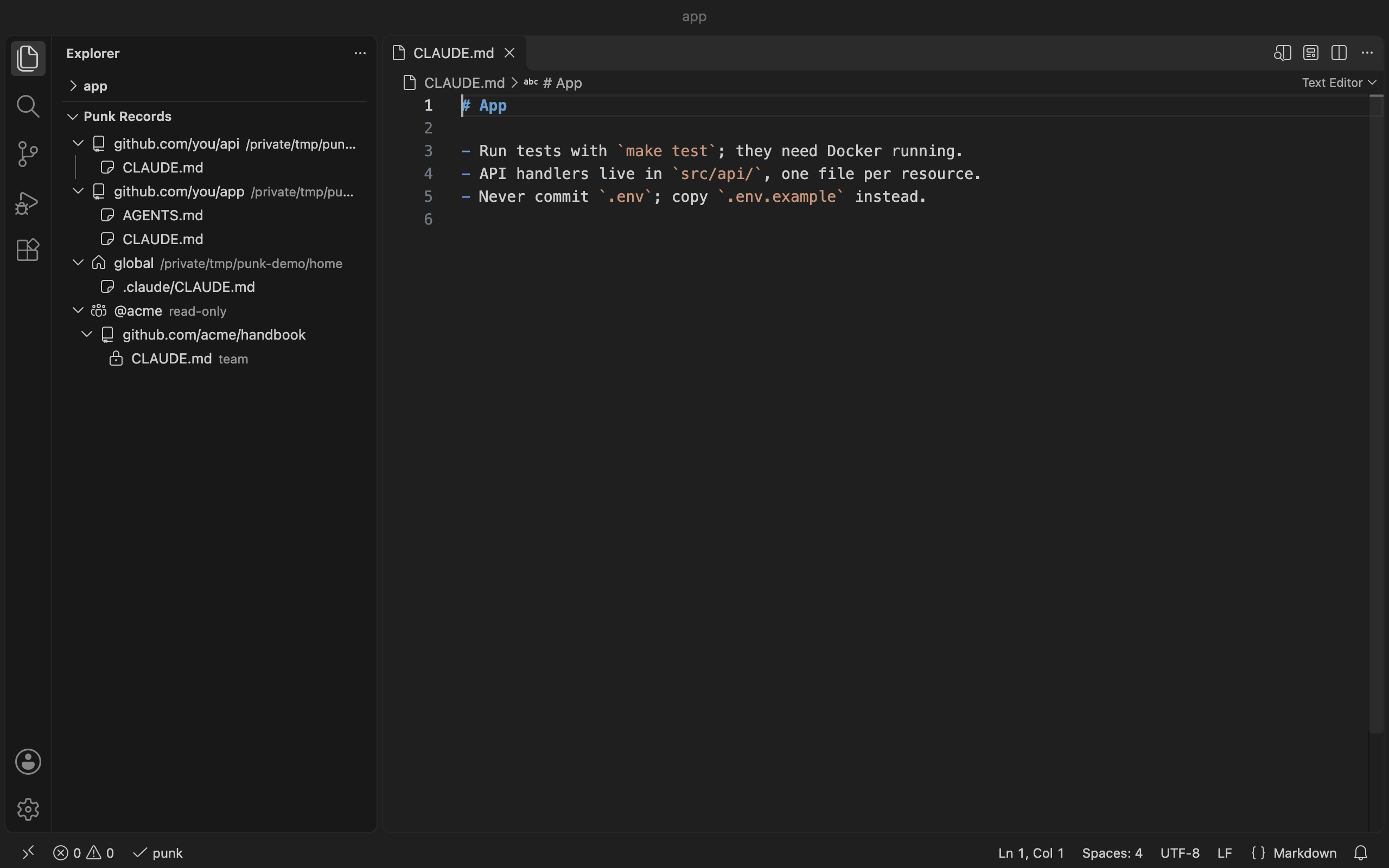
Memories view in the Explorer: every tracked project and its memory files, plus team stores you
subscribe to (punk subscribe), read-only.
Save on file save (off by default): punkRecords.saveOnFileSave runs punk save for the
project when you save one of its memory files.
Install
VS Code: search "Punk Records" in the Extensions view, or
code --install-extension gablooge.punk-records
(Marketplace).
Offline: download the .vsix from
Releases, then
code --install-extension punk-records-<version>.vsix.
Requirements
The punk command, version 0.4.0 or newer: pipx install punk-records (or pipx upgrade punk-records), then punk init and punk track <project>. If VS Code cannot find punk, set
punkRecords.executable to the output of which punk.
Settings
Setting
Default
punkRecords.executable
punk
the punk command or its full path (user settings only)
punkRecords.home
(empty)
store location; empty means ~/.punk-records (user settings only)
punkRecords.saveOnFileSave
false
run punk save when a memory file is saved
punkRecords.refreshSeconds
60
how often the status bar checks; 0 for only after commands
The extension only runs the punk CLI; it has no other dependencies and does not reach the network
itself (Sync does, through your git remote).
punkRecords.executable and punkRecords.home are read from your user settings only; a
workspace's .vscode/settings.json cannot set them, so opening a repository cannot make the
extension run a program of its choosing. The extension stays off in Restricted Mode (untrusted
workspaces).