Markdown PR ReviewRead and review GitHub PR comments on rendered markdown — inline threads, Mermaid diagrams, full thread lifecycle Installation Launch VS Code Quick Open ( Ctrl+P), paste the following command, and press enter.Copied to clipboard |

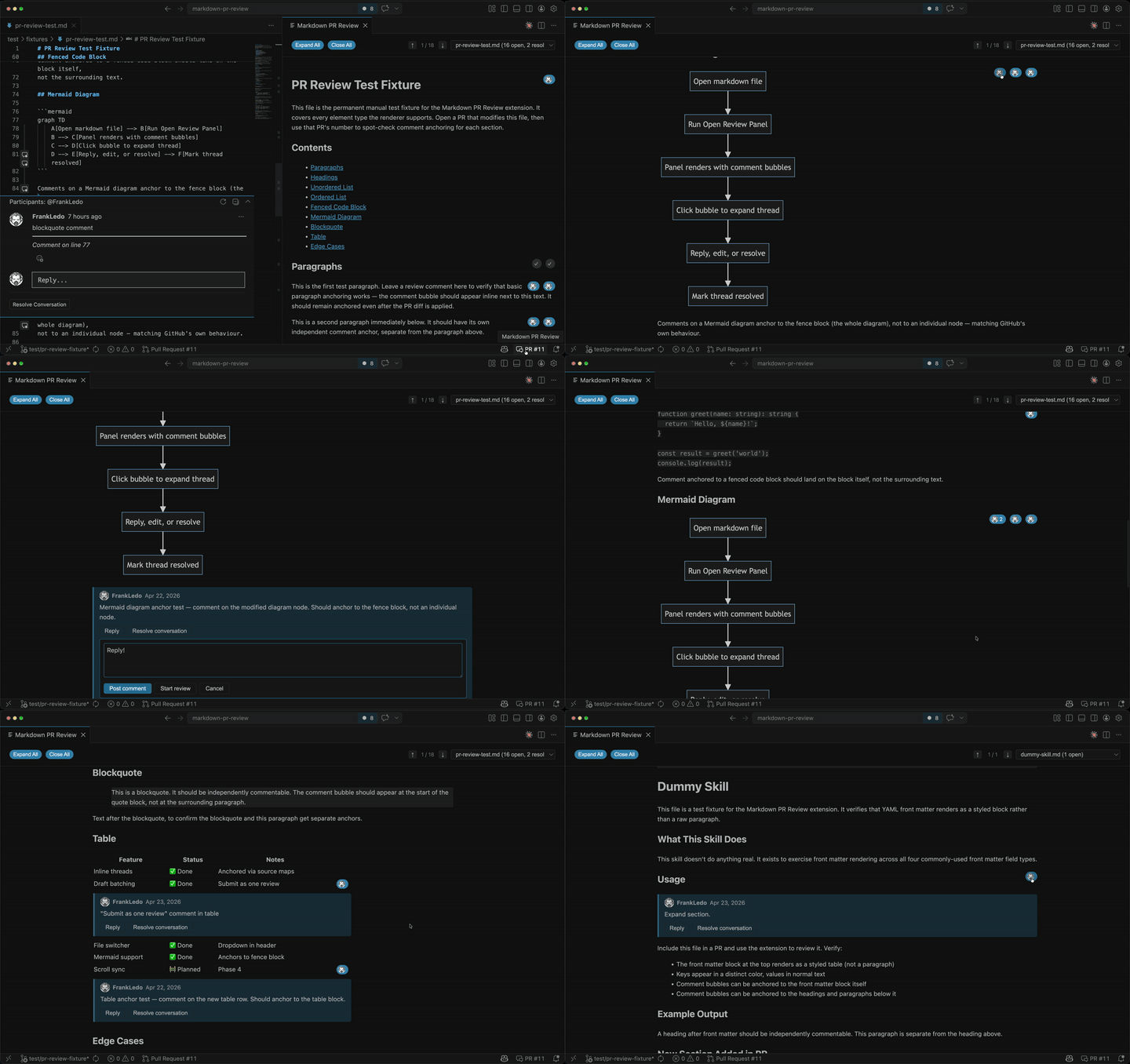
Markdown PR ReviewRead and review GitHub Pull Request comments on rendered markdown — right inside VS Code. The problemIn AI-first development, more decisions live in Markdown — design docs, RFCs, architecture decision records. We generate them faster than ever. Then we review them as GitHub PRs and stare at raw syntax. Reviewing long-form markdown through a GitHub PR is painful. The diff view shows raw syntax. The rendered preview and the review comments live in separate places. You end up bouncing between tabs, losing context with every switch. How it worksThe interesting engineering problem: GitHub comments carry a source line number, but rendered HTML has no concept of source lines. The fix is source maps — markdown-it has a mode that emits Opens a rendered preview of your markdown file with GitHub PR comment threads overlaid inline — anchored to the exact rendered element they were left on. No raw syntax. No tab switching.
Features
Usage
AuthenticationUses VS Code's built-in GitHub authentication — you'll be prompted to sign in on first use. No configuration needed. RequirementsVS Code 1.85 or later. InstallInstall from the VS Code Marketplace, search Markdown PR Review in the Extensions view, or install from the command line: License |