Specials BoardWarm chalkboard-inspired VS Code theme family with dark and light variants, including Classic, Contrast, Legacy, and Light. Installation Launch VS Code Quick Open ( Ctrl+P), paste the following command, and press enter.Copied to clipboard |


Specials BoardCoda roots. Warm color. Modern VS Code. A theme family with chalkboard-dark or whiteboard-light surfaces, copper declarations, green strings, dusty-blue literals and terracotta functions. Specials Board brings a documented Coda heritage to today's editor without turning every language into the same pastel palette. Install from the Visual Studio Marketplace · Visual gallery · History and fidelity · Ports for other apps
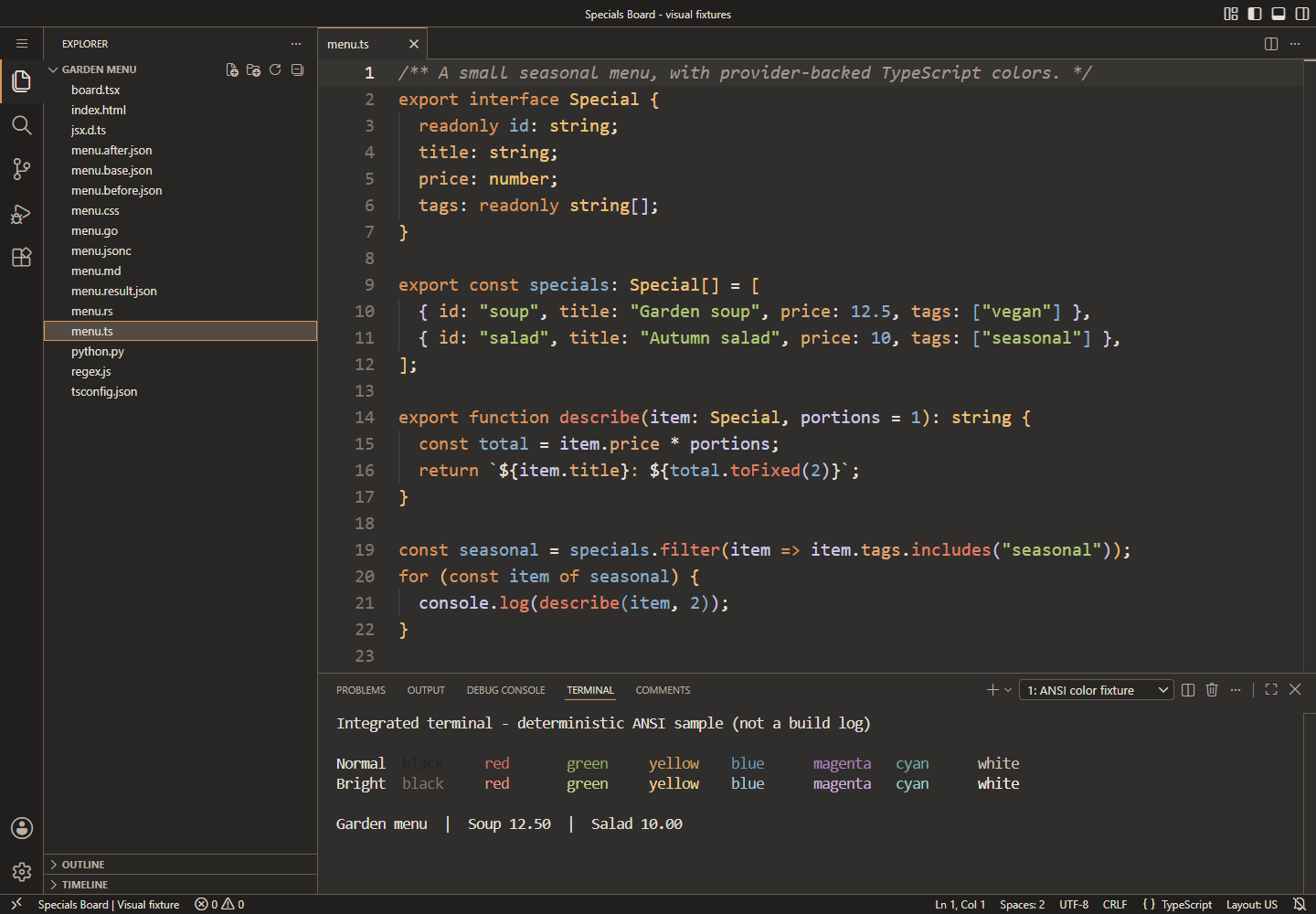
Flagship in VS Code 1.136.2 (serve-web). The terminal is a deterministic ANSI fixture, not a build log. Screenshots use only bundled language support and a local capture fixture; they do not show an AI service or a third-party language server. Five ways to use Specials Board
New in 3.6.0: Light is generated from the same semantic roles, with 4.5:1 measured text and 3:1 indicator floors. It is VS Code-only for now. Light palette, evidence, limitations and system switching explain why there is one light option rather than duplicate Classic/Contrast entries. The whiteboard interpretation uses green, blue, red and purple marker ink, with deeper orange/ochre for readable keywords, properties and types rather than low-contrast yellow marker strokes. Classic: history, not nostalgia by guesswork
Classic draws on surviving, language-specific Coda 1 Contrast: specific, reproducible color targets
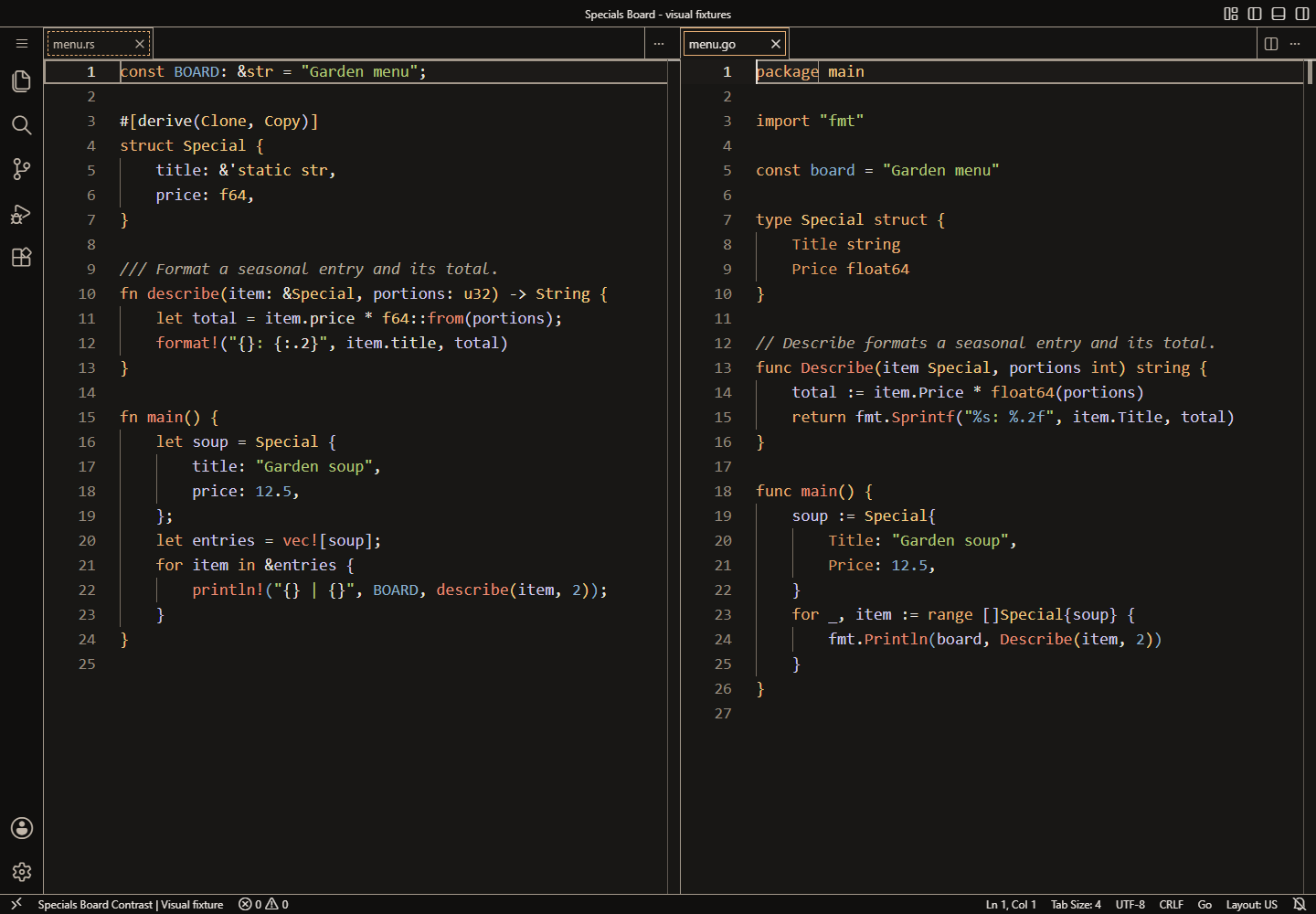
The Contrast variant's release gates require 7:1 for measured base/current-line syntax and primary UI text, 4.5:1 for other covered text and composited states, and 3:1 for measured meaningful focus/boundary indicators. Twelve selected semantic pairs are tested in normal vision and simulated deuteranopia, protanopia and tritanopia using a documented OKLab-distance regression threshold. These are bounded color-model results, not a claim that this theme makes VS Code WCAG-conformant. The pair threshold is not a perceptual guarantee or a participant study. Subtle selection fills do not themselves meet 3:1. User overrides, host behavior, arbitrary webviews, terminal application colors and untested AI-provider states have explicit limits. Classic and Legacy's shortfalls remain visible in the report rather than being called passes. Accessibility contract and limitations · Generated evidence for all five variants Legacy: keep the old VS Code appearance
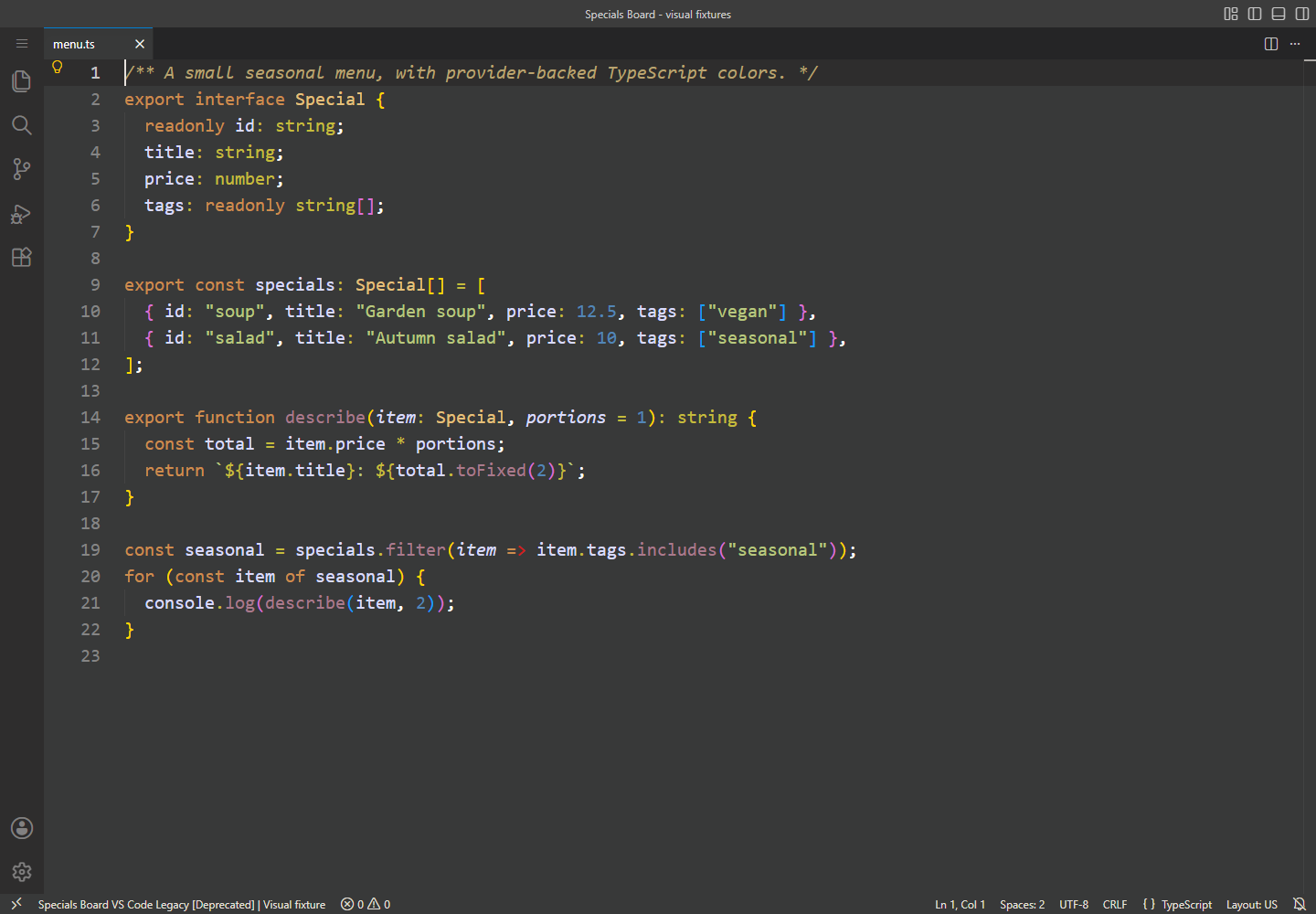
Legacy preserves the old port's colors and ordered syntax rules, including known historical limitations. It does not receive the restored variants' semantic highlighting or expanded workbench mappings. Install and choose a variantRequires VS Code 1.101.0 or newer. In Extensions, search for Specials Board by filipmares, or use the VS Code CLI: Open the Command Palette, run Preferences: Color Theme, and choose a variant.
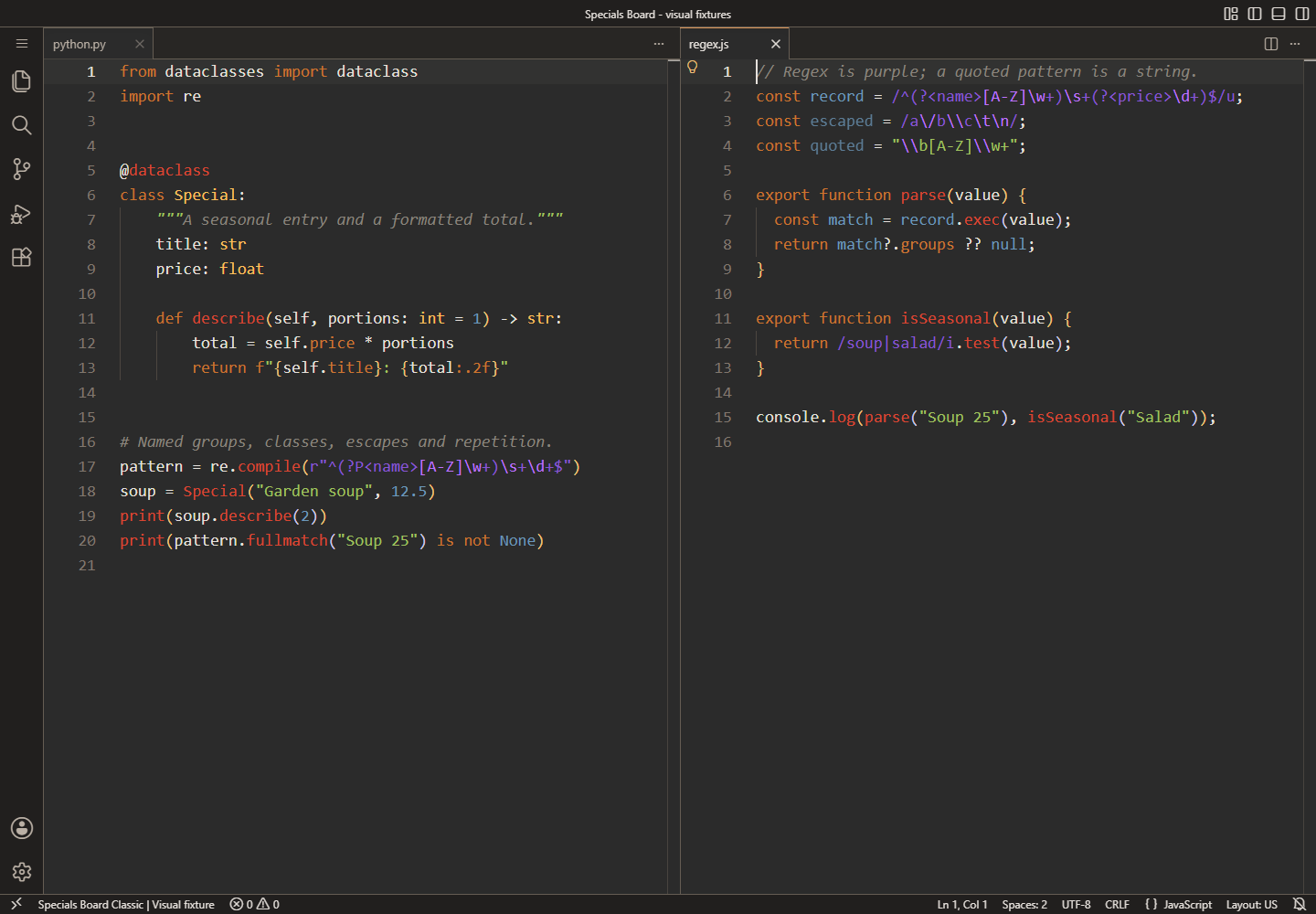
To select the flagship in your own The other saved IDs are To opt into system light/dark switching in your own settings: Without automatic detection, set Upgrading from 2.x? Version 3.0 retired the saved ID Already on 3.x? Version 3.1 expanded workbench/semantic coverage and raised the engine floor; 3.2 differentiated Contrast; 3.3 refreshed presentation; 3.4 added portable adapters. 3.5.0 changes branding, not colors: all four generated VS Code themes are byte-identical to 3.3.0. 3.6.0 adds Light support while preserving the four dark themes and existing saved IDs. Migration and rollback guide · Changelog More than syntax colorsThe restored variants coordinate navigation, controls, suggestions/hover, search, diagnostics, diff/merge/review, testing/debugging, notebooks, notifications, inlay hints, sticky scroll, bracket pairs, sixteen ANSI colors and public inline-edit/chat color surfaces. Semantic highlighting uses the same role families when a language provider classifies a symbol. TextMate fallback remains available when semantics are off or a provider is missing. A theme supplies colors; it does not install grammars, language servers, debuggers, notebook kernels or AI services. The visual gallery also shows TSX, HTML/CSS, Markdown with YAML frontmatter, JSON/JSONC and actual VS Code diff, local review and merge surfaces. Static images and explanatory captions carry the same information; there is no animation. Built to be maintainedFive themes are generated from shared palette, semantic and component/state roles. Schema, drift, compatibility, grammar and accessibility checks run in CI; isolated native checks cover the supported engine floor and a pinned stable host. The installed extension is declarative: no activation code, runtime dependencies, telemetry or settings mutations. Ports for other applicationsSpecials Board is also available as generated standalone themes for Windows Terminal, Neovim, and Oh My Posh, distributed separately from the VS Code extension via GitHub releases. See the cross-application ports guide for downloads, installation instructions, and capability matrices. Development and local installation · Cross-app ports · Token architecture · Brand icon · Reproduce the screenshots · Report a problem Provenance and licensing: historical sources contain conflicting license statements. No license has been assigned or inferred for this repository. Attribution and source availability do not resolve permission; see the unresolved provenance caveat. This is an independent VS Code theme project, not a Panic product. |