NVIDIA Agent
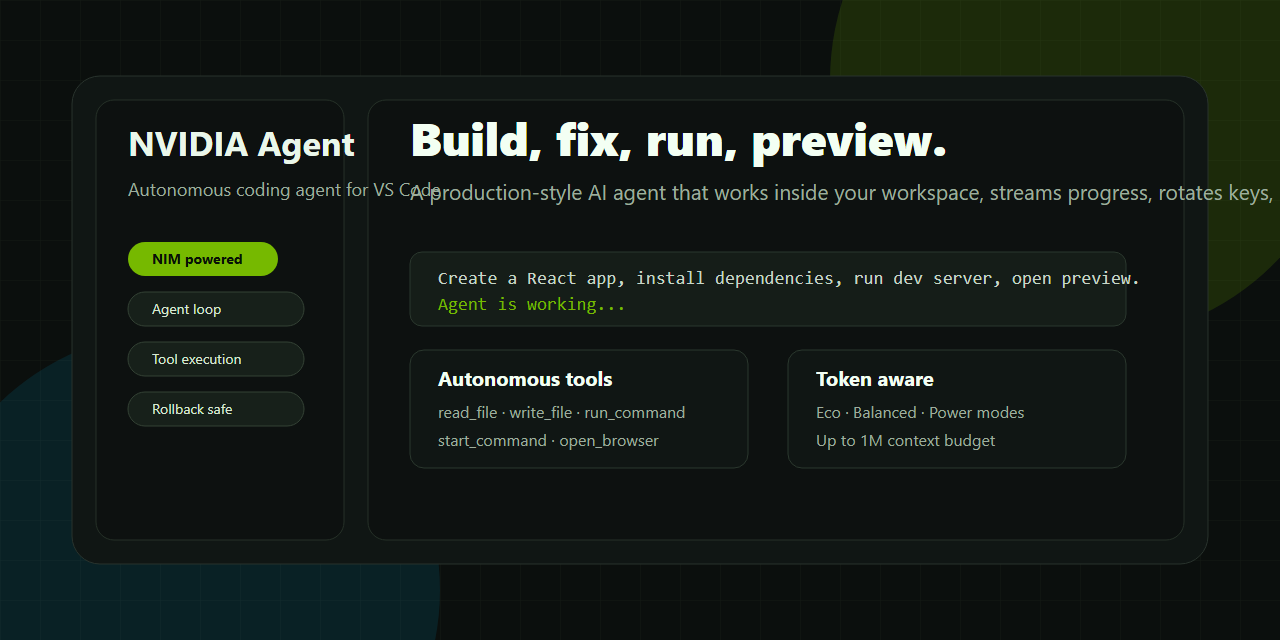
NVIDIA Agent is an elite, production-ready VS Code AI coding agent powered by NVIDIA NIM flagship chat models (including DeepSeek-V4-Pro, Llama 3.1 405B, Nemotron 4 340B, and Mixtral 8x22B). Designed for professional software engineers, it autonomously reads workspace context, plans architectural changes, edits code with real-time diff tracking, executes shell commands, fixes bugs, generates unit tests, and verifies code execution—all within an ultra-modern, Cursor / Antigravity Agent-style UI.
Homepage | Marketplace | Sample Prompts
Independent extension. Not affiliated with NVIDIA Corporation. Requires your own NVIDIA NIM-compatible API key.
What Makes NVIDIA Agent Special
NVIDIA Agent brings an advanced, autonomous agentic workflow directly into VS Code:
- Autonomous Planning & Tool Use: Plans multi-step tasks, reads workspace files, executes shell commands, and modifies code autonomously.
- Cursor / Antigravity-Style UI Stream: Ultra-sleek, borderless inline execution rows showing explored files, edited files (
+N -N diffs), and live command execution previews.
- Image Paste & Drag-and-Drop Attachments: Press
Ctrl + V to paste screenshots or drag files directly into the composer with visual thumbnail tiles.
- HTTP 429 Rate Limit Auto-Retry: Built-in exponential backoff auto-recovery for NVIDIA NIM API rate limits to prevent workflow interruptions.
- Windows PowerShell & Multi-Platform Support: Tailored execution prompts for Windows PowerShell, CMD, macOS, and Linux environments.
- Multi-Thread Split View Grid: Run 1 to 4 parallel chat threads side-by-side with dynamic thread subject auto-naming.
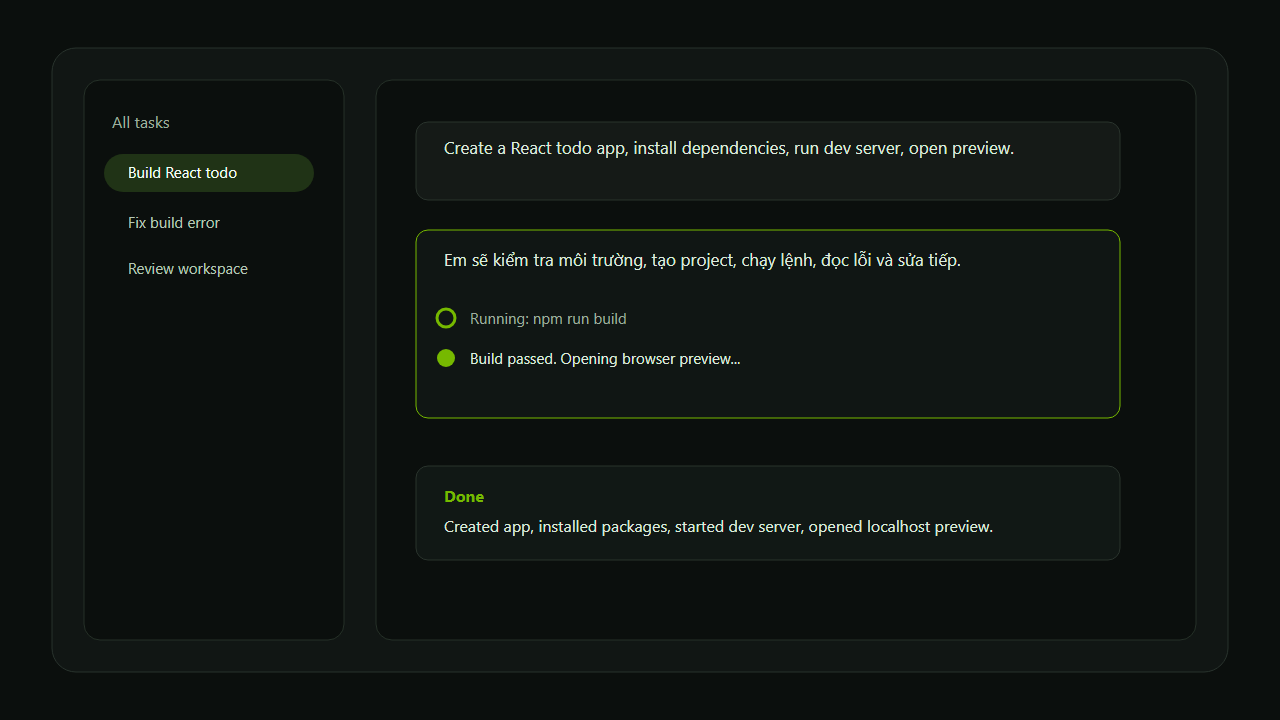
Key Features & System Architecture
1. Autonomous Agentic Coding
- Loop Protection & Auto-Recovery: Detects execution loops or command failures and automatically switches strategies.
- Real Workspace Action Suite:
readFile & fileSearch: Scans project files, active editor tabs, and codebase symbols.writeFile: AST & diff-backed file editing with line-level modification tracking (Edited TS ChatService.ts +5 -2).runCommand: Executes shell commands with terminal output previews (Ran npx vitest run >).
- Clickable File Badges: Click any file link or diff badge to jump directly to the modified lines in VS Code.
2. Modern Cursor / Antigravity UI Experience
- Inline Action Streams: Minimalist, non-intrusive action stream replacing bulky modals.
- Real-Time Streaming: Low-latency token streaming for instant model output.
- Interactive Review & Rollback: See per-file diff stats and undo generated edits with a single click.
3. Attachments & Multimodal Support
- Clipboard Image Pasting: Press
Ctrl + V in the chat composer to attach screenshots.
- Drag and Drop: Drag files or images from VS Code Explorer or OS File Manager directly into the chat.
- Image Thumbnail Cards: Rendered thumbnail previews inside user message cards.
4. Multi-Thread & Multi-Session Grid
- Split-View Multi-Threading: Work in up to 4 parallel chat panes side-by-side.
- Dynamic Subject Auto-Naming: Automatically names chat threads based on context, slash commands, or code topics.
- Local Session Persistence: Save and resume past chat threads stored in local VS Code state.
5. Slash Commands & Shortcuts
Quickly trigger specialized AI workflows:
/explain: Architectural breakdown & code explanation./fix: Automated bug diagnosis & code fix proposal./test: Unit test suite generation./refactor: Code smell cleanup & modularization./doc: Automatic docstring/JSDoc generation.
6. Powerhouse NVIDIA NIM Model Catalog
- Support for flagship NVIDIA NIM models:
deepseek-ai/deepseek-v4-prometa/llama-3.1-405b-instructnvidia/nemotron-4-340b-instructmistralai/mixtral-8x22b-instruct-v0.1
- Context Window Support: Flexible context limits up to 128K, 256K, 512K, 1M, and 2M tokens.
- Payload Safety: Built-in single file size limits (e.g., 500 KB) to prevent socket payload crashes.
Quick Start Guide
- Install NVIDIA Agent from the VS Code Marketplace.
- Get your free NVIDIA API Key:
- Visit the NVIDIA NIM Portal
- Sign in or create a free account.
- Click "Get API Key" on any model page.
- Open NVIDIA Agent from the VS Code Activity Bar (or press
Ctrl + Alt + N).
- Click Settings icon in the chat panel, paste your NVIDIA API Key, and click Save Changes.
- Select a model (e.g.,
DeepSeek-V4-Pro or Llama 3.1 405B) and start coding!
Practical Examples
Inspect this workspace, identify the main app structure, improve the CSS layout, and run unit tests.
Fix the build error in src/chat/ChatService.ts, test the changes, and summarize what was updated.
Create a React todo app with dark mode, install dependencies, and run the build script.
Privacy & Security
- Local Storage: API keys are securely stored using VS Code
SecretStorage.
- Workspace Control: All file operations and shell commands execute strictly within your workspace.
- Rollback Safety: File edits are backed up by snapshots for safe review and rollback.
License
NVIDIA Agent is licensed under the NVIDIA Agent Personal Use License. See LICENSE for full details.

