|
|
Velvet Orchid
for Visual Studio Code
6 variants
Loft Dark
Loft vibes — burgundy velvet, golden orchid, steel structure
|
|
|
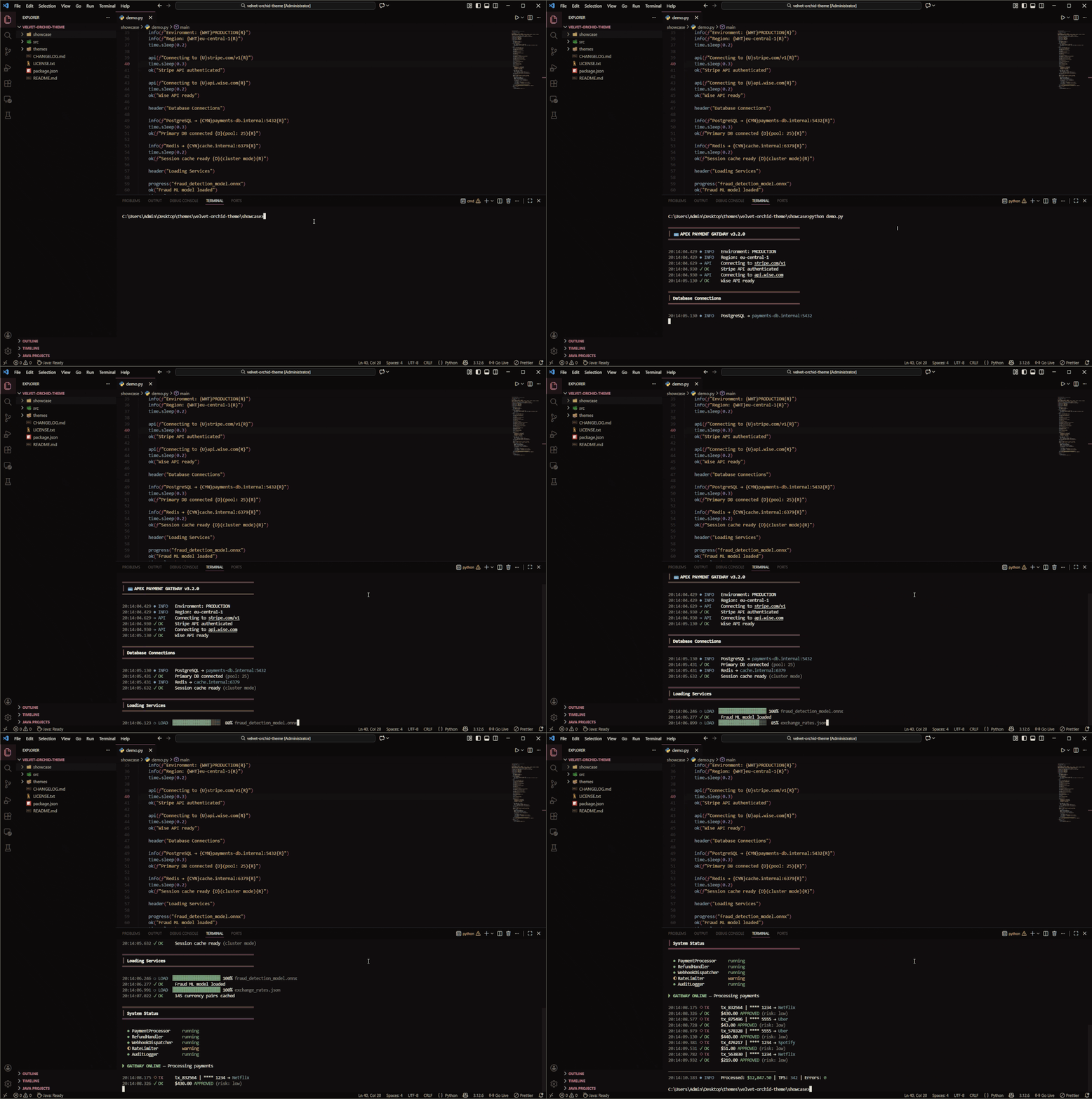
✨ Demo
Demonstration:
The GIF above quickly shows you how the interface transforms with Velvet Orchid — note the lush burgundy backgrounds and golden highlights. Syntax elements, sidebars, and the command palette are all themed for a consistent and elegant look. The demo cycles through several coding languages and interface elements, so you can see code clarity, contrast, and bracket colors in action.
🖼️ Screenshots
Below is a visual gallery of the Velvet Orchid theme applied to different languages and scenarios in Visual Studio Code:
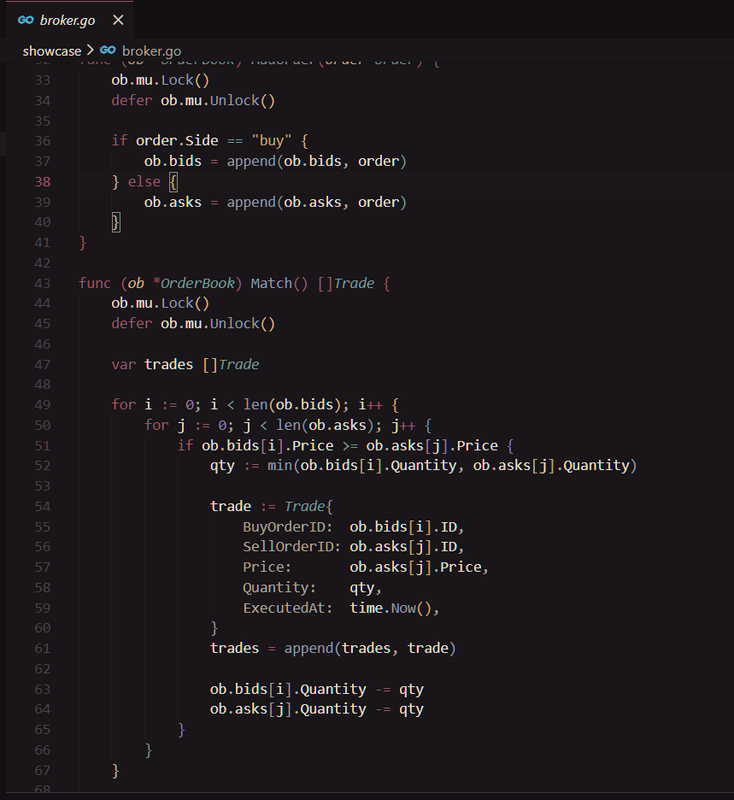
Go (main variant) |
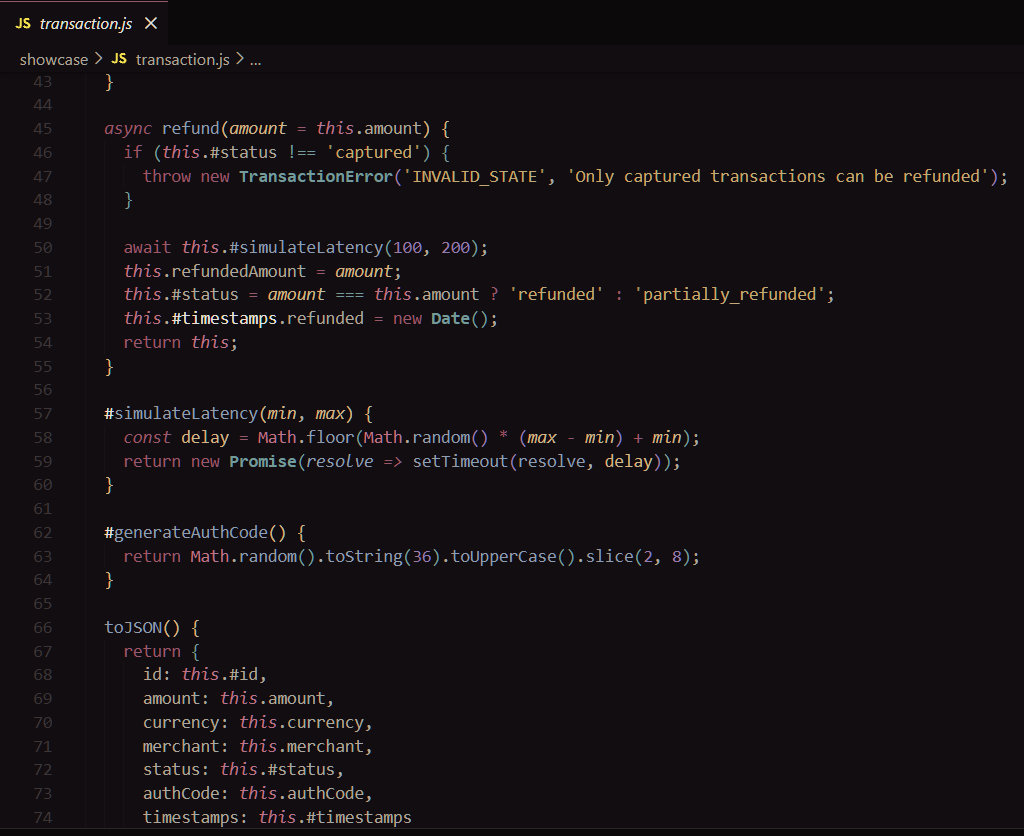
JavaScript |
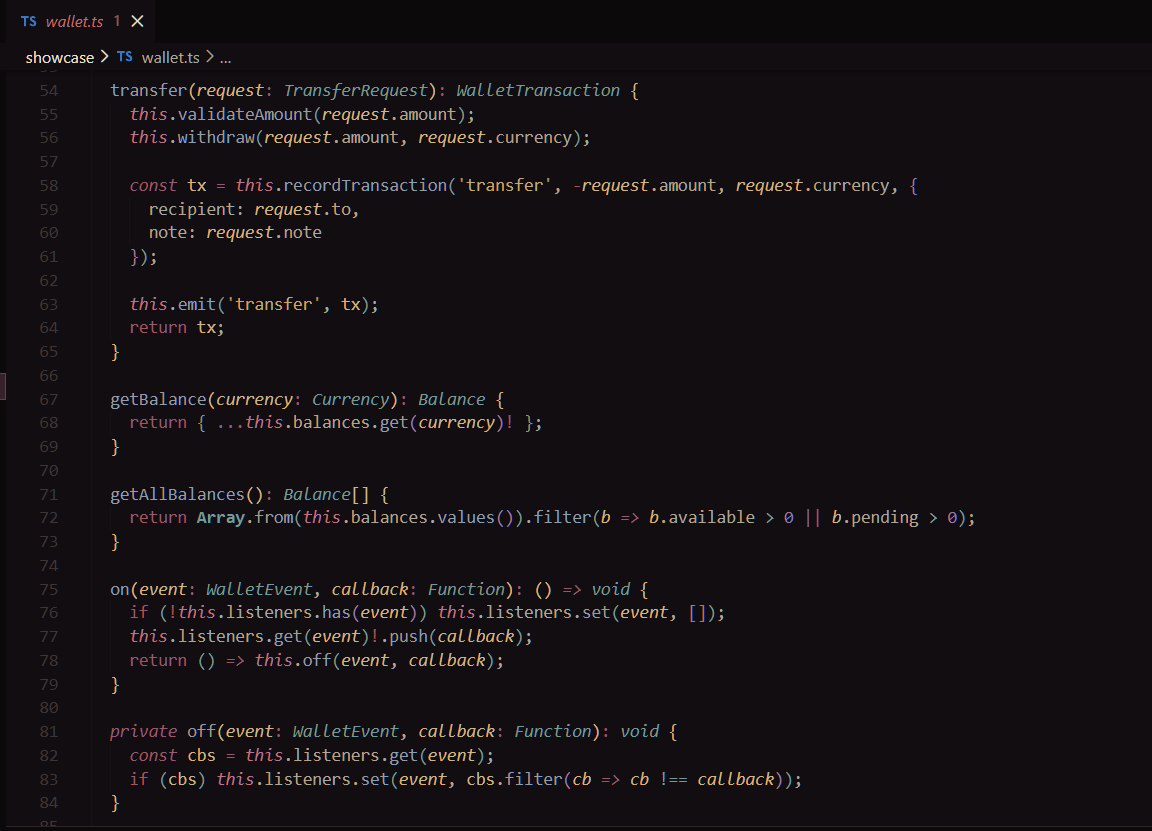
TypeScript |
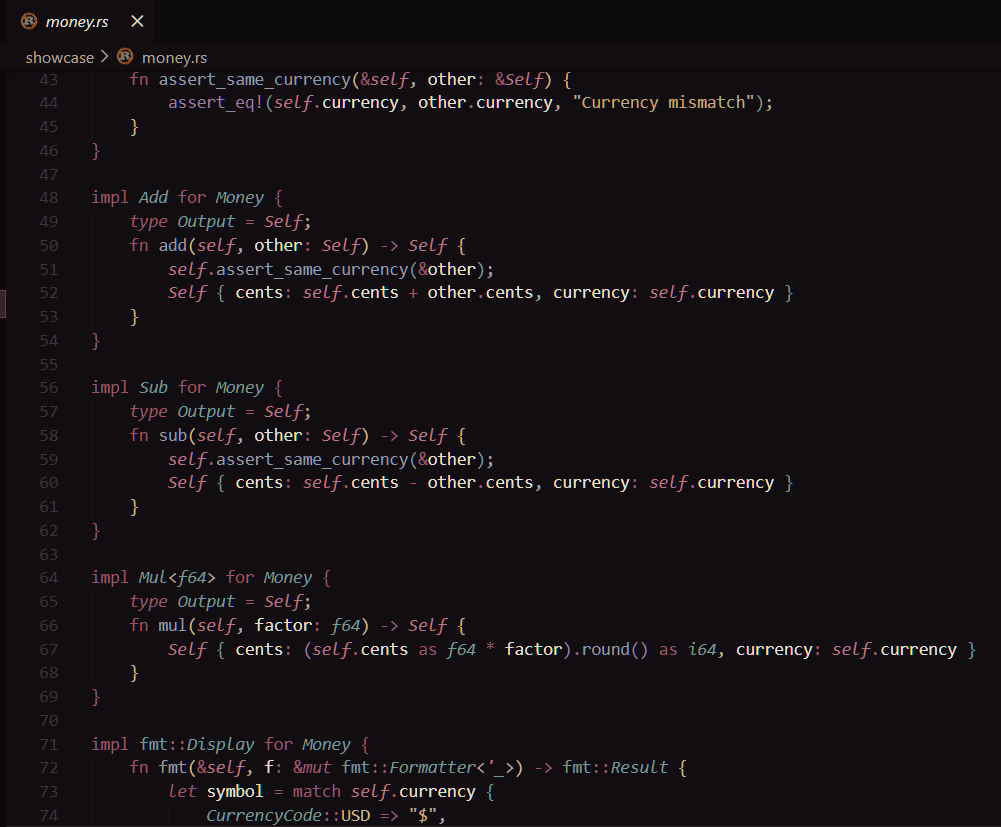
Rust |
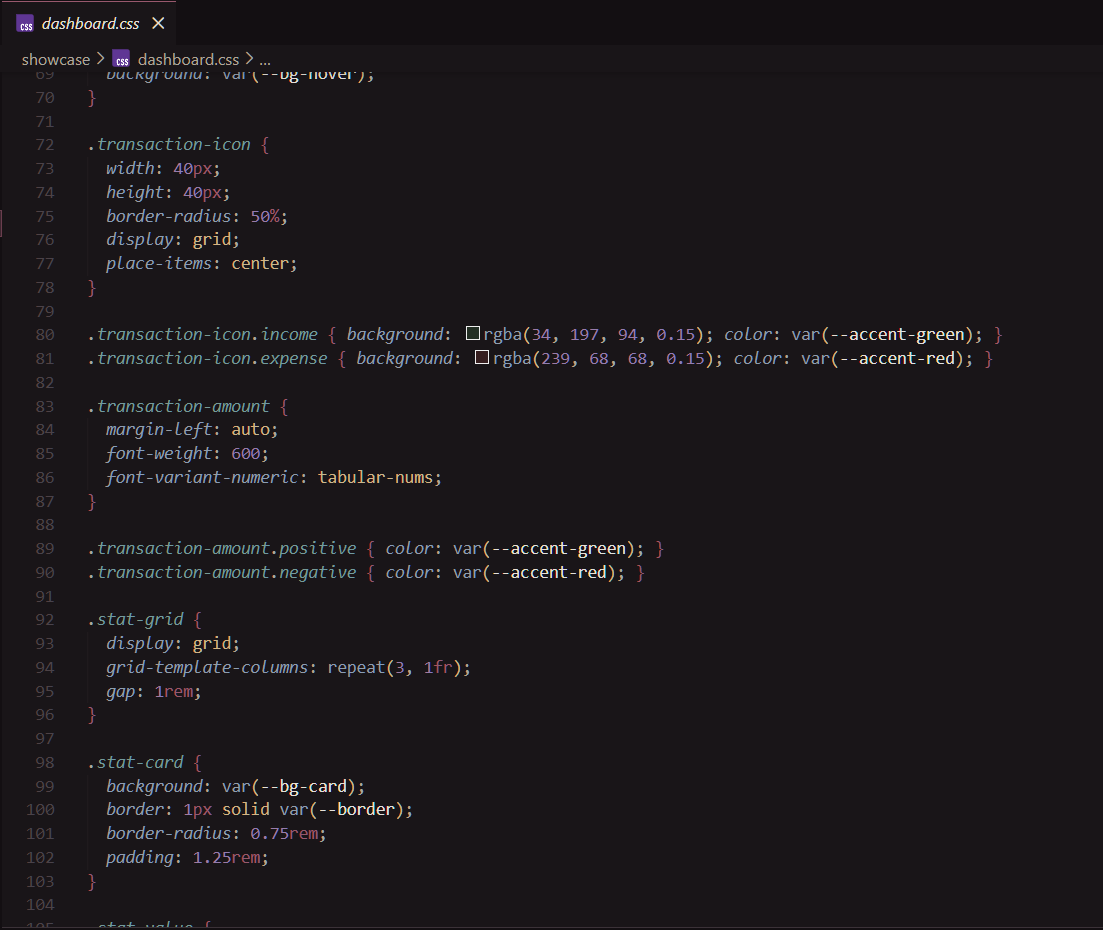
CSS/SCSS |
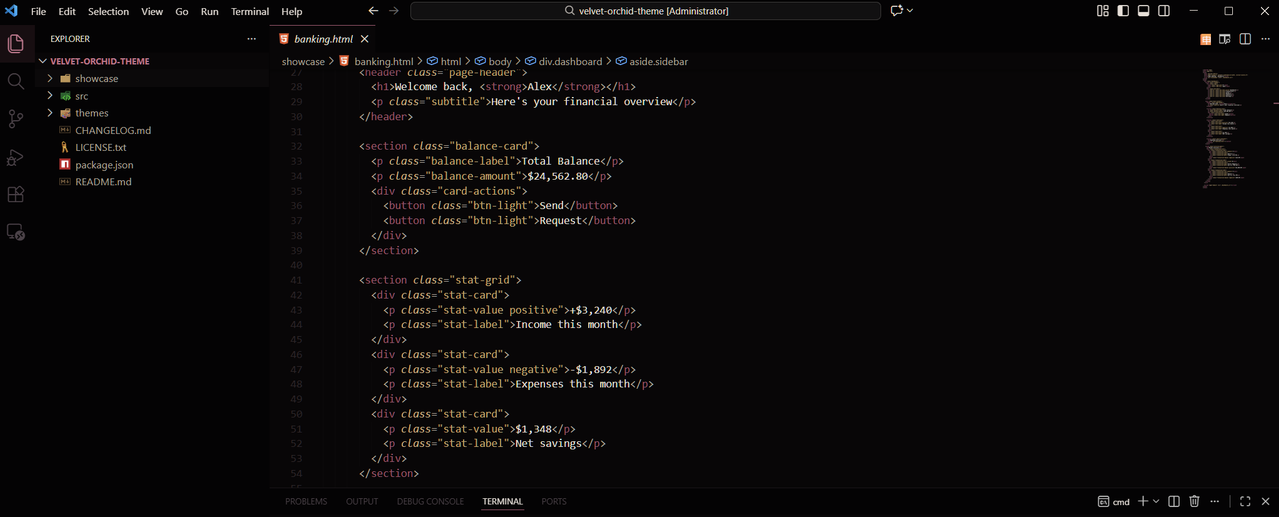
HTML |
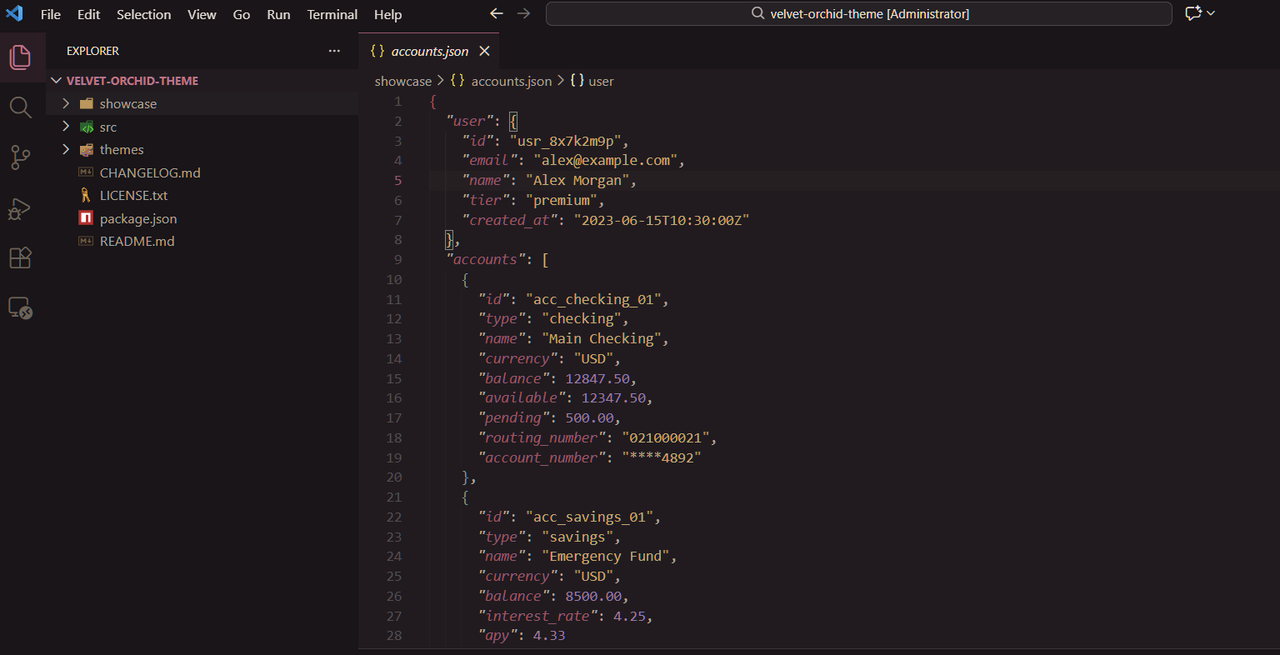
JSON |
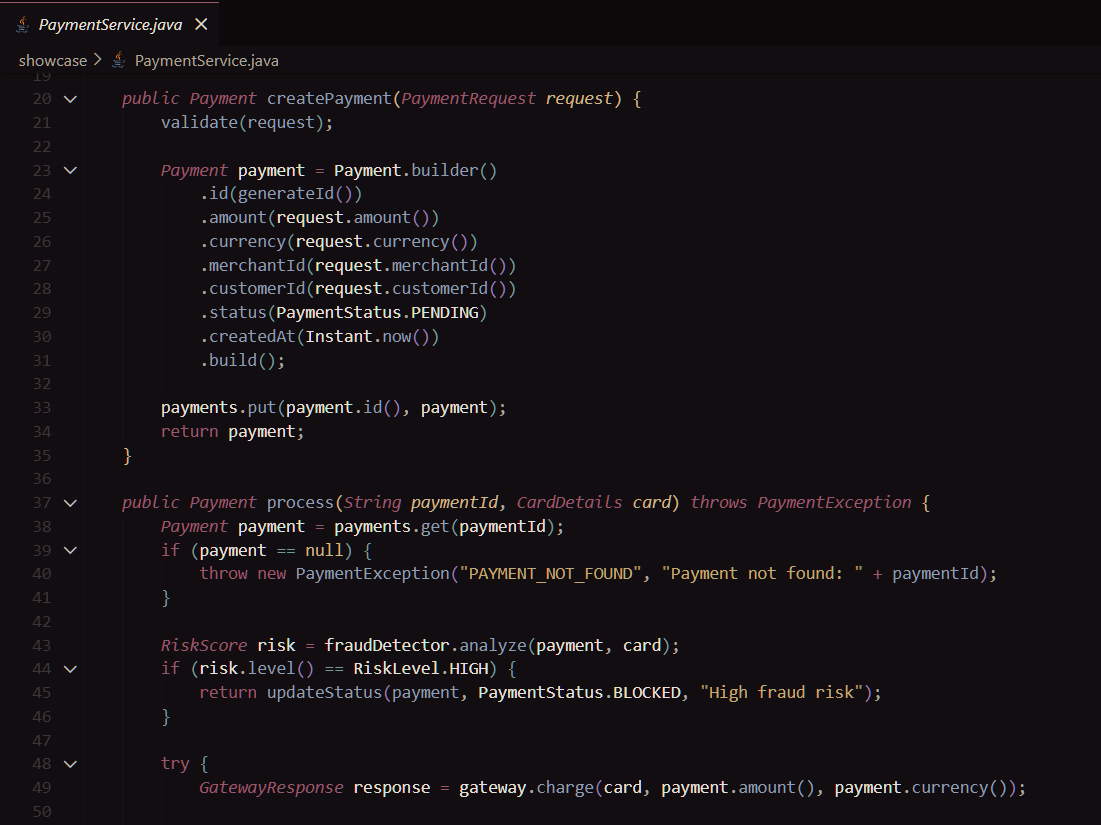
Java |
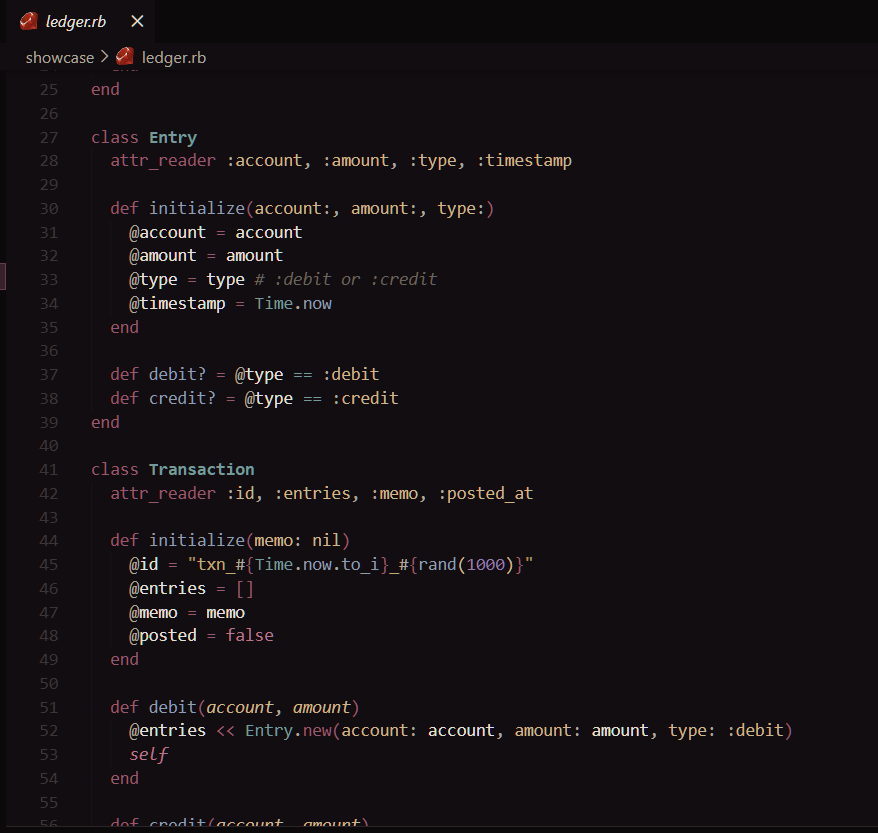
Ruby |
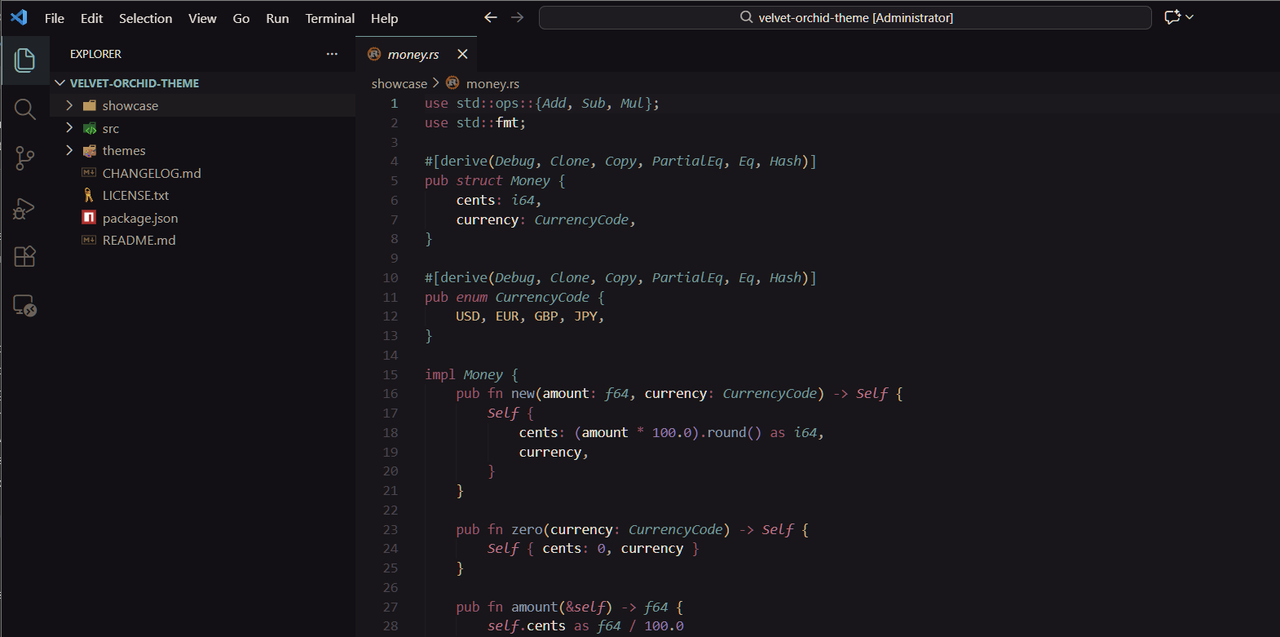
Rust — Greenhouse variant |
|
|
🌸 Description
Velvet Orchid is a collection of 6 rich, dark Visual Studio Code themes.
Enjoy burgundy velvet backgrounds with warm gold orchid highlights, plus subtle accent shades. Each theme provides a unique but comfortable contrast for efficiency and luxury.
🎨 Theme Variants
| Theme |
Description |
| Velvet Orchid |
Main theme — balanced and universal |
| Velvet Orchid Dawn |
Morning — warmer and softer |
| Velvet Orchid Dusk |
Evening — saturated and deep |
| Velvet Orchid Midnight |
Night — deep and high contrast |
| Velvet Orchid Victorian |
Victorian elegance with richer burgundy tones |
| Velvet Orchid Greenhouse |
Patina-accented, inspired by antique greenhouses |
📦 Installation
From VS Code Marketplace
- Open VS Code
- Go to Extensions (
Ctrl+Shift+X)
- Search for
Velvet Orchid
- Click Install
- Go to File → Preferences → Color Theme
- Select one of the Velvet Orchid themes
Manual Installation
- Download or clone the repository
- Copy the
velvet-orchid-theme folder to:
- Windows:
%USERPROFILE%\.vscode\extensions\
- macOS/Linux:
~/.vscode/extensions/
- Restart VS Code
- Select the theme in settings
🎭 Color Palette
| Preview |
Name |
Hex |
Usage |
|
Burgundy Orchid |
#A2546E |
Keywords, accents |
|
Dusty Rose |
#C4728A |
Errors, booleans |
|
Antique Gold |
#C9A86C |
Strings |
|
Ametrine |
#9B7BB0 |
Numbers, decorators |
|
Silk Grey |
#8B9EB0 |
Functions |
|
Patina |
#6B9B9B |
Types, classes |
|
Champagne |
#D4B483 |
Constants, parameters |
| Theme |
Main Background |
Sidebar |
| Main |
#1A1518 |
#140F12 |
| Dawn |
#221B1F |
#1A1518 |
| Dusk |
#120D10 |
#0D090B |
| Midnight |
#080607 |
#040304 |
| Victorian |
#1C1419 |
#150F13 |
| Greenhouse |
#18161A |
#121015 |
✨ Features
- ✅ Semantic highlighting — smart highlighting for variables, functions, and types
- ✅ Bracket colorization — 6 colors for nested brackets
- ✅ Git integration — colors for modified, deleted, and new files
- ✅ Full terminal support — 16 ANSI colors
- ✅ Eye comfort — comfortable contrast for long coding sessions
🖥️ Supported Languages
Optimized for a lush coding experience in dozens of languages
Full List of Supported Languages
- JavaScript / TypeScript
- Python
- Rust
- Go
- HTML / CSS / SCSS
- JSON / YAML
- Markdown
- C / C++
- Java
- PHP
- Ruby
- And many more...
🔧 Recommended Settings
{
    "editor.fontFamily": "'JetBrains Mono', 'Fira Code', Consolas, monospace",
    "editor.fontLigatures": true,
    "editor.fontSize": 14,
    "editor.lineHeight": 1.6,
    "editor.semanticHighlighting.enabled": true,
    "editor.bracketPairColorization.enabled": true
}
🤝 Contributing
Found an issue or have an idea for improvement?
- Create an Issue describing your suggestion or bug
- Or submit a Pull Request
👤 Author
Steven Mitchell (a.k.a. devpipe1ine)
Publisher and Creator: devpipe1ine
📄 License
MIT License — see LICENSE.txt file
Copyright (c) 2026 Steven Mitchell
💖 Acknowledgments
Inspired by Victorian greenhouses, rare orchids, and velvet drapes
Made with ❤️ by Steven Mitchell (devpipe1ine)