Flux Theme
Welcome to Flux Theme for VS Code-compatible editors including VS Code, Cursor, Windsurf, Antigravity, and other Code OSS builds (via Open VSX).
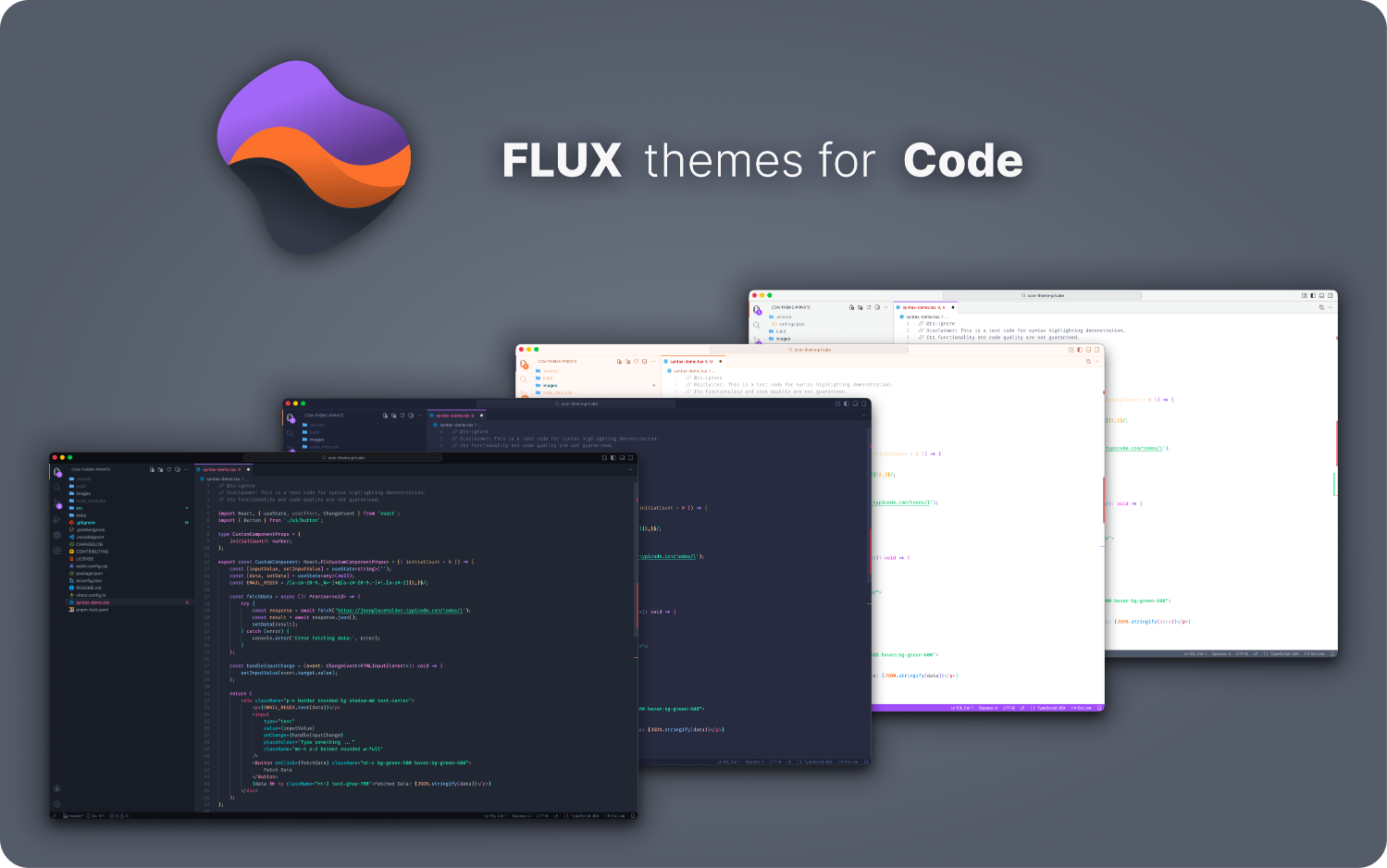
Pick the variant that fits your focus:
Flux Night — A dark theme featuring a neutral palette, designed to minimize distractions and keep your focus squarely on the code.Flux Twilight — A rich dark theme with a vibrant violet base, offering a more expressive and colorful alternative to traditional neutral themes.Flux Dawn — A warm light theme featuring a vibrant orange primary, creating an energetic and inspiring atmosphere to kickstart your day.Flux Daylight — A clean light theme with a neutral palette, designed for maximum clarity and focus during daytime coding sessions.
🚀 Install & Activate
Install the theme from your editor's marketplace:
Set the Color Theme:
- Open the Command Palette (
Ctrl+Shift+P on Windows/Linux or ⌘+⇧+P on macOS).
- Search for
Preferences: Color Theme and choose one of the Flux variants.
Enjoy! 🎉
🔠 Fonts
For the optimal look, I suggest using these fonts: Fira Code, Consolas, Courier New, Monospace, or any other monospaced font that you love.
If you don’t have them, feel free to use your favorite!
Set Fonts
- Open your
settings.json file
- Locate the
"editor.fontFamily" setting and update it to your preferred fonts
"editor.fontFamily": "Fira Code, Consolas, Courier New, monospace",
🔁 Migration note (temporary)
If you previously installed this theme as crappycodemaker.crappycode-theme, uninstall/disable the old extension and install danilrez.flux-theme instead.
💬 Feedback
I’d love to hear your thoughts! If you have suggestions or encounter issues, please open an  .
Be nice and happy coding! 😉
.
Be nice and happy coding! 😉
Authored by © Danil Reznichenko



