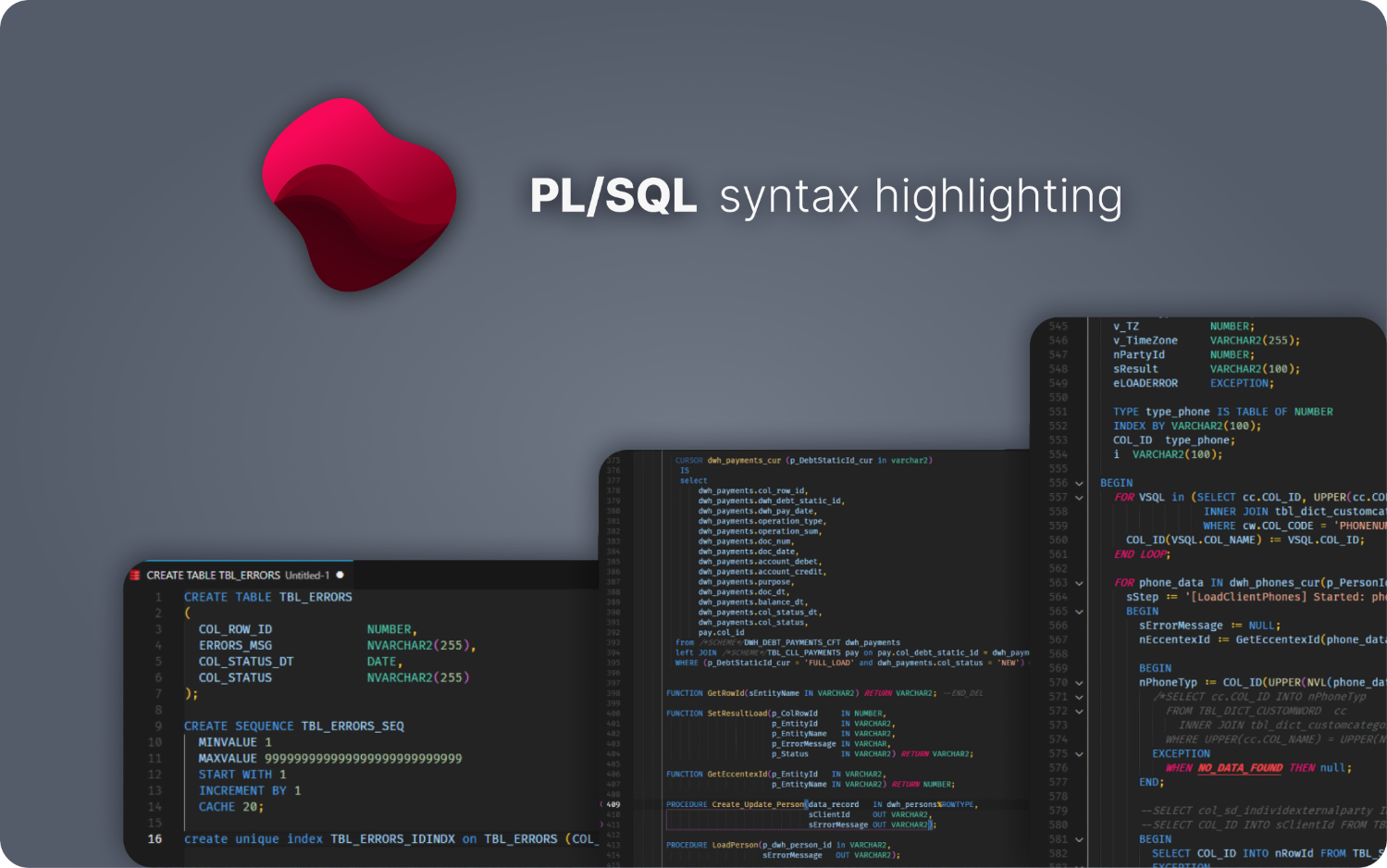
Brings fast, lightweight, and accurate PL/SQL syntax highlighting and snippets to VS Code-compatible editors including VS Code, Cursor, Windsurf, Antigravity, and other Code OSS builds (via Open VSX).
✨ Features
Accurate Highlighting: Precisely highlights PL/SQL reserved words, data types, and built-in functions.
Practical Snippets: Includes ready-to-use snippets for common structures like packages, procedures, functions, and PL/Doc blocks.
Broad File Support: Works out of the box with all common Oracle file extensions (.sql, .pck, .pkb, .trg, .vw, and more).
Lightweight: No unnecessary extras—just the essentials for efficient PL/SQL editing.
🚀 Install
Install the extension from your editor's marketplace:
(for Cursor, Windsurf, Antigravity, and other Code OSS builds)
Or, open the Extensions view and search for danilrez.better-plsql.
Enjoy automatic highlighting! The extension automatically activates for all common PL/SQL file types (.sql, .pck, .pkb, etc.).
To use custom file extensions, add a manual association in your settings.json:
If you previously installed this extension as crappycodemaker.ccm-plsql-oracle, uninstall/disable the old extension and install danilrez.better-plsql instead.