CraftingStudioPro Developer IconsDeveloper file icons using original technology marks, theme-matched colours, and a consistent file/folder system. Installation Launch VS Code Quick Open ( Ctrl+P), paste the following command, and press enter.Copied to clipboard |

CraftingStudioPro Developer IconsA file icon theme that uses the original technology marks developers recognise, with a consistent local system for generic files and folders. Brand paths come from Simple Icons, are recoloured for the selected CraftingStudioPro palette, and are checked for legibility at 16px — the size the explorer actually renders.
FeaturesOriginal marks, one file system. Technology logos keep their recognisable geometry while generic files and folders share one 24px grid:
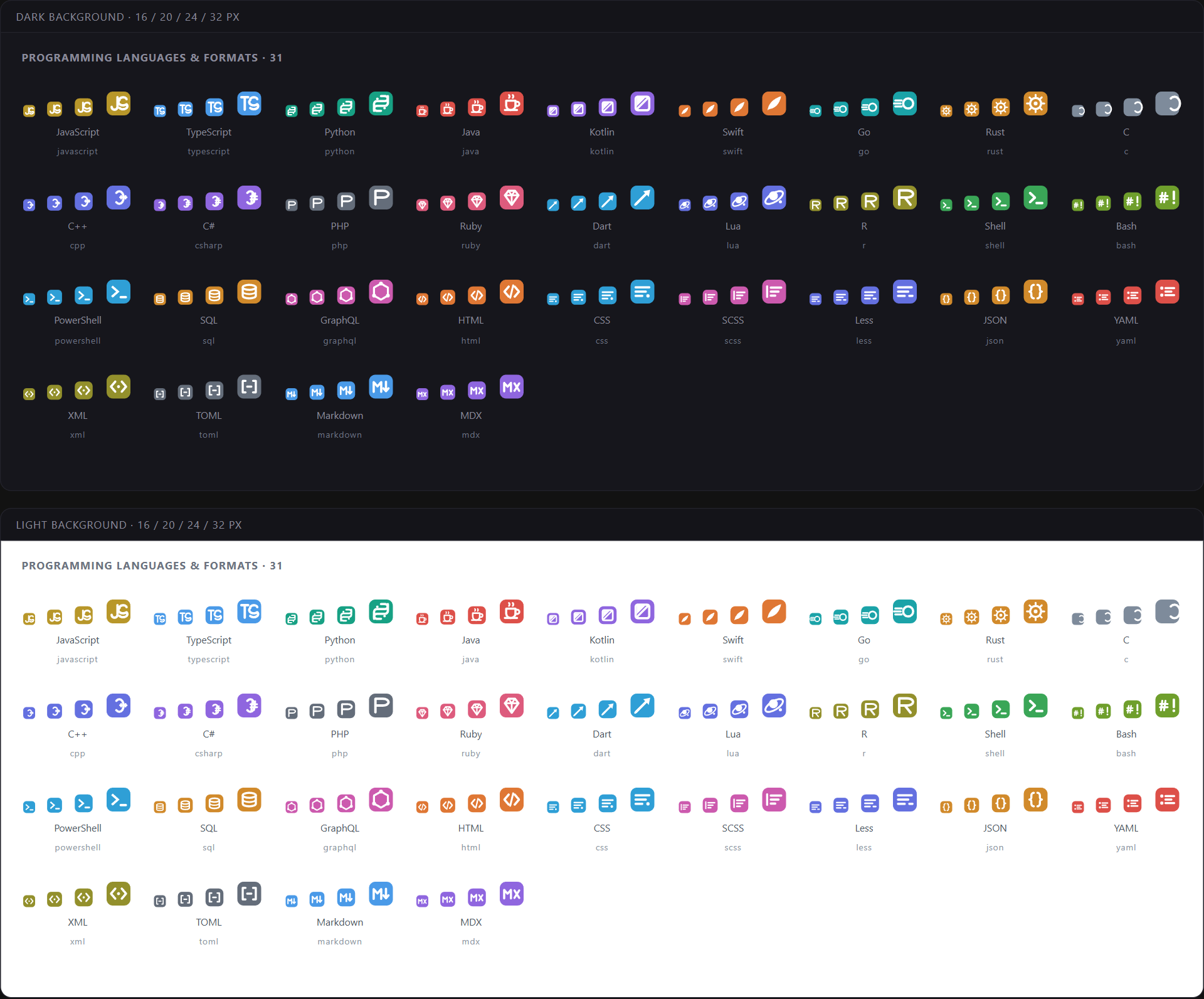
At 16px the family lands first and the detail resolves as the icon grows. That is deliberate, and it is why the set stays readable in a dense explorer. Theme-matched variants. VS Code file icon themes are static SVG mappings, so the extension ships one recoloured variant for every CraftingStudioPro color theme — fourteen of them. While this icon pack is active, changing from Deep Ocean to Night Owl or Parchment switches the matching file icons automatically. No emoji, no mystery artwork. Brand marks are sourced from Simple Icons and documented in THIRD_PARTY_NOTICES.md; generic file and folder geometry remains maintained in this repository. Expanded folders keep their emblem. Opening a directory changes its state, not its identity — the same mark stays in the same place on the open silhouette, so you never lose your place while scanning. Programming LanguagesJavaScript · TypeScript · Python · Java · Kotlin · Swift · Go · Rust · C · C++ · C# · PHP · Ruby · Dart · Lua · R · Shell · Bash · PowerShell · SQL · GraphQL · Zig · Elixir · Haskell · Scala · Clojure · Julia · Solidity · Protocol Buffers · Perl · Erlang · OCaml · F# · Nim · Crystal · Gleam Plus the markup and data formats that live alongside them: HTML · CSS · SCSS · Sass · Less · JSON · YAML · XML · TOML · Markdown · MDX
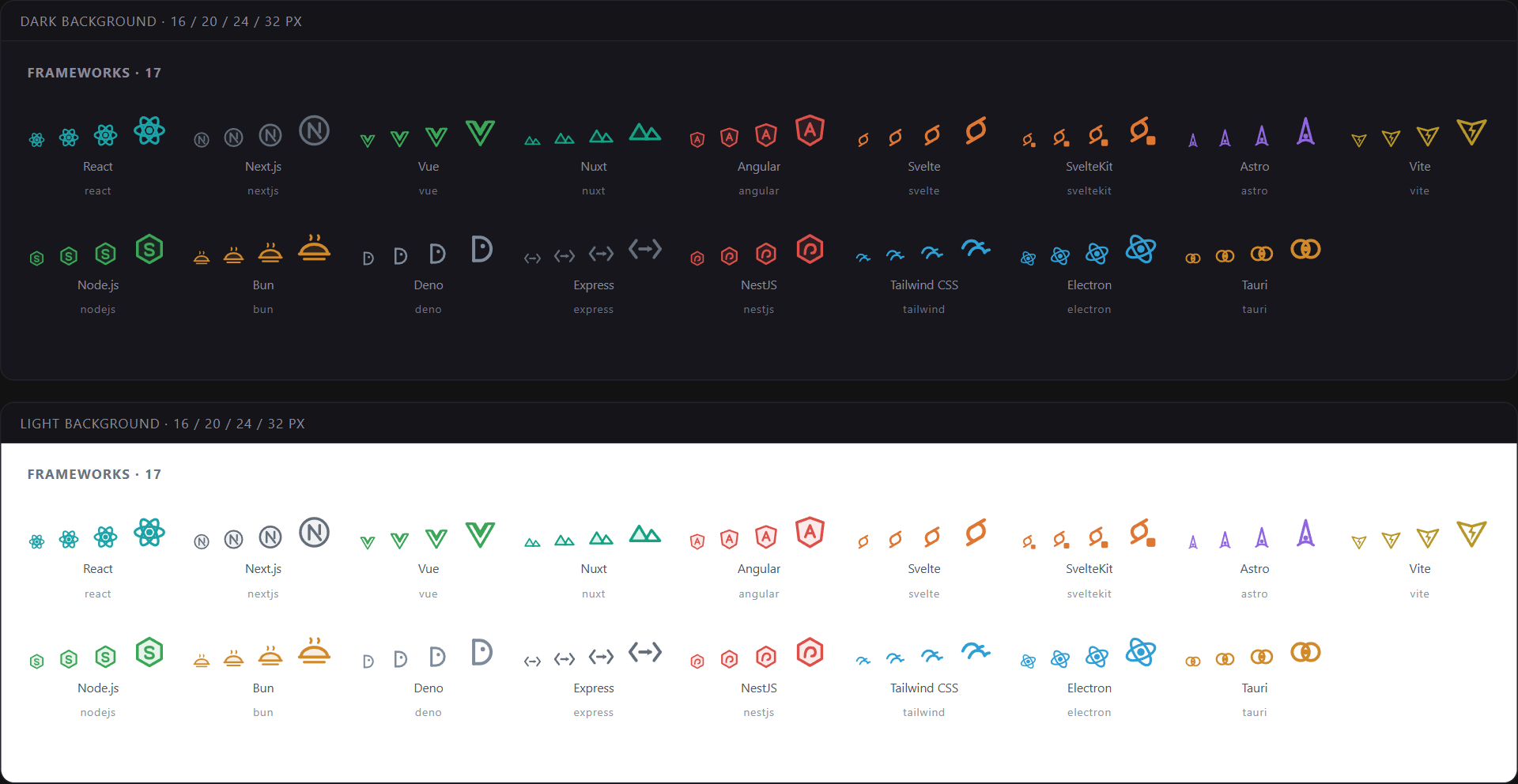
FrameworksReact · Next.js · Vue · Nuxt · Angular · Svelte · SvelteKit · Astro · Vite · Node.js · Bun · Deno · Express · NestJS · Tailwind CSS · Electron · Tauri · Remix · SolidJS · Qwik · htmx · Three.js Backend and mobile: Laravel · Django · Flask · FastAPI · Ruby on Rails · Spring · .NET · Flutter · Expo
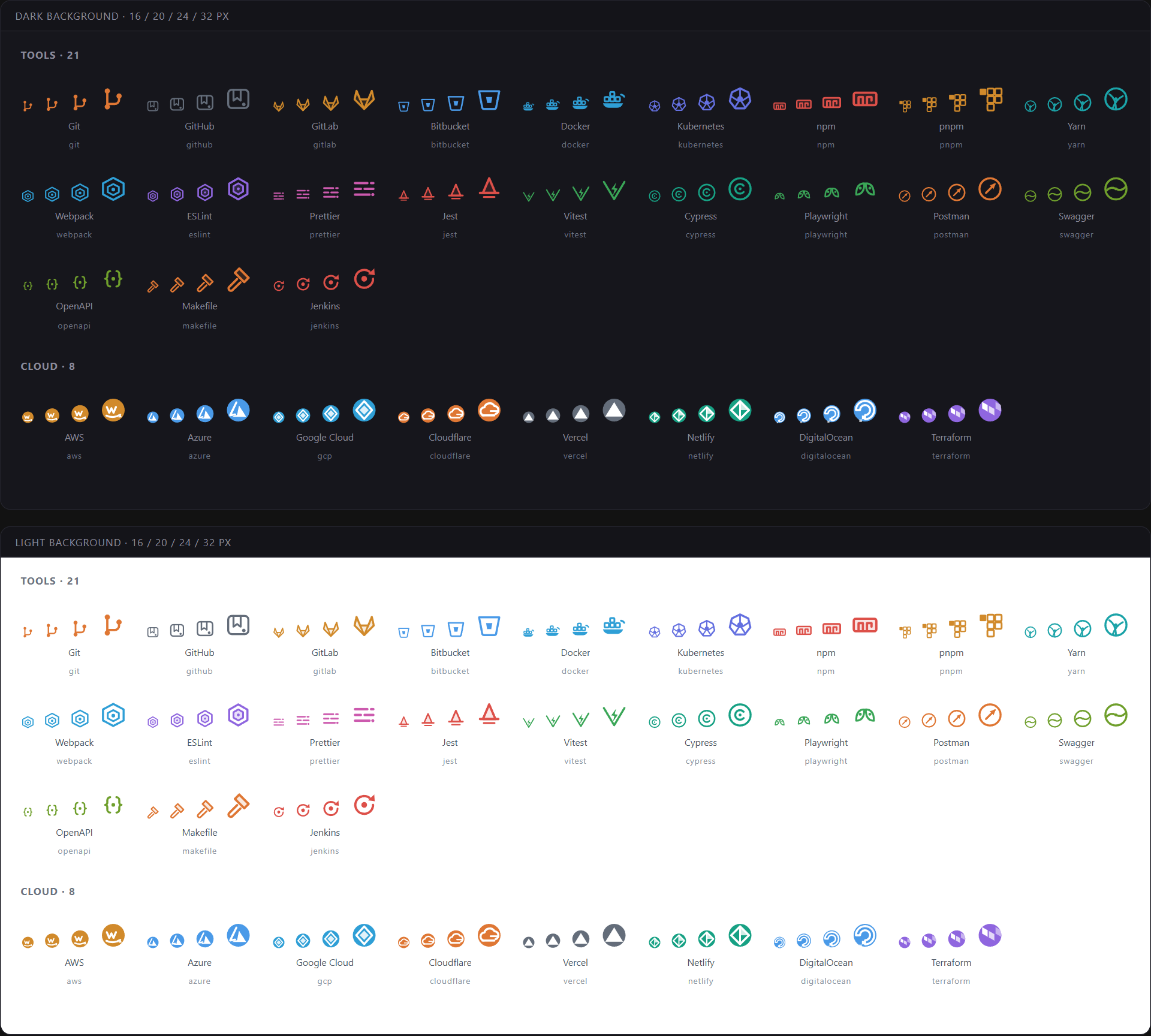
ToolsGit · GitHub · GitHub Actions · GitLab · Bitbucket · Docker · Kubernetes · Ansible · npm · pnpm · Yarn · Webpack · Rollup · esbuild · Babel · Gradle · Apache Maven · Turborepo · Nx · ESLint · Biome · Prettier · Jest · Vitest · Cypress · Playwright · Storybook · Postman · Swagger · OpenAPI · Sentry · Makefile · Jenkins CloudAWS · Azure · Google Cloud · Cloudflare · Vercel · Netlify · DigitalOcean · Terraform · Railway · Fly.io · Render
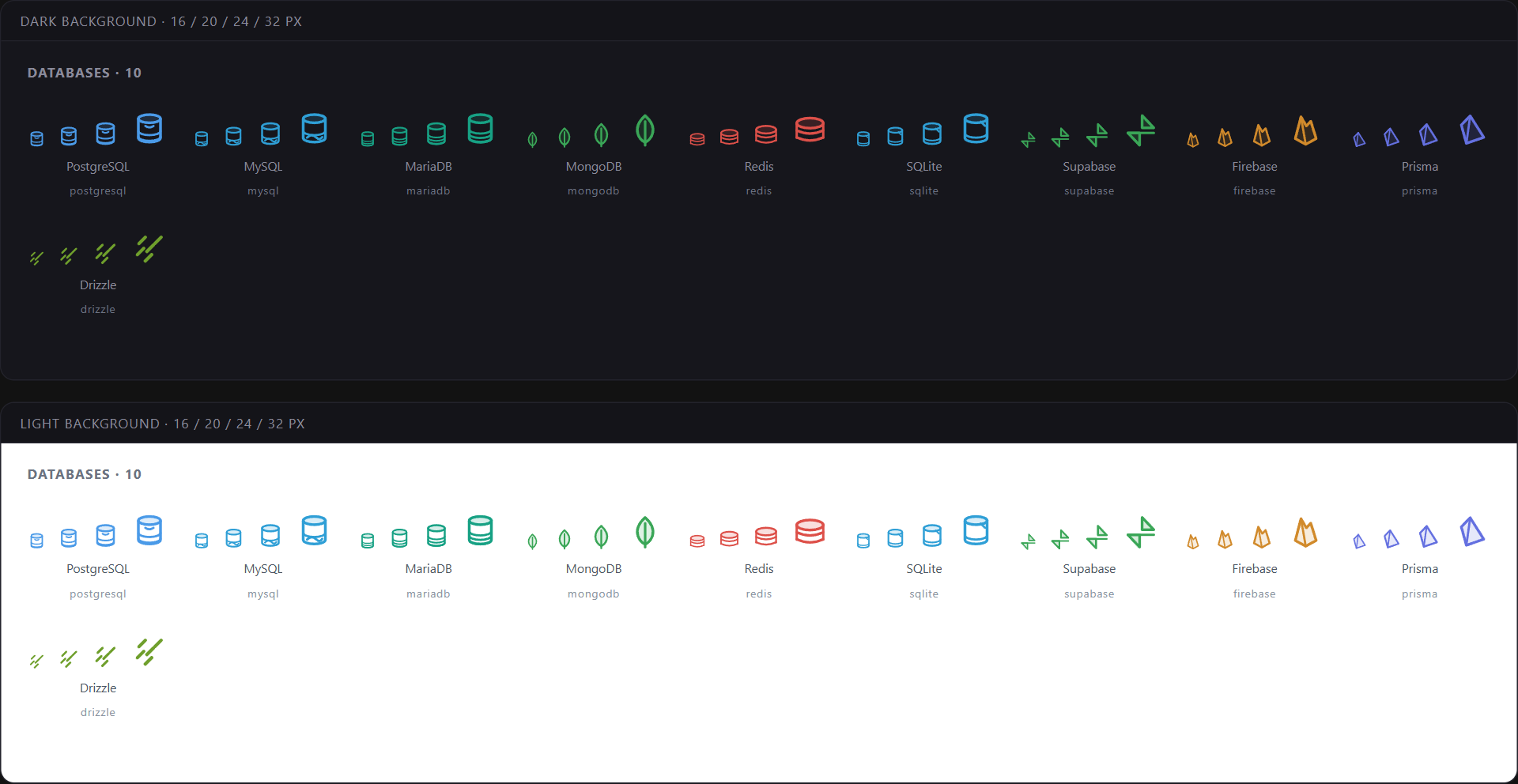
DatabasesPostgreSQL · MySQL · MariaDB · MongoDB · Redis · SQLite · Supabase · Firebase · Prisma · Drizzle · Elasticsearch · ClickHouse · DuckDB · Neo4j · CockroachDB · PlanetScale
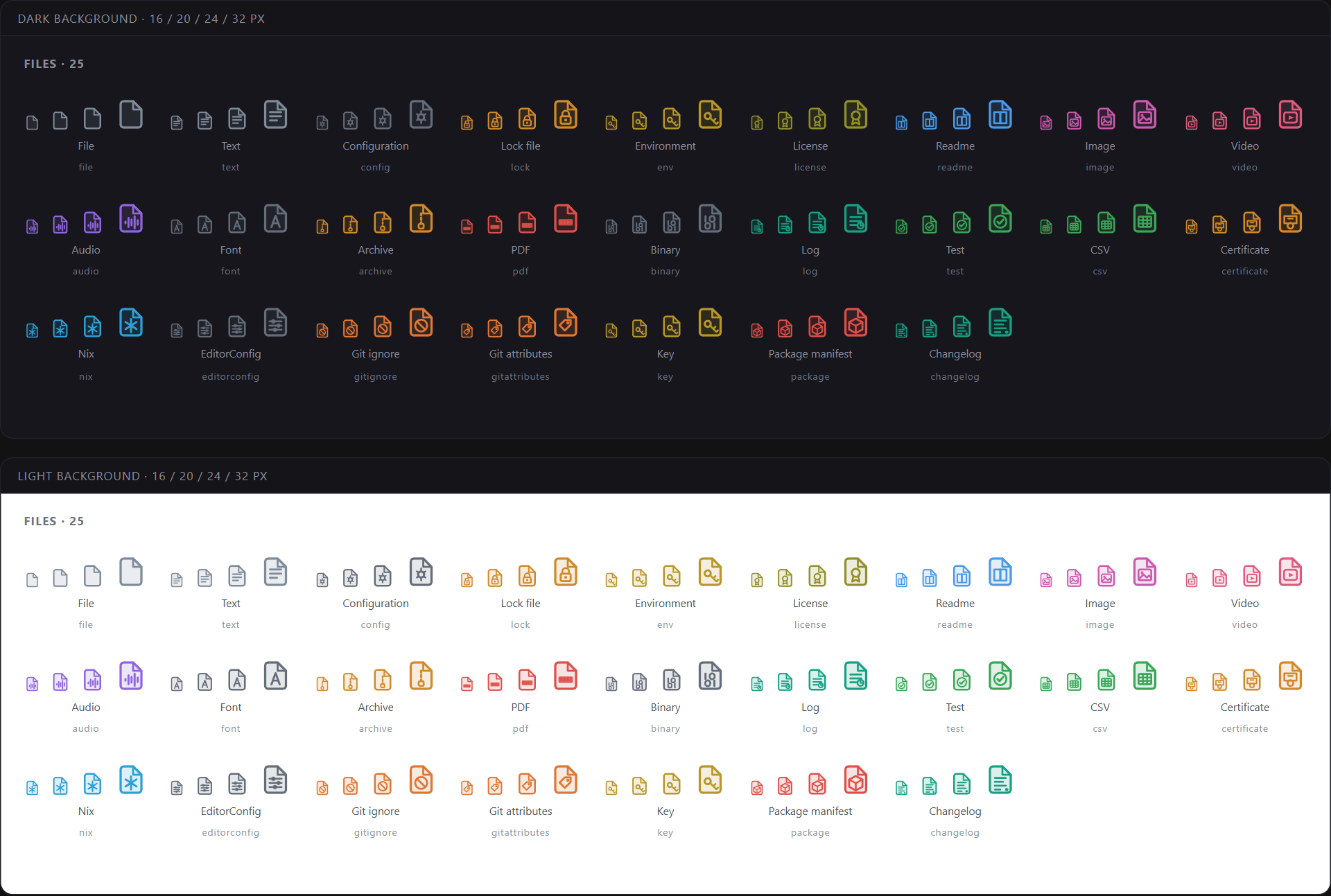
File Icons288 extensions and 317 exact filenames resolve to a dedicated icon, including everything you touch daily:
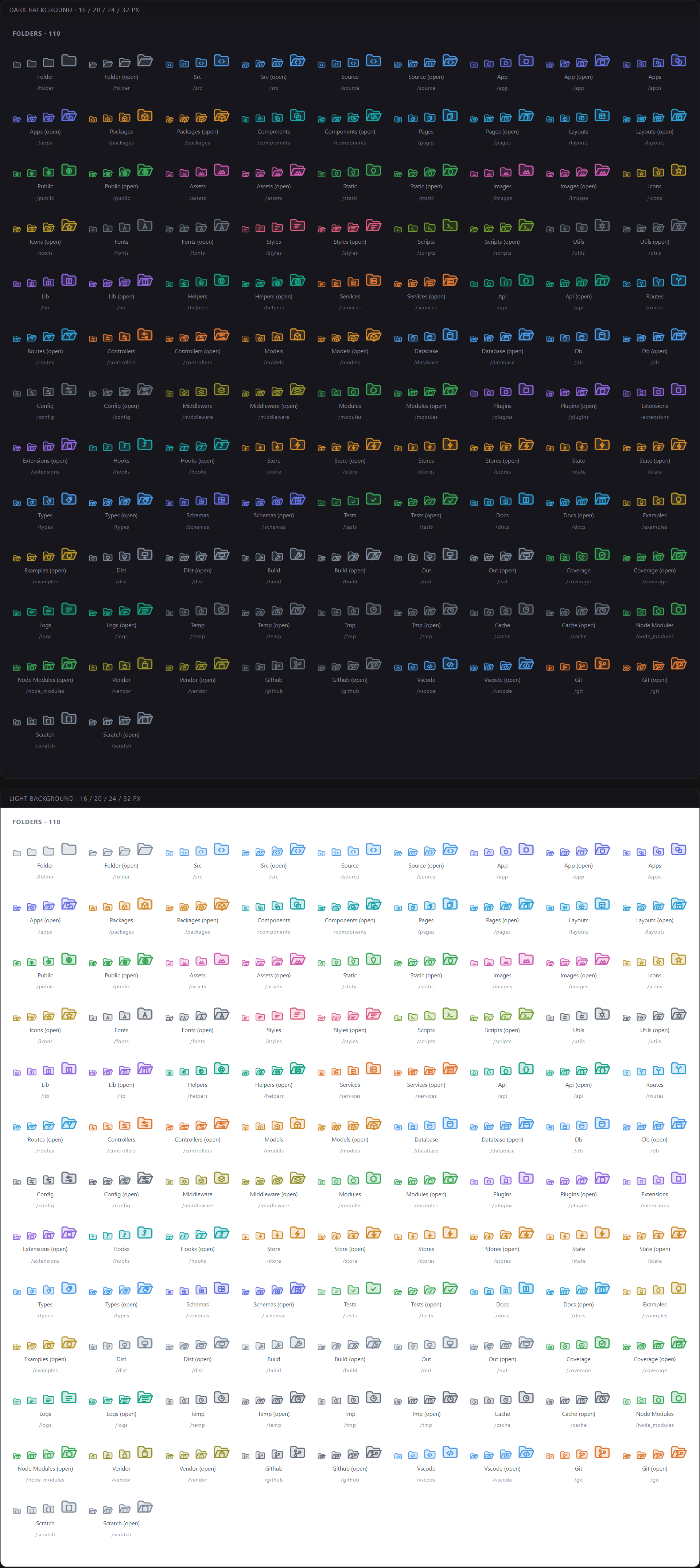
Folder Icons229 folder names map to 106 distinct folder icons, each with a closed and an expanded variant:
Common aliases resolve to the same icon, so
ScreenshotsThe galleries above are rendered from the shipped SVGs at 16, 20, 24 and 32px, on both a dark and a light sidebar — the same images the design review uses. Nothing in them is redrawn for marketing. InstallationFrom the Extensions view ( Or from the command line: Then activate it — The extension also contributes a matching icon variant for every CraftingStudioPro color theme. While this icon pack is active, switching between Tokyo Night, Deep Ocean, Espresso, Sunset, Parchment and the other palettes selects the matching variant; choosing another icon pack leaves that choice alone. Pair with CraftingStudioPro Themes, which shares the same design language: Feedback & IssuesMissing a file type, or got an icon that reads wrong at 16px? Both are worth reporting — the second one especially, since small-size legibility is the whole point of the grid.
LicenseMIT © CraftingStudioPro. See LICENSE. |