Visual Table DesignerAn intuitive visual drag-and-drop tool to generate HTML tables with Tailwind CSS, Bootstrap, and inline CSS directly in VS Code. Installation Launch VS Code Quick Open ( Ctrl+P), paste the following command, and press enter.Copied to clipboard |

Visual Table Designer
Visual Table Designer is a powerful, intuitive drag-and-drop tool that helps you generate HTML tables directly inside your Visual Studio Code editor. Skip the manual coding and instantly design complex tables formatted for Tailwind CSS, Bootstrap, or raw Inline CSS.
🚀 Key Features
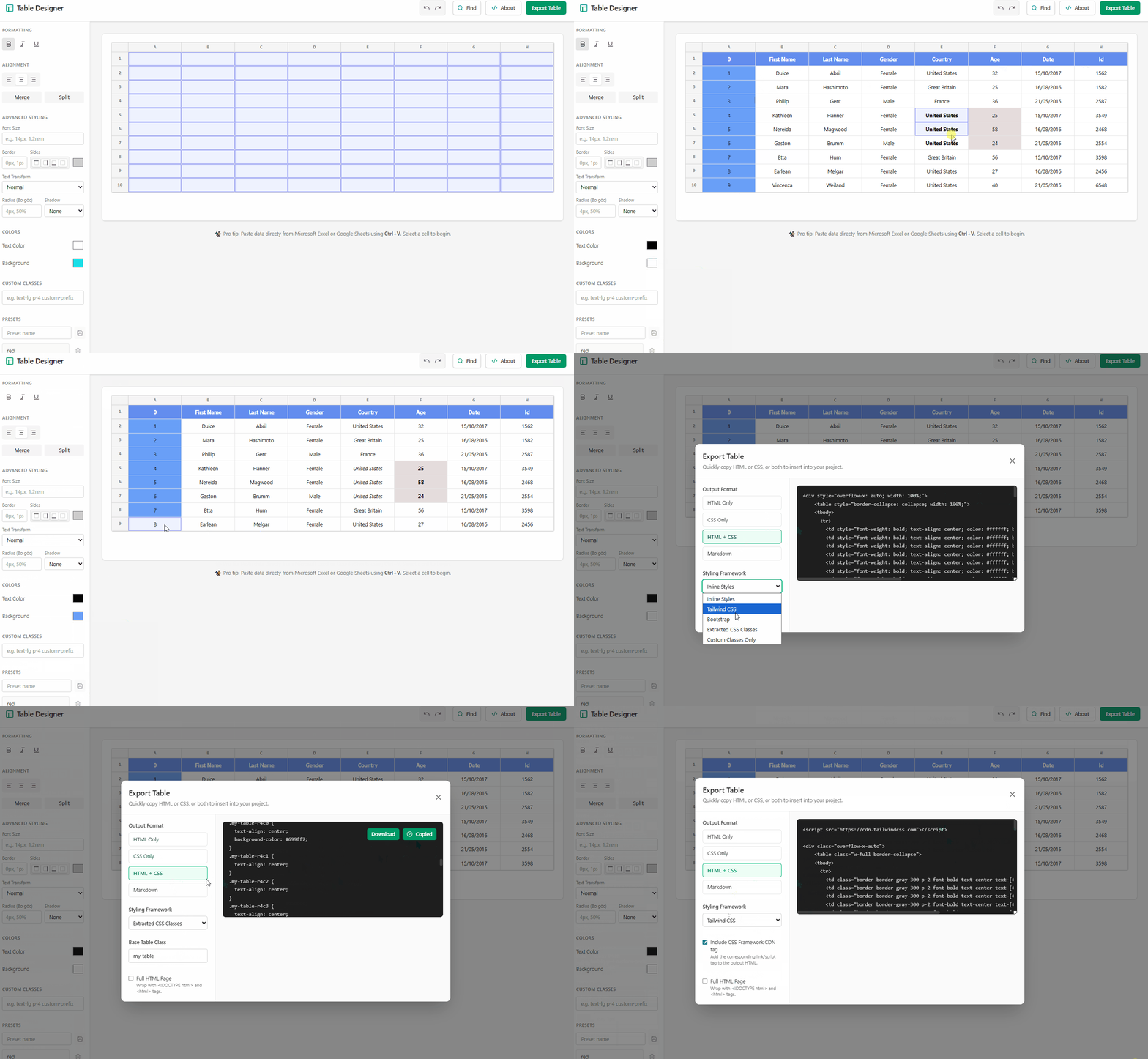
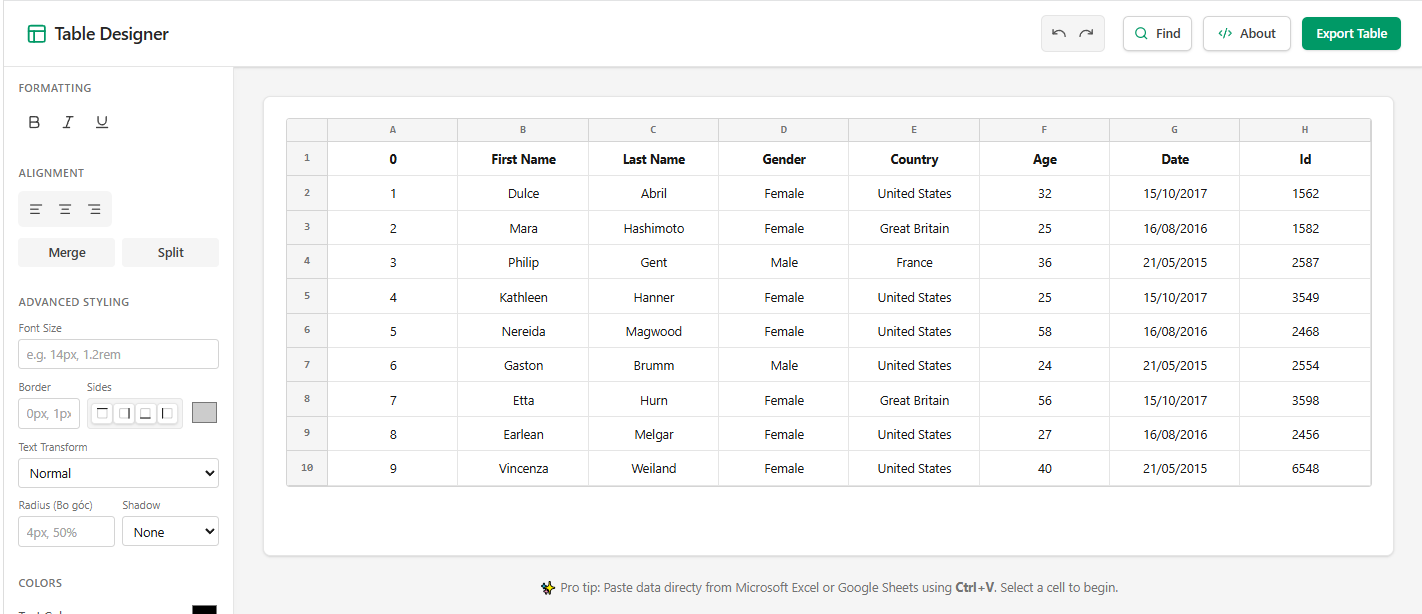
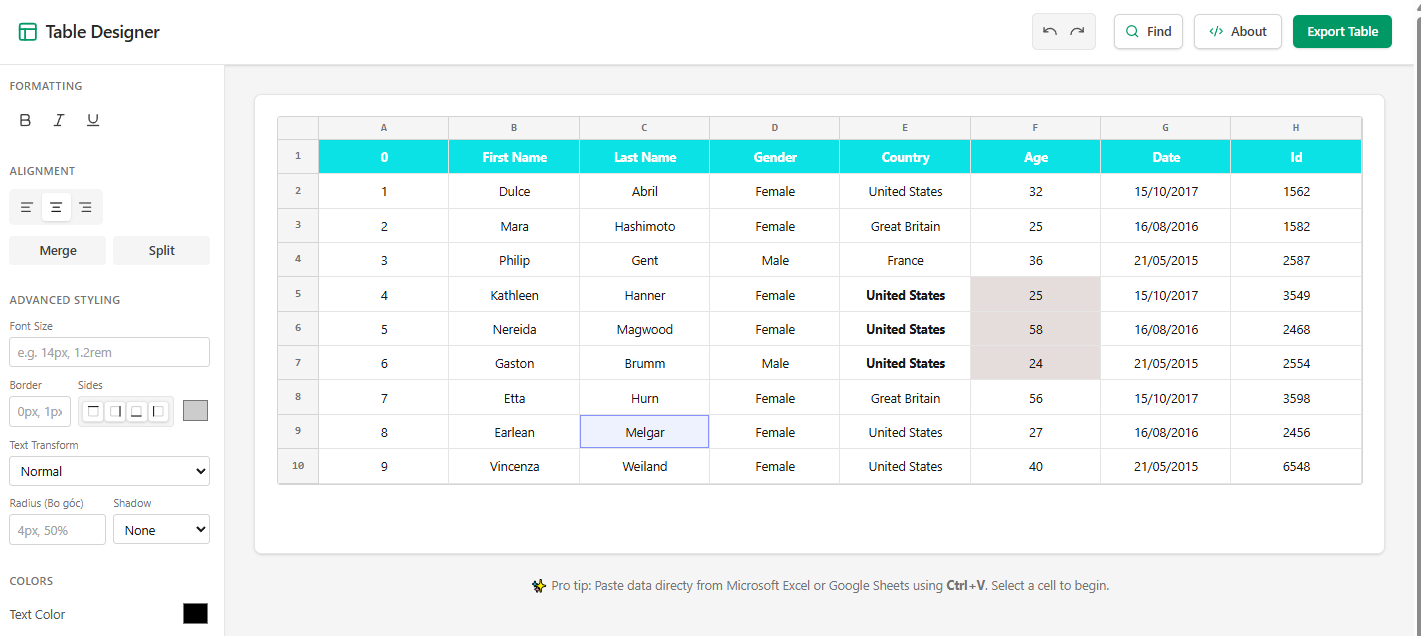
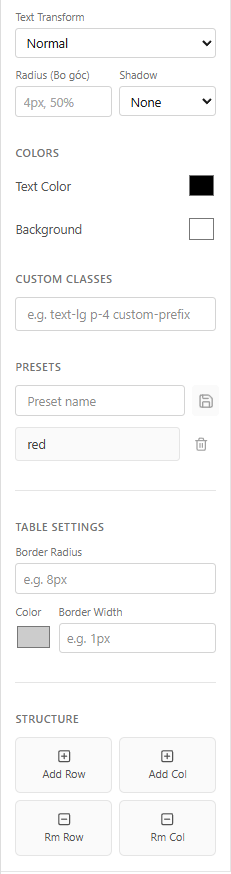
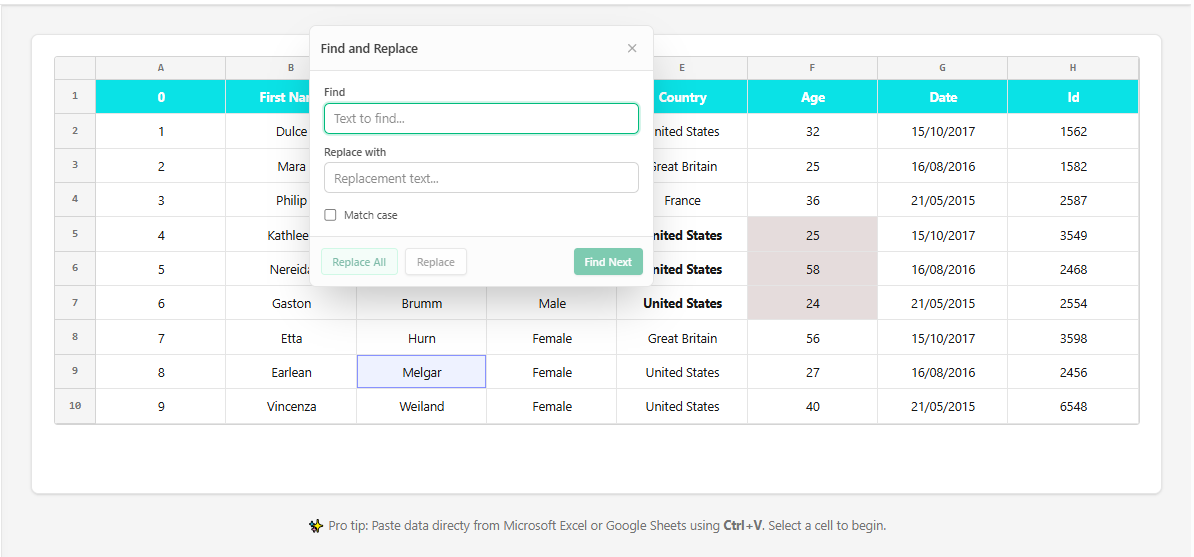
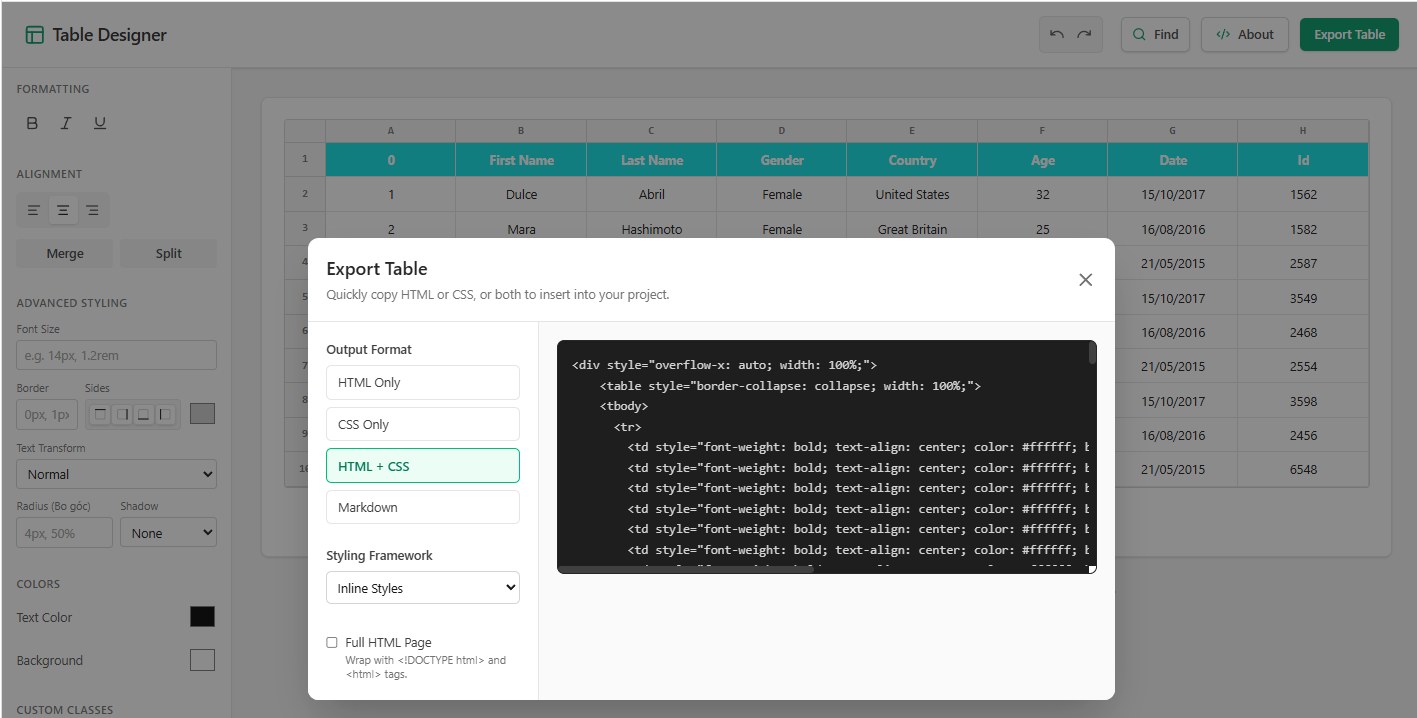
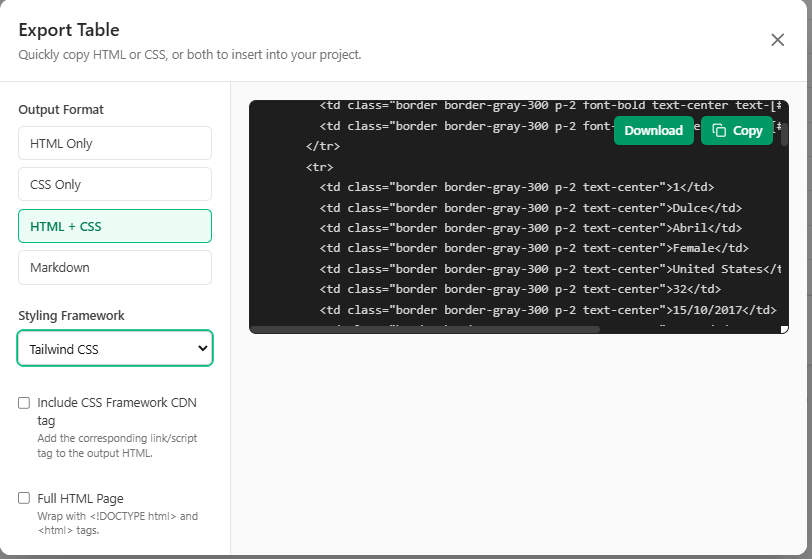
🖼️ Feature Showcase
🛠️ How to Use
🐞 Known Issues & FeedbackFound a bug or have a feature request? Please feel free to open an issue on our GitHub Repository. Enjoy crafting perfect HTML tables faster than ever! |