Cedar policy language for Visual Studio Code
The Cedar policy language extension for Visual Studio Code supports syntax highlighting, formatting, and validation. Install from the Visual Studio Marketplace or by searching within VS Code.
Cedar is an open-source language for writing authorization policies and making authorization decisions based on those policies. Visit the Cedar policy language reference guide for the documentation and the language specification.
Note: The release version of this extension uses Cedar SDK 4.x.
Features
Cedar policy language
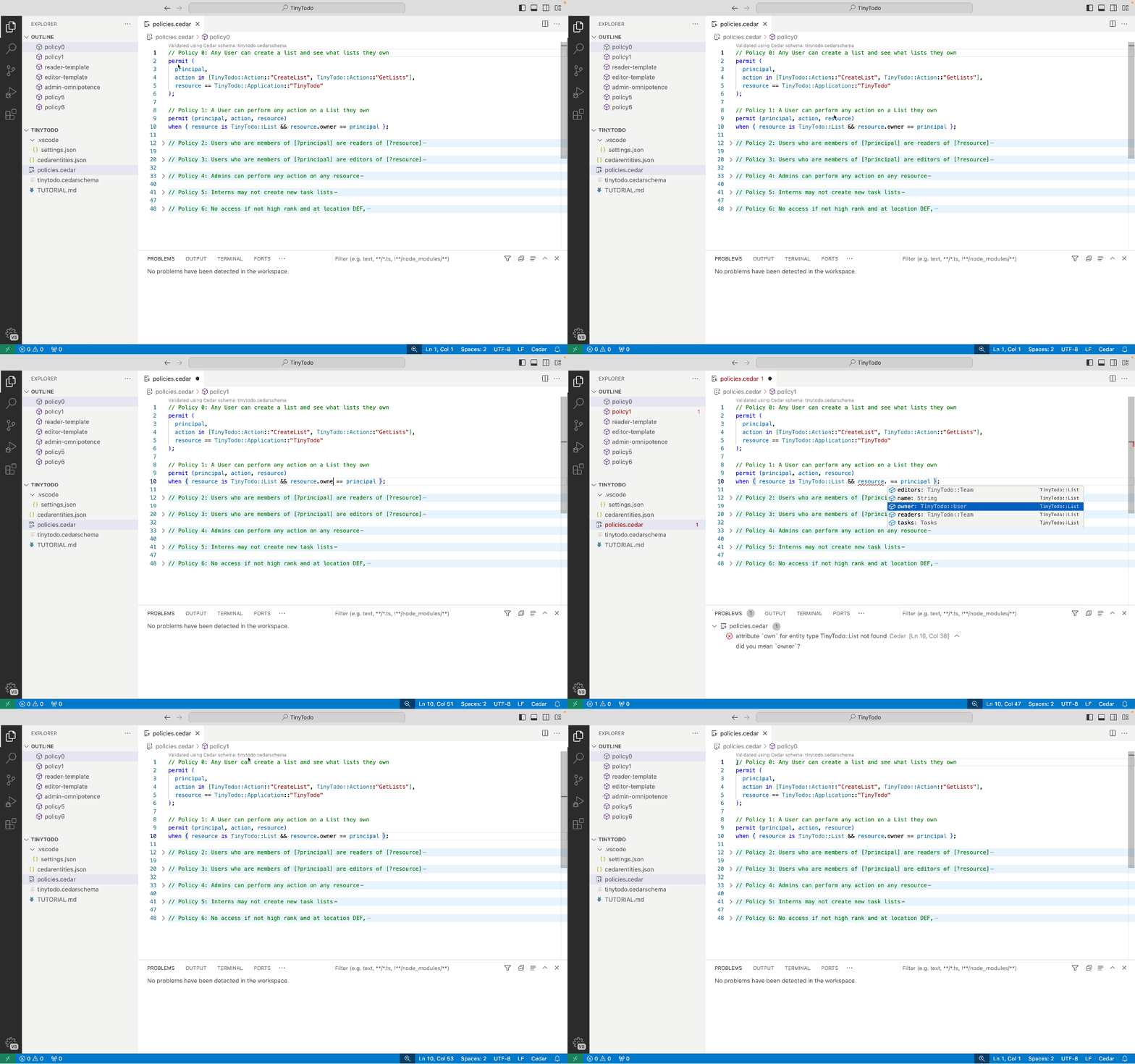
Files matching *.cedar are detected as a Cedar policy language and receive syntax highlighting. Validation is performed on document open, document save, during formatting, and via context menu. IntelliSense for entity types and attributes. Formatting can disabled per file using a leading comment line of // @formatter:off. Policy navigation using Outline or Breadcrumb. "Go to Definition" on Cedar entity types and action names. Policies are exportable to their JSON representation (*.cedar.json) and receive syntax highlighting.
Cedar schema
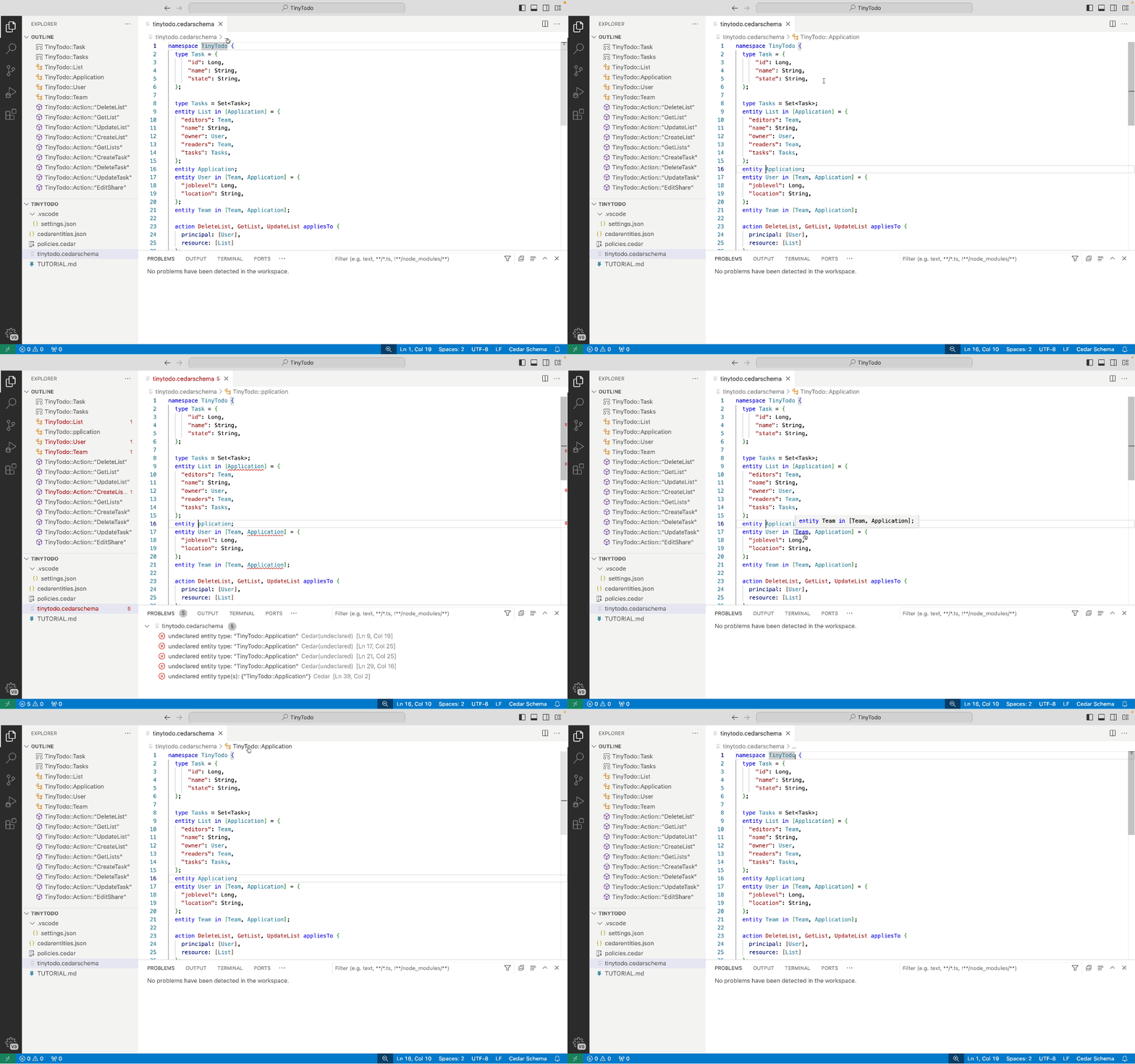
Files named cedarschema or matching *.cedarschema are detected as a Cedar schema and receive additional syntax highlighting. Validation is performed on document open, document save, and via context menu. When a Cedar schema file is detected or configured in Settings, additional validation of Cedar files uses that schema. Entity type navigation using Outline or Breadcrumb. "Go to Definition" on Cedar entity types and action names. The Cedar schema JSON format is supported for files named cedarschema.json or matching *.cedarschema.json.
Cedar entities
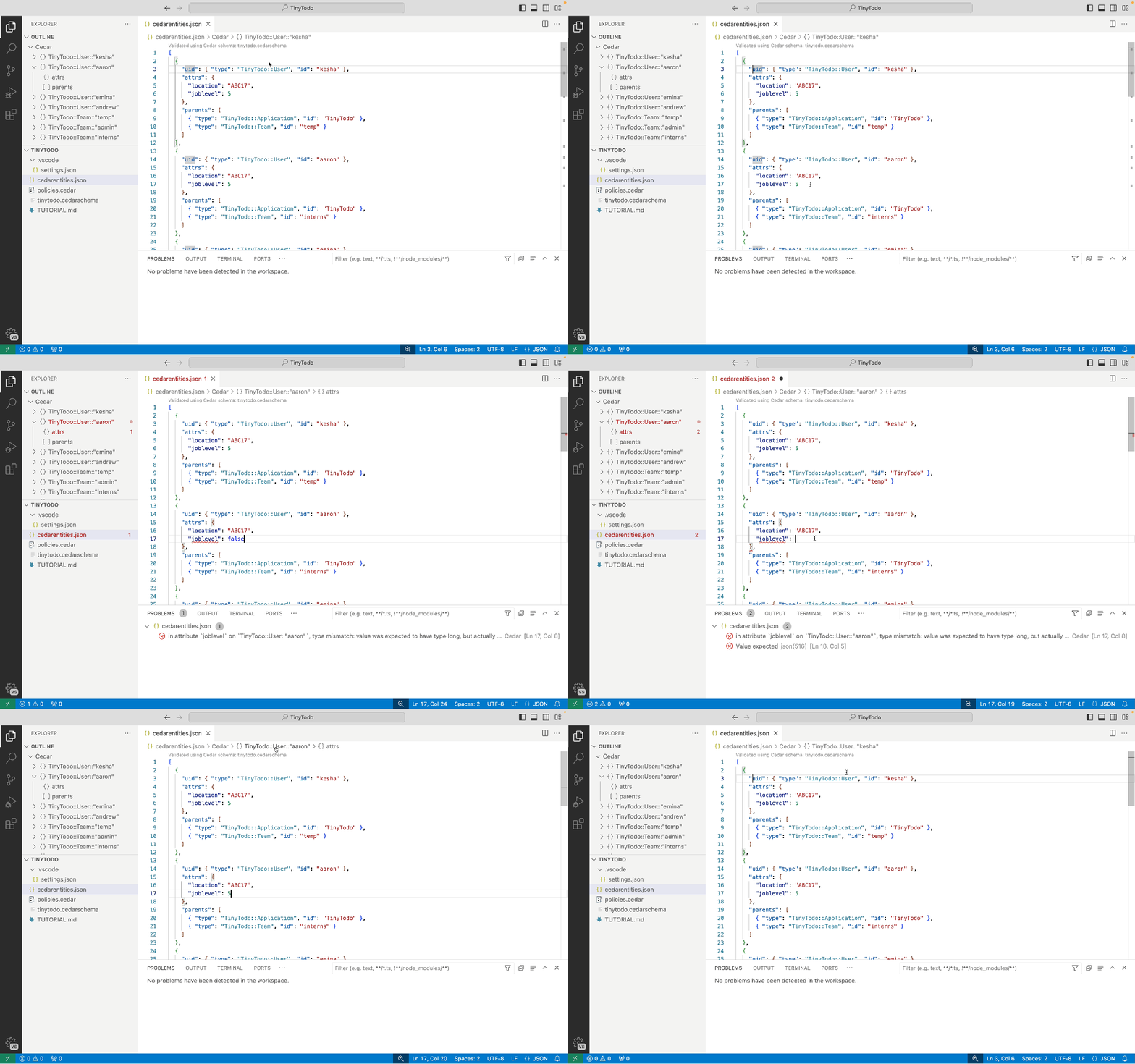
Files named cedarentities.json or matching *.cedarentities.json are detected as Cedar entities and receive additional syntax highlighting. Validation is performed against a Cedar schema on document open, document save, and via context menu. IntelliSense for entity types and add entity via context menu. Entity navigation using Outline or Breadcrumb. "Go to Definition" on Cedar entity types.
Cedar tests
Files named cedartests.json or matching *.cedartests.json are detected as Cedar tests and receive additional syntax highlighting. Validation is performed against a Cedar schema on document open, document save, and via context menu. IntelliSense for tests and embedded entities, and add test via context menu. Test navigation using Outline or Breadcrumb. "Go to Definition" on Cedar entity types, action names, and reason policy ids. Tests are run using the Visual Studio Code Testing view, evaluated against the Cedar policy (*.cedar), template links (cedartemplatelinks.json), entities (cedarentities.json), and schema files alongside the tests file.
Cedar CLI
Various commands of the cedar CLI take JSON formatted file inputs. Files named cedarauth.json or matching *.cedarauth.json are detected as input to the --request-json option for the authorize command. Files named cedartemplatelinks.json or matching *.cedartemplatelinks.json are detected as input to the --template-linked option for the authorize command. These files receive additional syntax highlighting.
The cedar CLI is optional and detected on the PATH during startup, and its version is reported by the "About Cedar extension" command. When detected, context menu and Command Palette commands run validate, run-tests, check-parse, and authorize on the current file in a reused Cedar CLI terminal, using the Cedar schema, policy, template links, and entities files detected alongside it.
Markdown
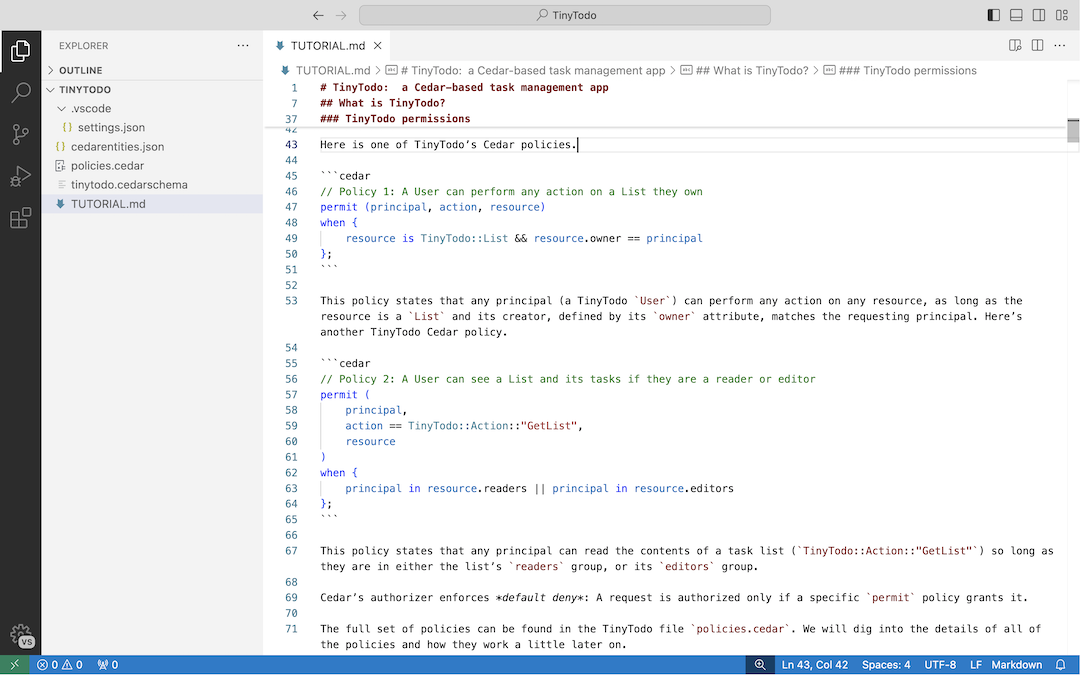
Syntax highlighting of cedar and cedarschema code fence blocks within markdown (*.md) files.
Command Palette
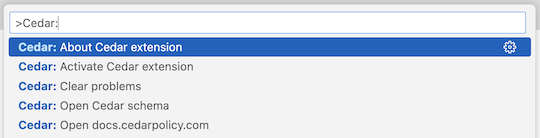
To see all available Cedar commands, open the Command Palette and type Cedar.
Settings
Sample .vscode/settings.json which enables editor settings for cedar files, sets a workspace level Cedar schema, and enables auto detection of folder level Cedar schema files.
{
  "[cedar]": {
    "editor.tabSize": 2,
    "editor.wordWrapColumn": 80,
    "editor.formatOnSave": true,
    "editor.defaultFormatter": "cedar-policy.vscode-cedar",
  },
  "cedar.schemaFile": "tinytodo.cedarschema",
  "cedar.autodetectSchemaFile": true,
}
Level validation
When .cedar files validate using a Cedar schema, the minimum entity dereference level each policy validates at (see level validation) is shown, depending on cedar.levelValidation.display, as a CodeLens above the policy (codeLens), an inlay hint comment like // Level 2 after the policy's ; (inlayHint), or not at all (none). Set cedar.levelValidation.maxLevel to warn on any policy which requires a higher level.
{
  "cedar.levelValidation.maxLevel": 2,
  "cedar.levelValidation.display": "codeLens",
}
File associations
JSON files are detected as Cedar files by the cedar*.json naming convention described above. cedar.fileAssociations maps glob patterns to a Cedar file kind for files which don't follow that convention, in the style of files.associations. A pattern without a / matches that filename in any folder. The built-in names take precedence, then associations are matched in order. Supported kinds are cedarschema.json, cedarentities, avpentities, cedartemplatelinks, cedarauth, cedartests, and cedar.json.
{
  "cedar.fileAssociations": {
    "schema.json": "cedarschema.json",
    "entities.json": "cedarentities",
    "tests.json": "cedartests",
    "links.json": "cedartemplatelinks"
  }
}
Associated files receive the same syntax highlighting, validation, navigation, and IntelliSense as the conventionally named files, and are used when locating the Cedar files a tests file is evaluated against. An associated Cedar schema is found by cedar.autodetectSchemaFile, so cedar.schemaFile is not needed to point at it. Since this setting is folder scoped, it can be set per folder of a multi-root workspace.
Cedar schema files using the Cedar syntax don't need this setting, since cedarschema is a language and can be associated using files.associations.
{
  "files.associations": {
    "schema.txt": "cedarschema"
  }
}
Troubleshooting
Submit bug reports and feature requests on our GitHub repository. For potential security issues, visit reporting a vulnerability for instructions.

