Skip to content
| Marketplace
Sign in
Visual Studio Code>Themes>Lilac NightsNew to Visual Studio Code? Get it now.
Lilac Nights

Lilac Nights

caspel26

|
1 install
| (0) | Free
A dark and light theme with a lilac/violet spine and a full, contrast-checked syntax palette.
Installation
Launch VS Code Quick Open (Ctrl+P), paste the following command, and press enter.
Copied to clipboard
More Info

Lilac Nights

Lilac Nights

A dark VS Code theme with a lilac spine — built to be read for eight hours straight. Now with a light variant.

VS Marketplace Open VSX VS Marketplace installs Open VSX downloads MIT VS Code ^1.70

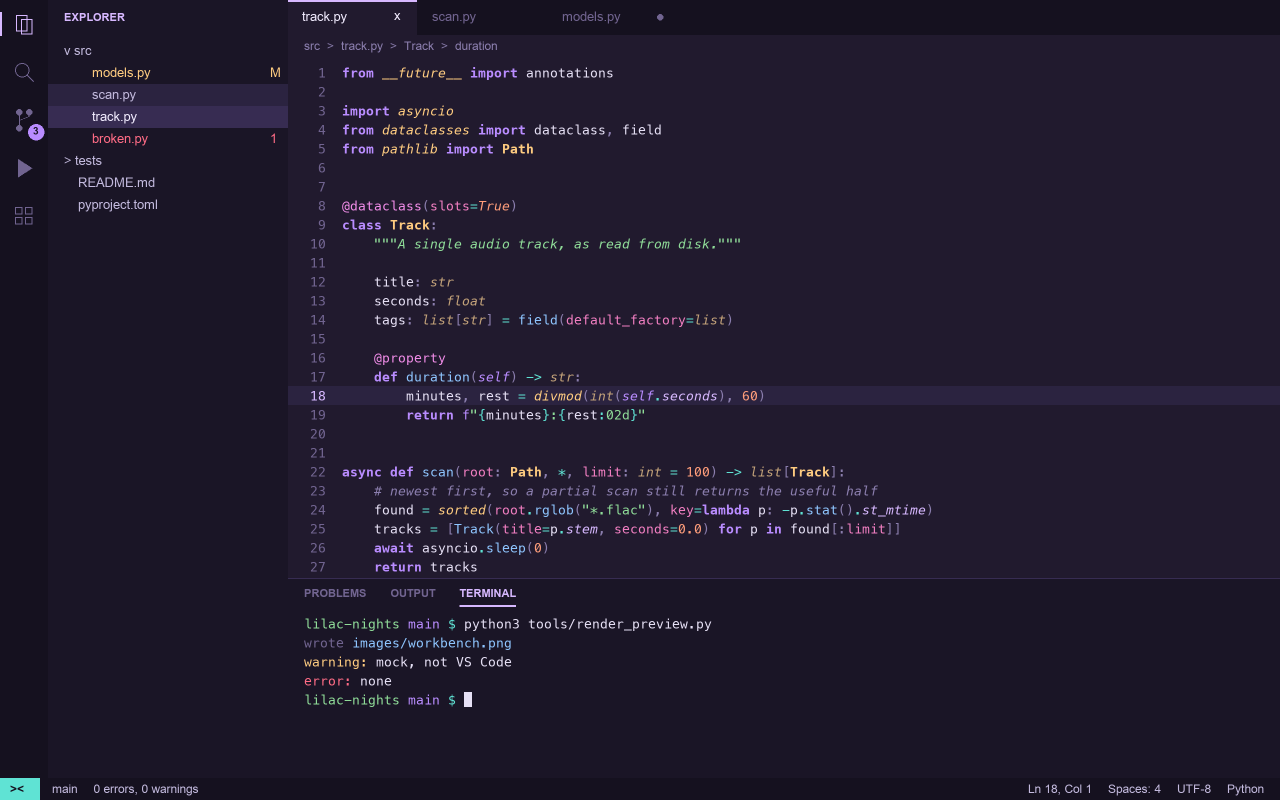
Lilac Nights workbench: explorer, tabs, Python editor, terminal and status bar (rendered from the theme file, not a VS Code screenshot)

Most purple themes pick a purple and stop there — everything else drifts into whatever hue was lying around. Lilac Nights runs the purple through the parts of the code that carry structure (keywords, properties, decorators) and gives each remaining hue exactly one job. The result stays unmistakably lilac without every line looking the same.

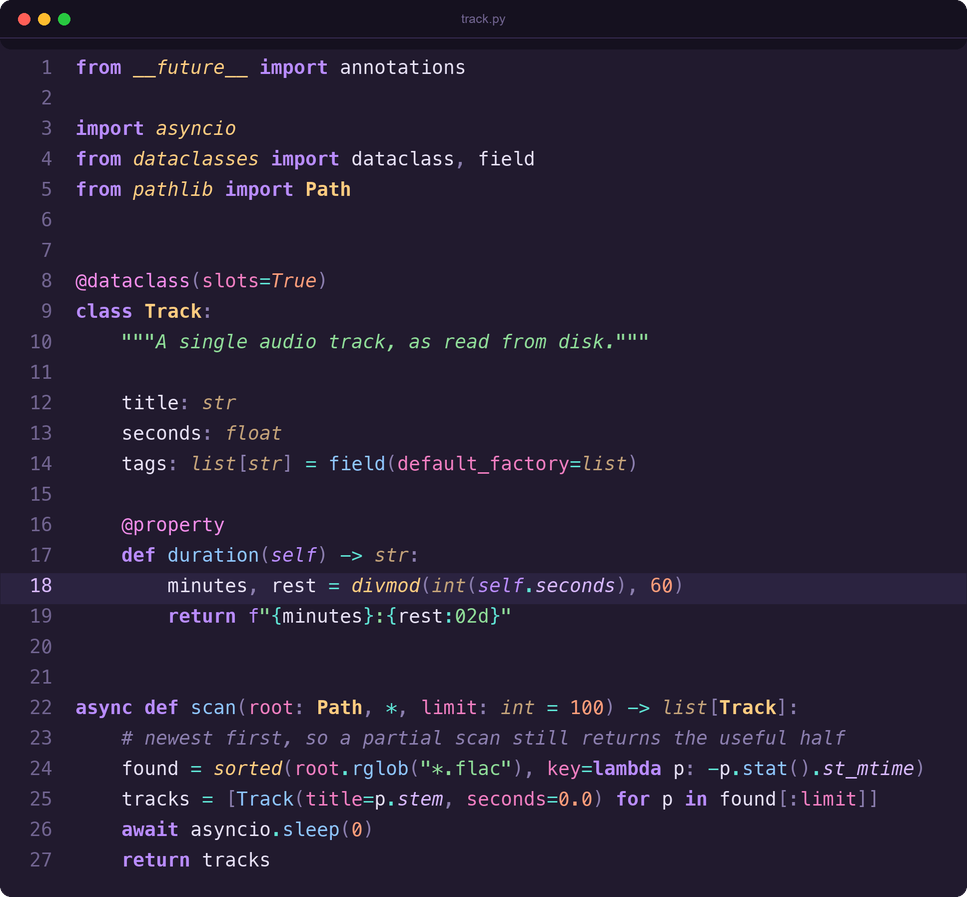
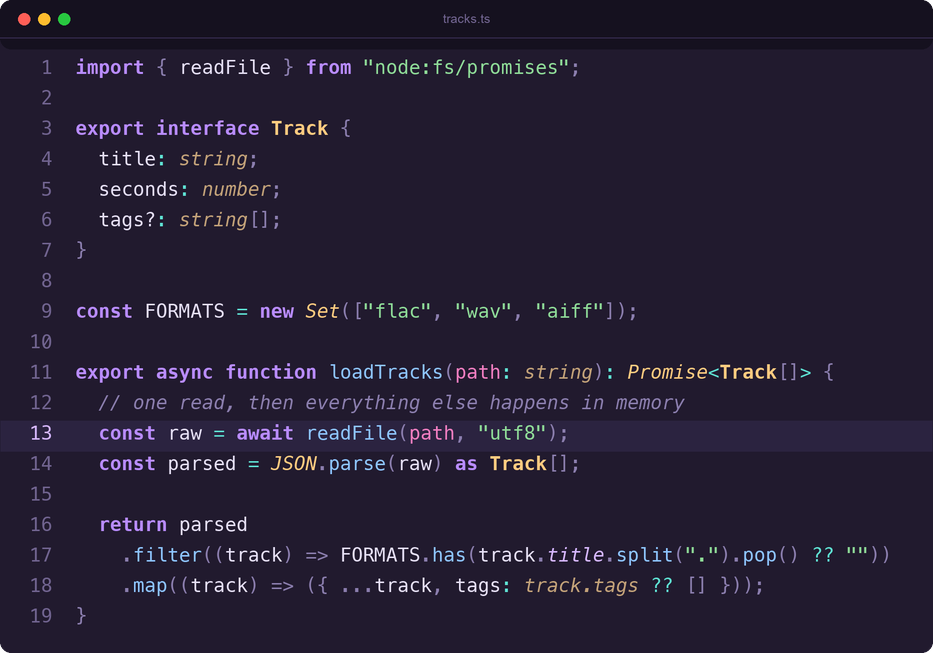
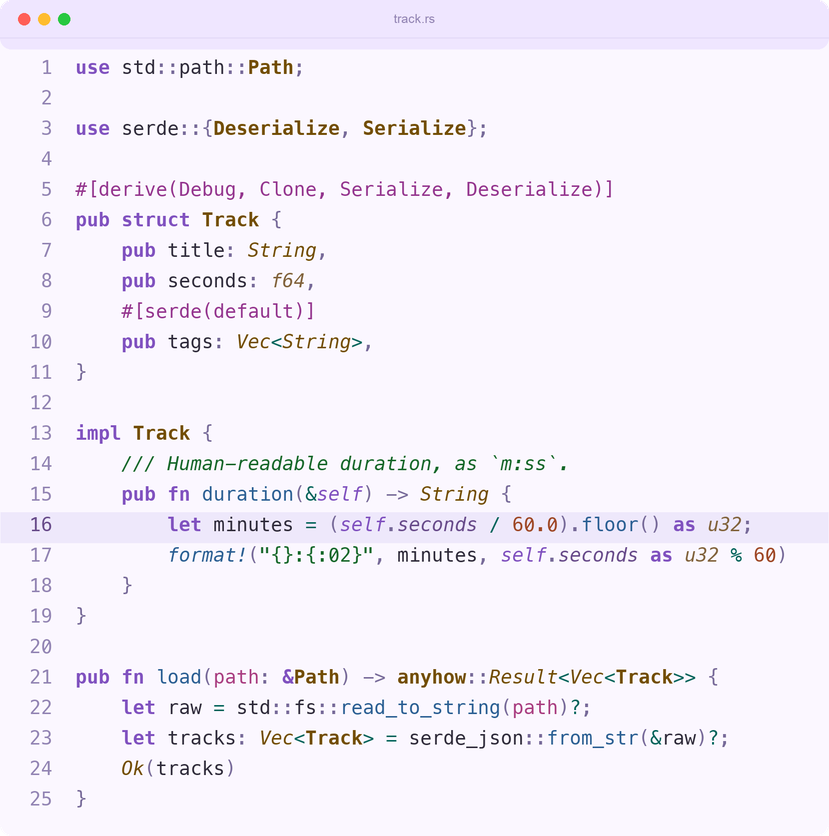
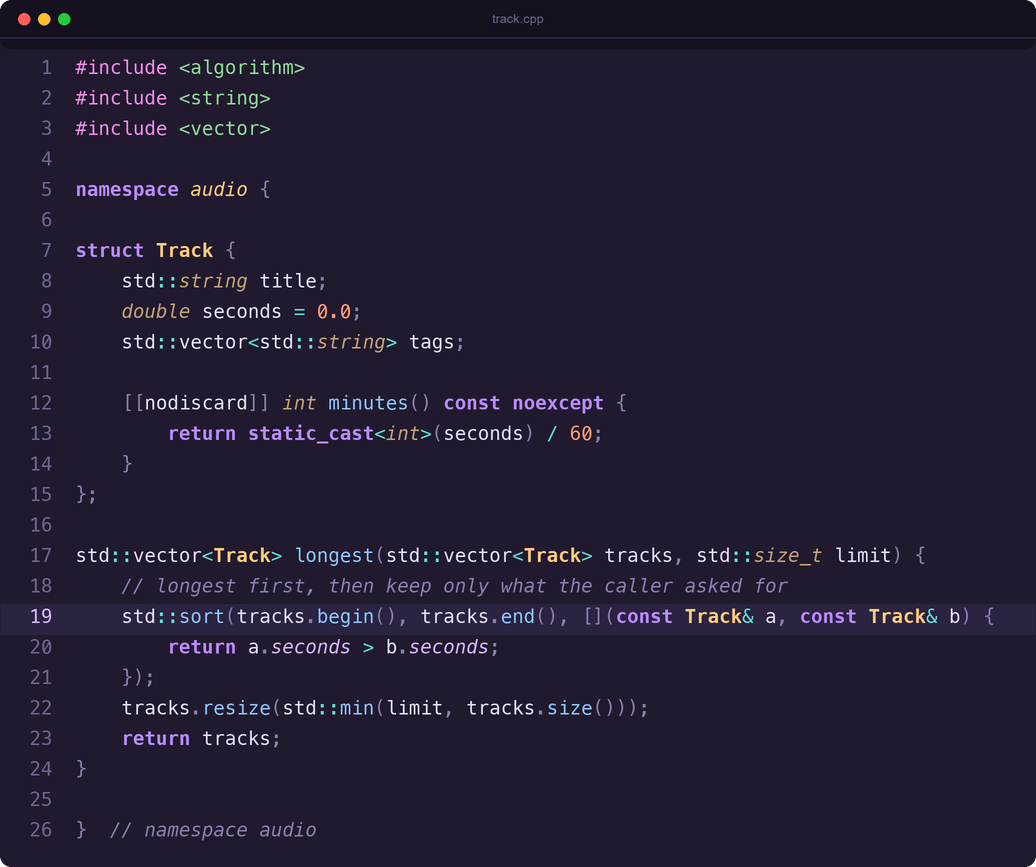
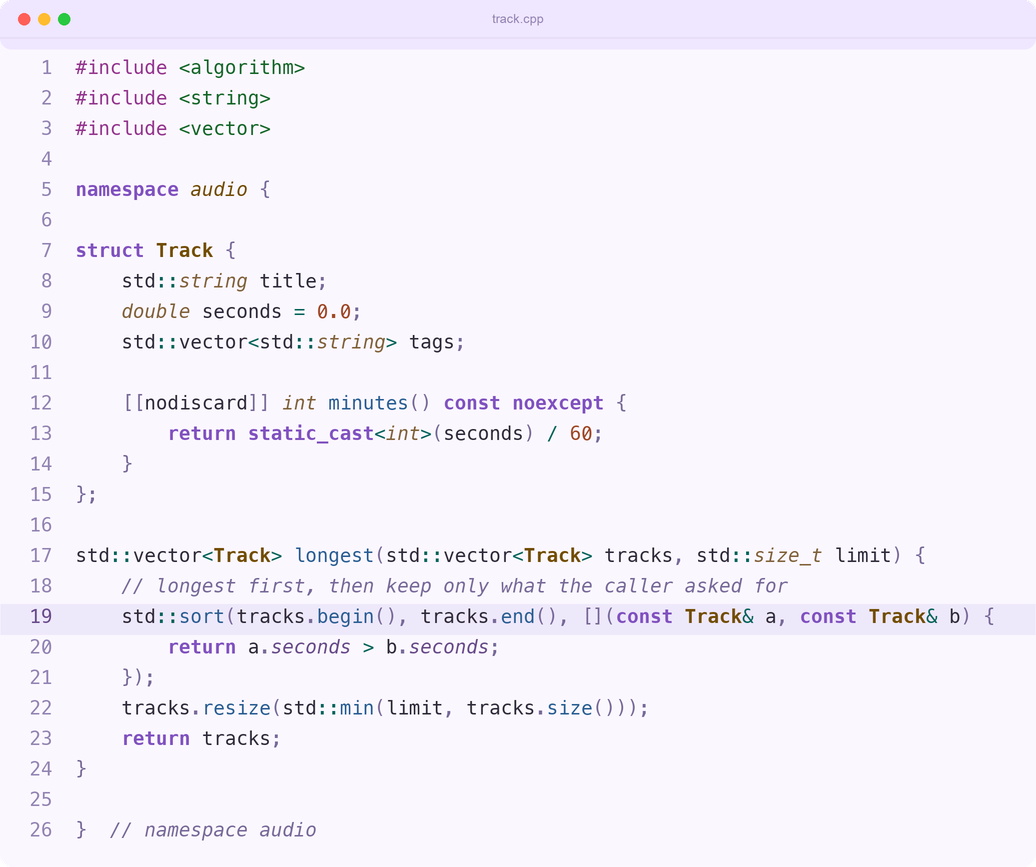
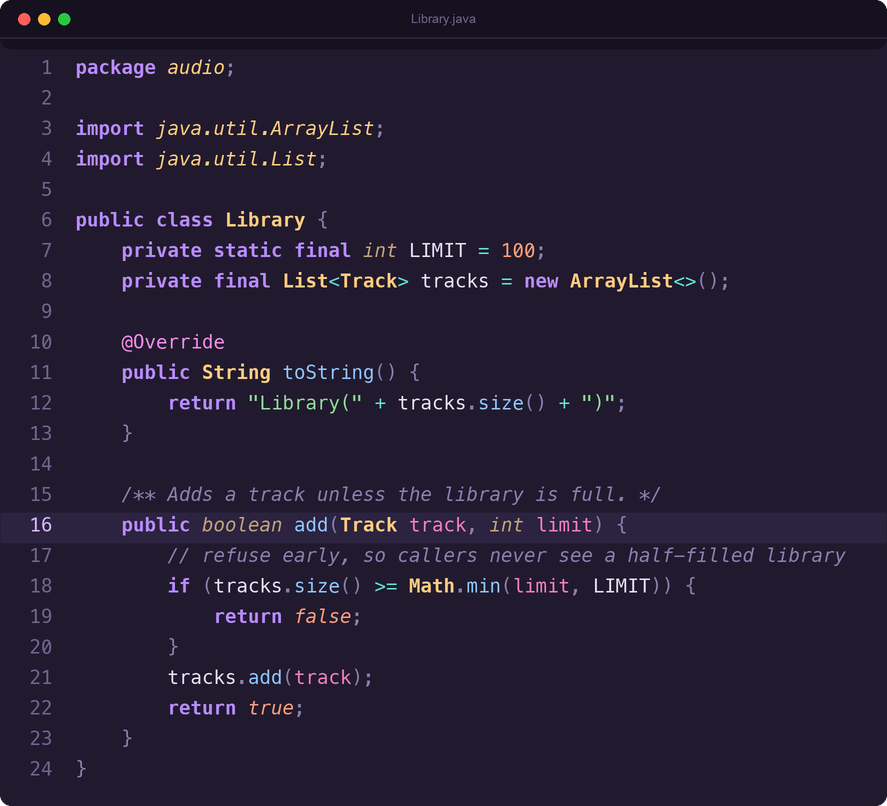
The same rules hold across grammars: violet keywords, honey types, azure calls, sage strings, and orchid for whatever the language treats as a directive — decorators in Python, attributes in Rust, annotations in Java, preprocessor lines in C++.

Previews

Click a language to expand it: each one shows Lilac Nights and Lilac Nights Light. Every image is rendered from the theme files, so it always matches the colors in themes/.

Python

Dark

Lilac Nights in Python (rendered from the theme file)

Light

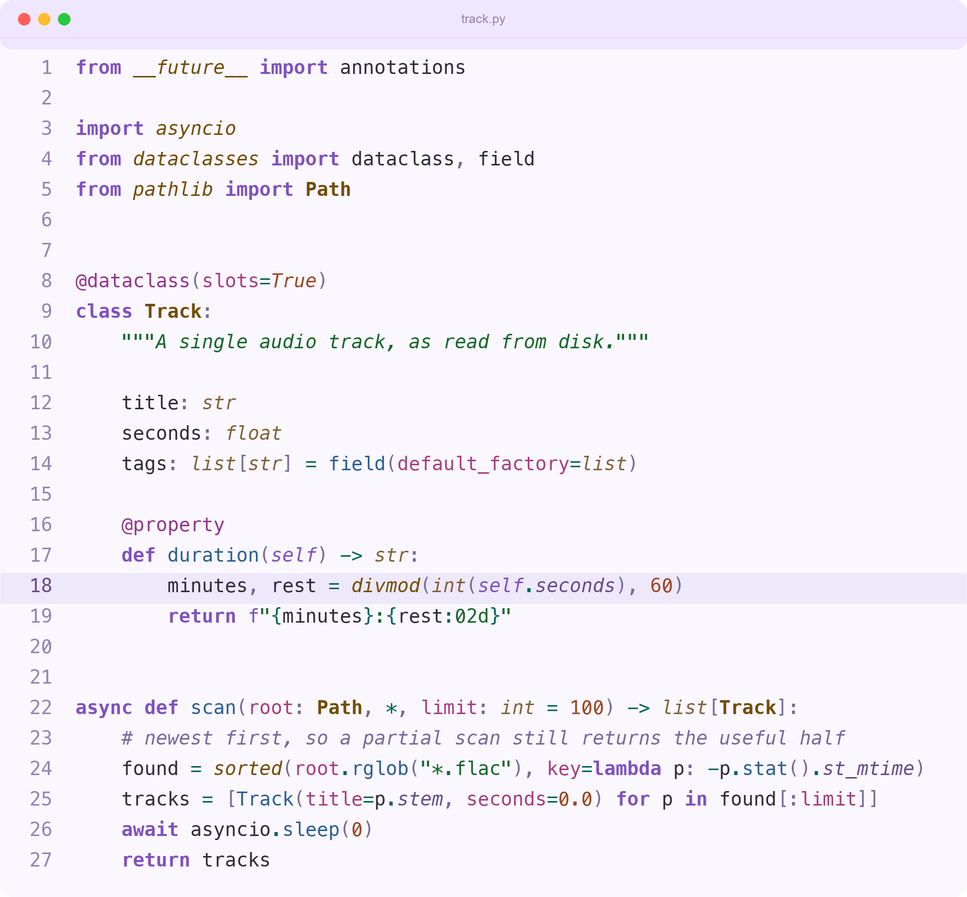
Lilac Nights Light in Python (rendered from the theme file)

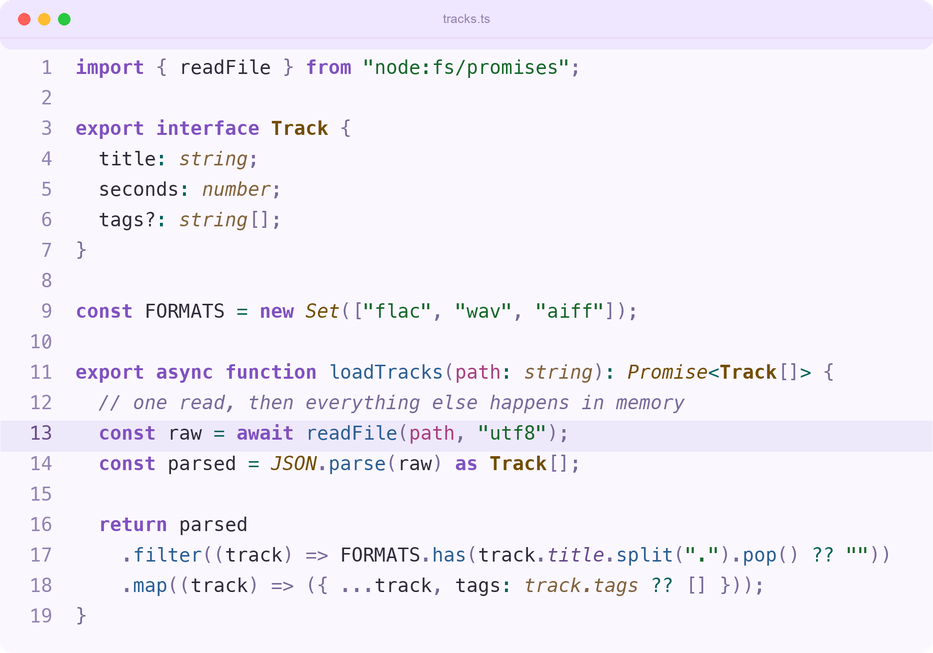
TypeScript

Dark

Lilac Nights in TypeScript (rendered from the theme file)

Light

Lilac Nights Light in TypeScript (rendered from the theme file)

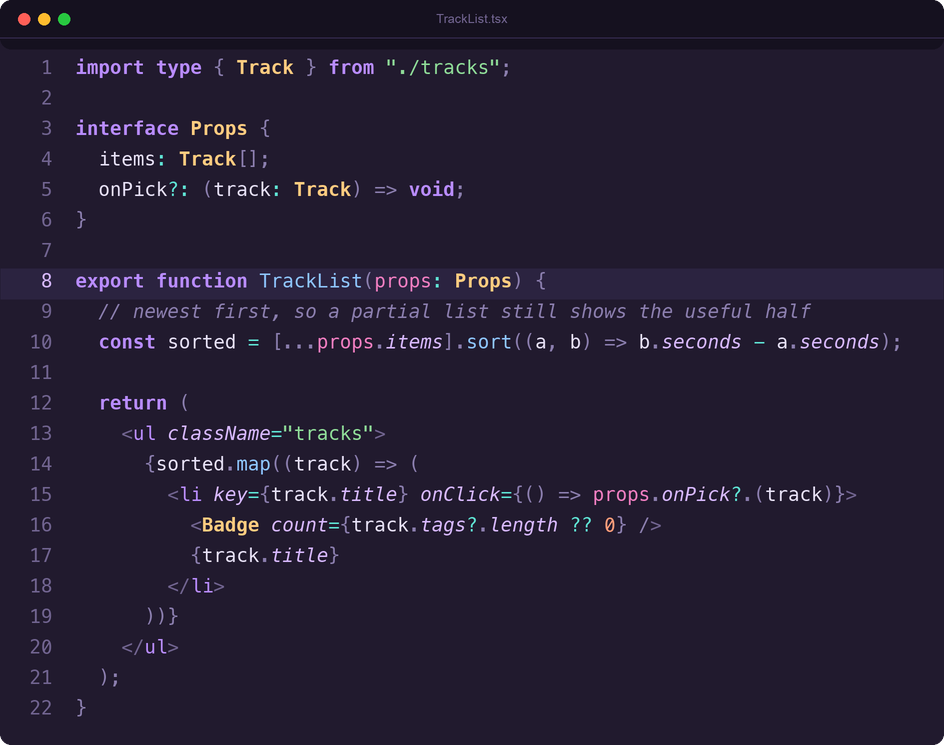
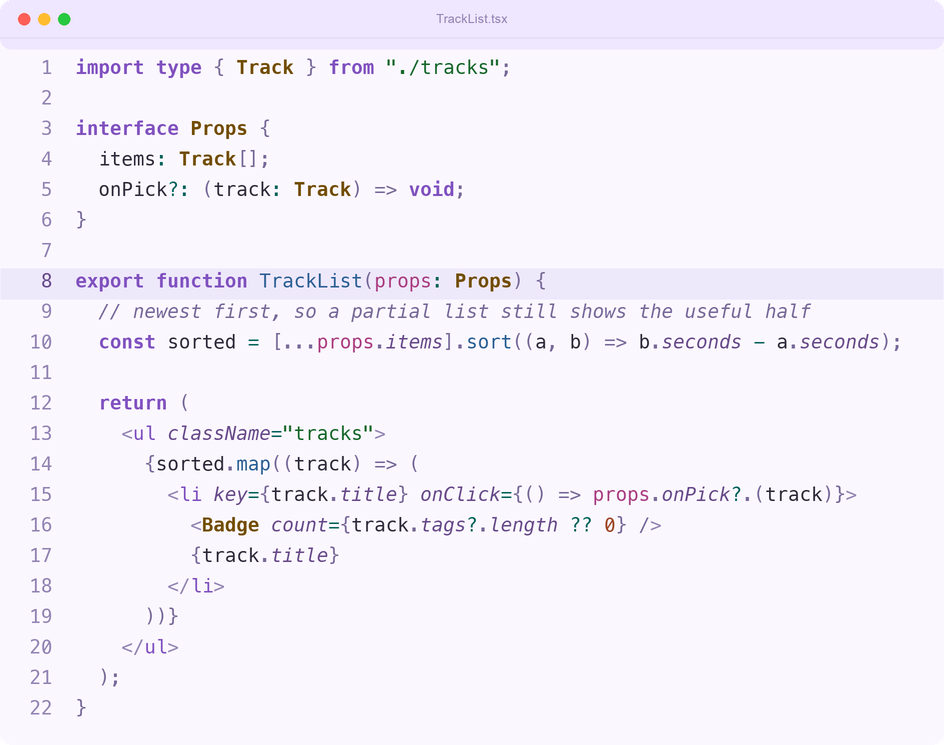
TSX

Dark

Lilac Nights in TSX (rendered from the theme file)

Light

Lilac Nights Light in TSX (rendered from the theme file)

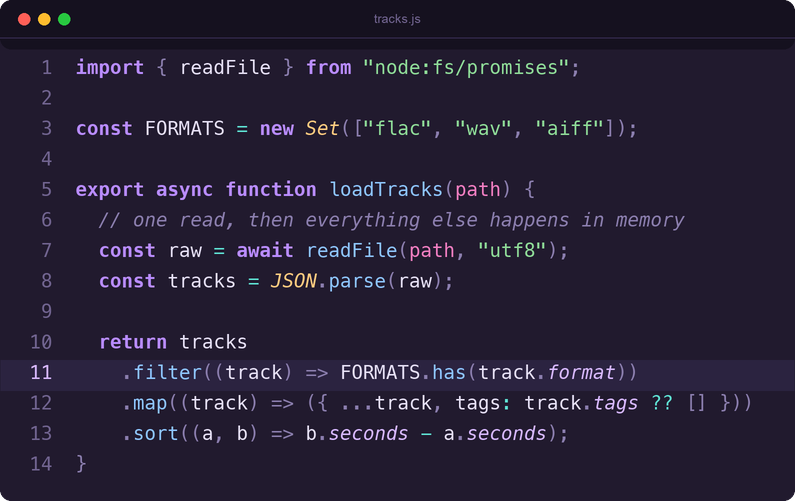
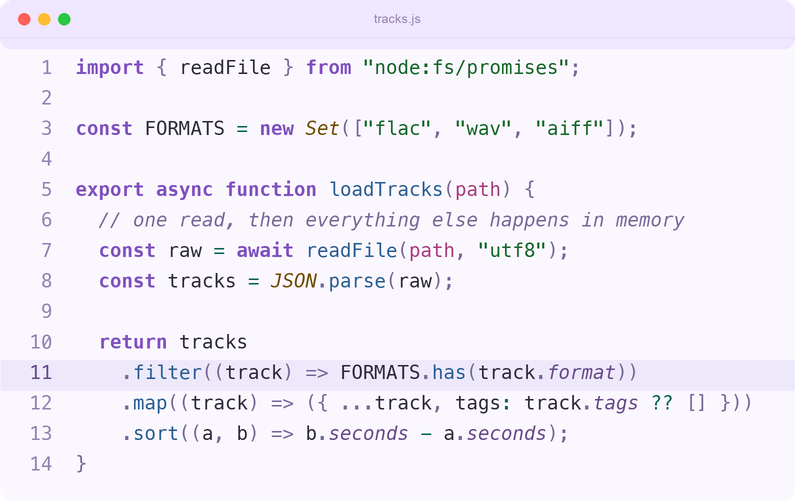
JavaScript

Dark

Lilac Nights in JavaScript (rendered from the theme file)

Light

Lilac Nights Light in JavaScript (rendered from the theme file)

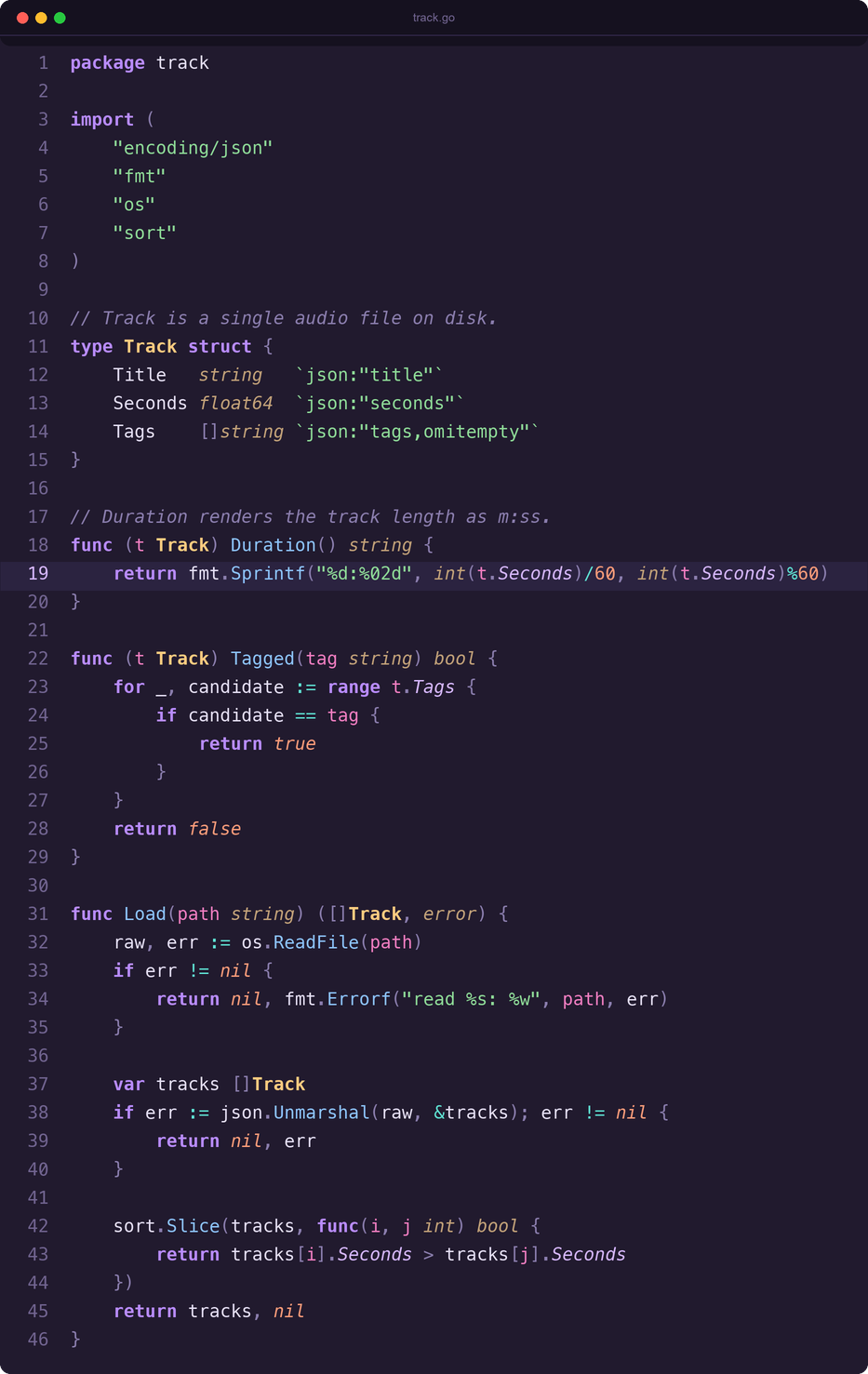
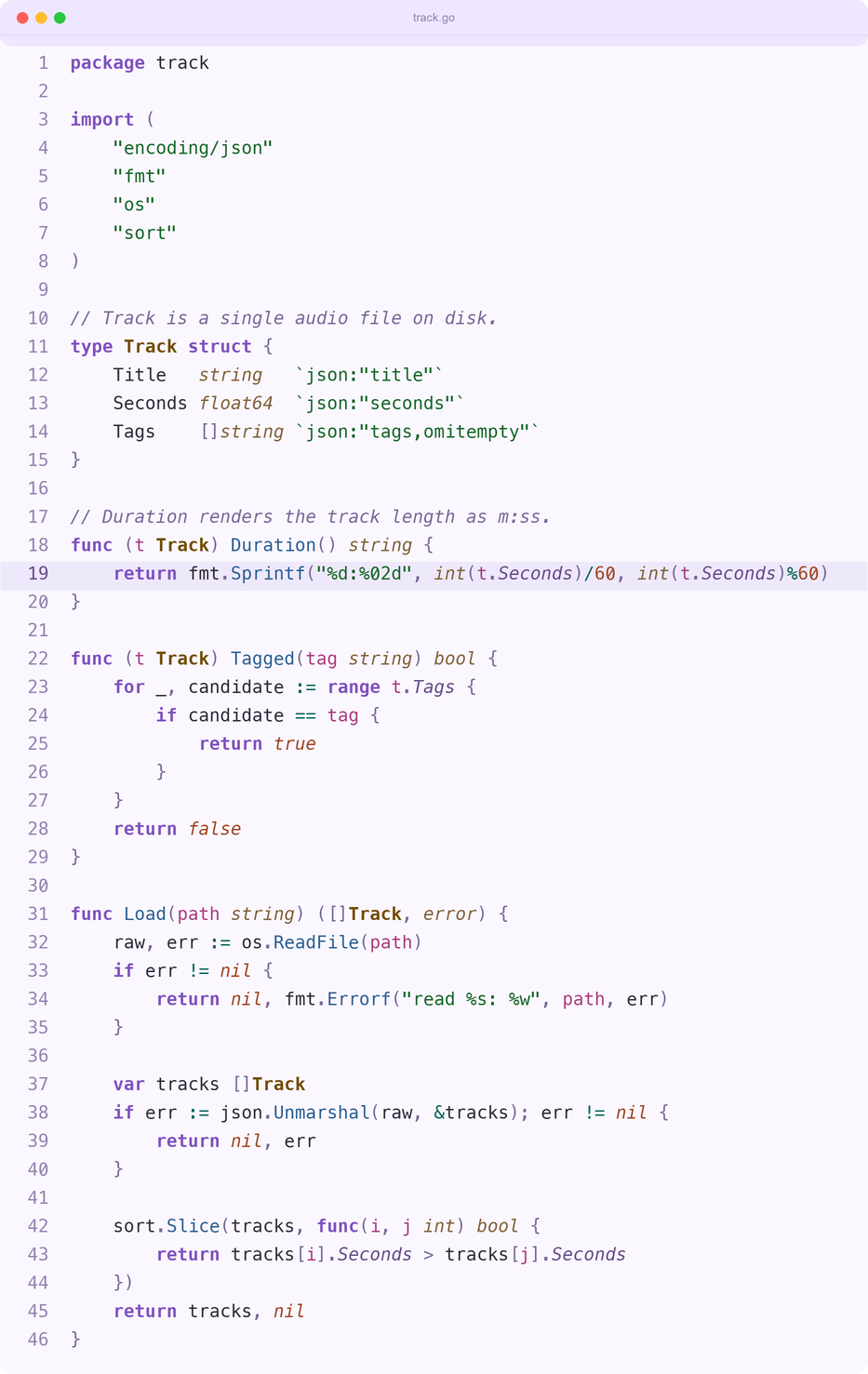
Go

Dark

Lilac Nights in Go (rendered from the theme file)

Light

Lilac Nights Light in Go (rendered from the theme file)

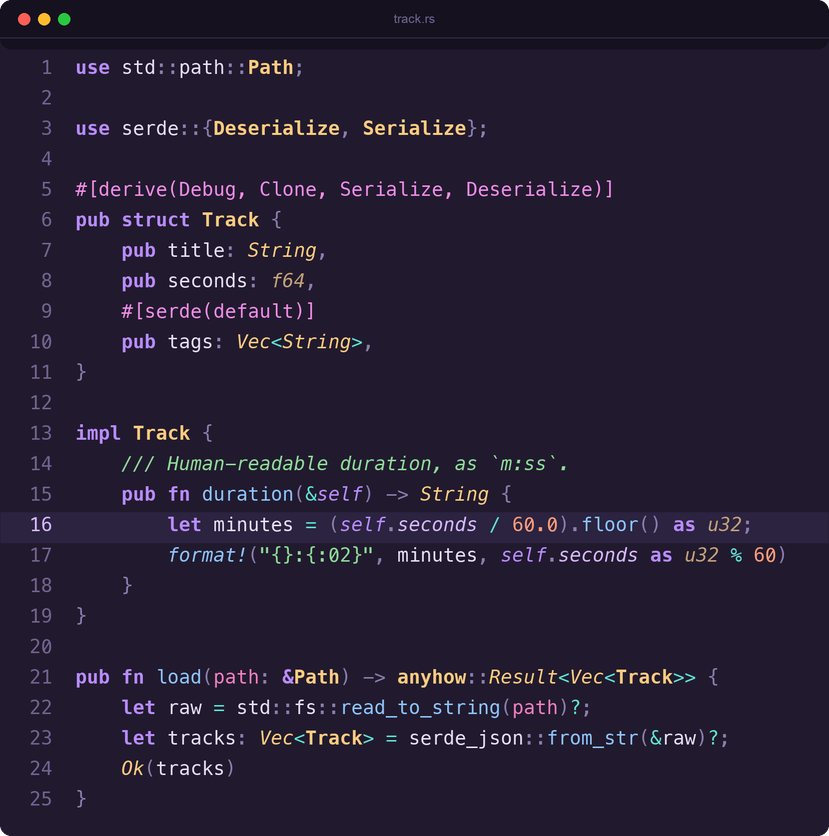
Rust

Dark

Lilac Nights in Rust (rendered from the theme file)

Light

Lilac Nights Light in Rust (rendered from the theme file)

C++

Dark

Lilac Nights in C++ (rendered from the theme file)

Light

Lilac Nights Light in C++ (rendered from the theme file)

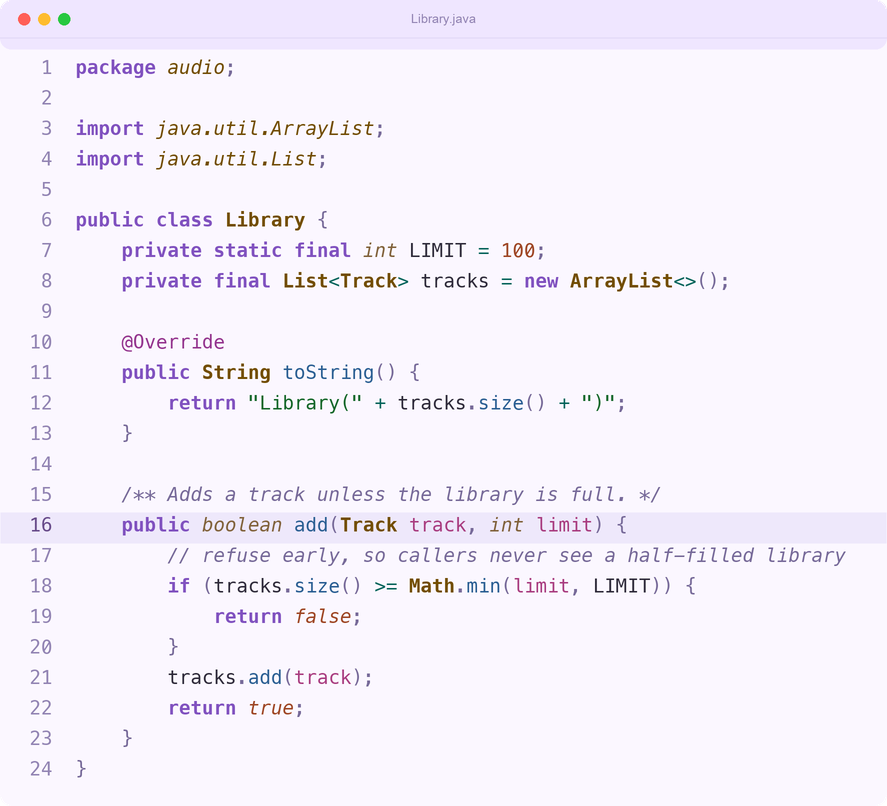
Java

Dark

Lilac Nights in Java (rendered from the theme file)

Light

Lilac Nights Light in Java (rendered from the theme file)

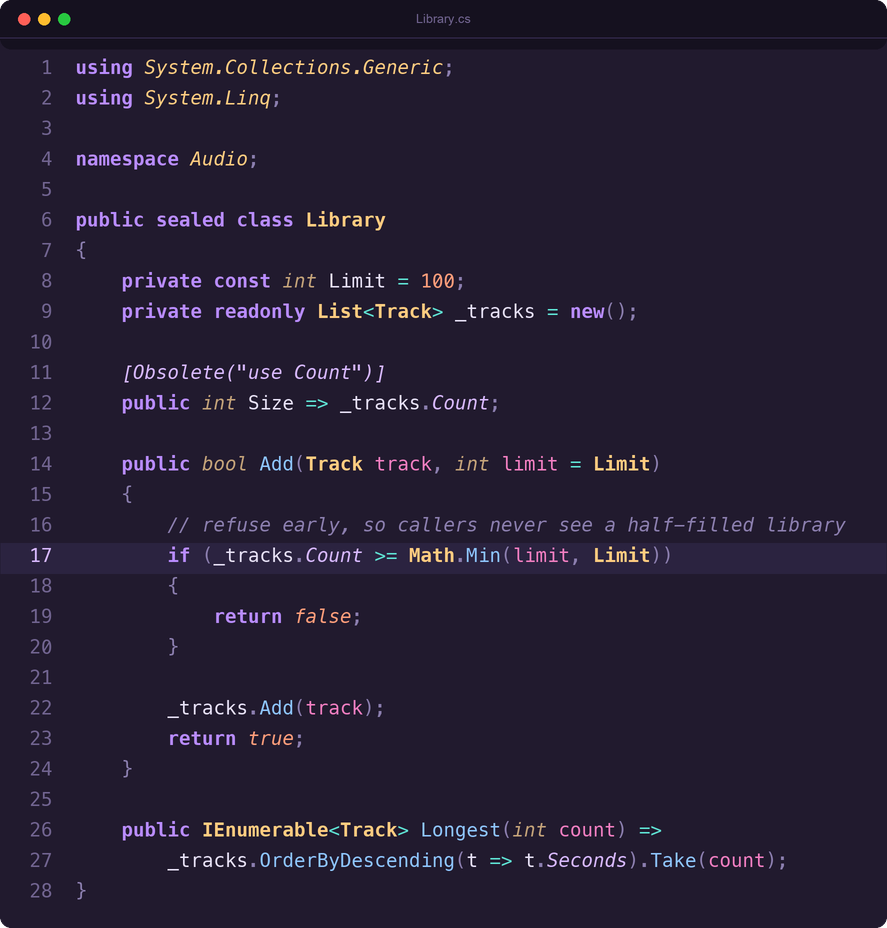
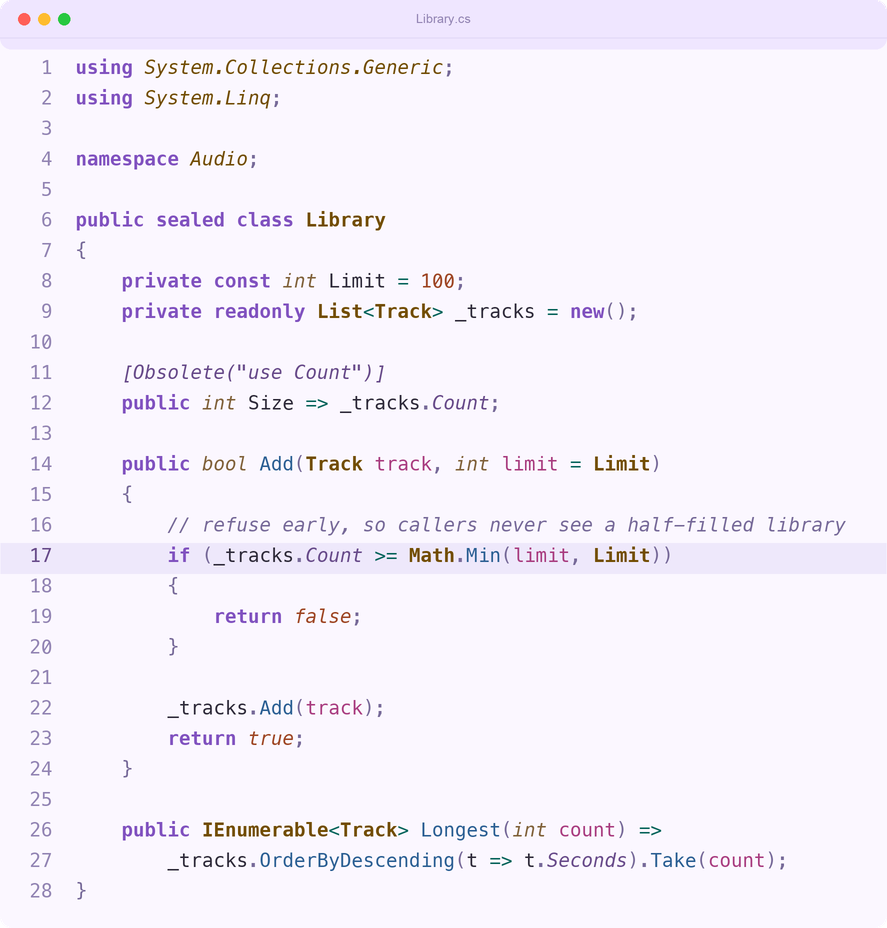
C#

Dark

Lilac Nights in C# (rendered from the theme file)

Light

Lilac Nights Light in C# (rendered from the theme file)

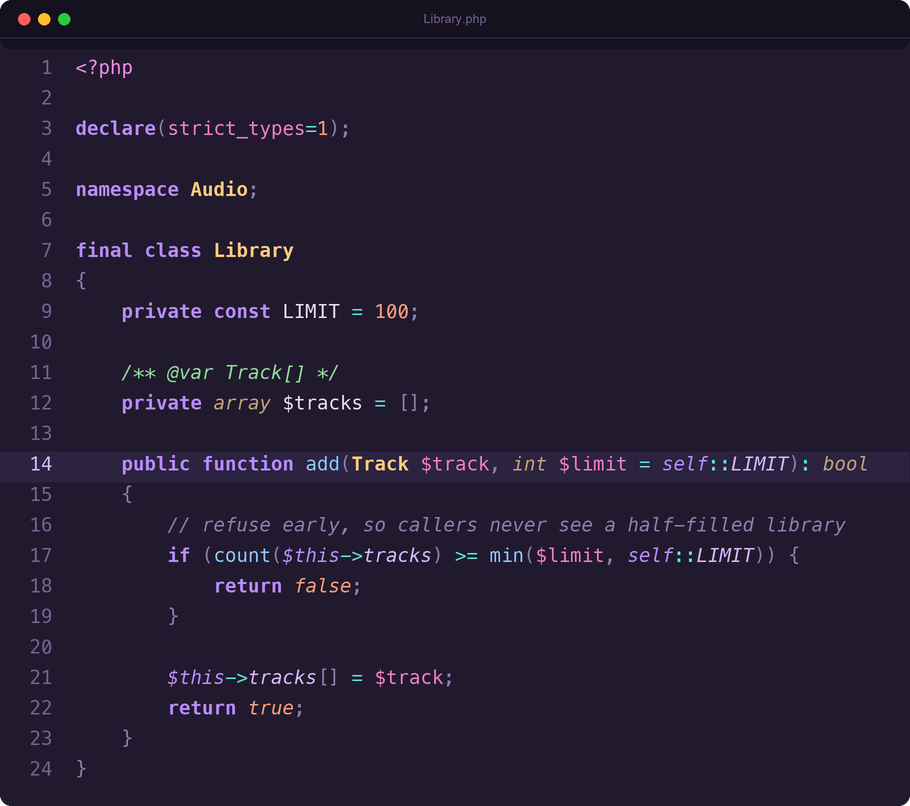
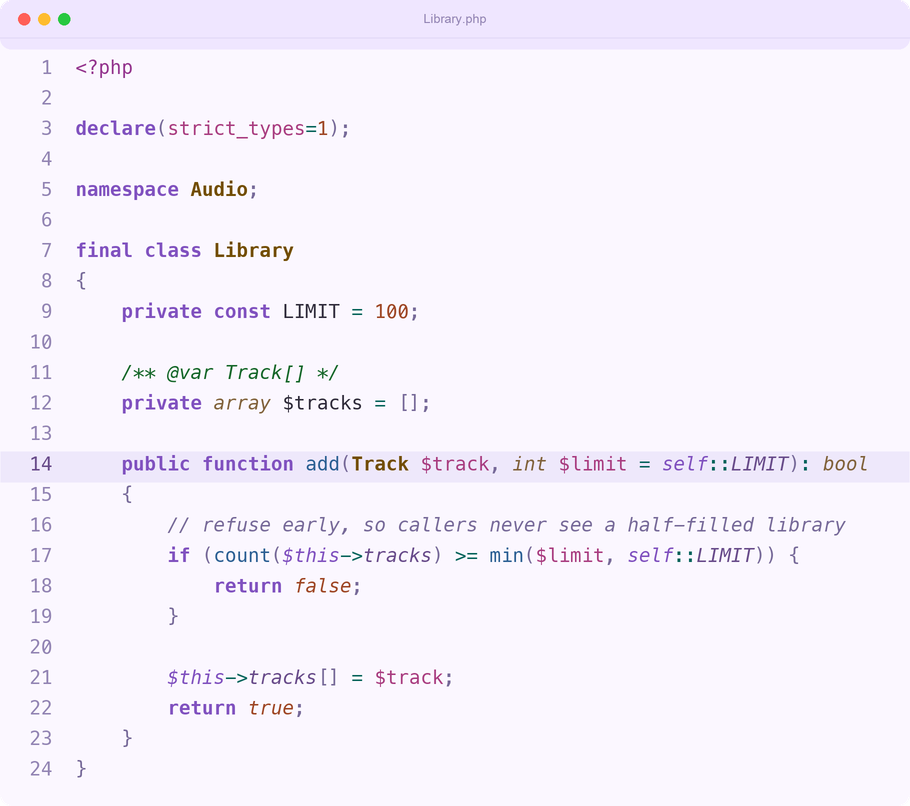
PHP

Dark

Lilac Nights in PHP (rendered from the theme file)

Light

Lilac Nights Light in PHP (rendered from the theme file)

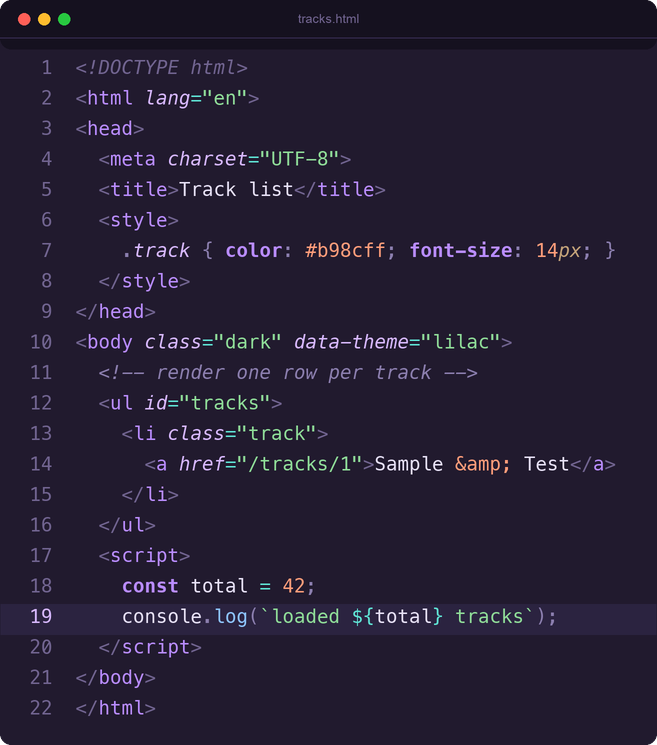
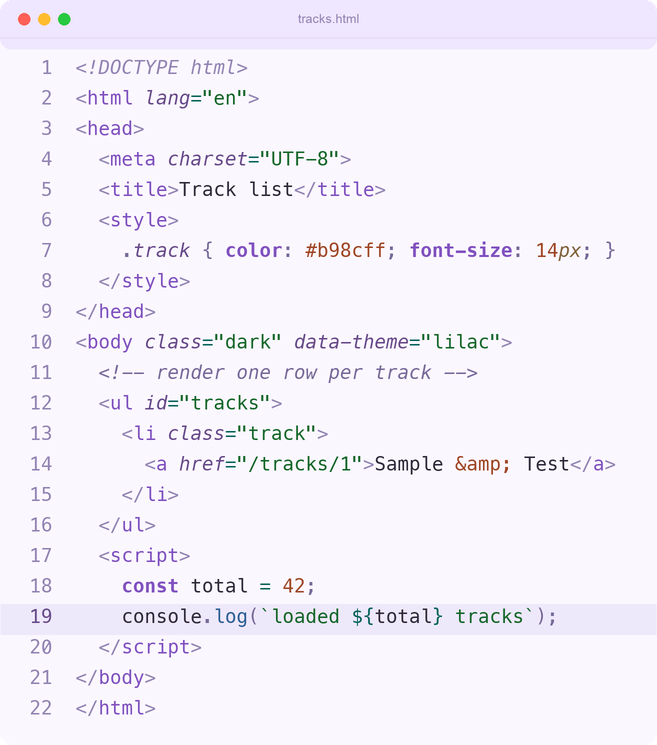
HTML

Dark

Lilac Nights in HTML (rendered from the theme file)

Light

Lilac Nights Light in HTML (rendered from the theme file)

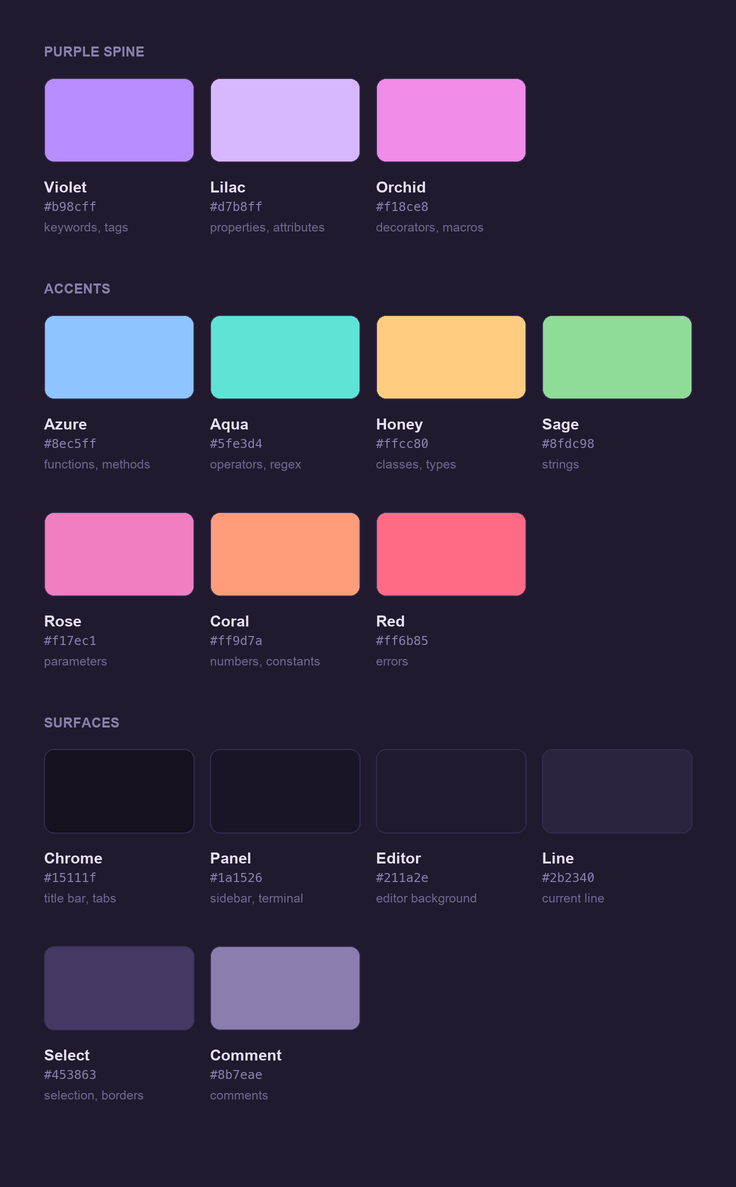
Palette

Lilac Nights palette swatches (rendered from the theme file)

Three rules it follows

1. Purple carries the structure. Keywords, tags, self/this, and object properties all live on the violet → lilac ramp, so the theme's identity shows up on nearly every line instead of in one lonely accent.

2. Each hue has exactly one job. No color does double duty in a way that makes two different concepts look alike. If something is azure, it is callable.

3. Brightness tracks importance, not frequency. Strings are the most common thing in a file and the least worth scanning, so they sit below the names you actually look for. Every syntax role clears WCAG AA (≥4.5:1) against the editor background; the one deliberate exception is muted tag punctuation (<, >, /), which sits at about 3.1:1 so it recedes behind the names. The ranking below is deliberate rather than accidental:

Token Contrast
plain variables 13.06
classes, types 11.34
strings 10.27
properties, attributes 9.74
functions, methods 9.25
numbers, constants 8.27
parameters 6.79
keywords 6.60
comments 4.55

Light variant

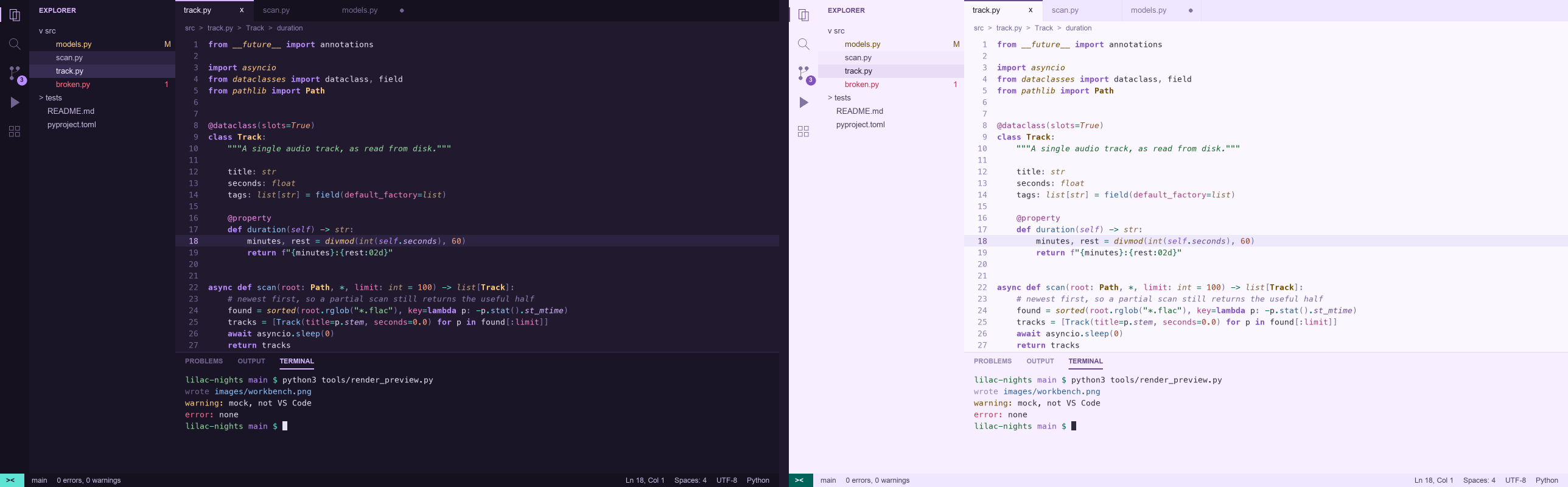
Lilac Nights Light is derived from the dark theme with the same rules: the same hue keeps the same job, and contrast is checked per role in CI. Pick it with Cmd+K Cmd+T → Lilac Nights Light.

Lilac Nights (dark, left) and Lilac Nights Light (right) workbench side by side (rendered from the theme files)

What it covers

Beyond the usual: semantic tokens (including variable.classMember, so session.external_session_id reads as variable → attribute rather than one flat blur), symbol icons, inlay hints, ghost text, bracket-pair colorization, testing and debug views, notebooks, diff and merge decorations, and all 16 terminal ANSI colors — in both Dark and Light.

Extra grammar rules for Python, TypeScript, Java, C#, PHP, Vue, Markdown, YAML, TOML, Dockerfile, shell, SQL, .env, CSS, and git commit messages.

Install

From the VS Code Marketplace — search Lilac Nights in the Extensions panel, or:

code --install-extension caspel26.lilac-nights

From Open VSX — in VSCodium, Cursor, Windsurf or Gitpod, search Lilac Nights in the Extensions panel, or:

codium --install-extension caspel26.lilac-nights

From a release — download the .vsix from Releases, then run this in the folder you downloaded it to (the glob matches the file you downloaded; use the exact file name if several .vsix files are there):

code --install-extension ./lilac-nights-*.vsix

From source:

git clone https://github.com/caspel26/lilac-nights.git
ln -s "$PWD/lilac-nights" ~/.vscode/extensions/lilac-nights

Then Cmd+K Cmd+T → Lilac Nights (or Lilac Nights Light).

Terminal

The terminal gets all 16 ANSI colors mapped to the same palette:

Terminal colors (rendered from the theme file)

Want to change something? See Making it yours.

License

MIT — see LICENSE.

  • Contact us
  • Jobs
  • Privacy
  • Manage cookies
  • Terms of use
  • Trademarks
  • Your Privacy Choices
  • Consumer Health Privacy
© 2026 Microsoft