Markdown Viewer Premium 💎
A Markdown preview for VS Code that renders diagrams, math and code the way they'll be read — and exports them. Mermaid, PlantUML, Graphviz and Vega-Lite all render offline, with no Java, server or extra install.
Features ✨
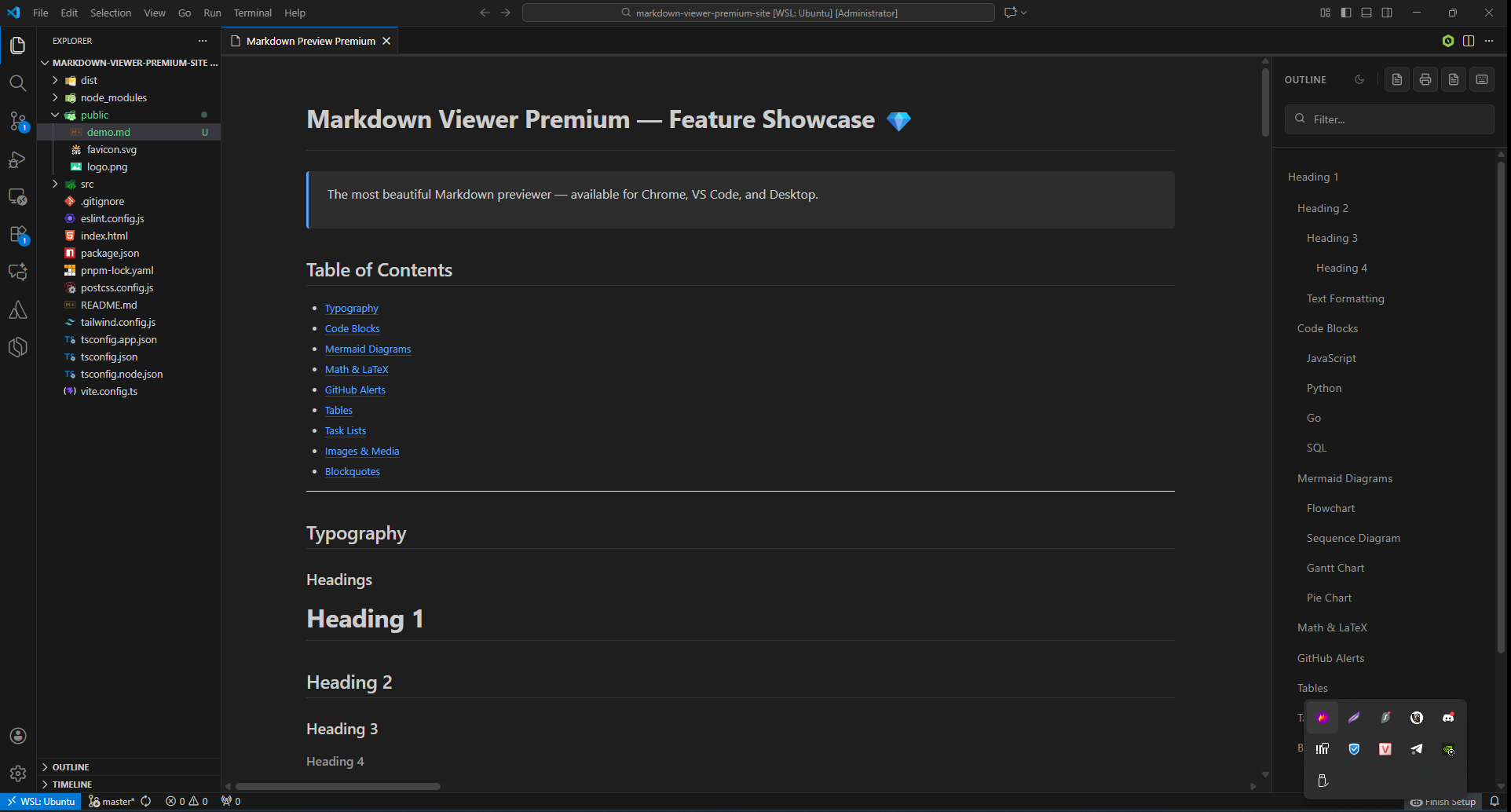
- Comfortable Reading: A readable line length, an outline that follows your position, and a narrow-pane layout for previews docked beside the editor.
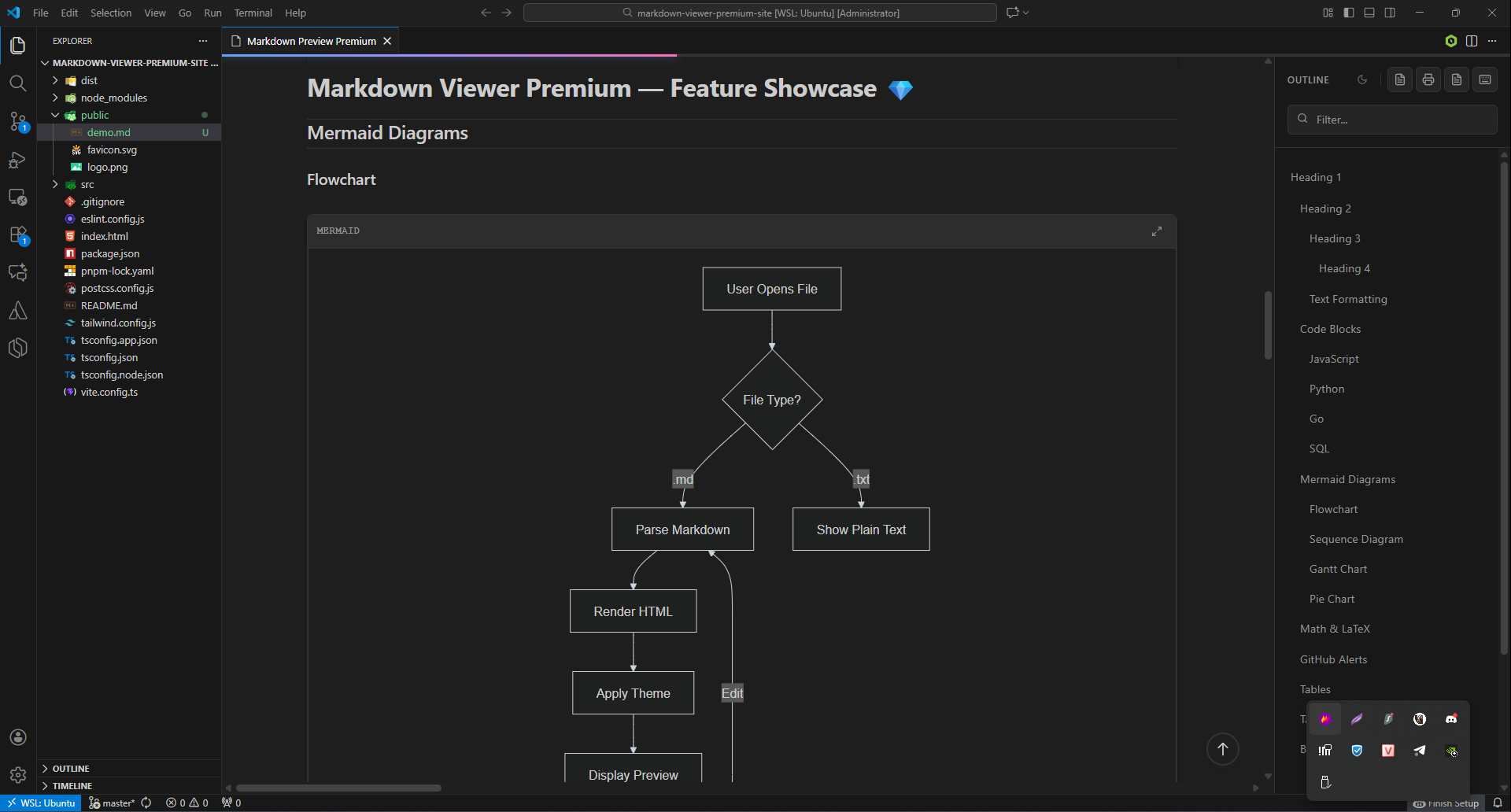
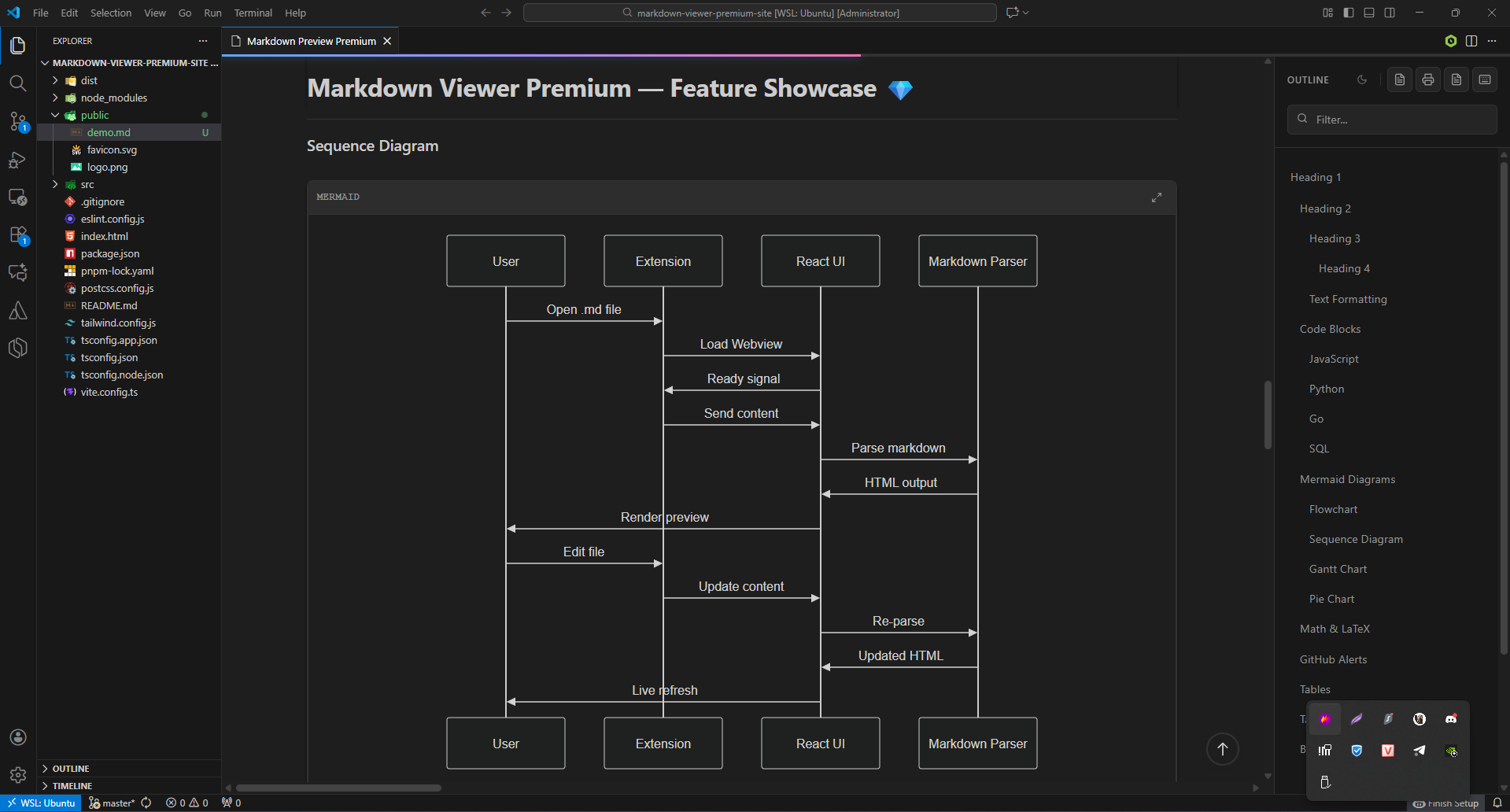
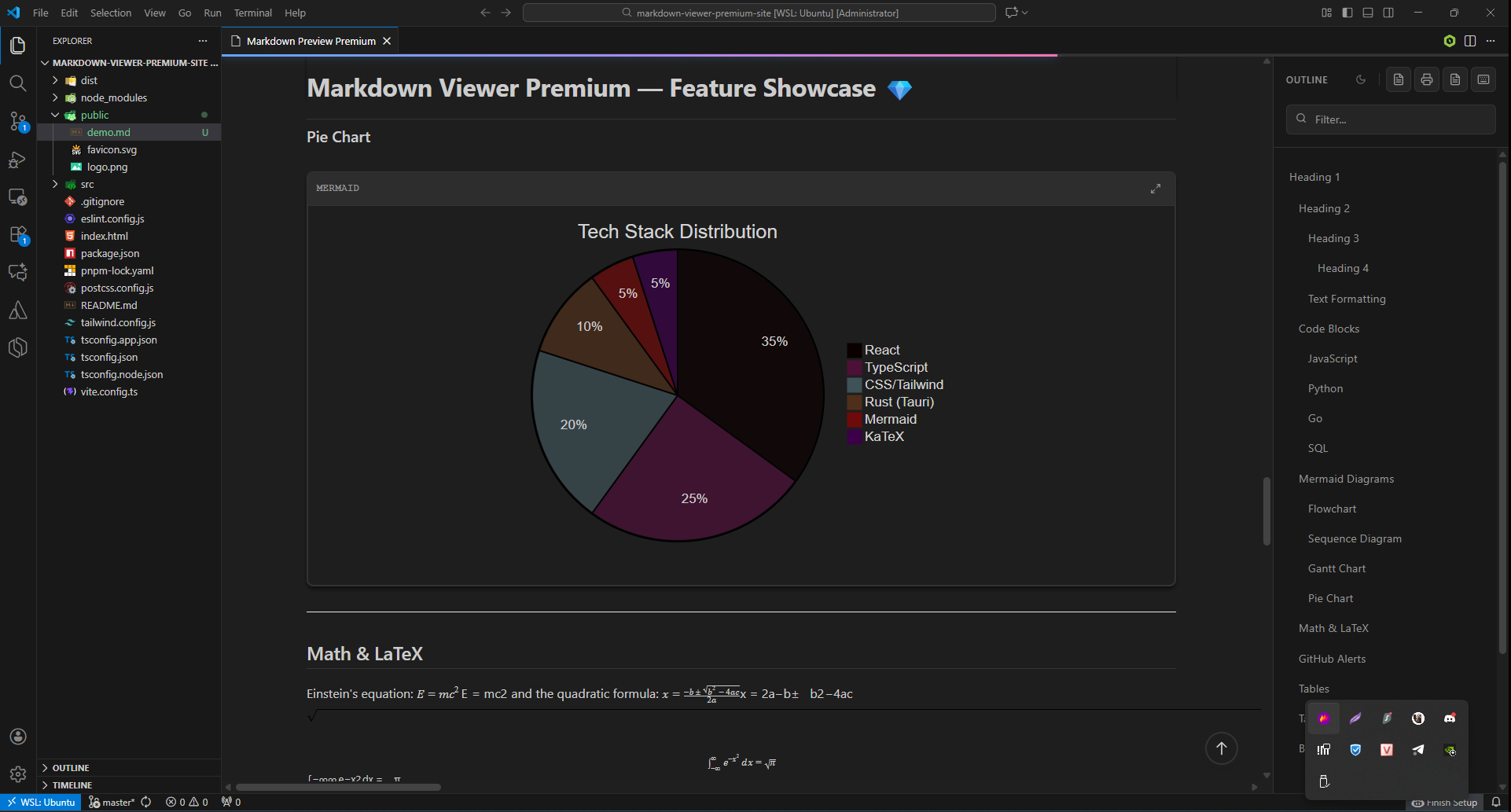
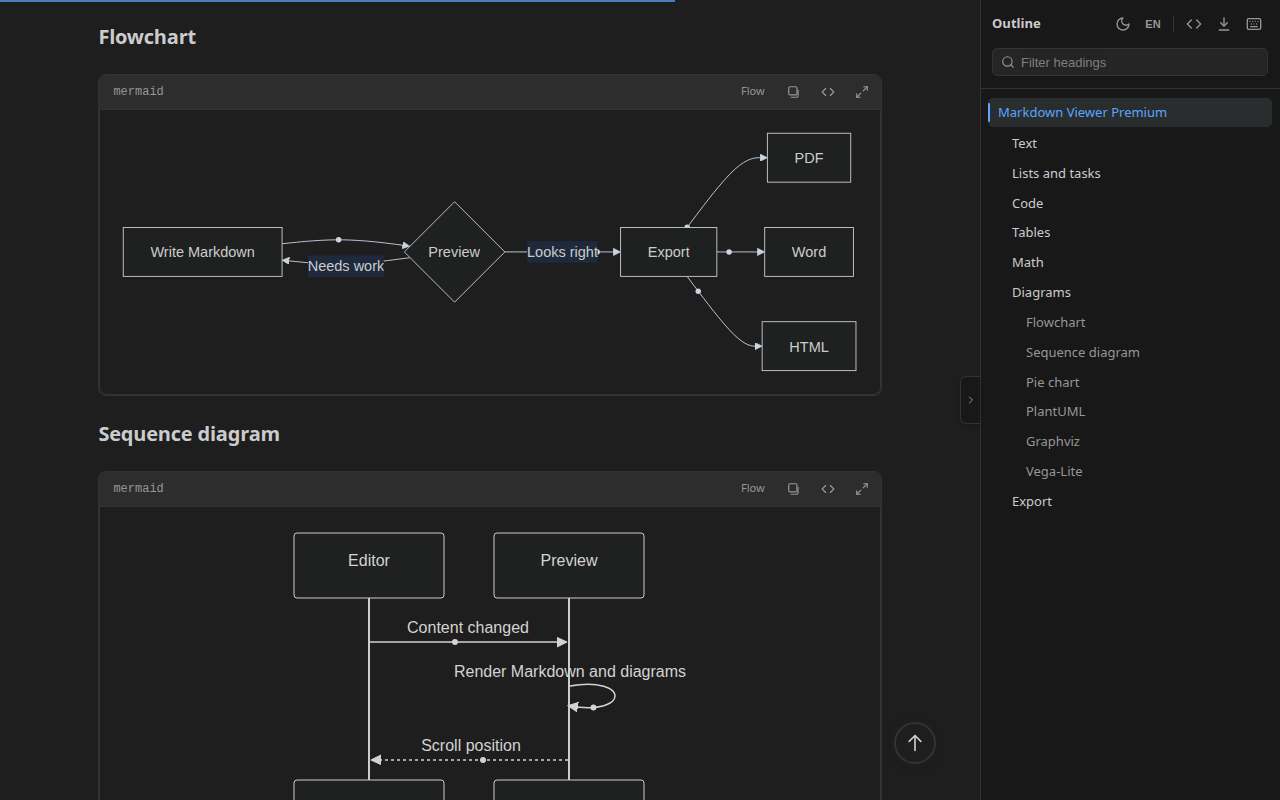
- Mermaid Diagrams: Flowcharts, sequence, state, class, ER, Gantt, pie and more. Flowcharts and sequence diagrams also have an interactive view you can pan, zoom and rearrange.
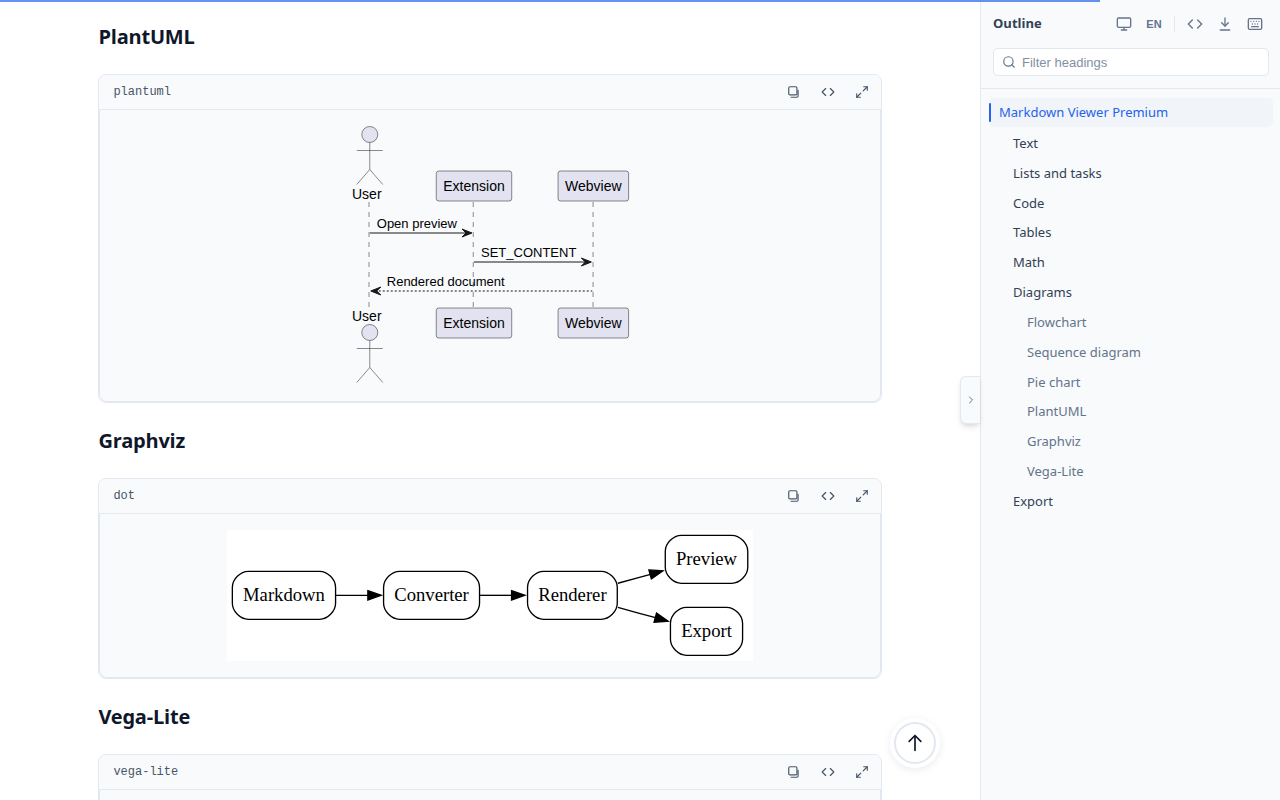
- PlantUML Diagrams: Render
```plantuml/.puml/.plantuml diagrams entirely offline — no Java, no Graphviz install, no server.
- Graphviz DOT Graphs: Render
```dot/.dot/.gv graphs offline via the bundled Graphviz engine.
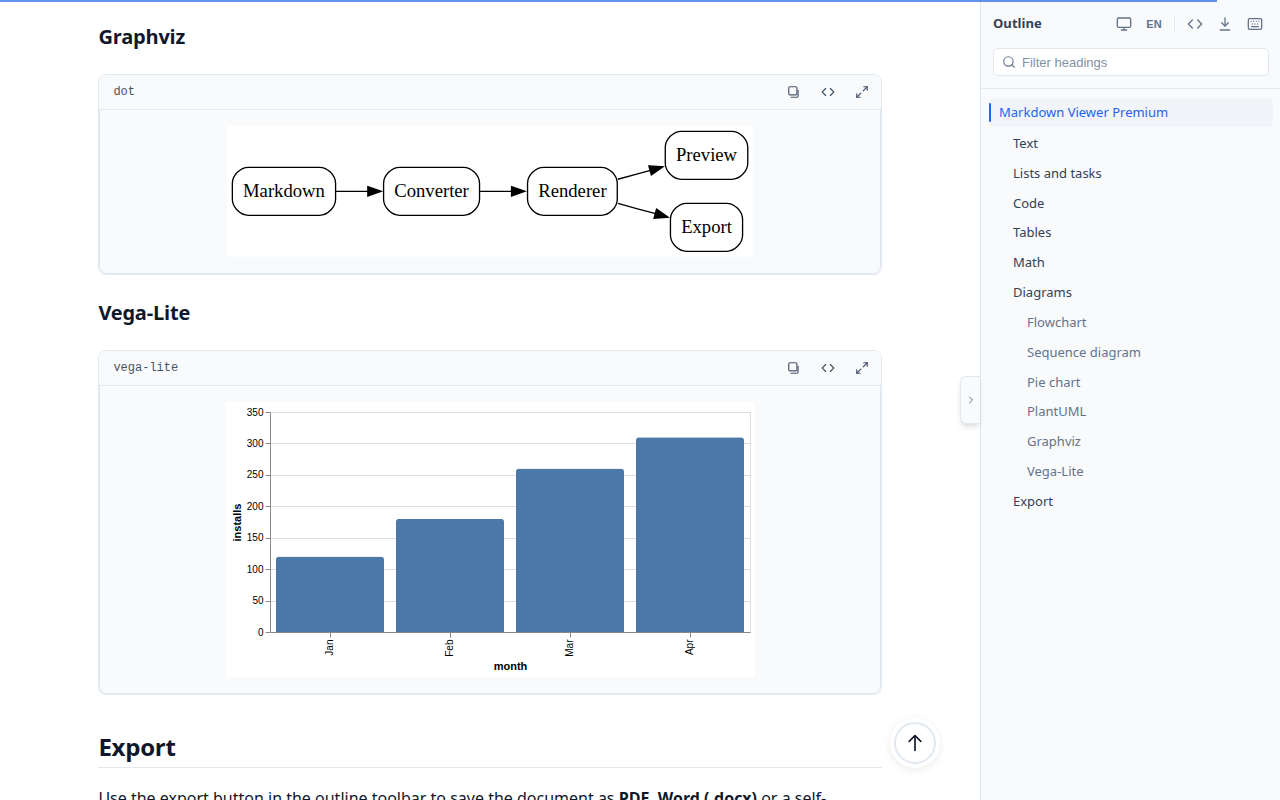
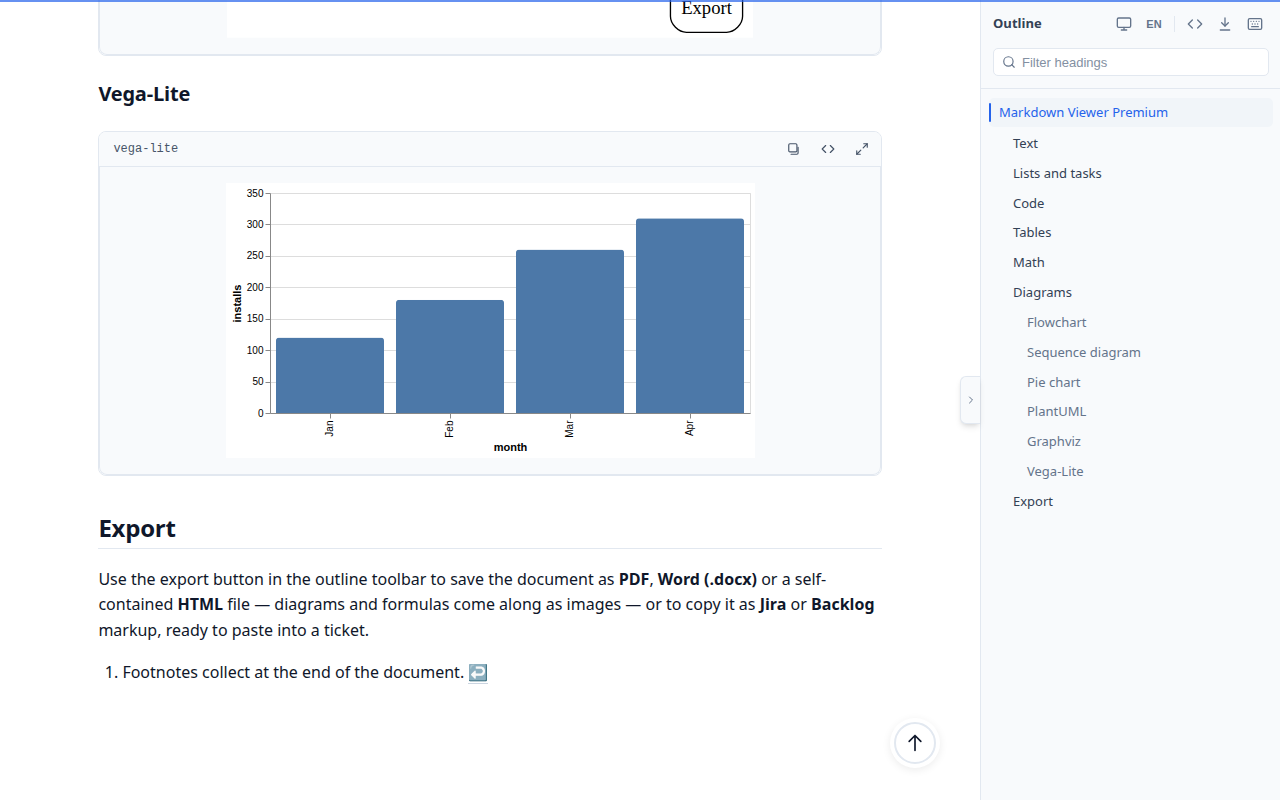
- Vega / Vega-Lite Charts: Render
```vega/```vega-lite/.vg/.vl data visualizations offline.
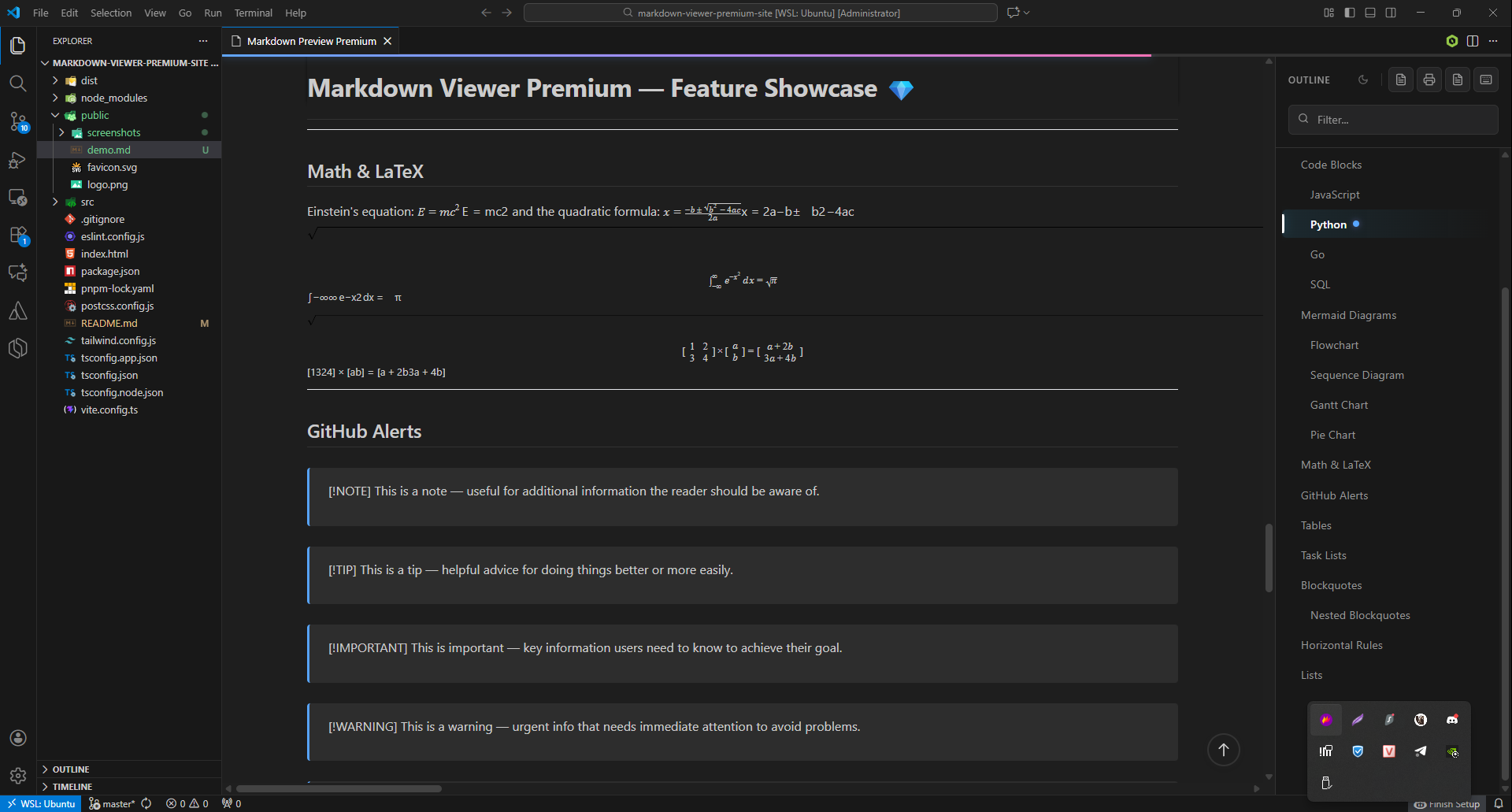
- Math & LaTeX: Render complex mathematical equations beautifully using KaTeX.
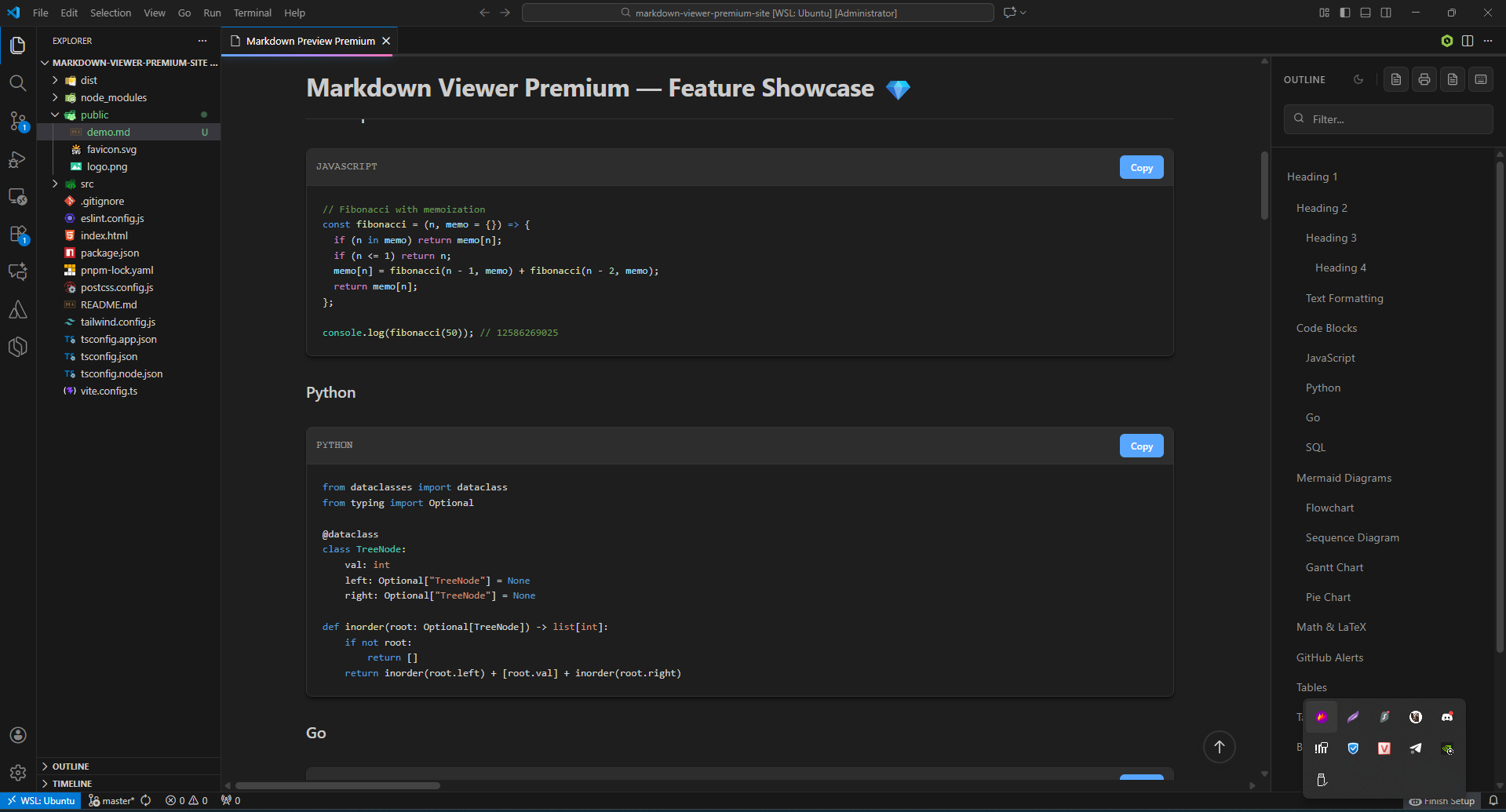
- Syntax Highlighting: Rich code block highlighting for over 100 languages.
- GitHub Alerts: NOTE, TIP, IMPORTANT, WARNING, CAUTION blocks.
- 5 Themes: System (matches your VS Code color theme), Light, Dark, Sepia, and Solarized.
- Bilingual UI: English and Vietnamese, following VS Code's own display language.
- Markdown Linter: Lint + one-click auto-fix by category, with diagnostics in the Problems panel.
- Heading Auto-Numbering: Number headings hierarchically (1., 1.1., ...) or strip numbering back out.
- Find in Preview:
Ctrl + F search with case-sensitive, whole-word, and regex options.
- Two-Way Scroll Sync: Editor and preview scroll together in both directions.
- Nulab Backlog Ready: Backlog notation (headings, lists,
''bold'', %%strike%%, &color(), {code}, tables) renders natively — in .backlog/.bl/.blg files, or any file via right-click → Preview as Backlog. Copy as Backlog markup goes the other way.
- 日本語 / Tiếng Việt: the whole UI is available in Japanese and Vietnamese.
- Live Sync: Instantly updates the preview precisely as you type.
- Image Zoom: Click on any image to open it in a beautiful full-screen lightbox.
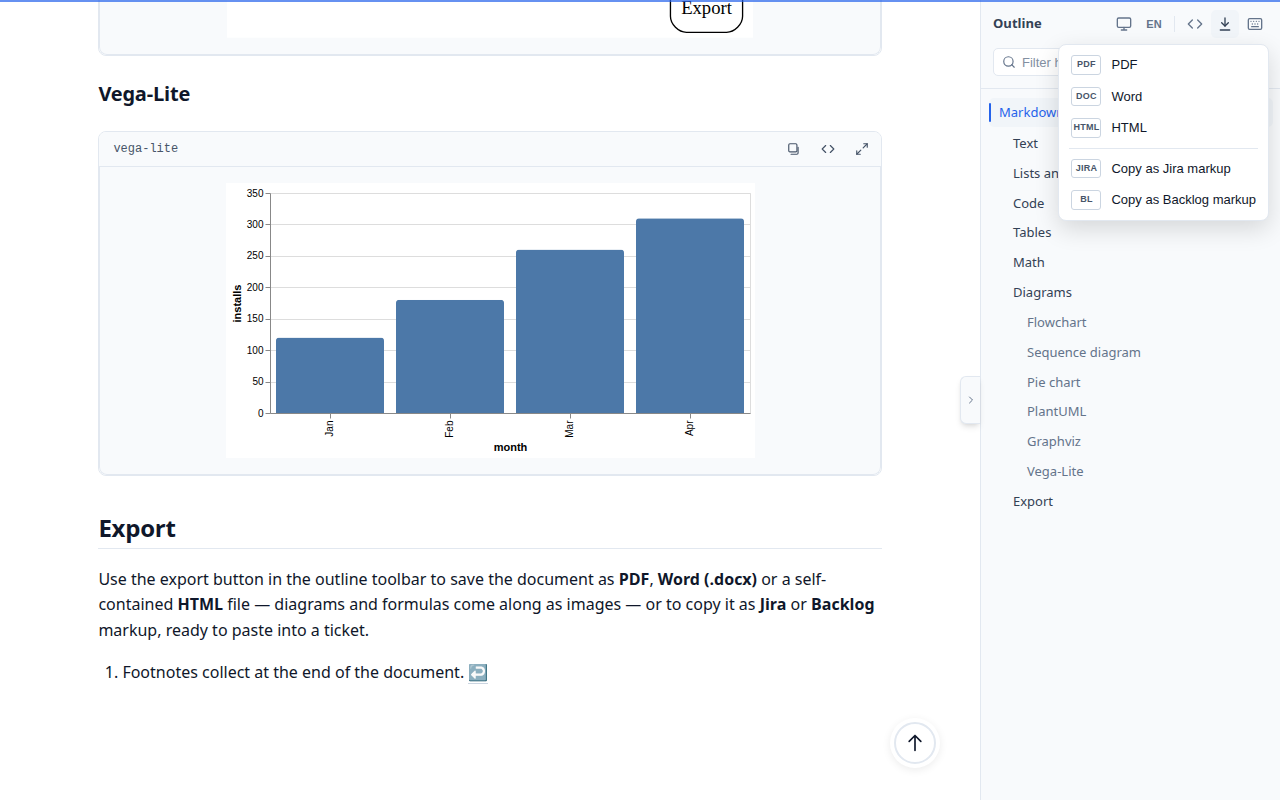
- Export to PDF, Word or HTML: From the outline toolbar (or
Ctrl + P for PDF). Word export is a real .docx; HTML export is a single self-contained file. Diagrams and formulas come along as images.
- Opens Markdown files directly:
.md files open rendered; double-click a paragraph (or click ✏️) to edit the source right there.
- Links, wiki links and callouts: click through to other files and headings,
[[Wiki links]], Obsidian callouts, front matter, emoji shortcodes — and broken links flagged in the Problems panel.
- Book export: right-click a folder → Preview Folder as Book → one PDF/Word/HTML with a chapter per file.
- Copy as rich text: paste into email, Google Docs or Confluence with formatting, diagrams and formulas intact.
- Make it yours: your own CSS via
markdownViewerPremium.customCss / .styles; word count and reading time in the status bar.
- Copy as Jira or Backlog markup: Write in Markdown, then paste straight into a Jira or Nulab Backlog ticket — headings, formatting, links, lists, tables and code blocks convert to each tool's own syntax.
- Safe by Default: Raw HTML and diagram output are sanitized — a document can't run scripts in the preview.
Syntax Highlighting
Mermaid Diagrams
PlantUML, Graphviz & Vega-Lite — offline
Math & LaTeX
Dark theme & export
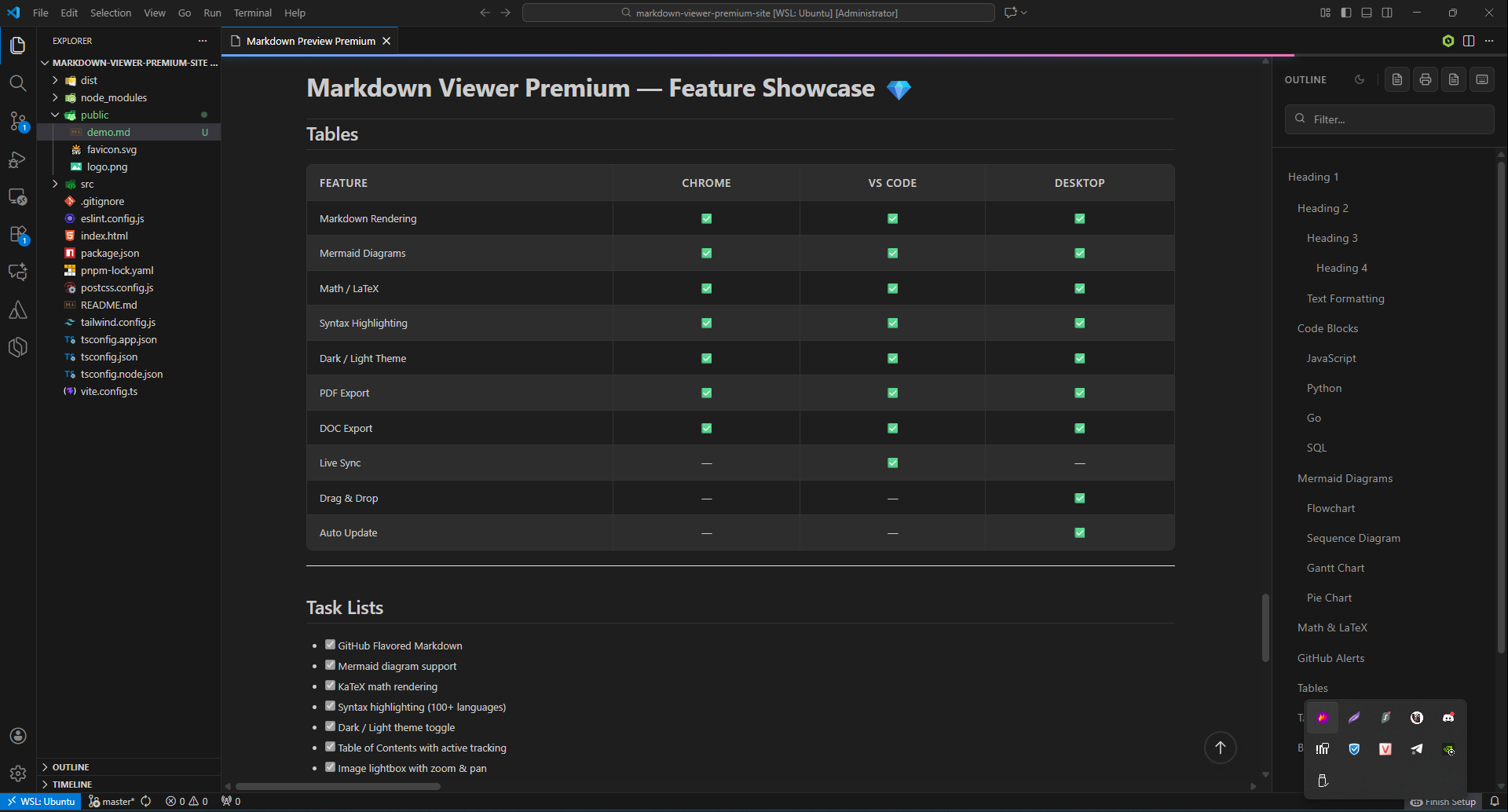
Tables & Task Lists
Installation
Search for "Markdown Viewer Premium" in the VS Code Extension Marketplace and click Install.
Or install from: VS Code Marketplace
Usage 🛠️
- Open any
.md file — it opens rendered in the viewer. Click Edit Markdown Source (pencil icon, top right) to edit the text.
- While editing, press
Ctrl + Shift + V (or Cmd + Shift + V on Mac) to keep the preview open beside the editor.
- Use the Table of Contents on the right to navigate large documents.
- Press
Ctrl + K to toggle the outline, or use the export button in its toolbar to save as PDF, Word or HTML.
Prefer Markdown files to open as text? Add "workbench.editorAssociations": { "*.md": "default" } to your settings (or Reopen Editor With… → Configure default editor).
Want the side-by-side preview to open automatically while editing? Enable markdownViewerPremium.autoOpenPreview in Settings — the preview then opens beside the editor as soon as you switch to a supported file.
Keyboard Shortcuts
| Shortcut |
Action |
Ctrl + Shift + V |
Open Markdown Preview |
Ctrl + K |
Toggle Table of Contents |
Ctrl + F |
Find in Document |
Ctrl + D |
Toggle Theme |
Ctrl + P |
Export PDF |
Ctrl + / |
Show Keyboard Shortcuts |
Home |
Scroll to Top |
End |
Scroll to Bottom |
Escape |
Close Dialog / Modal |
Ctrl + Shift + V replaces VS Code's built-in Markdown preview shortcut. The built-in preview is still available from the Command Palette (Markdown: Open Preview), or rebind either command in Keyboard Shortcuts.
Support ☕
Markdown Viewer Premium is free and has no ads or tracking. If it saves you time, you can support its development on Buy Me a Coffee — or use the Sponsor button on the extension page.
Also Available On
Made with ❤️ by Bumkom
| |

