
BharatCode AgentThe VS Code extension for BharatCode (bharatcode.ai). Sign in and the agent runs - the provider, endpoint and models are configured for you, so there is nothing to set up by hand. Installation Launch VS Code Quick Open ( Ctrl+P), paste the following command, and press enter.Copied to clipboard |

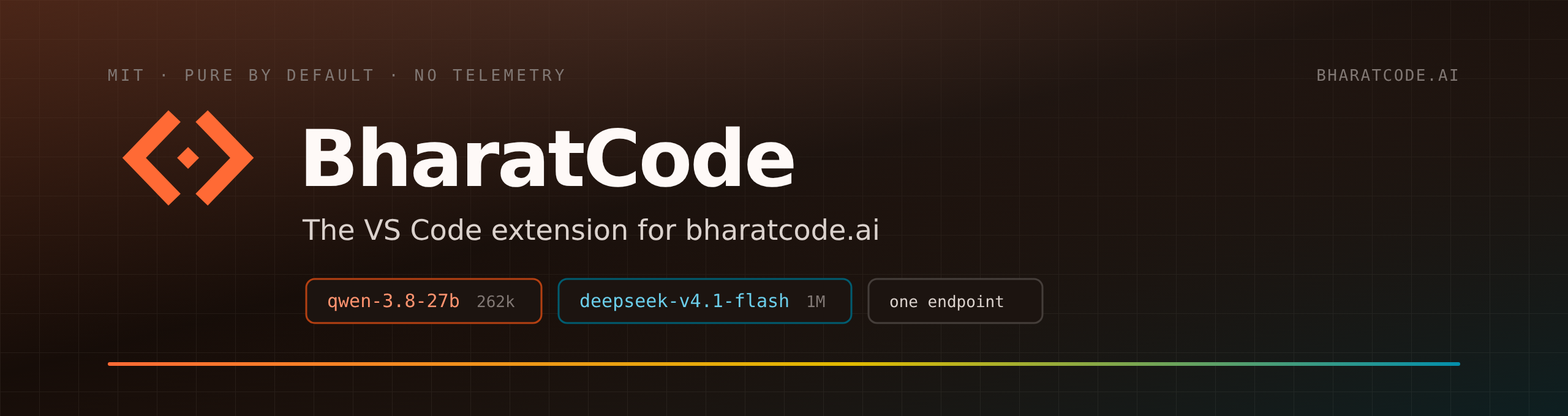
Your coding agent, ready in one clickBharatCode Agent installs the whole agent for you — runtime, provider, endpoint and models included. Sign in, and you are writing with it. MIT licensed, no telemetry, no second account. Three steps to your first task1. Click install. VS Code downloads the extension and adds the agent to your editor — around 160–180 MB, because the whole runtime travels inside it. 2. Open a folder. 3. Select Sign in with BharatCode. Your browser opens the BharatCode website. Sign in if needed, approve access, then return to VS Code. No API key or model request is needed for setup. You can also run That is the entire setup: the base URL, provider, endpoint and model list all come preconfigured. What it doesWrites across your project. Describe the change; it edits the files, shows a diff, and you approve what lands. Switches hats with you. Code implements, Plan designs before writing, Ask answers from your codebase, Debug traces a failure to its cause. Custom agents are plain-text definitions you write yourself. Runs several tasks at once. Agent Manager puts sessions side by side, each in its own git worktree, so parallel work stays out of its own way. Runs what it wrote. It has the terminal and a browser, so it can execute the build, read the error, and fix it before handing back. Checks its own work. It re-reads what it produced and corrects before you see it. Learns your project. MCP servers, skills and rules live in plain text and can be scoped per project. Handles the small stuff. Commit messages written from your staged diff, plus inline actions on any selection: explain, fix, improve, add to context. The modelsTwo models ship with your BharatCode account, and the extension wires both up for you. Switch mid-task from the picker in the chat header.
Both come from one OpenAI-compatible endpoint at Prefer another model? Add it yourself. Settings → Providers → Custom provider takes a base URL, a key and a model list, with OpenAI, OpenAI-compatible and Anthropic endpoints all supported. Your own key for OpenAI, Anthropic or anything else you run sits alongside the BharatCode models you already have. Where this comes fromA fork of Kilo Code, itself a fork of OpenCode. Those projects and their contributors built the agent this package runs, and the credit is theirs — MIT licensed, attribution preserved in the licence. This fork brings that agent to the BharatCode provider and reconfigures the provider layer so bharatcode.ai is wired in from the start. Read-only questions, bug reports and feature ideas: GitHub Issues. Full docs, contribution guide and privacy statement are in the repository. LicenseMIT — use it, modify it, ship it commercially, keeping the attribution and licence notices. |