NuGet Manager for VS Code
Browse and manage NuGet packages in a dedicated VS Code panel for .NET workspaces. The extension brings package discovery, version details, project actions, NuGet sources, cache folders, and logs together in a Rider-inspired interface.
Features
- Browse installed and available packages for a solution or project. Search enabled NuGet feeds, include prerelease versions when needed, and inspect update candidates.
- Inspect versions, dependencies, descriptions, authors, tags, and links before choosing a package.
- Add, update, downgrade, or remove packages for selected projects. Restore packages and apply available updates from the same view.
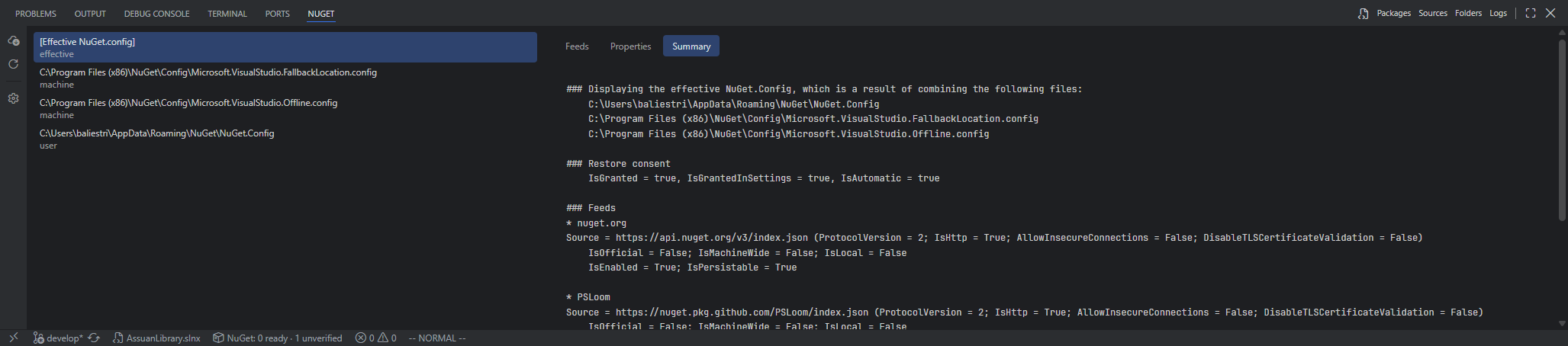
- Add and edit NuGet sources, change their enabled state, and inspect both individual configuration files and the effective configuration.
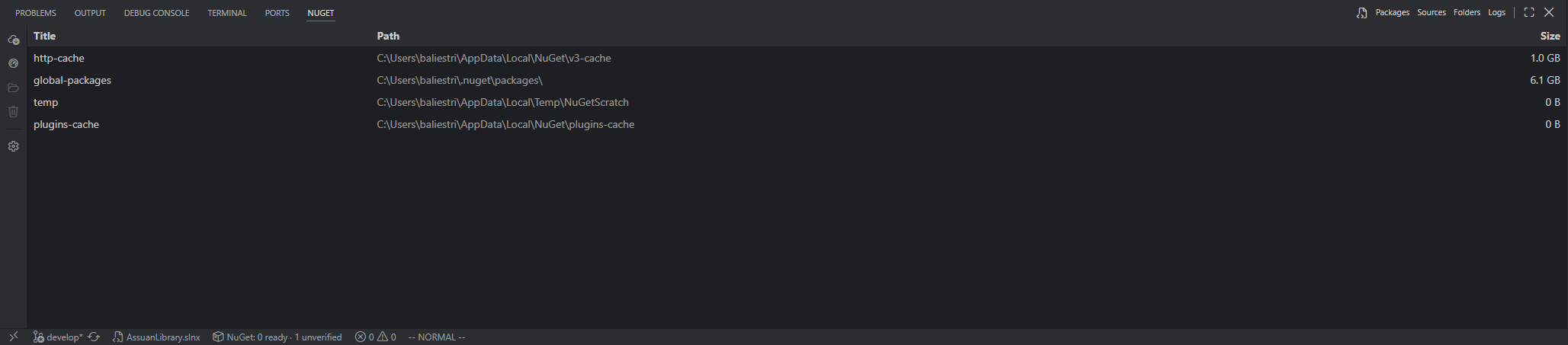
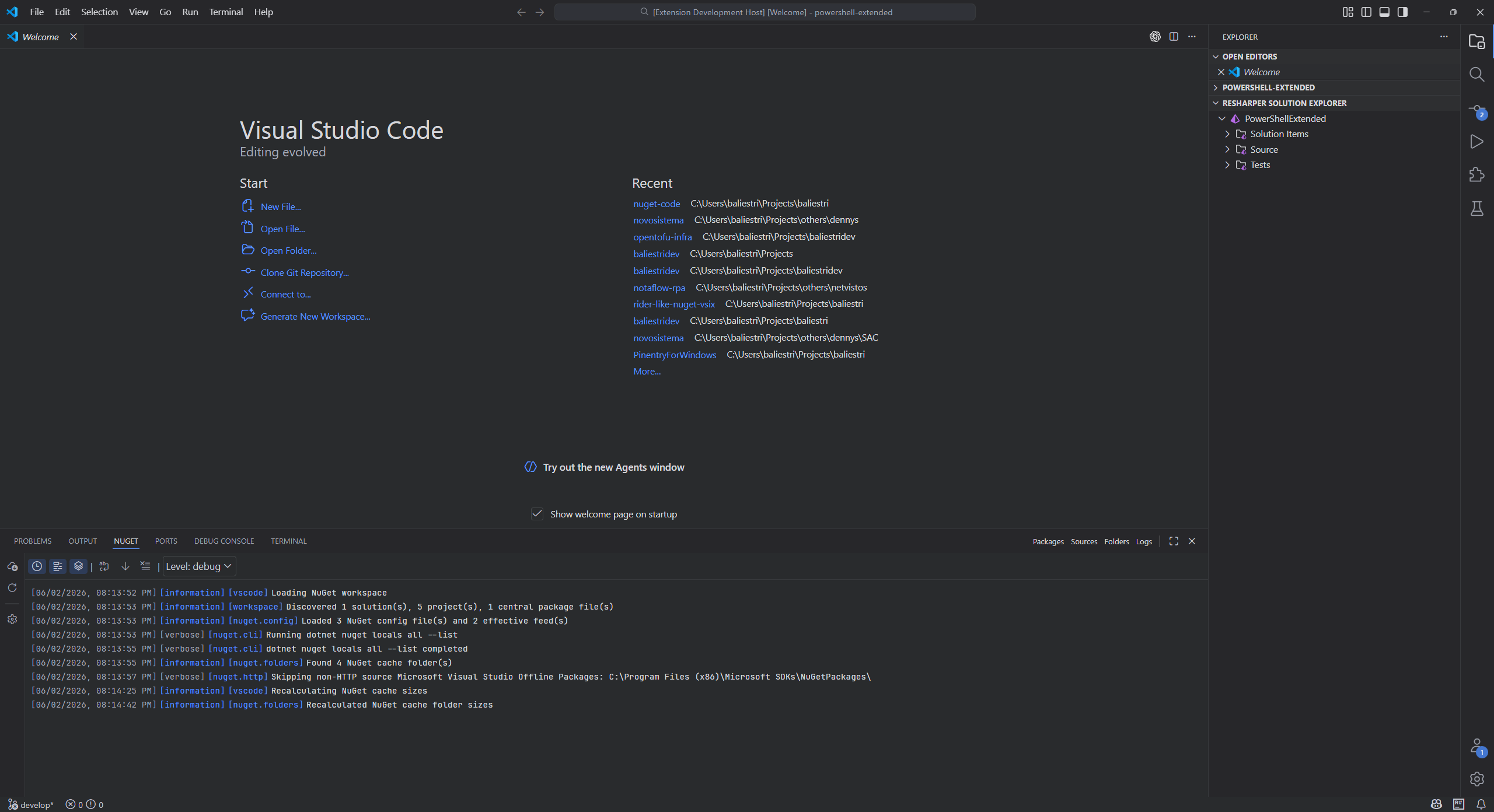
- Open or clear NuGet cache folders, and inspect the integrated log with level filters.
- Use NuGet credential providers for authenticated feeds and configure a proxy when required.
Screenshots
| Package browsing |
Package details |
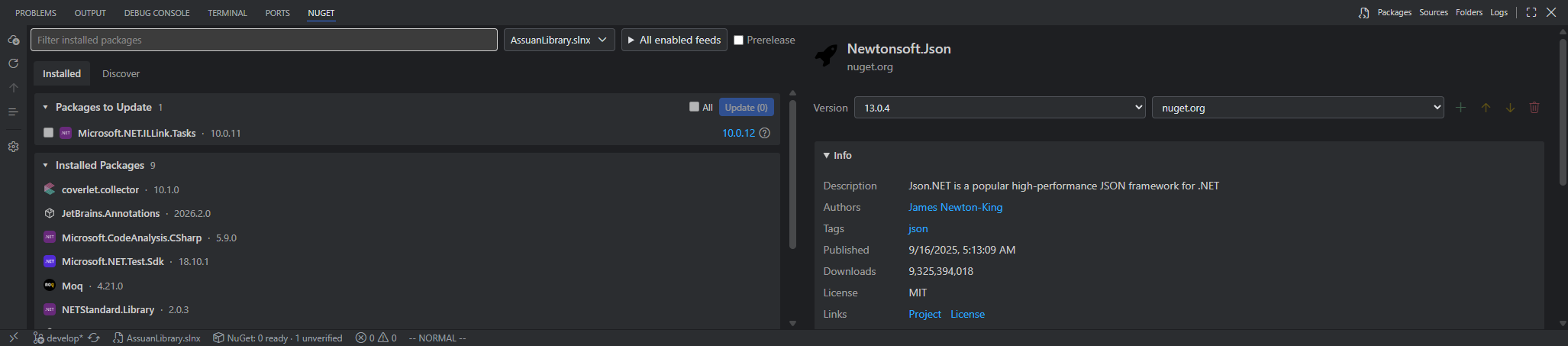 |
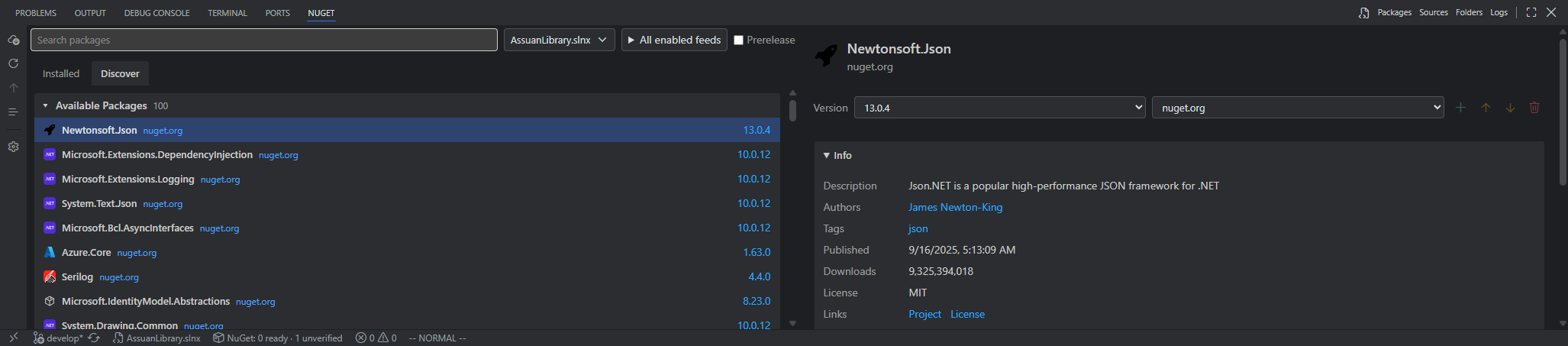 |
| Sources |
Source properties |
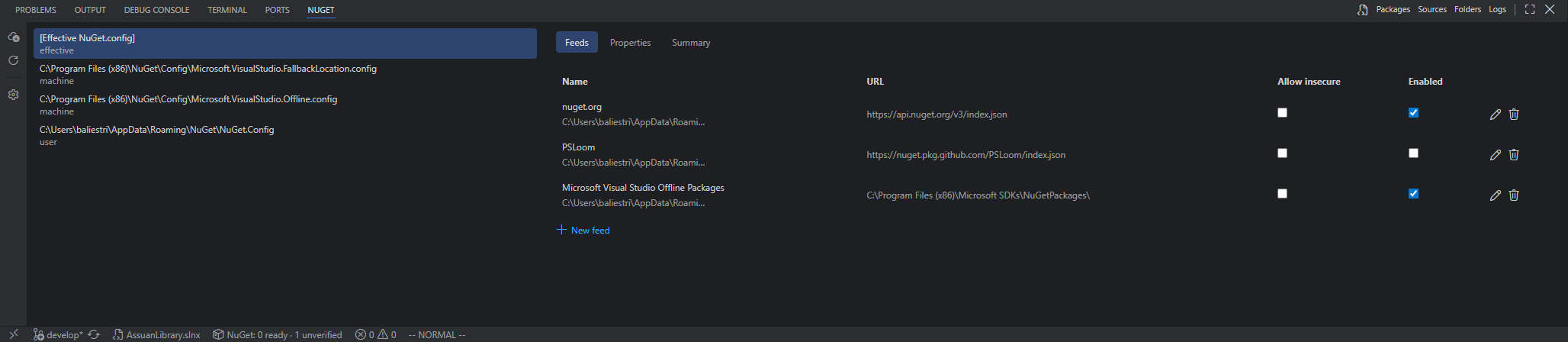 |
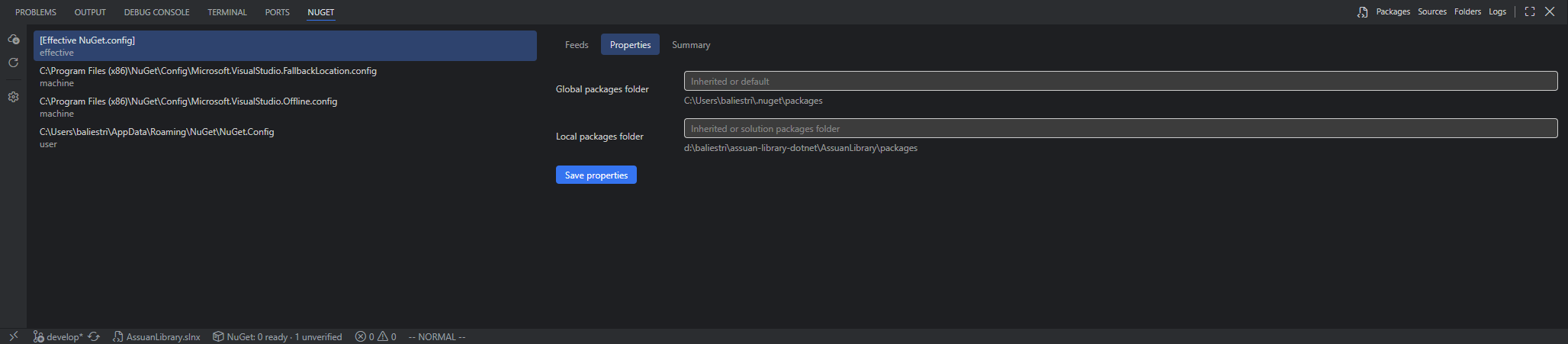 |
| Cache folders |
Logs |
 |
 |
Effective configuration
Planned
- Package Manager Console.
- For v3, investigate a persistent .NET backend using official NuGet libraries for feed access, configuration, and local restore snapshots. A separate proof of concept will compare correctness, responsiveness, runtime packaging, and failure handling with the current implementation before any migration.
- If the proof of concept succeeds, migrate package reads and operation validation incrementally while keeping the VS Code interface and project SDK/MSBuild integration.
Installation
Install NuGet Manager for VS Code by baliestri from the Visual Studio Marketplace or Open VSX, or run:
code --install-extension baliestri.nuget-code
The extension requires VS Code 1.100.0 or newer and a .NET workspace. Install the .NET SDK so that dotnet is available, or set nuget-code.dotnetPath to its executable. Authenticated feeds may require a NuGet credential provider.
Usage and configuration
- Open a workspace containing a
.sln, .slnx, .csproj, .fsproj, or .vbproj file.
- Run Manage NuGet Packages from the Command Palette or a solution/project context menu.
- Select a solution or project, then use Installed or Discover to browse packages. Choose feeds and prerelease behavior from the toolbar.
- Select a package to inspect its details and available actions. Use Sources, Folders, and Logs for NuGet configuration, caches, and diagnostics.
Common settings are available through VS Code's Settings UI:
| Setting |
Purpose |
nuget-code.dotnetPath |
Path to the dotnet executable when it is not on PATH. |
nuget-code.extraConfigPaths |
Additional NuGet.config files to load. |
nuget-code.sources.saveIn |
Where edits to the effective configuration are saved: workspace, user, or a config file path. |
nuget-code.credentialProviderPaths |
Additional NuGet credential provider executables. |
nuget-code.proxy |
Proxy URL for NuGet HTTP requests. |
nuget-code.useVsCodeProxy |
Use VS Code's http.proxy when no extension proxy is set. |
nuget-code.calculateCacheSizesOnLoad |
Calculate cache folder sizes when the panel opens. |
Package search uses HTTP NuGet V3 feeds. Local feeds can still contribute to installed package availability checks.
For development and release information, see the project README. Licensed under MIT.
| |

