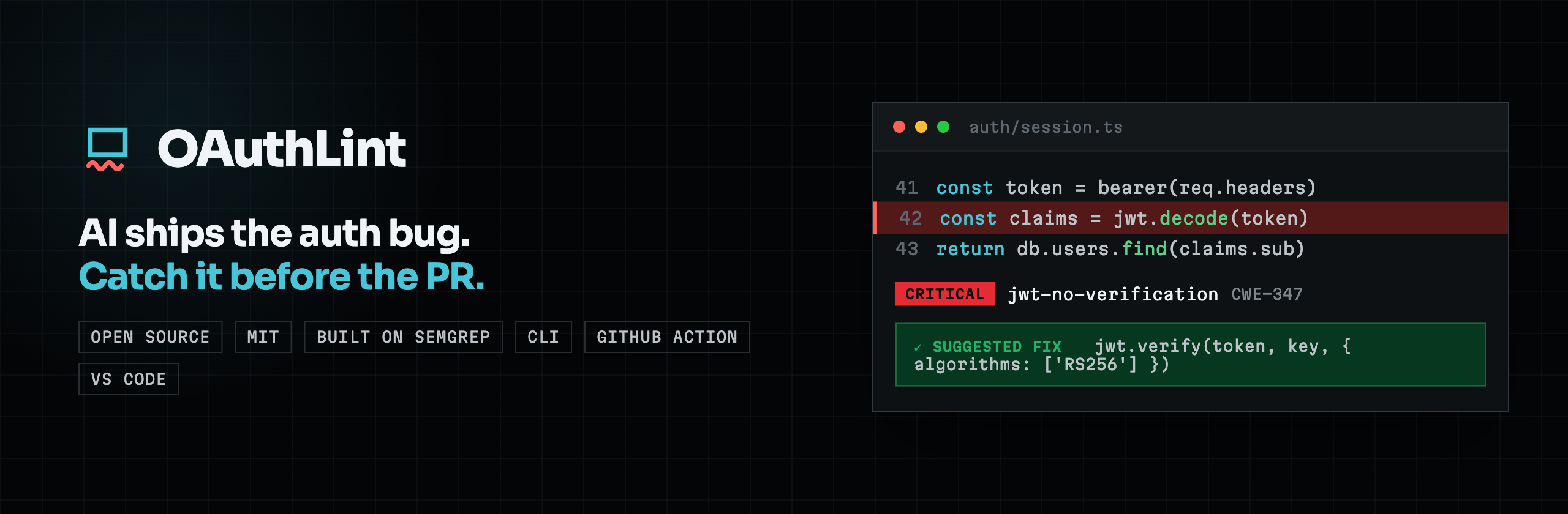
oauthlintCatch the OAuth/OIDC/JWT/MCP anti-patterns AI coding tools produce across eleven languages (JS/TS, Python, Go, C#, and more) plus mobile (Swift/iOS, Android), right inside VS Code, Cursor, Windsurf, and other VS Code forks. Installation Launch VS Code Quick Open ( Ctrl+P), paste the following command, and press enter.Copied to clipboard |

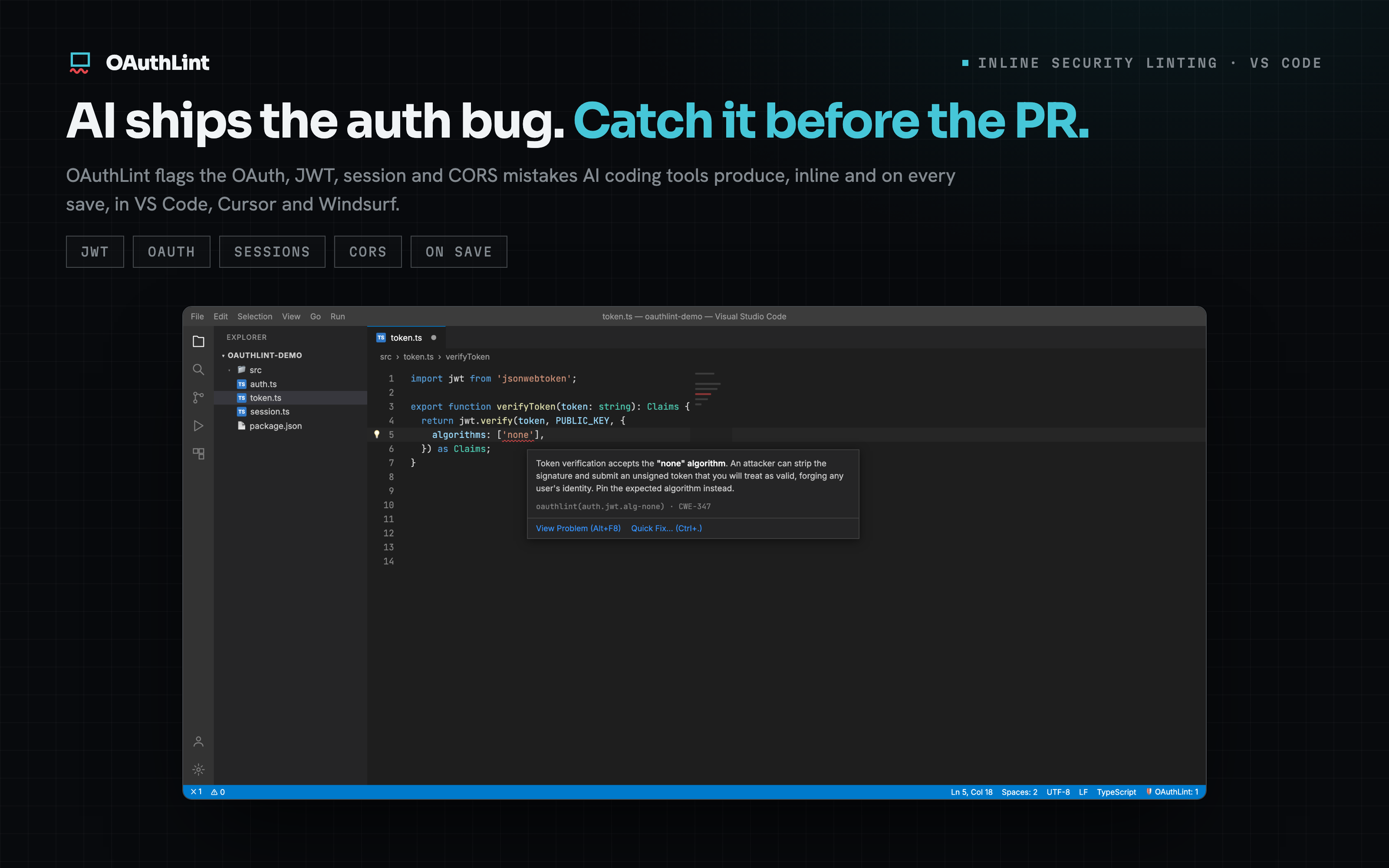
oauthlint for VS CodeCatch the OAuth, OIDC, JWT, MCP, session, and CORS anti-patterns that AI coding tools produce, right in your editor. oauthlint flags risky auth code as you save, links every finding to its explanation, and (when a finding ships a safe rewrite) offers a one-click fix. Available on the VS Code Marketplace and on Open VSX for Cursor, Windsurf, and other VS Code-compatible editors. In the editor
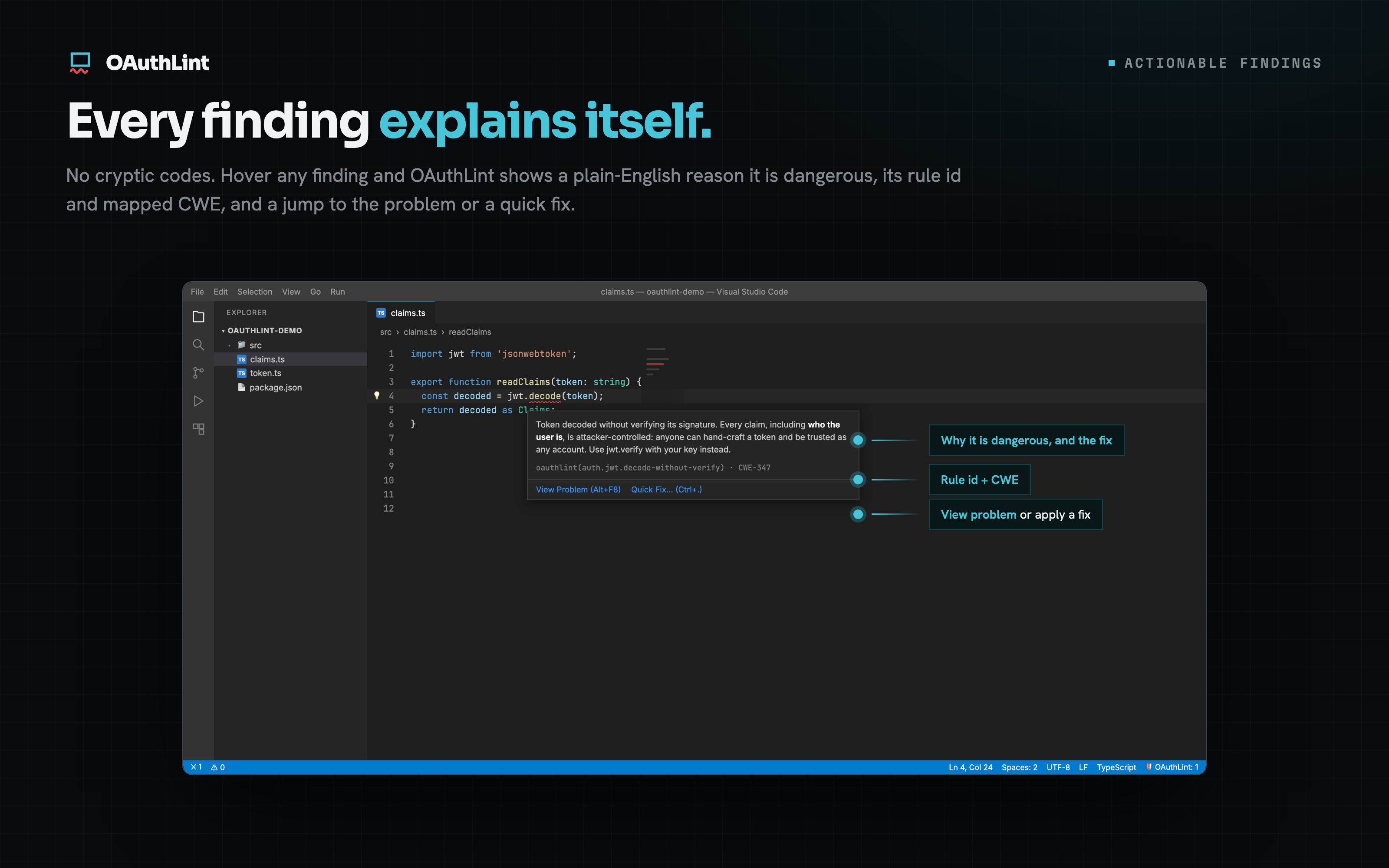
Every finding explains itself. Hover any finding for a plain-English reason it is dangerous, its rule id, and the mapped CWE, with a jump to the problem or a fix.
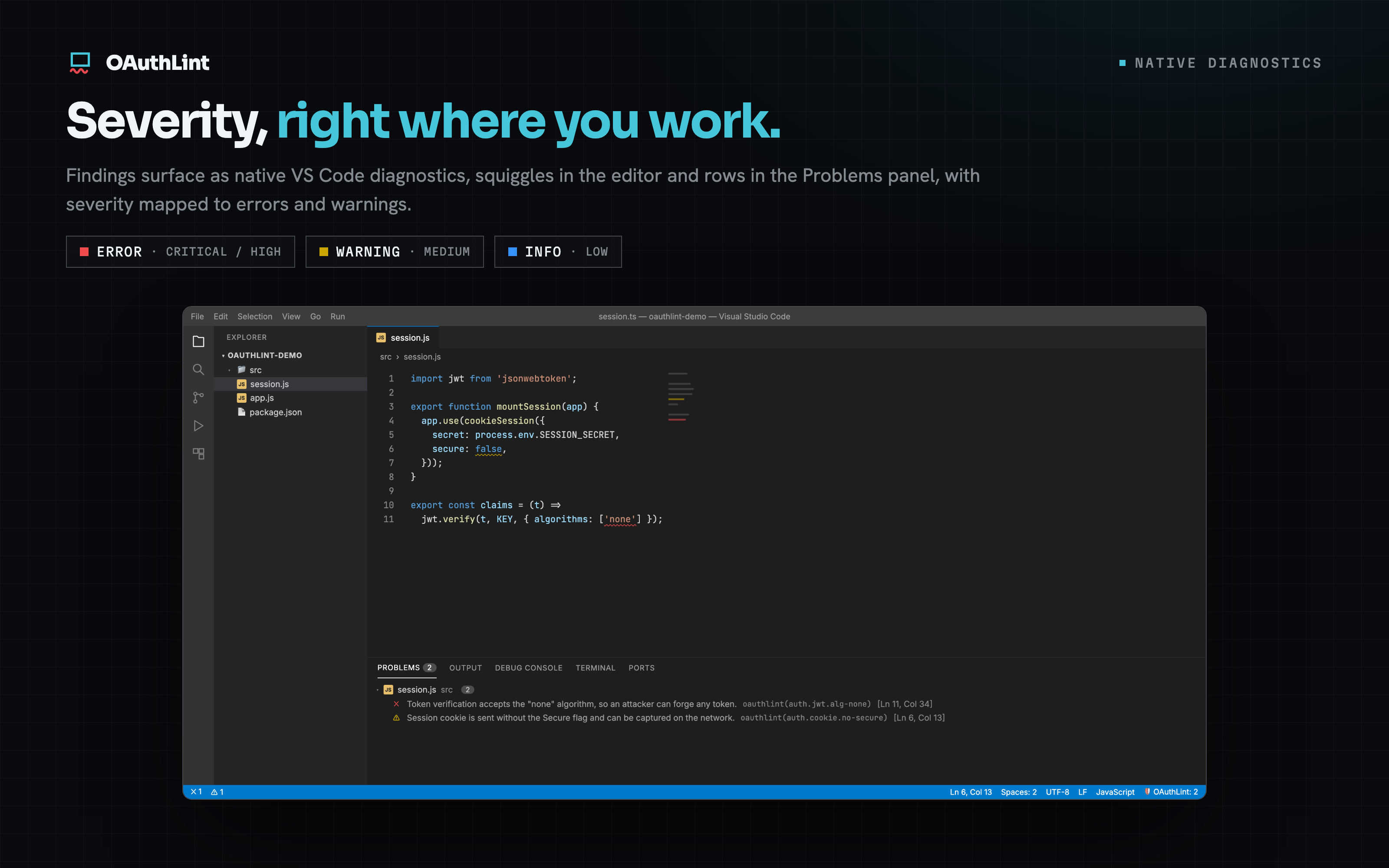
Severity, right where you work. Findings surface as native diagnostics, squiggles in the editor and rows in the Problems panel, with severity mapped to errors and warnings.
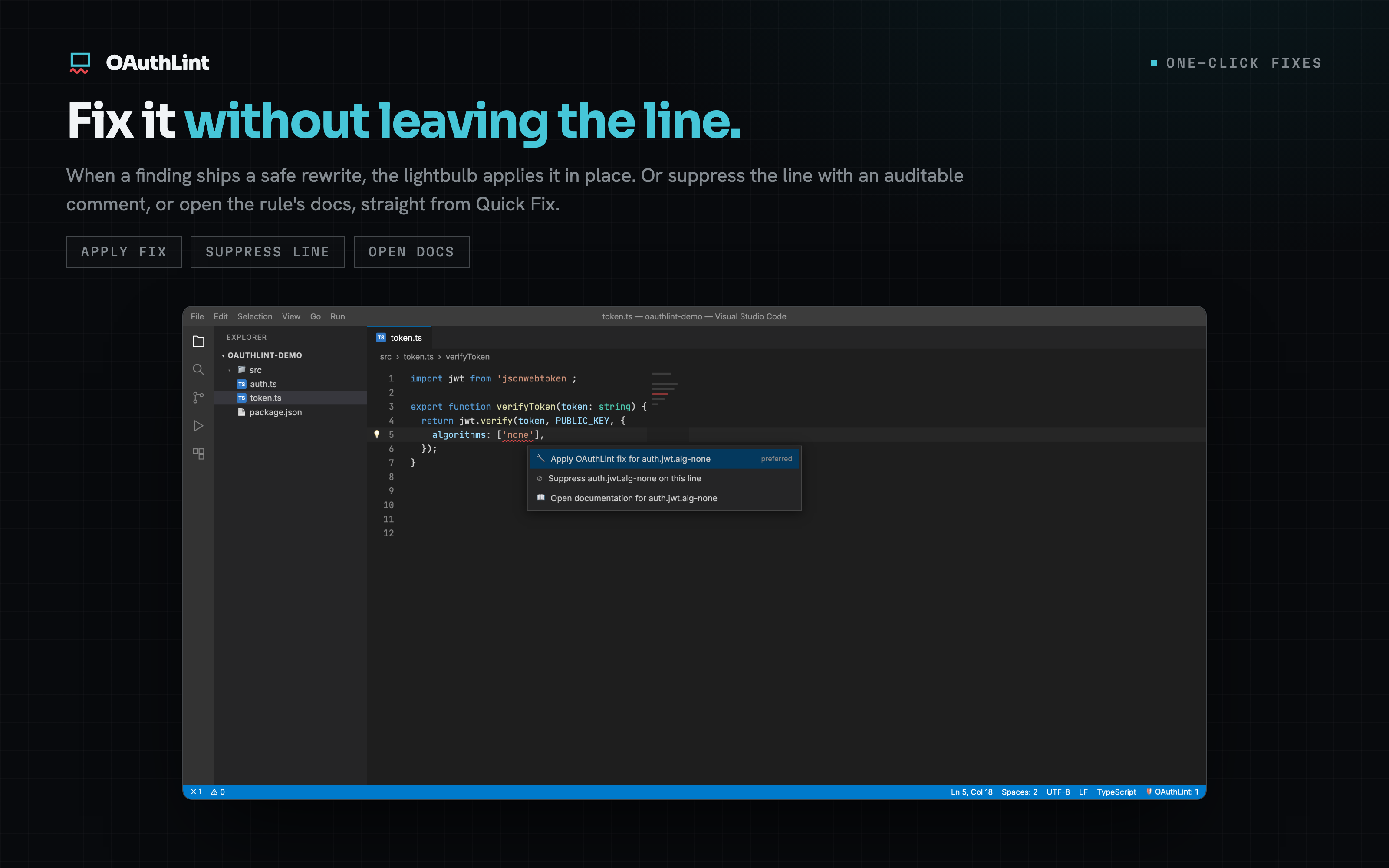
Fix it without leaving the line. When a finding ships a safe rewrite, the lightbulb applies it in place, suppresses the line with an auditable comment, or opens the rule's docs.
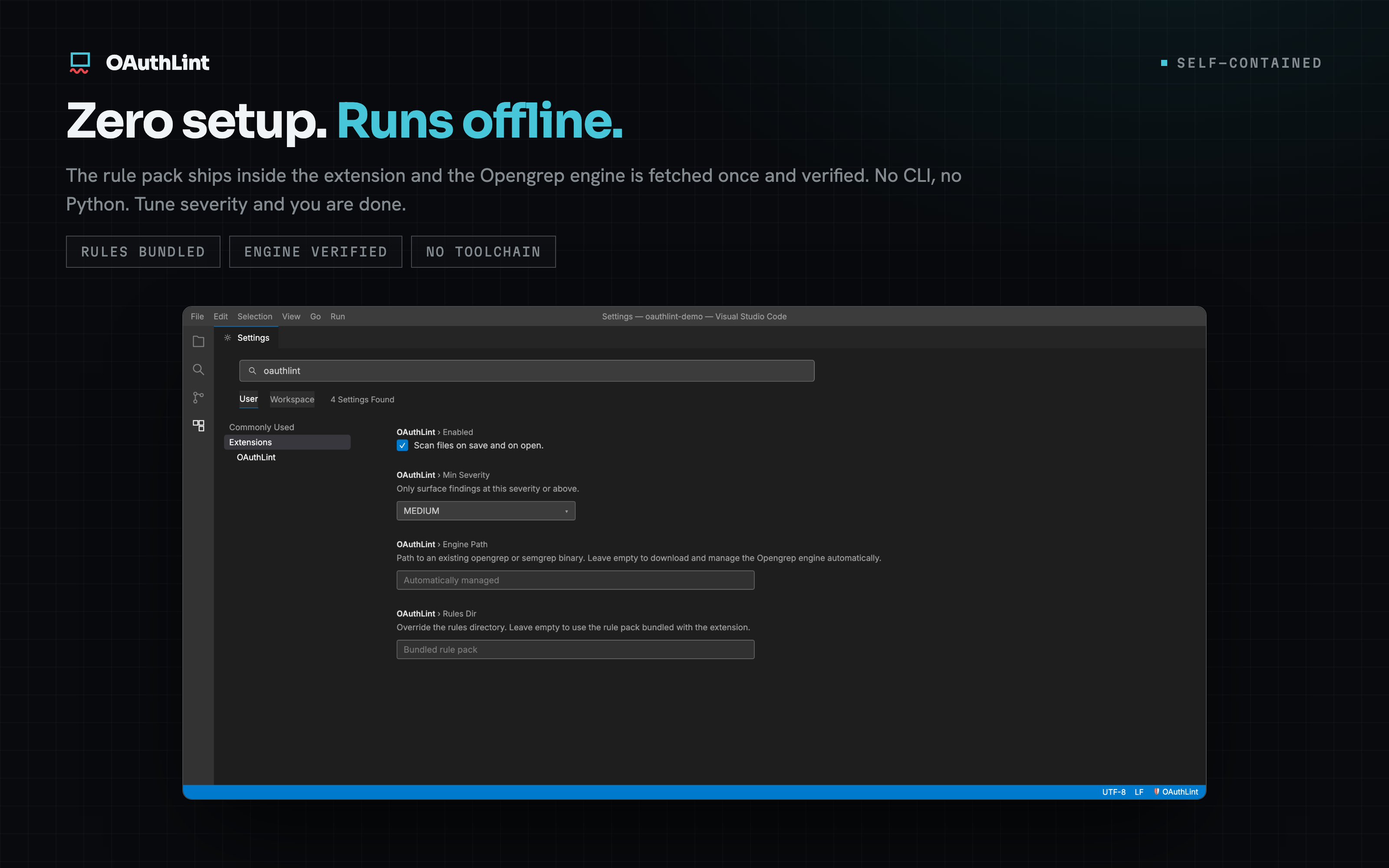
Zero setup, runs offline. The rule pack ships inside the extension and the engine is fetched once and verified. No CLI, no Python. Tune severity and you are done.
What it does
The OAuthLint engine and rule pack ship inside the extension, so scans run
in-process and render as native VS Code diagnostics. There is no RequirementsNothing to install and no config. The rule pack ships inside the extension, and a
small pinned scan engine is downloaded automatically the first time you scan. That
is a one-time download of about 41 MB, verified against a pinned checksum, then
cached and reused. There is no separate CLI to install. If you already have
Settings
Commands
The editor integration scans every language OAuthLint supports. The full oauthlint rule pack covers 270+ rules across eleven languages (JavaScript, TypeScript, Python, Go, C#, and more) plus mobile auth (Swift/iOS, Android), including a dedicated MCP server-auth pack (token pass-through, RFC 8707 audience binding, unauthenticated transports, tool-handler SSRF) and dataflow (taint) rules for open-redirect and SSRF, and runs from the CLI and GitHub Action. Learn moreFull rule catalogue and guides at oauthlint.dev · source on GitHub. See also: the MCP server lets AI coding tools scan the auth code they generate, in the loop, before it reaches your editor. |