Skip to content
| Marketplace
Sign in
Visual Studio Code>Snippets>Auric Icons: DrawnNew to Visual Studio Code? Get it now.
Auric Icons: Drawn

Auric Icons: Drawn

Auric Artisan

|
2 installs
| (1) | Free
Auric Icons: Drawn — a 480-icon Warm Drawn SVG library with smart insert, likes, recommendations and hover previews. Co-installs with Modern and Playful in one Icon Studio.
Installation
Launch VS Code Quick Open (Ctrl+P), paste the following command, and press enter.
Copied to clipboard
More Info

Auric Icons: Drawn

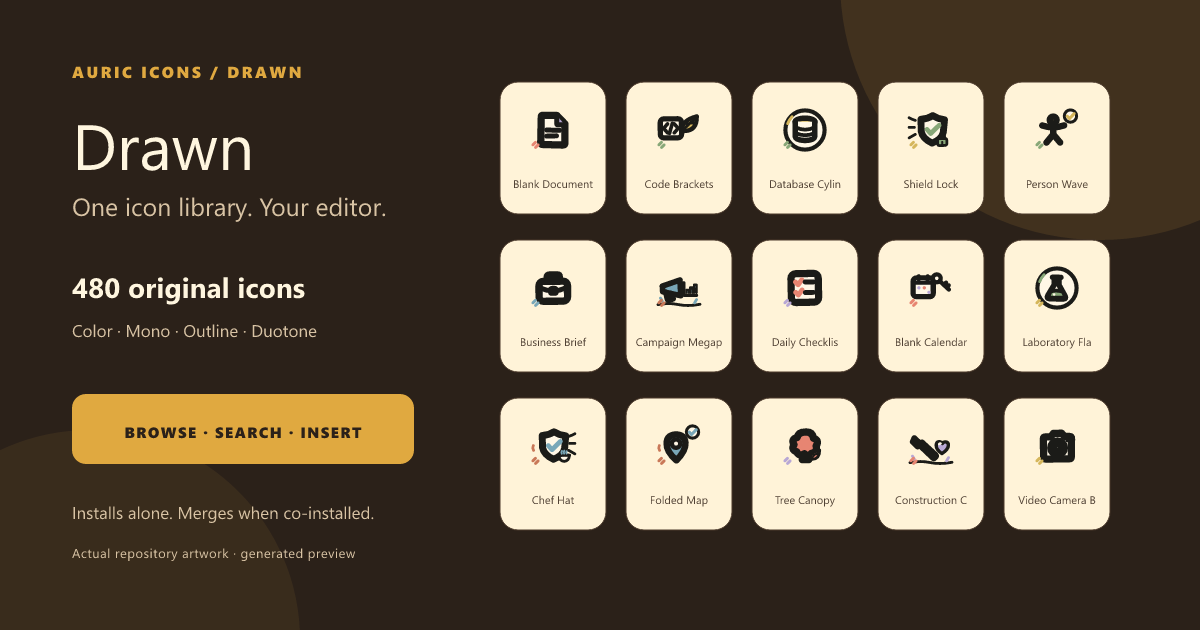
Auric Icons: Drawn hero

A 480-icon Warm Drawn SVG library with organic geometry, friendly imperfections, and production-ready search, preview, copy, and insertion inside VS Code.

What is included

  • 480 original icons in color, mono, outline, and duotone.
  • Smart search: synonym-aware (for example, delete finds trash), fuzzy, and personalized by what you like and use.
  • Smart Insert: JSX in React, markup in HTML, data URIs in CSS, Markdown images, and multi-cursor insertion.
  • Nine copy formats, Save SVG As…, Open SVG Source, likes, recent icons, recommendations, and hover previews for icon IDs.
  • Fully offline with no telemetry.

One explorer across installed collections

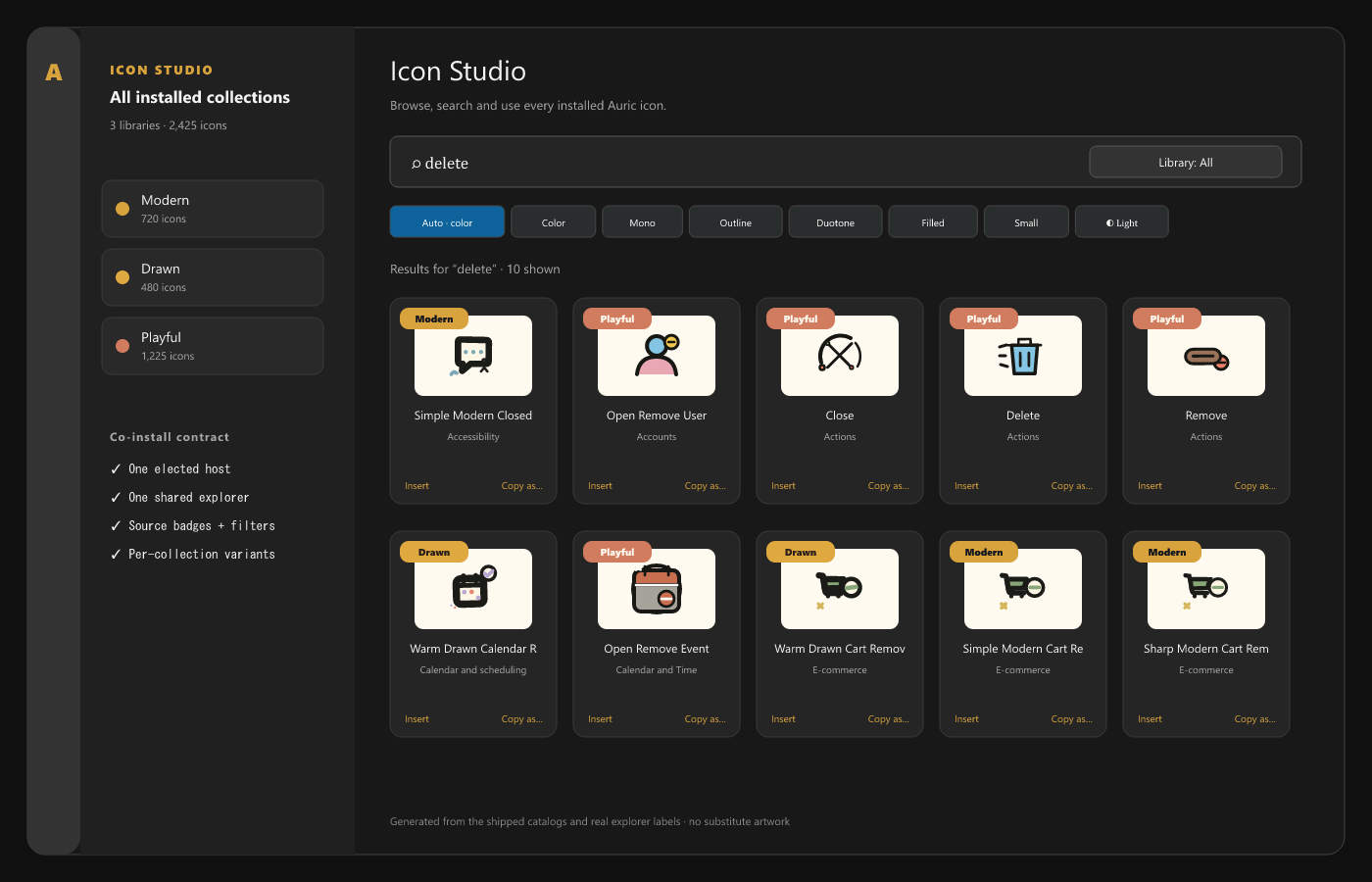
Three co-installed Auric collections in one Icon Studio

Drawn works by itself. When Auric Icons: Modern or Auric Icons: Playful is also installed, the extensions elect one host and show one Icon Studio instead of duplicate sidebars. A Library filter and per-card badges preserve collection identity, while variants fall back to color only when a collection does not provide the selected style.

Search, preview, and use

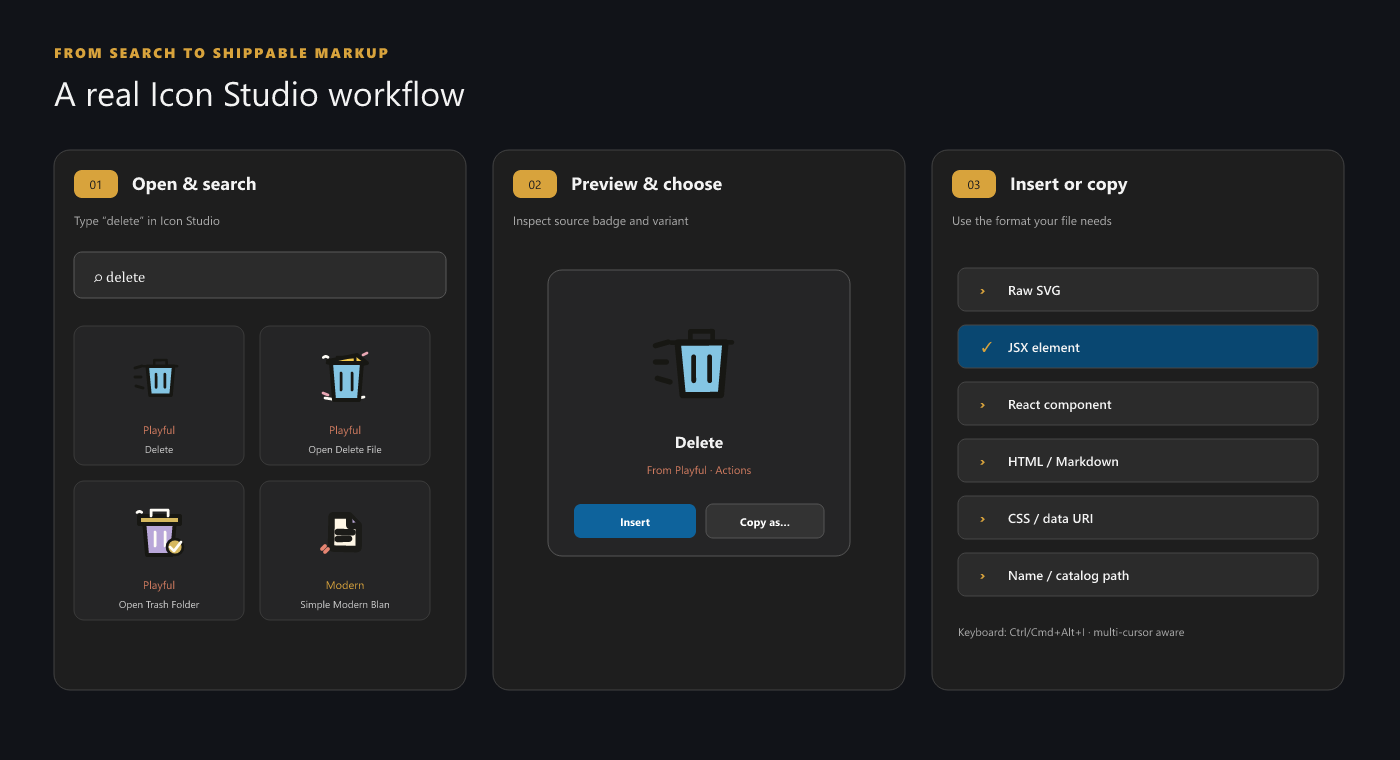
Search, preview, and insert workflow

  1. Open the Auric Icons: Drawn Activity Bar view or run Open Icon Library.
  2. Search by concept, description, tag, or synonym.
  3. Choose Auto, Color, Mono, Outline, or Duotone.
  4. Insert the SVG or use Copy as… for framework-ready output.
Action Windows/Linux macOS
Smart Insert Ctrl+Alt+I Cmd+Alt+I
Insert from Recent Ctrl+Alt+R Cmd+Alt+R

Settings live under auricIconsDrawn.library.*: default variant, page size, smart insert, recommendations, guide, density, and hover previews. The explorer remembers its Auto/Light/Dark preview surface locally.

File-icon theme

Drawn deliberately does not contribute a file-icon theme. Its 64 px illustration language does not have the paired 16 px folder geometry and semantic association system required for a high-quality Explorer theme. Install Auric Icons: Modern alongside it for the family file-and-folder theme; both collections still merge in Icon Studio.

Compatibility and installation

  • VS Code 1.85.0 or newer.
  • Compatible with forks that preserve VS Code's extension APIs.
  • No network access or telemetry at runtime.

After Marketplace publication:

code --install-extension auric-artisan.auric-icons-drawn

For a local launch build, run npm run package:extensions from Auric-Artisan-Icon-Library, then install the matching VSIX from release/.

Related collections

  • Auric Icons: Modern
  • Auric Icons: Playful

Accessibility, privacy, and license

Explorer controls are keyboard accessible and announce result/status changes. Personalization is stored only in VS Code extension storage. Free to use for any purpose; redistribution and resale are not permitted — see LICENSE.

  • Contact us
  • Jobs
  • Privacy
  • Manage cookies
  • Terms of use
  • Trademarks
© 2026 Microsoft