Auric Icons: ModernAuric Icons: Modern — a premium file & folder icon theme (408 icons, folder colours, framework packs and custom associations) plus a 720-icon SVG library. Co-installs with Drawn and Playful in one Icon Studio. Installation Launch VS Code Quick Open ( Ctrl+P), paste the following command, and press enter.Copied to clipboard |

Auric Icons: Modern
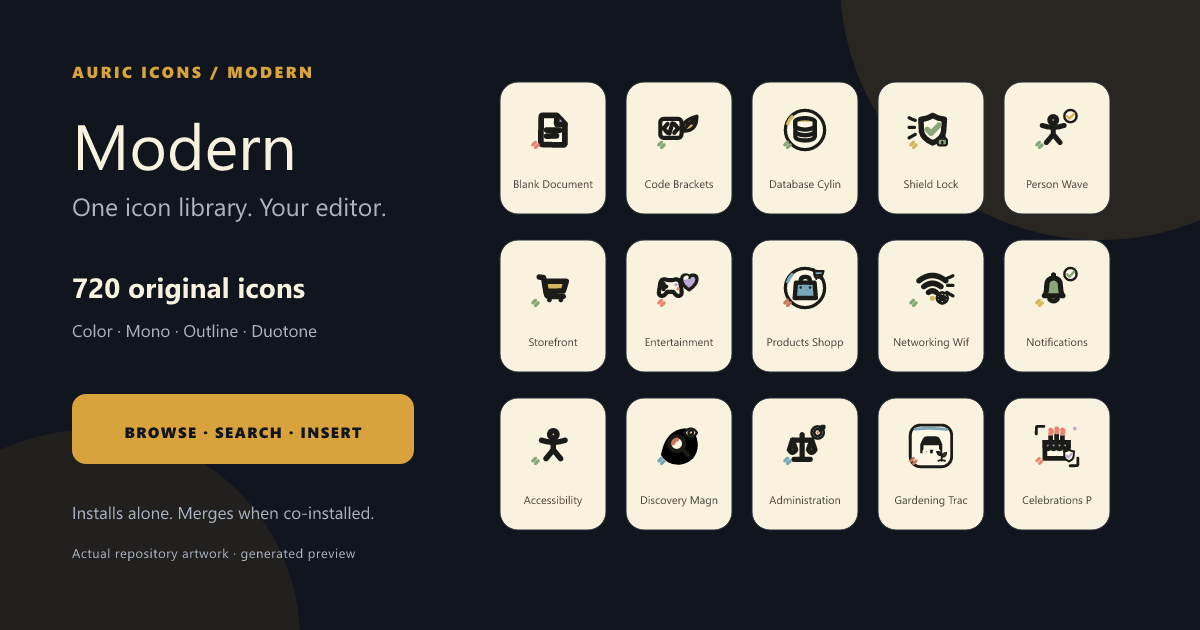
An original 720-icon modern SVG library plus a production file-and-folder icon theme designed for the 16 px VS Code Explorer. Why Modern
One explorer across installed collections
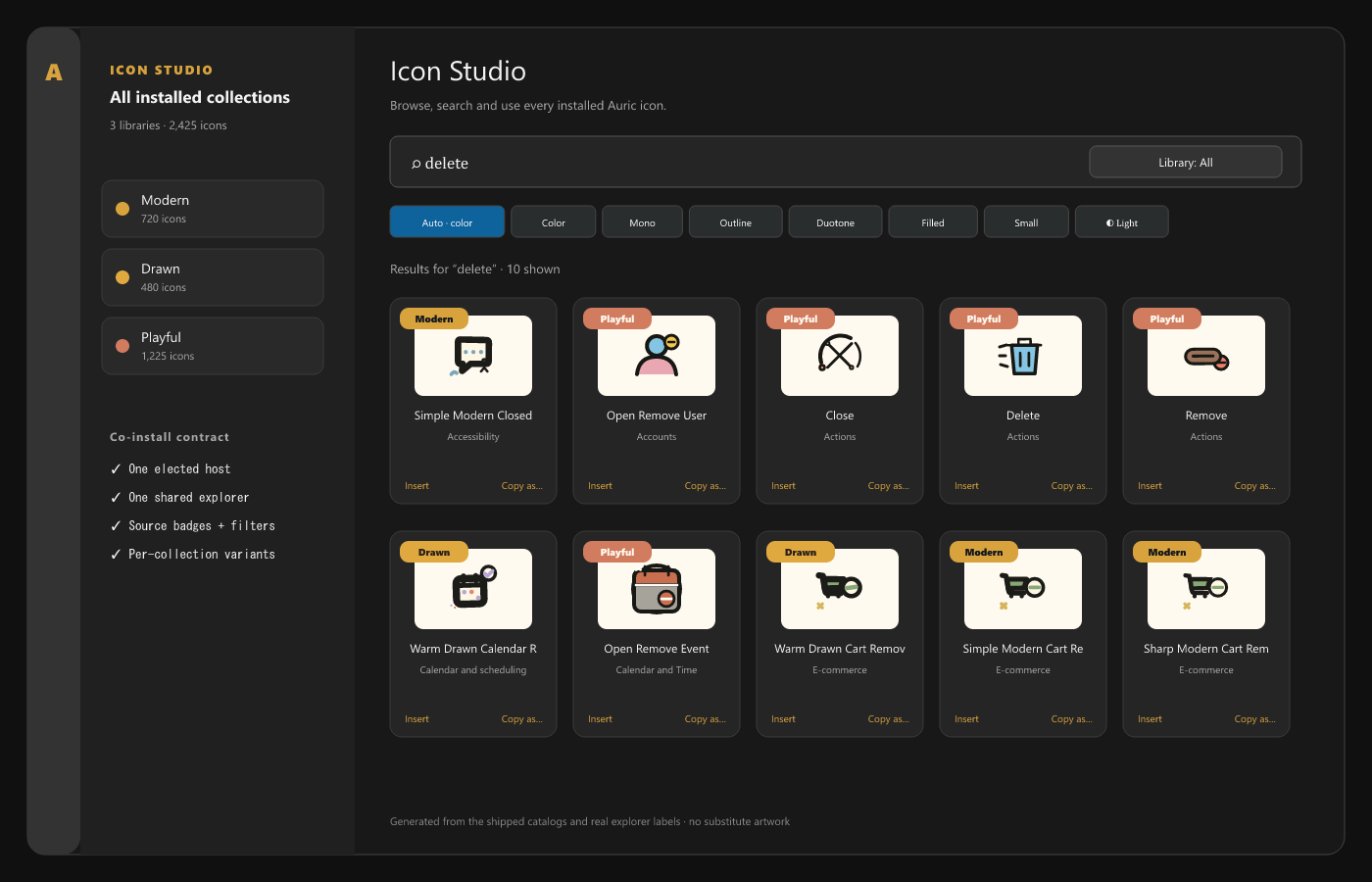
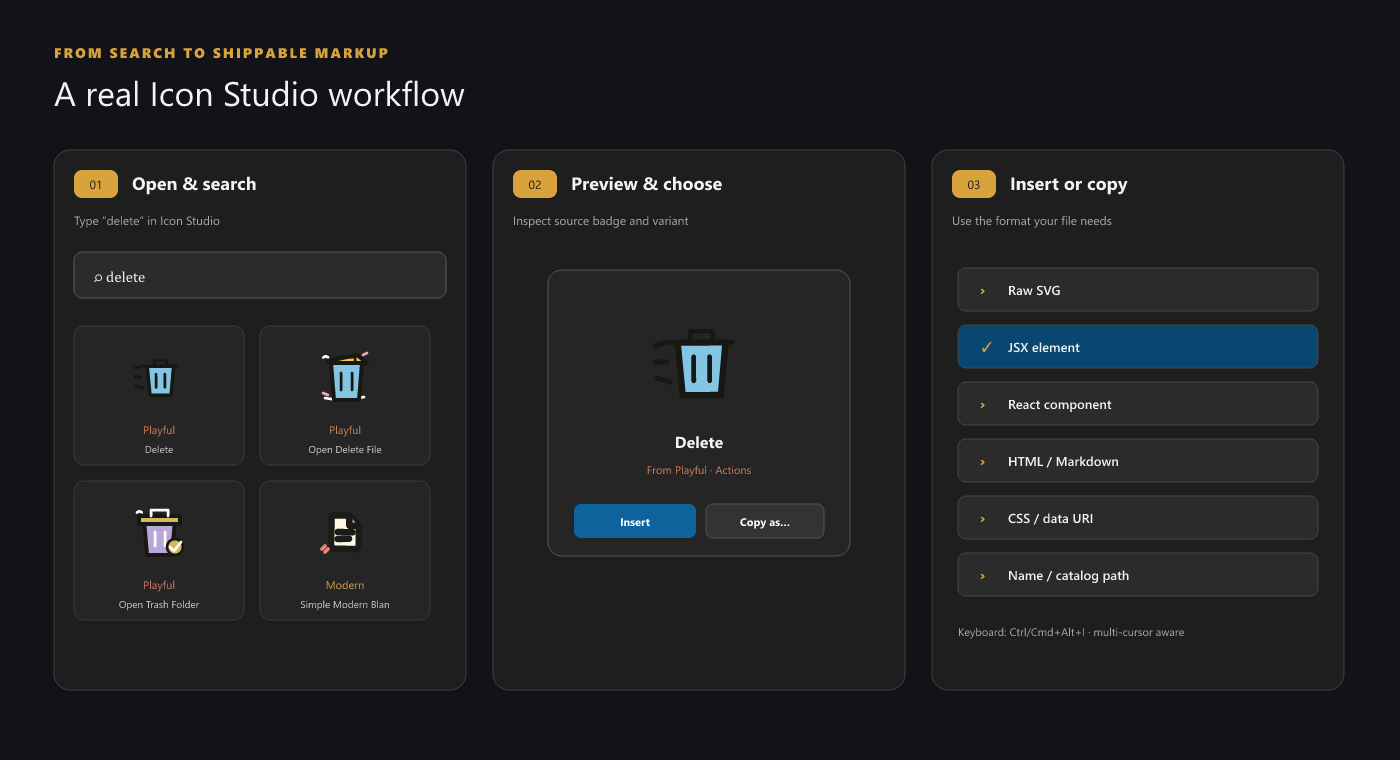
Install Modern alone or alongside Auric Icons: Drawn and Auric Icons: Playful. The extensions elect one deterministic host and render one Icon Studio with a Library filter, source badges, and the union of every collection's variants. Likes and recent history remain with the extension that owns each icon. Use the library
Useful shortcuts:
Activate and configure the file-icon themeRun Preferences: File Icon Theme and choose Auric Icons: Modern, or run Auric Icons: Activate Icon Theme.
The theme maps 265 file extensions, 462 exact filenames, and 265 folder names. Changing a setting regenerates a derived manifest; the pristine base remains intact. Library settings live under Compatibility and installation
After Marketplace publication: For a local launch build, run Related collectionsAccessibility, privacy, and licenseThe icon-theme geometry is checked at 16 px, colors are not the only identity cue, and library controls support keyboard focus and announcements. Personalization is stored only in VS Code extension storage. Free to use for any purpose; redistribution and resale are not permitted — see LICENSE. Inter letterforms are outlines derived under SIL OFL 1.1. |