Ava SupernovaAn open-source AI coding agent that does not stop at code. Ava reads your codebase, plans the work and executes it task by task — then keeps going: your training and meals, what you want to learn, the assets you need. 7 modes, 120+ tools, 24 specialist personas, and frontier open-weight models from Installation Launch VS Code Quick Open ( Ctrl+P), paste the following command, and press enter.Copied to clipboard |

Ava SupernovaOne AI partner. Every part of building. Website · Docs · Source · Pricing
Ava is the AI coding agent that does everything between the idea and the ship — and remembers it all so the next time gets easier. Engineer your features. Design your assets. Teach you what you don't know. Audit your security. Plan your strategy. Brainstorm what's next. All from inside VS Code.
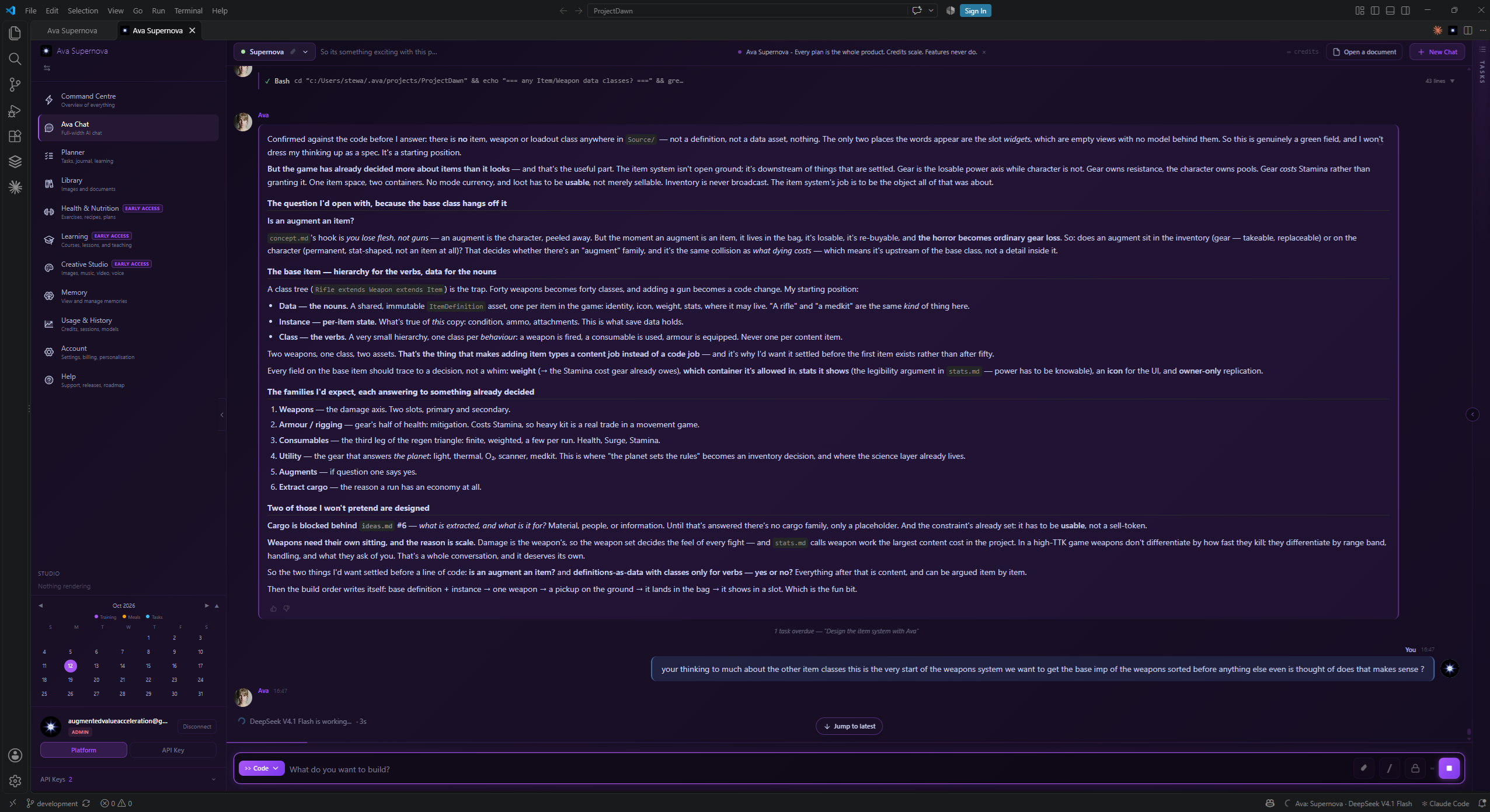
Ava reading a real project before she answers — not guessing at it. Three ways to run it1 — Your own key. No account. Install, paste a provider key, start working. There is nothing to sign up for and nothing for us to meter — you pay your provider directly. Qwen, DeepSeek, Moonshot, Zhipu, Mistral, MiniMax, Xiaomi, Tencent and NVIDIA are all supported. 2 — Your own machine. No key, no account, no bill. Point Ava at Ollama, LM Studio, vLLM or any standard API endpoint and she runs entirely on your hardware. No network, nothing leaving the machine, no spend. 3 — An Ava account, if you would rather not manage keys at all. Managed models, one bill, and credits that meter everything in one place.
Every plan is the whole product. Tiers change your credit allowance and storage — never which models you can reach, and never what Ava can do. There is no feature behind a higher tier. And they mix. Bring your own key with an account, use managed models for some work and your own key for the rest, or keep a local model for anything that must never leave your machine. The full pictureAva isn't a single tool. She's a partner who plays multiple roles depending on what you need:
Switch roles with a keystroke. Same brain. Same memory. Different mindset.
Honest by constructionEvery claim of completion — "it's fixed", "tests pass", "deployed" — is checked against the tools Ava actually ran that turn. If a claim isn't backed by evidence, a built-in honesty gate flags it rather than letting it stand as fact. Same discipline a good engineer uses on a junior's PR — review, don't merge on trust — built into the agent itself. Always on; not a setting you can switch off. Two fleets — or any single model you likeFleets are for when you would rather describe the work than choose the tool. You pick the work, and the right fleet falls out of it.
Both are live on every plan. With your own keys, each unlocks from the keys it needs:
Or skip the orchestration entirely and pick one model. Single models sit in the same picker as the fleets, and nothing is gated by tier — every plan reaches every managed model, and your own key reaches whatever that provider offers. Every model, and where it runs
7 Modes — One Ava, Seven States of ThoughtModes aren't tool restrictions. They're states of mind. The toolkit and the persona team change to match the work.
Switch with the dropdown or What she actually doesEight roles, one brain, one memory. Open whichever is relevant to you. As Your EngineerAva approaches your features the way a real engineer would, not the way a fast autocomplete does. She plans first. She reads your codebase, recalls past decisions from memory, designs an approach, and presents it for your approval. You see the steps, the files involved, the verification, and the alternatives — before anything changes. She executes task by task. Once you approve, her Builder agents run each step in sequence. Each Builder gets its own clean context window with the right tools for the job. The work stays focused, the conversation stays cheap, and you see progress task by task. She pauses on real blockers. If a step needs your input — a credential, an env var, a design decision — she stops and asks rather than guessing. She summarises when done. Each Builder reports back. You get a clean recap of what got built, tested, and committed — not a wall of tool calls. Her internal team activates for complex work: Scout → Architect → Verifier → Sequencer → Challenger → Builder. Simple questions skip orchestration entirely — zero overhead. Pick the fleet that fits the job: Maestro (a tier-differentiated Qwen ensemble — the predictable daily driver, with Qwen 3.8 Flash coordinating and building) or Supernova (the polyglot — DeepSeek V4.1 Flash coordinates and takes the chat and mid-tier seats, Qwen 3.7 Plus builds, Qwen 3.8 Flash handles vision). As Your DesignerAva ships with a Creative Studio that generates real assets and integrates them into your projects.
Logos and icons are built, not guessed. Ava composes them from geometric primitives and real fonts into clean, resolution-independent SVG — so a mark stays razor-sharp at any size and drops straight into your favicon or JSX. She'll show you several directions and let you pick the one that fits. Brand kits tie it together. Set your name, palette and fonts once, and every asset Ava makes inherits them. Image and video run on Wan, voice on Qwen3-TTS — Alibaba's open-weight models. The integration is the point. When Ava designs a logo, she can drop it into your Every asset is tracked in the Library tab — grid or list view, filter by type, preview, copy paths, and reuse across projects. A full logo system saves as one grouped card, so all its variants stay together. As Your TutorTell Ava what you want to learn and she becomes a real teacher. Teach runs on the same credits as every other mode — so the 300 free each month gets the Free tier learning at no cost. Ava builds the curriculum from scratch. Tell her what you want — "teach me Rust for game development", "help me get good at React Server Components" — and her Curriculum Architect designs a full learning path: modules, lessons, prerequisites, exercises, projects, quizzes — sequenced to your level and goal. Ava delivers the lessons herself. Her Tutor persona teaches one lesson at a time. Socratic, adaptive. She checks you actually understood, explains your mistakes without making you feel bad, and tracks progress with spaced repetition. Every lesson is fact-checked before delivery. Her Fact Checker verifies code examples, API signatures, and version-specific details against the live web before she says it out loud. She remembers your learning. Build a feature later that uses something she taught you, and she references it: "remember when we covered dependency injection? Same pattern here." As Your StrategistTwo modes for thinking work, no code touched until you approve. Plan mode — read-only architecture and proposal work. The Researcher gathers evidence (codebase, web, memory). The Architect designs the approach. The Challenger questions every decision. Output is a structured plan you can approve or reject. Brainstorm mode — for ideation and decision-making. The Explorer mines your context. The Researcher checks the market. The Ideator generates options. The Challenger cuts the weak ones. The Refiner turns survivors into "here's what you do Monday morning" plans. As Your Security AuditorSecurity mode runs a full OWASP-aligned scan with five specialist personas:
Every finding references real code in your repo. Every CVE is matched to your actual versions. False positives get killed before you see them. As Your AssistantThe work that isn't code, but still has to happen:
As Your WriterA dedicated Write mode for anyone who writes — reports, proposals, letters, articles — with no coding required. You write in plain words; she handles the document. Tell Ava what you need, or start from a worked template, and she drafts it properly: headings, tables, callouts, even a cover image she generates herself. When it's ready, she exports a branded Word document or PDF. Edit by talking, and never lose your formatting. Say "tighten the pricing section" and Ava changes just that part — the rest stays exactly as it was. You watch it render live. It's yours. Save a document you love as a reusable template, and pin your brand — fonts and colours — so every new document inherits it. The source is plain Markdown, so nothing's ever locked in. As Your Health & Fitness CoachAva's care goes past the codebase. Health mode adds a full fitness and nutrition arm — same free-for-everyone posture as the rest of Ava. A real catalogue. Exercises across every style — strength, hypertrophy, conditioning, HIIT, mobility, yoga, pilates, recovery, running, cycling, hybrid — and recipes across every course: breakfast, mains, starters, sides, snacks, desserts. Search, filter, open any entry for full detail. Submit your own, too. Plans built around you. Tell Ava your goal and she builds a fitness, meal, or combined plan — shaped by your profile: level, goals, injuries, dietary needs, equipment, and how much time you actually have on a weekday versus a Sunday. Plans run 1, 3 or 7 days, composed from the catalogue rather than invented, so every movement and meal carries its technique guide and its real nutrition. Ready-made plans, on the days you choose. A shelf of professionally built starters you can read in full before committing — every movement with its picture, its cue and its sets. Start one and you place each session on a date yourself; the days you leave between them become rest, because that is what they are. Three sessions across a week make a week-long plan, and it says so before you begin rather than after. She checks before she replaces anything. Activating a plan archives any other active plan of the same type, so Ava tells you which one and when it runs to, and asks whether to follow it or replace it. When there is no clash she says nothing — a meal plan and a training plan have never conflicted. Ask her to delete a plan and she will, unless you have logged something against it; then she archives it instead, because that record of what you did exists nowhere else. A shopping list built from the plan. Aisle by aisle, a whole week at once, across every plan you are running, scaled to how many people you are feeding. When a meal is not on the list, Ava tells you why — an ingredient she could not read is a different problem from one already in your cupboard, and you should know which. A prep plan for where the work lands. What to cook once and eat twice, which evenings are genuinely heavy, and the difference between minutes you stand over a pan and minutes it just sits there. A training log that records what actually happened. The sets, the reps, the load you really used — not the load that was written down. Skipped is recorded as a fact, never as a blank, because those two things mean entirely different things and software that treats them the same is guessing at your life. Tick a movement or a meal off where you are looking at it, and leave a note in your own words. And progression stays your call. One week is not enough evidence for anyone to decide you are ready to add weight. So Ava does not. She tells you what she noticed — you hit the top of the rep range twice, you cut Wednesday short, your note said your back was tight — and you decide, because you know things about your body that no log contains. Same memory, same Ava. What you log writes to the same memory as your code decisions, so the version of her helping in your kitchen knows what your shoulder did on Tuesday. What Ties It All Together — Memory
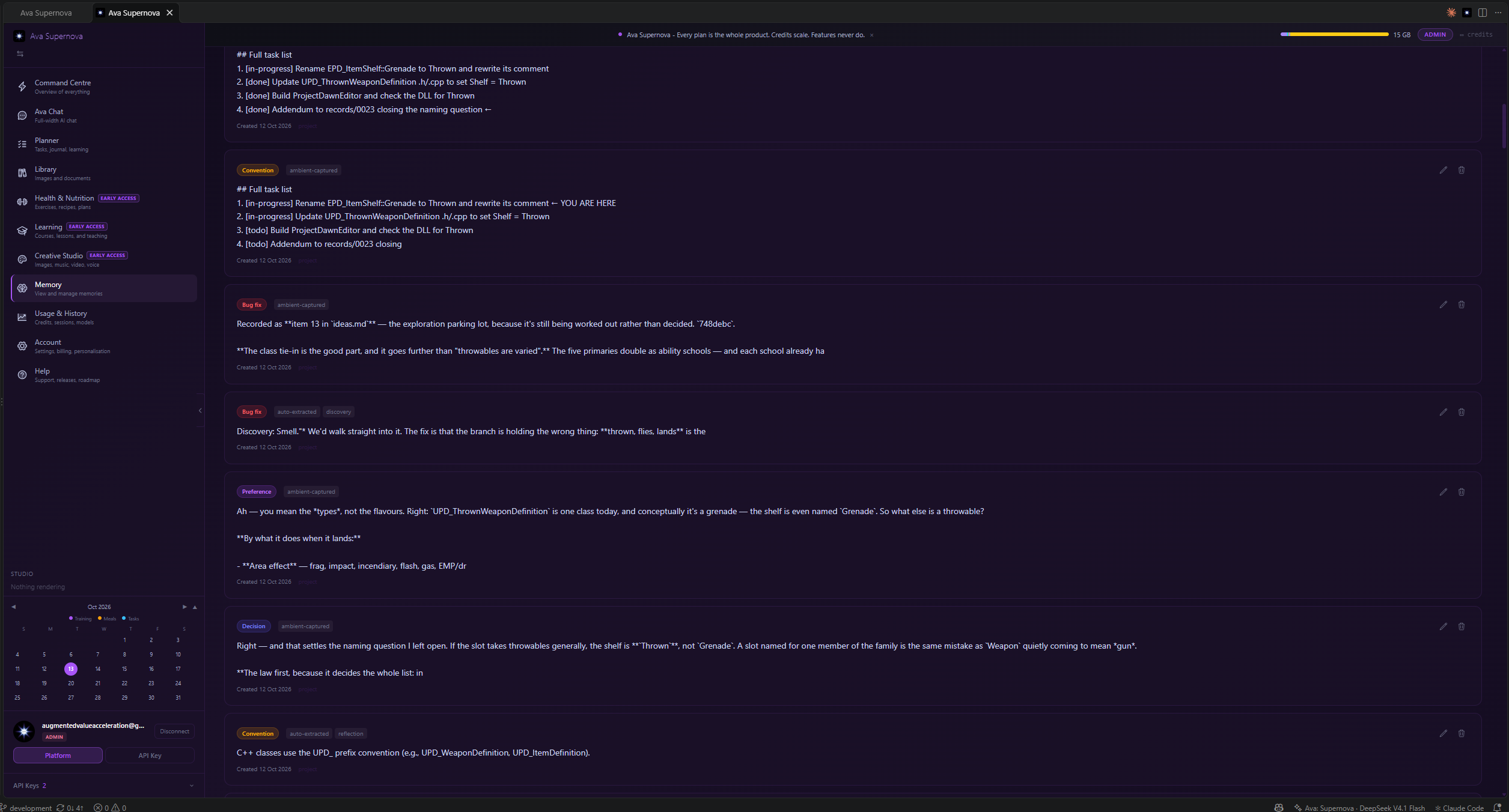
Everything she remembers, in the open — and stored on your machine, not ours. Every role above uses the same memory. That's why Ava gets better at helping you specifically over time.
A dedicated Memory Agent curates a short brief of what's relevant to your current message instead of dumping raw memories into the conversation. Context stays lean. Recall stays sharp.
Yours by DesignCustom personality — same brain, your style:
20 languages — the whole interface translates, not just the chat, and switches live the moment you change it — no restart. Pick your language right from the welcome tour or in Settings; auto-detected from your locale or set manually. Each language is shown in both your current language and its own, so yours is easy to find. Code stays English; conversation matches you. Local-only storage — memory, tasks, journal, learning, history, settings, personality all stored on your machine. None of it is copied to the cloud. API keys encrypted in your OS keychain. Credentials blocked from memory at runtime. No analytics, no telemetry, no screen captures. Prompt-injection resistance built in. ToolsOver 120 user-facing tools, grouped for the work you actually do. Ava decides which to use, runs them, reads the results, and keeps reasoning. Counted from the registry as this extension builds it, not estimated: 119 register here, minus 8 that are internal plumbing for the agent loop. Every tool below is one you can actually call — the list and the number agree.
Quick Start
Privacy
Shared Learning (opt-in)An optional Contribute Shared Learning setting (off by default). When enabled, anonymised feedback signals — message ratings, the model and mode used, and a timestamp — are shared to improve response quality. No code, no conversation content, no personal data is ever shared. Disable any time in Settings. TermsCode context is sent only to your chosen AI provider for processing. All memory and conversation data is stored locally on your machine and is never uploaded. Built by Augmented Value Acceleration Ltd, registered in England and Wales. UK GDPR compliant. LinksLicenseApache License 2.0 — Copyright 2026 Augmented Value Acceleration |