JSON Powerhouse
Fix broken JSON and generate production-ready types — instantly, inside VS Code.




Paste messy, broken, or invalid JSON → get clean JSON and ready-to-use types in one command. No copy-pasting to online tools. No manual cleanup. No scripts. Everything runs offline inside your editor.
📸 Demo
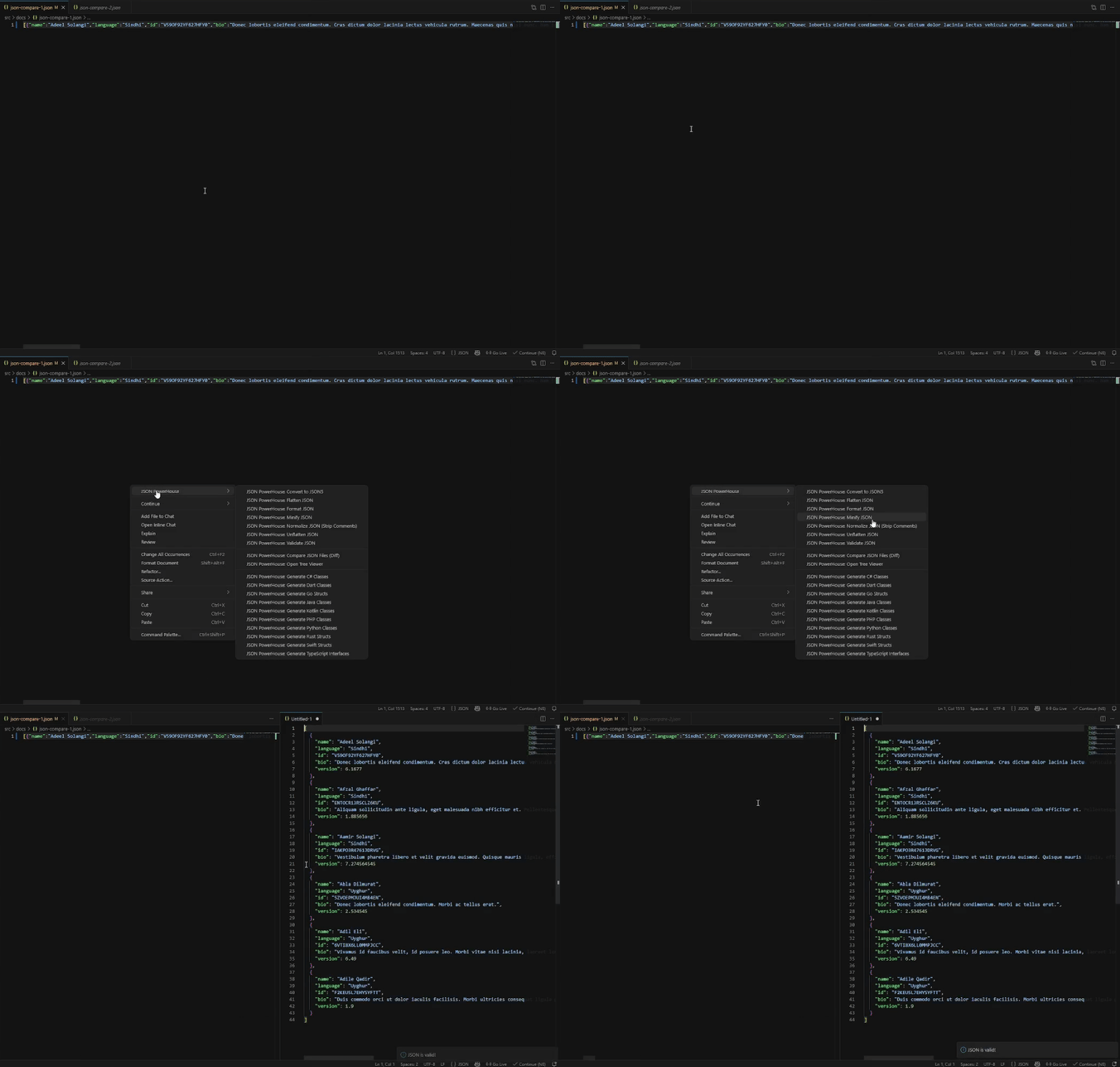
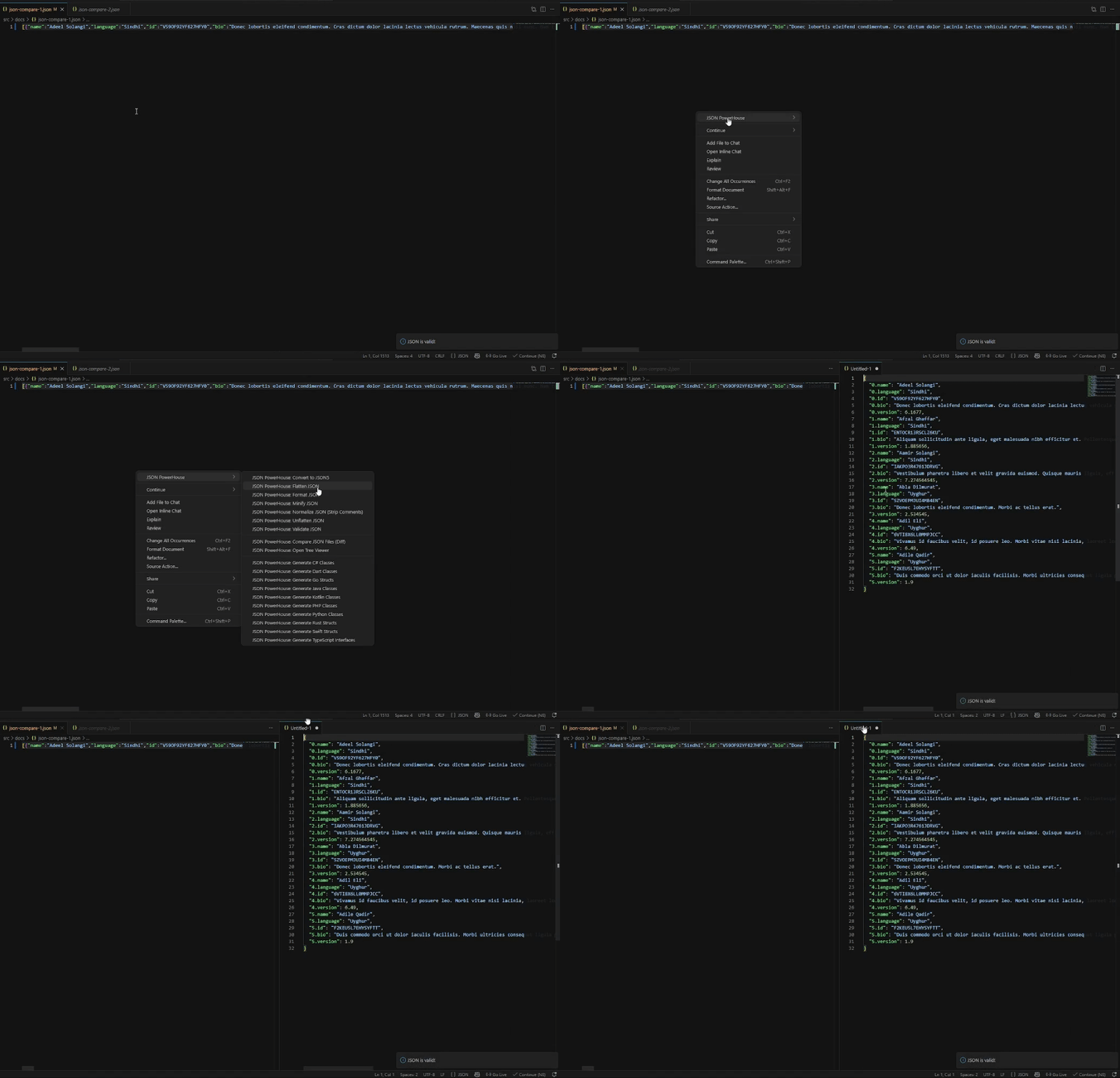
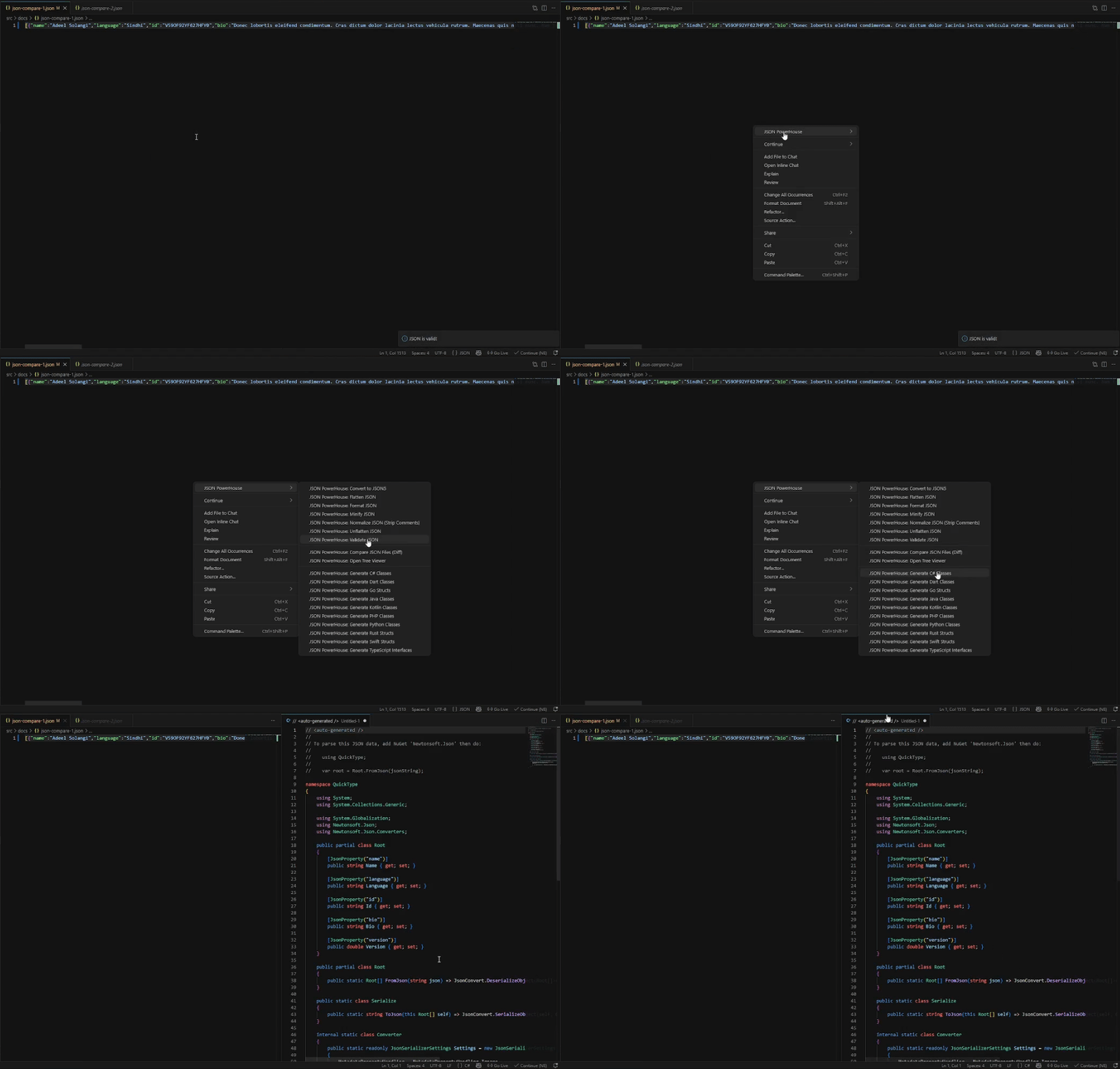
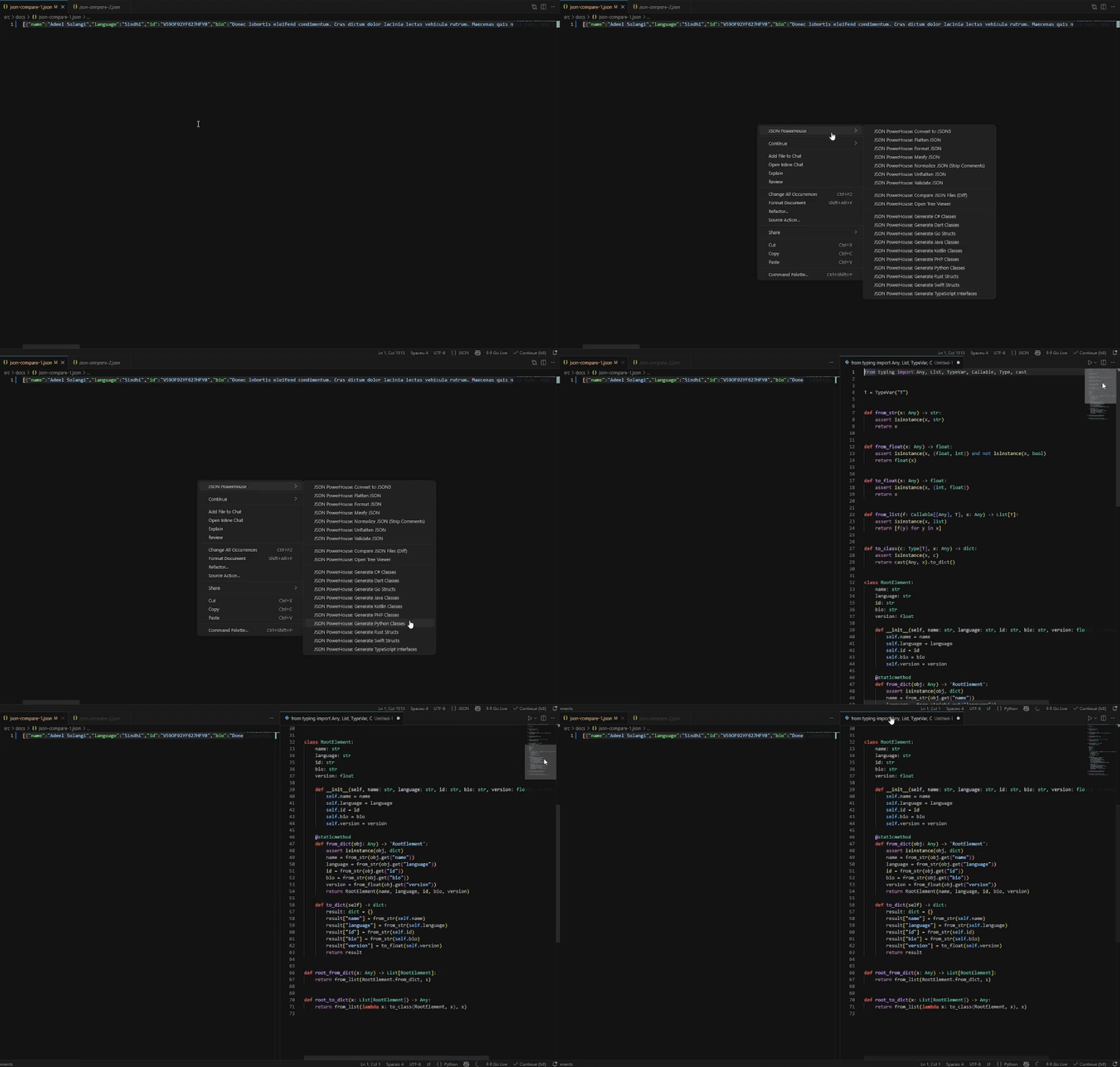
✨ Features
- Auto-fix broken JSON — handles missing quotes, trailing commas, single quotes, unquoted keys, and more
- Format & prettify — clean, consistent output every time
- Generate types instantly — TypeScript, C#, Go, Java, Python, and more
- Real-time validation — catch errors as you type
- 100% offline — nothing leaves your machine
🚀 Installation
- Open VS Code
- Go to the Extensions panel (
Ctrl+Shift+X / Cmd+Shift+X)
- Search for JSON Powerhouse
- Click Install
Or install directly from the VS Code Marketplace.
⚡ Quick Start
Paste this broken JSON into any .json file:
{'user_id': 1, name: "John",}
Run JSON Powerhouse: Fix & Format JSON — you get:
{
  "user_id": 1,
  "name": "John"
}
Then run JSON Powerhouse: Generate TypeScript — you get:
interface RootObject {
  userId: number;
  name: string;
}
Done. Two commands. Zero cleanup.
⌨️ Commands
Open the Command Palette (Ctrl+Shift+P / Cmd+Shift+P) and type JSON Powerhouse:
| Command |
Description |
JSON Powerhouse: Fix & Format JSON |
Auto-fix and prettify invalid JSON |
JSON Powerhouse: Validate JSON |
Check JSON for errors in real time |
JSON Powerhouse: Generate TypeScript |
Generate a TypeScript interface |
JSON Powerhouse: Generate C# |
Generate a C# class |
JSON Powerhouse: Generate Go |
Generate a Go struct |
JSON Powerhouse: Generate Java |
Generate a Java class |
JSON Powerhouse: Generate Python |
Generate a Python dataclass |
Keyboard shortcuts can be customised in File → Preferences → Keyboard Shortcuts.
⚙️ Configuration
Open Settings (Ctrl+,) and search for jsonPowerhouse:
| Setting |
Options |
Default |
jsonPowerhouse.indentation |
2, 4, tab |
2 |
jsonPowerhouse.sortKeys |
none, asc, desc |
none |
jsonPowerhouse.quoteStyle |
double, single |
double |
jsonPowerhouse.trailingCommas |
true, false |
false |
jsonPowerhouse.validateOnSave |
true, false |
true |
🧠 Built for real-world JSON
Most JSON tools assume your data is valid. Real API responses rarely are.
JSON Powerhouse is designed for the messy, inconsistent payloads that show up in actual development — broken logs, partial responses, copy-pasted output from terminals, third-party APIs with inconsistent formatting. It fixes what it finds and generates types from what remains.
Common scenarios where it helps:
- Integrating a new backend and need types fast
- Debugging a broken API response in production
- Working with legacy data that nobody cleaned up
- Switching between languages and needing type stubs quickly
📋 Requirements
- Visual Studio Code 1.80 or later
🤝 Contributing & Support
Found a bug or have a feature request?
Open an issue on GitHub.
Pull requests are welcome.
📝 License
MIT © 2024 Arjayabalan

