Devlog — Coding ActivityTrack your coding time and see your progress. Installation Launch VS Code Quick Open ( Ctrl+P), paste the following command, and press enter.Copied to clipboard |

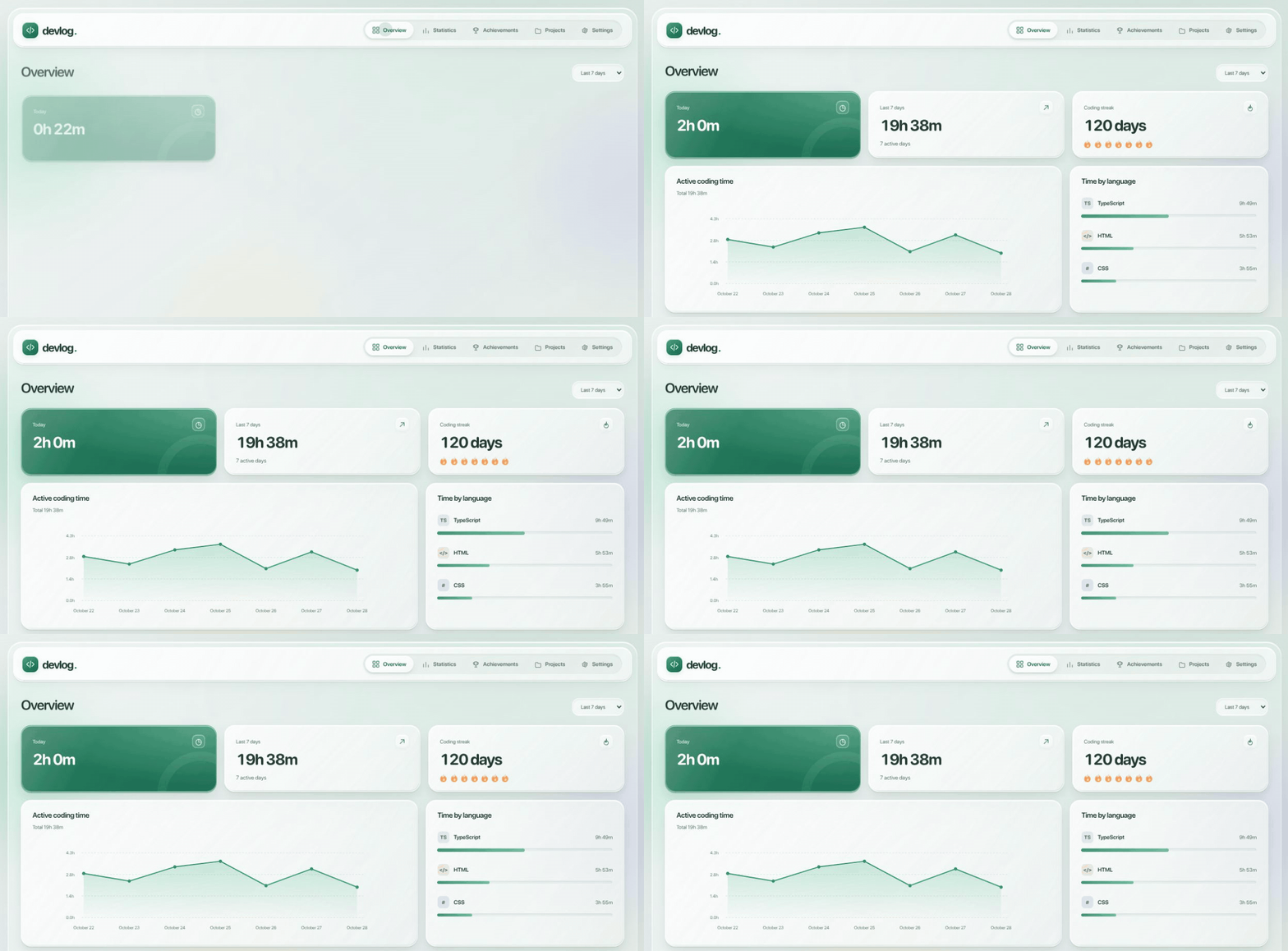
DevlogTrack your coding time and see your progress. Devlog runs in VS Code and opens your stats in your browser. See how much time you spend coding, what you work on, and how your habits change. Install from the VS Code Marketplace · Report a bug · Get in touch
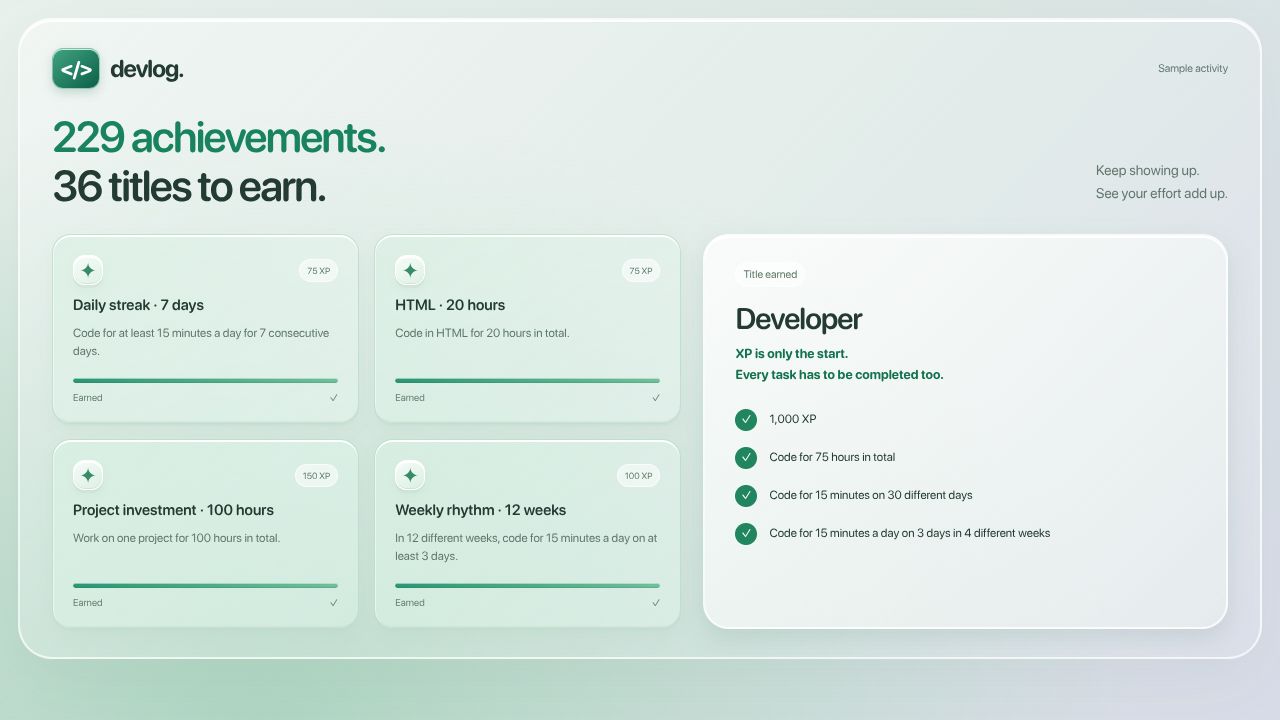
The images use sample activity, not someone's personal coding history. A little motivation to keep goingSet a daily goal, build a streak, and earn achievements as you code. There are 229 achievements and 36 titles to work toward. Titles need both XP and completed tasks, so collecting easy achievements alone won't unlock the higher ones.
Get started
Devlog works on desktop VS Code for Windows, macOS, and Linux. Your activity stays on your computer. No account or subscription is needed. How time is countedDevlog counts time while VS Code is focused and you're making small edits in the active file. It stops after a minute without an edit. Reading, terminal work, and time in other apps are not counted. Pasting a large block or using undo does not start the timer. Unsaved files work too. Pick the right language in VS Code for accurate stats. Plain Text counts toward your time but does not appear as a programming language. Use Pause / Resume Tracking in the sidebar to take a break. If the dashboard loses its connection, open it again from VS Code. How this project was madeDevlog started as an AI-built project. I came up with the idea, chose the features and design, and tried the app as it was built. AI wrote the initial code. I don't yet understand every part of it, and I don't present it as code I wrote entirely by hand. I'm currently learning HTML. As I learn, I plan to take on the HTML changes and fixes myself, then gradually work through the rest of the project. My goal is to understand the whole app and be able to maintain and develop it on my own. I keep the projects I code myself and my AI-built projects separate on my profile, so it's clear how each one was made. Want to help?Bug reports, ideas, documentation fixes, and code contributions are welcome. Open an issue or send a pull request. I'll review proposed changes before merging them. See Contributing for the steps. You can also reach me at quantastudio.dev@gmail.com. If Devlog is useful to you, a GitHub star is a nice way to support it. Working on the codeDevlog uses JavaScript, HTML, and CSS. There are no runtime dependencies.
Free to use under the MIT license. Read the privacy note for details about saved data. |