JSON visualizer for VS Code providing recursive decoding and type detection.
Json Hydrate is an interactive JSON visualizer for VS Code providing recursive decoding, type detection, and custom highlighting.
Features
Type Detection and Highlighting
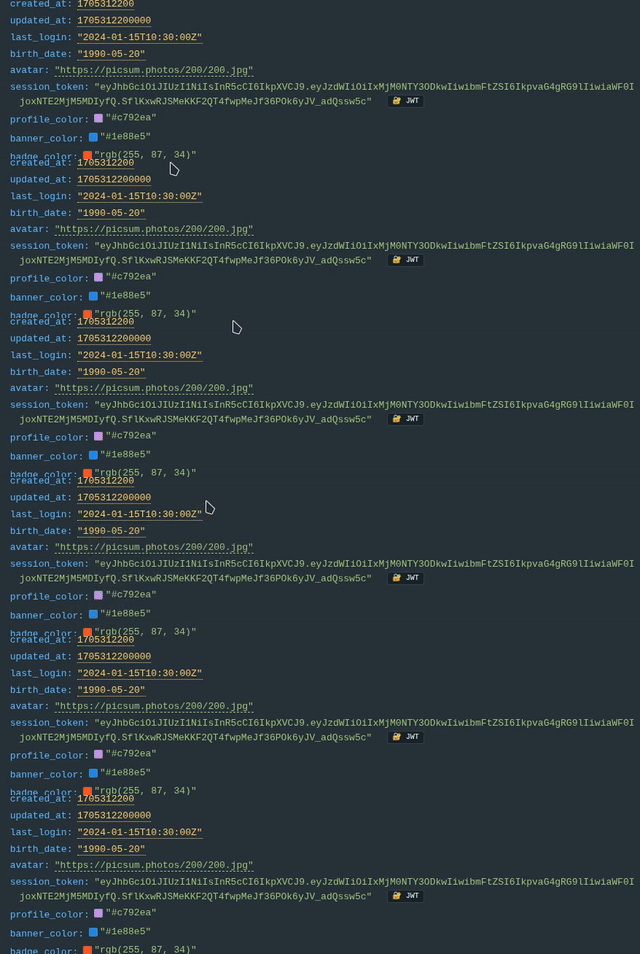
Datetime Parsing: Automatically identifies Unix epochs and ISO strings. Hovering over values reveals Local, UTC, and Relative time conversions.
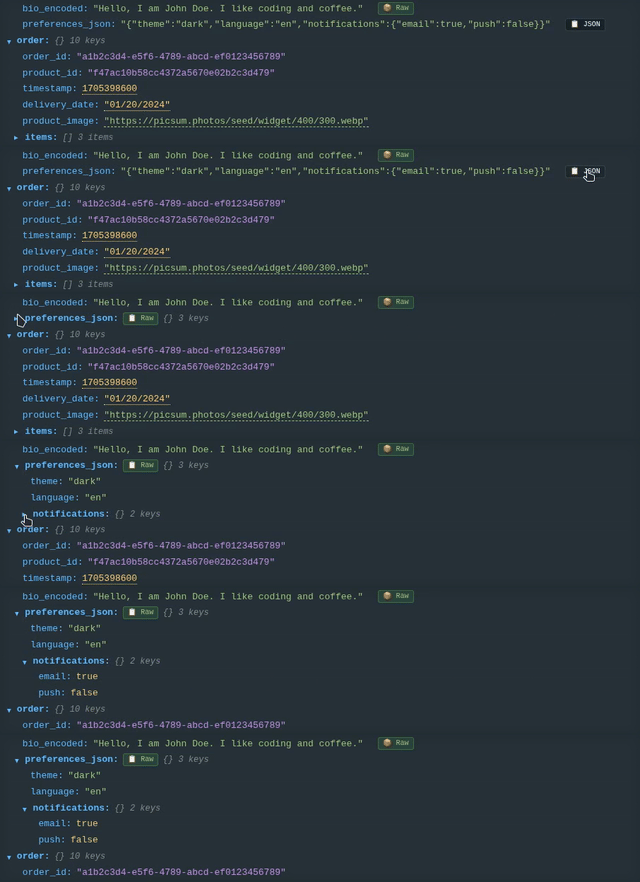
UUID Highlighting: Automatically identifies standard UUID formats for distinctive coloring.
Data Decoding
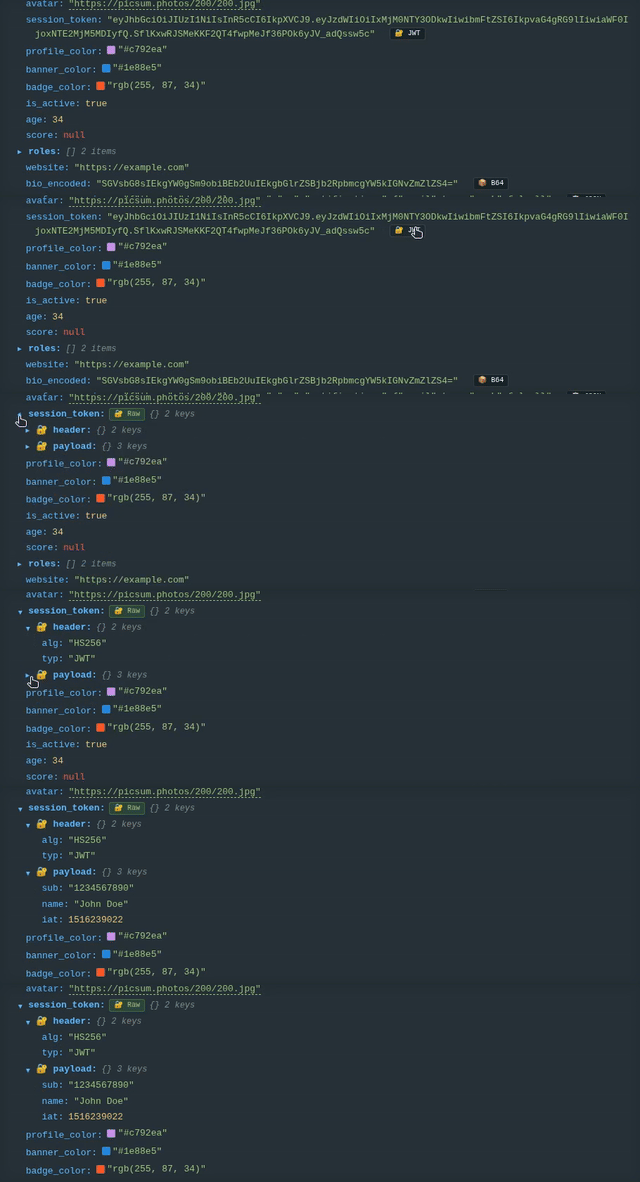
Recursive JSON and Base64: Identifies and expands nested JSON strings or Base64-encoded content within the tree structure.
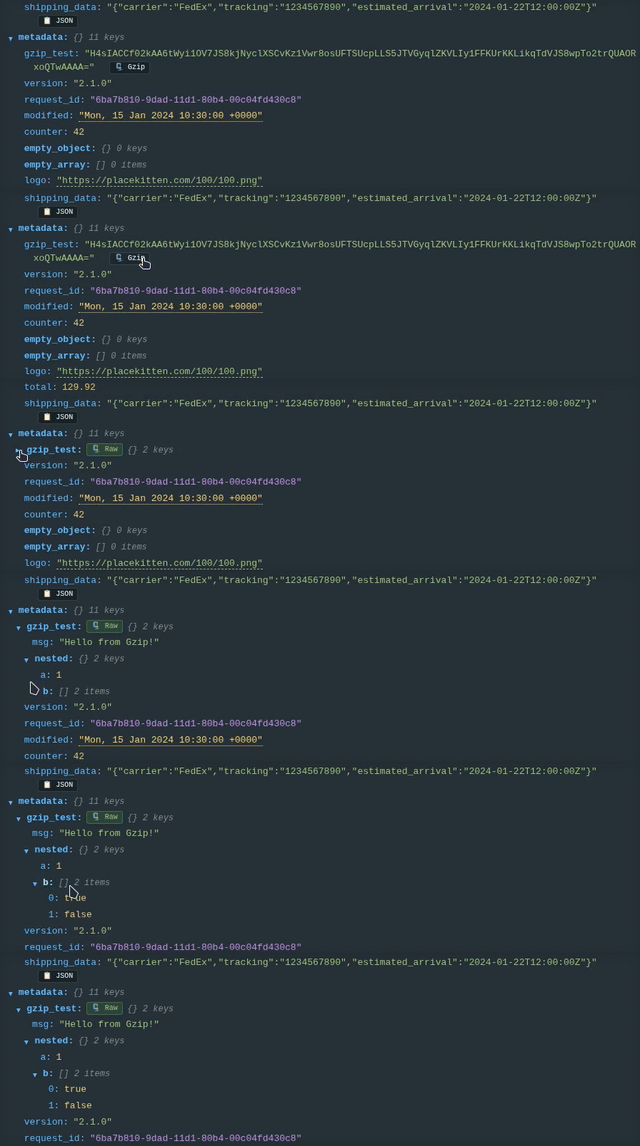
Gzip Decompression: In-place decompression for Gzip and Zlib data.
Content Rendering
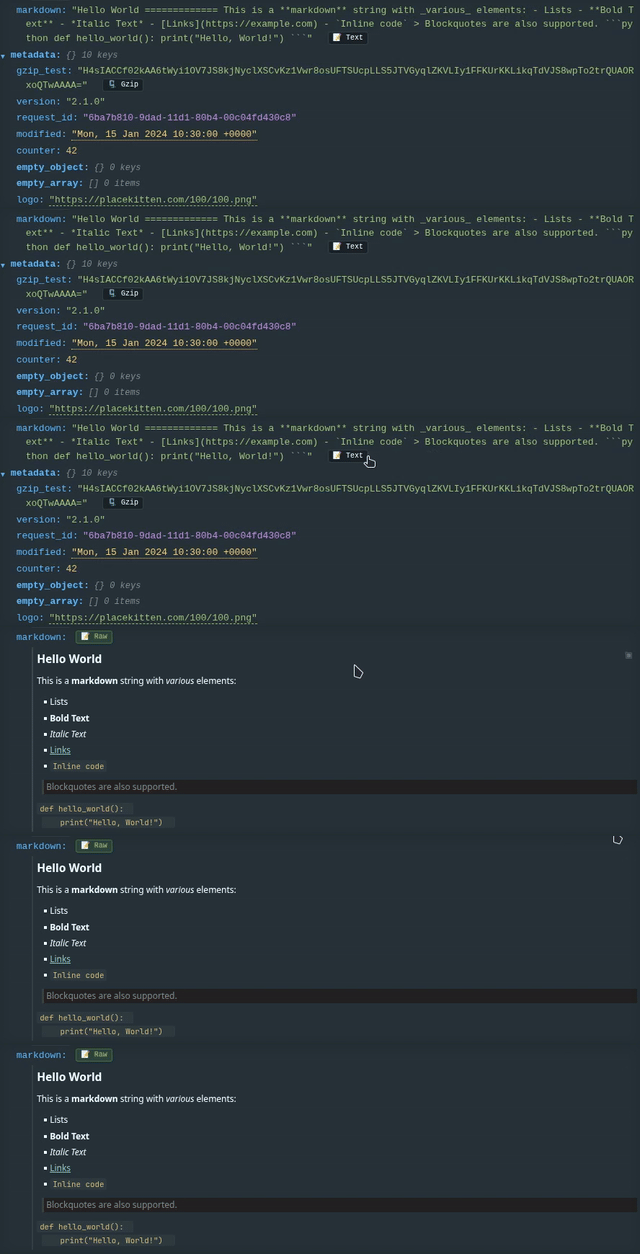
Markdown Rendering: Renders Markdown-formatted strings as styled blocks within the viewer.
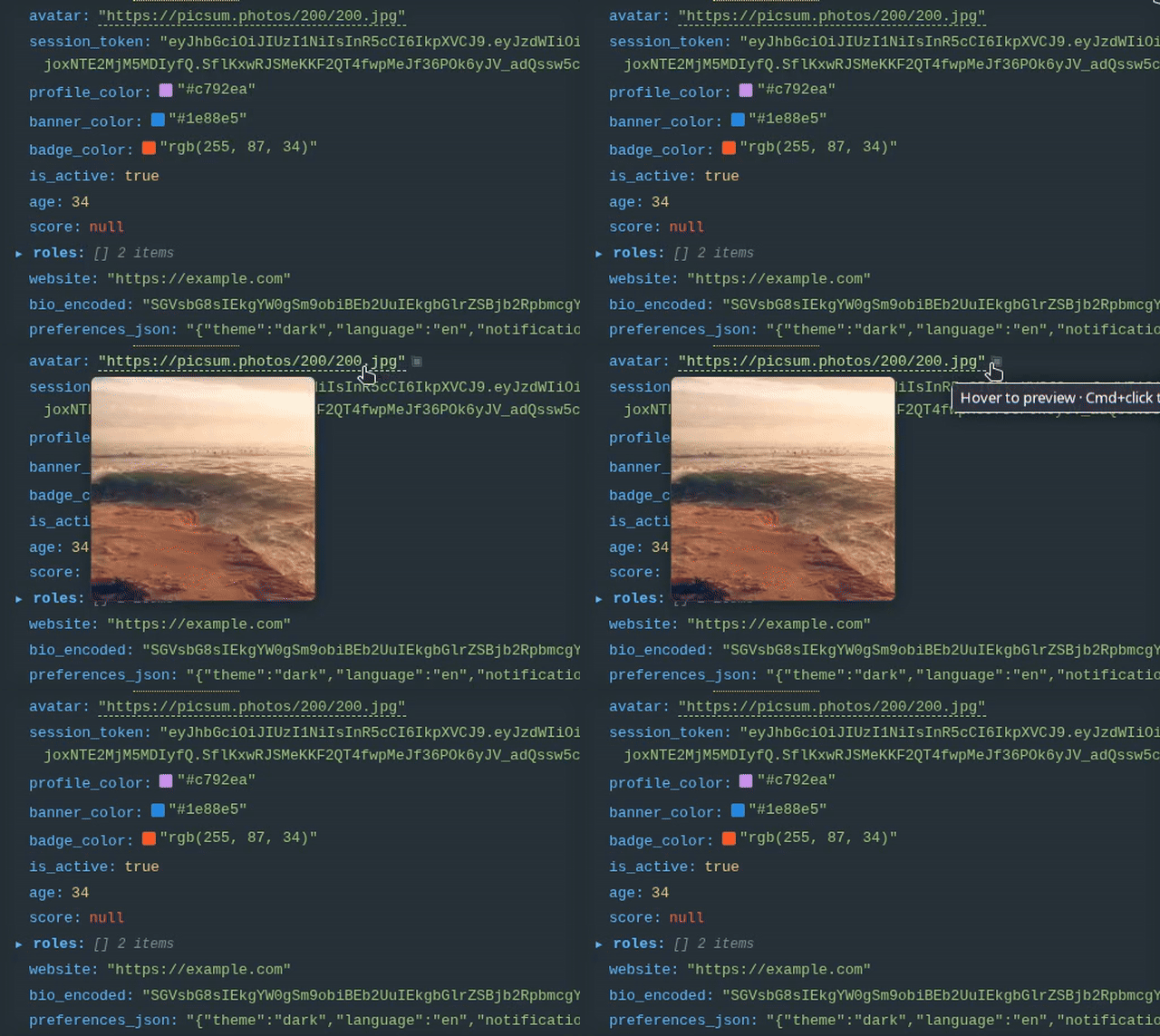
Image Previews: Visualizes images from URLs or Base64 data strings.
Token Highlighting: Define custom regex rules to highlight JWT tokens, AWS ARNs, or internal ID formats.
Usage
Open any JSON or JSONC file.
Select the Hydrate icon in the editor title bar (top right).
To visualize specific snippets, right-click a selection and choose Open Selection in Json Hydrate. Partial snippets are supported via automatic heuristic wrapping.
Configuration
Customization is managed via the jsonhydrate.* prefix in settings.json.