
Pinned & Recent FoldersJump to the folders you most recently worked in, and pin your favourites. A status-bar quick-pick of folders matching your globs, sorted by the freshest file inside. Installation Launch VS Code Quick Open ( Ctrl+P), paste the following command, and press enter.Copied to clipboard |


Pinned & Recent FoldersJump to the folders you most recently worked in — and pin your favourites.
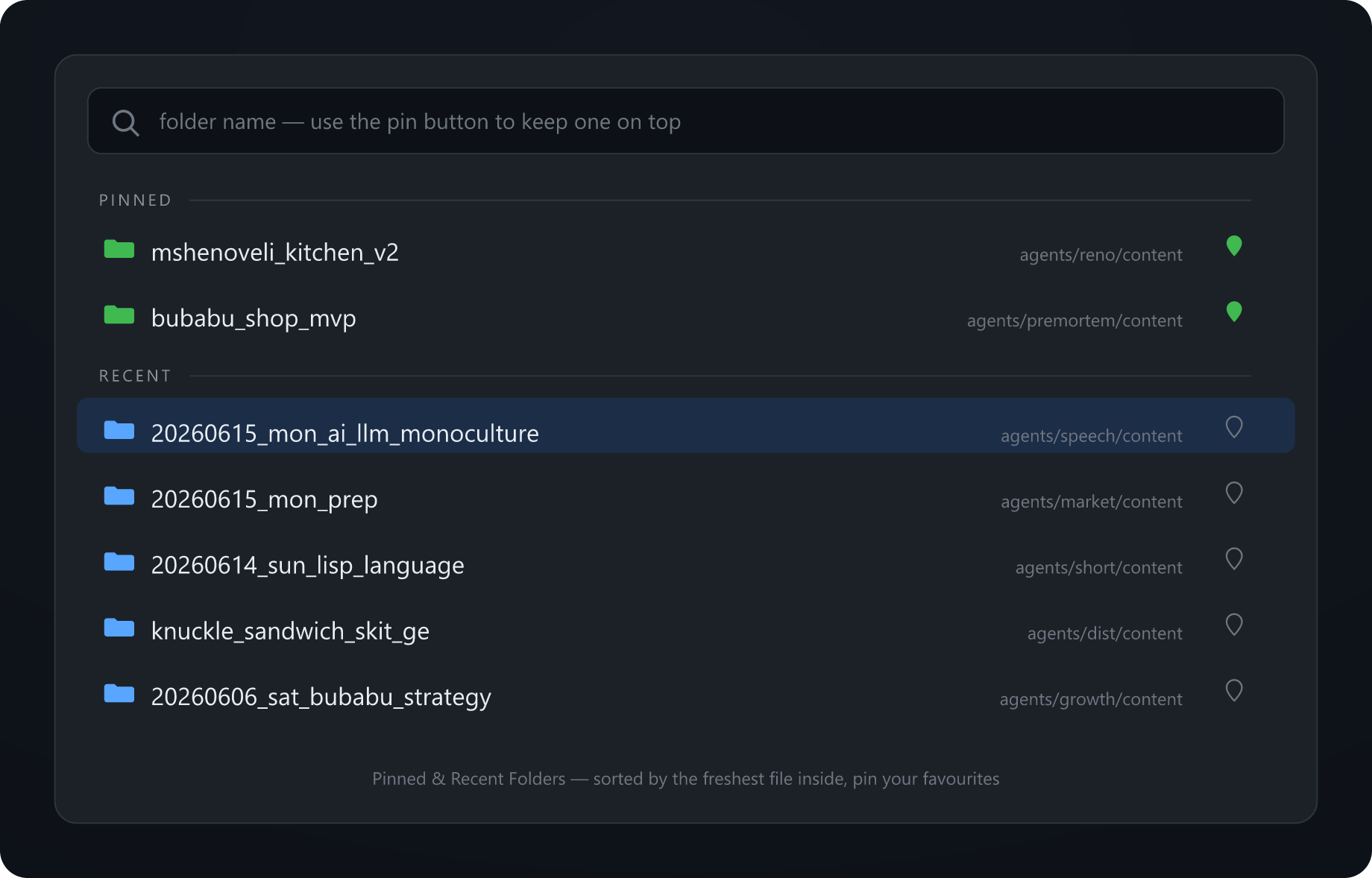
If you keep a lot of folders in one workspace (dated outputs, generated bundles, per-project subdirs…), the file tree gets slow to navigate. This adds a status-bar button that opens a quick-pick of your folders, in two groups:
Pick one → it opens in your file explorer (or a new VSCode window). Pin/unpin with the button on each row. Why "freshest file inside"A folder's own modified-time only changes when files are added/removed/renamed in it — editing an existing file doesn't bump it. This extension scans each folder's files and ranks by the newest one, so "Recent" reflects what you actually touched. Configure which foldersSet Use
Settings
InstallFrom the Marketplace (search “Pinned & Recent Folders”) or: Or grab the No network, no telemetry. Pure LicenseMIT © Andrew Altair |


