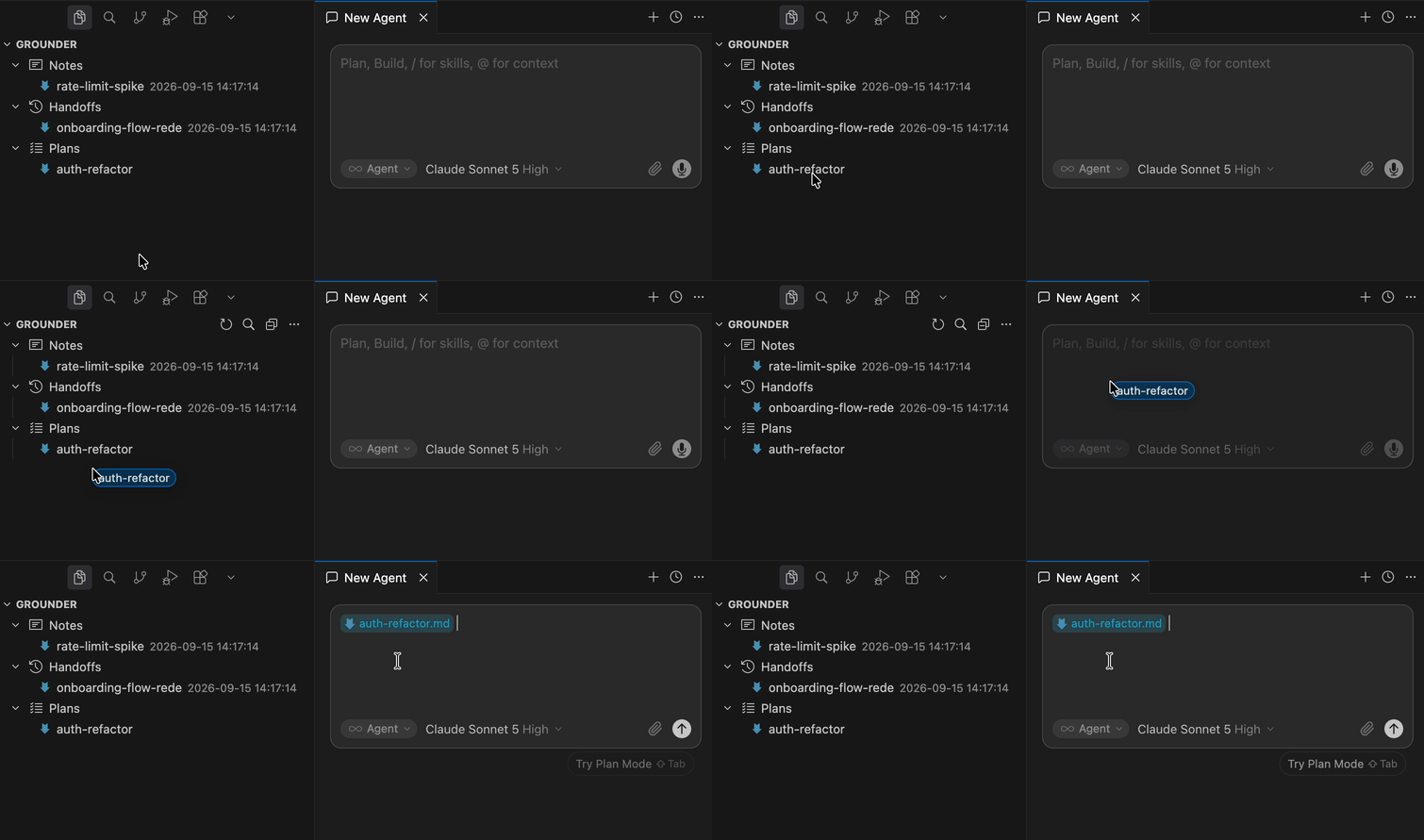
Grounder XplorerAI agent memory in Obsidian — notes, handoffs, plans — drag into Cursor or Claude Code chat. Installation Launch VS Code Quick Open ( Ctrl+P), paste the following command, and press enter.Copied to clipboard |


Grounder XplorerGrounder keeps AI coding agent memory — notes, handoffs, plans — in plain markdown files instead of chat history, so work picked up in Cursor or Claude Code survives across sessions and machines. This extension browses that vault in the sidebar, and lets you drag any doc into Cursor's or the Claude Code extension's chat panel to attach it as context. Install from the VS Code Marketplace or Open VSX, or search "Grounder" in your editor's Extensions view.
Requirements
What you get
Multi-root workspacesIn a multi-root workspace, an AI agent's Links
|