InvariantA semantic dark editor theme based on Monokai, where color identifies what a symbol is and formatting shows how it is used. Installation Launch VS Code Quick Open ( Ctrl+P), paste the following command, and press enter.Copied to clipboard |


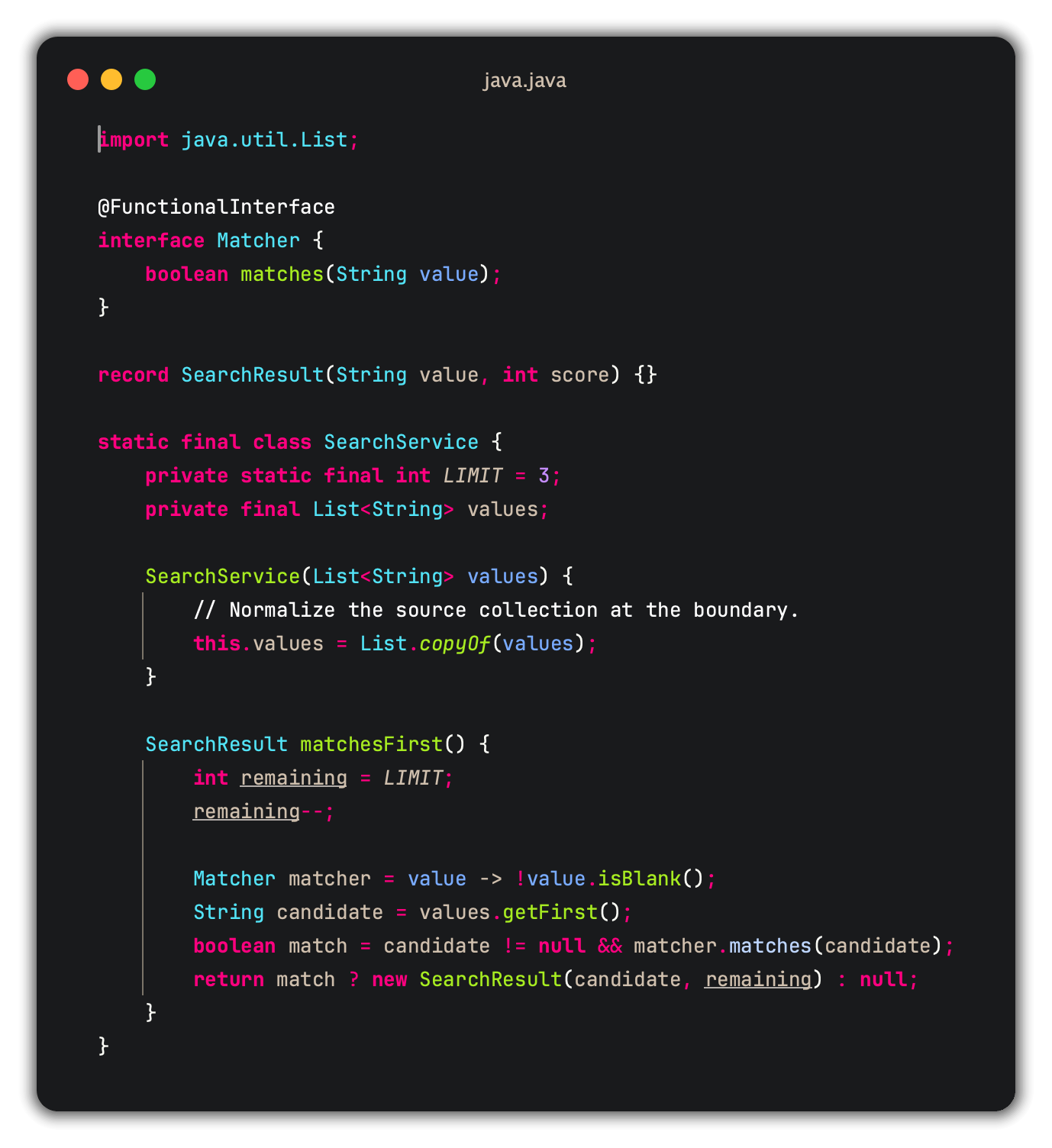
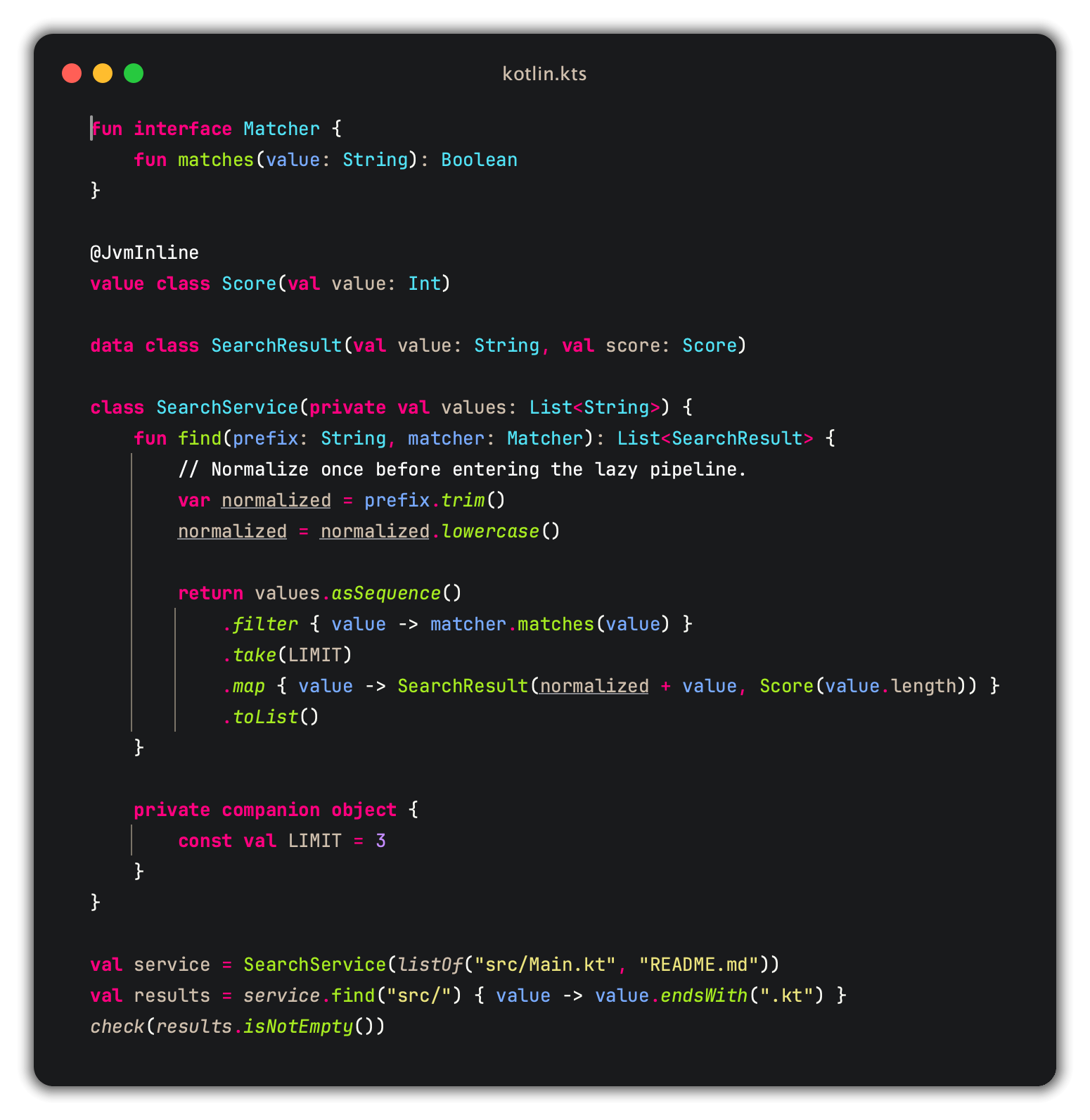
InvariantA semantic dark editor theme based on Monokai. Invariant uses color to identify what a symbol is and formatting to show how it is being used. Common code stays relatively quiet, while types, parameters, methods, reserved names, annotations, and comments remain easy to find.
Color says what; formatting says how
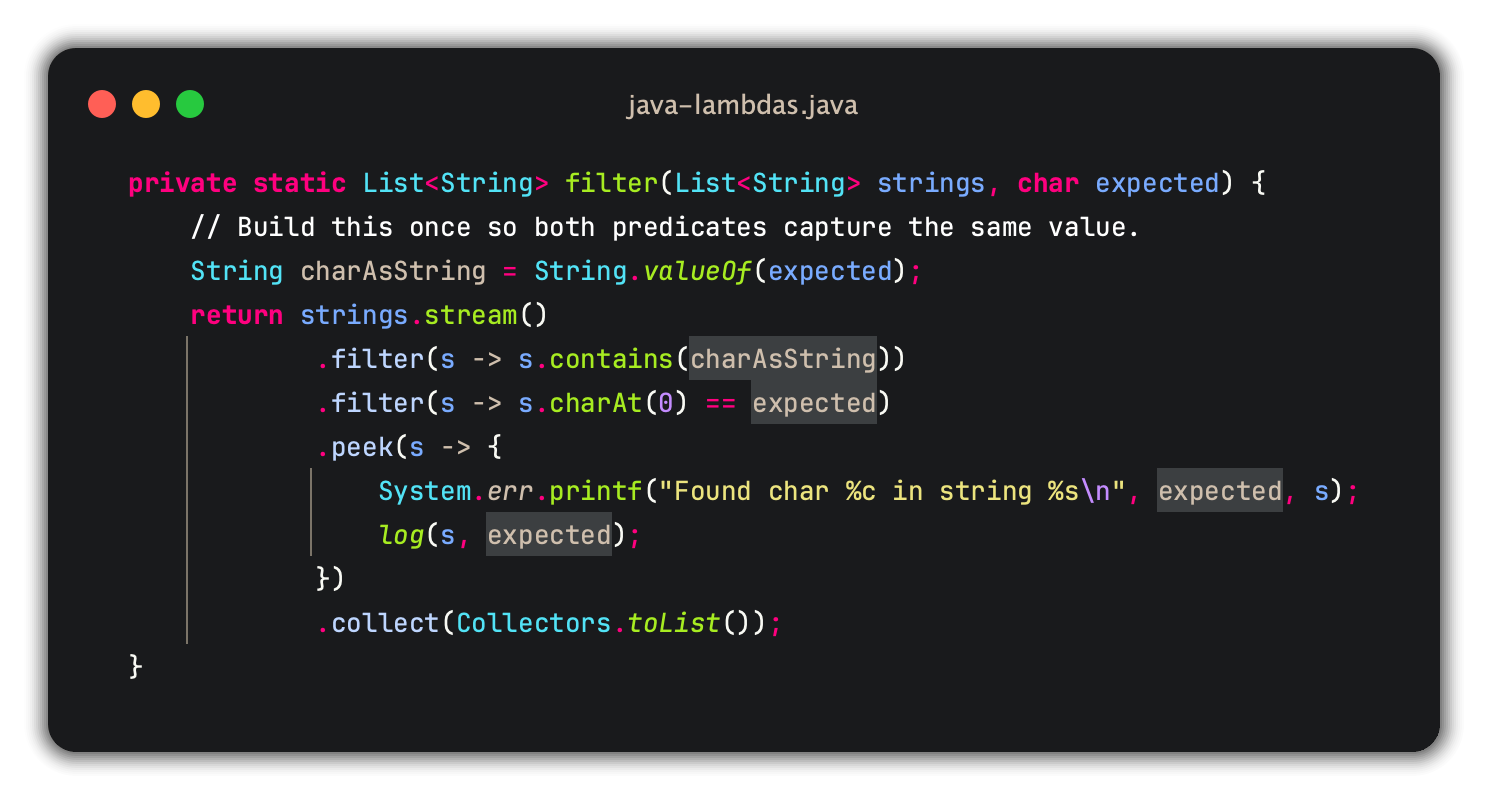
ExamplesJava lambdas
Parameters remain blue while captured values gain contextual treatment. Concrete calls remain green throughout the expression. Kotlin
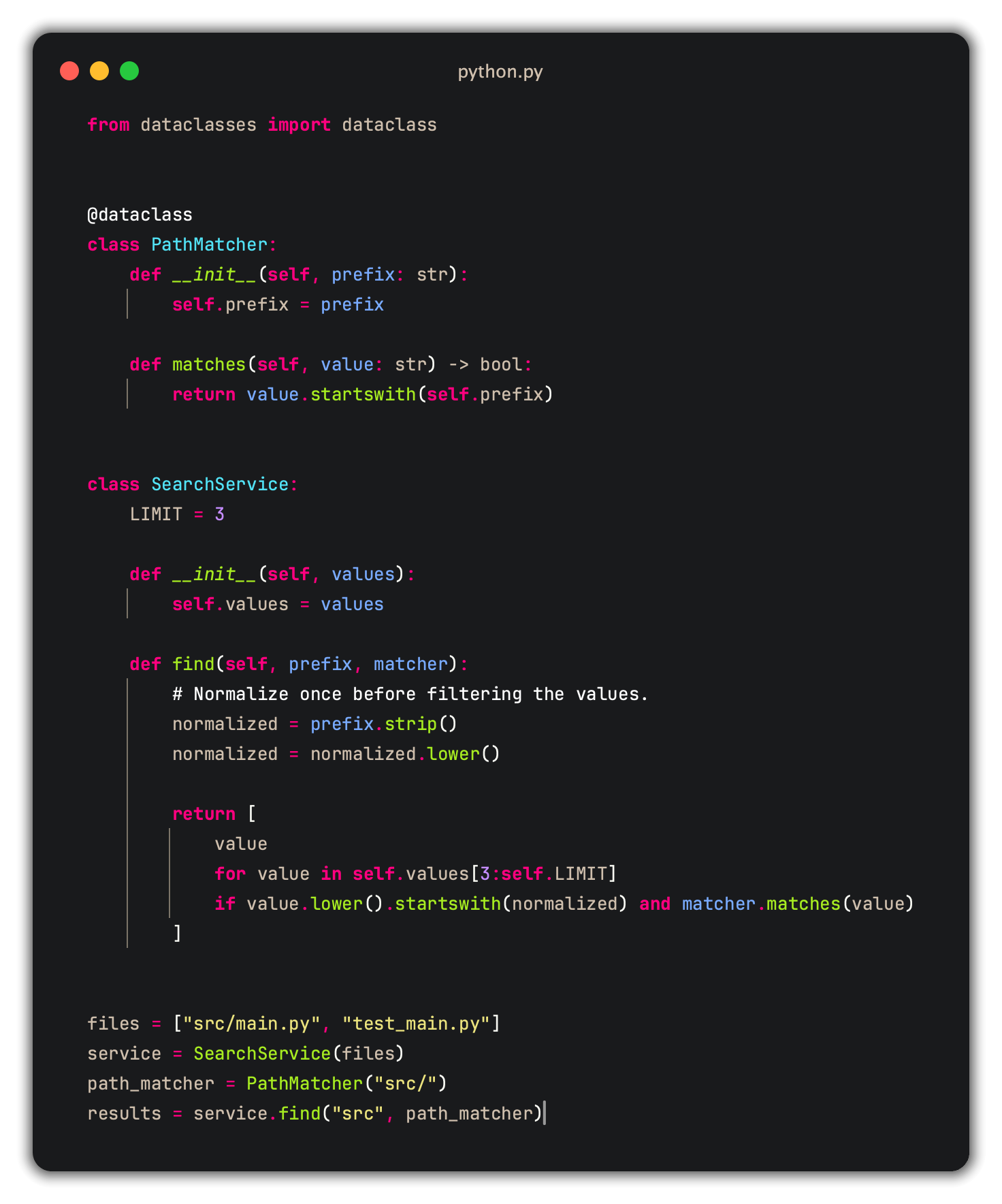
Python
Python keeps parameters blue, fields neutral, calls green, and reserved instance and class references such as Language supportVisual Studio Code applies the shared palette through TextMate scopes and semantic tokens. The exact distinctions available depend on each language extension: the theme preserves semantic information emitted by the language service, but it cannot infer information the service does not provide. InstallationInstall Invariant from the Extensions Marketplace and select it from Preferences: Color Theme. From the Command Palette, run: For Tree-sitter-backed PHP parameter identity and reassigned-symbol underlining, install the optional Invariant Highlighter. Install Invariant Complete to get both independently manageable extensions together. See the project README for the complete palette, editor differences, Vim and Neovim installation, and provenance. Problems and suggestions are tracked in GitHub Issues. License |