Structured Colors of AIThemes for agentic workflows with color-encoding of functionally distinct zones. Installation Launch VS Code Quick Open ( Ctrl+P), paste the following command, and press enter.Copied to clipboard |

Structured Colors of AI
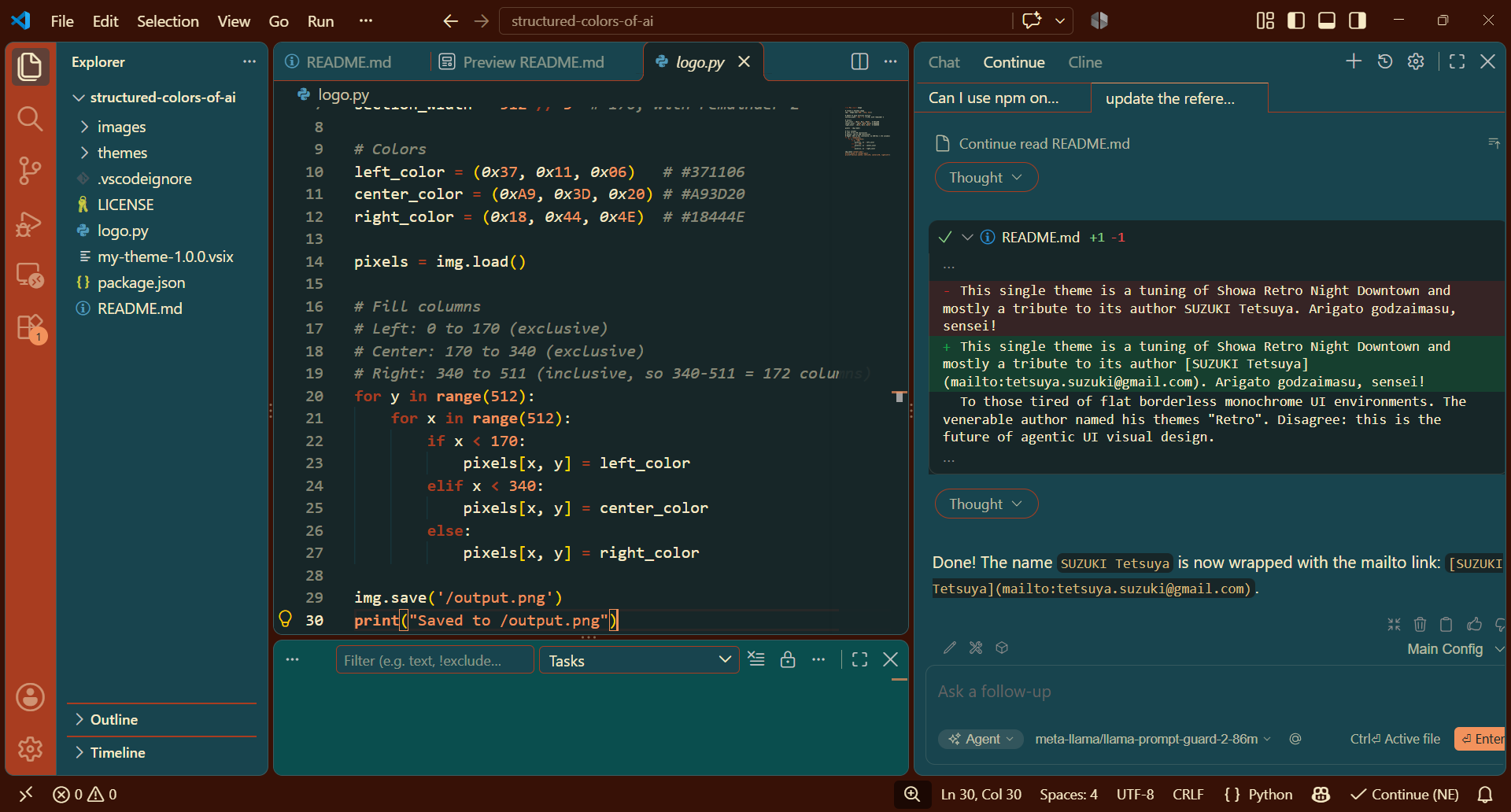
I searched in vain for themes where functionally distinct areas are meaningfully colored. The best (and unique) match is the grandiose Showa Retro Themes. This theme is a modification of Showa Retro Night Downtown and primarily a tribute to its author SUZUKI Tetsuya. Arigatou gozaimasu, sensei! For those tired of flat, borderless, monochrome UI environments: the venerable author named his themes "Retro". Disagree: this is the future of agentic UI visual design.
What I've adjustedI highly appreciate the overall idea and exquisite colors palette by master Suzuki, but my personal taste differs slightly. I've tried to modify as little as possible:
Historic and cultural backgroundFlat, monolithic, and monotone borderless design is not the result of competing trends. It is a deliberate decision: such design aims to support programmers' flow, focus, and concentration, making them more productive—specifically when typing code in the editor. Leaving aside the effectiveness of this noble intent, by the end of 2026, faint doubts have emerged about whether concentrated typing remains the mainstream coding activity. (Hint: in the age of AI assistants and agents, it isn't.) So why stick to an outdated visual layout when its raison d'être is disappearing—slowly and irreversibly? Agentic workflows are quite different; they require no less mental effort, but of a very different kind. Adding the mental load of manually distinguishing agentic, editor, navigation, and terminal windows, rather than relying on instant, subconscious color classification, is no longer a good idea. Hopefully, in a couple of years, UI designers will announce a new, revolutionary structured look and sell it to customers at a premium. Good luck, guys! :)) Installation
Alternatively, you can install it directly from the VS Code Marketplace. Applying Themes
Or:
Theme suggestionsFeel free to suggest any existing themes that fit this scope; I would be glad to reference them. You can also suggest a theme for further tuning. FeedbackPlease report bugs or feature requests on GitHub Issues. If you enjoy these themes, please consider rating and reviewing them on the VS Code Marketplace. Планов громадьЁЭтим стулом мастер Гамбс открывает новую партию мебели... ну, в общем, вы поняли. Хочется добавить ещё варианты, прежде всего — чуть доработать некоторые из великолепных тем Мастера SUZUKI Tetsuya. Но увы! человек слаб, а обстоятельства могучи. Постараюсь в меру скромных сил. DeveloperAlexis Pokrovski alexis.pokrovski@mail.ru MIT License |