
OnlyCopilotFans Business Central Agentic Dev Framework - SetupOne-click setup for the OnlyCopilotFans (OCPF) Business Central Agentic Development Framework: installs the AL toolchain, wires your AI agent (Claude Code or GitHub Copilot), and kickstarts the framework in your project. Installation Launch VS Code Quick Open ( Ctrl+P), paste the following command, and press enter.Copied to clipboard |

OnlyCopilotFans Business Central Agentic Dev Framework — Setup
Get from a bare VS Code to a working OnlyCopilotFans (OCPF) BC Agentic Development Framework setup in a few clicks — built for Business Central functional consultants who have never done development, and just as handy for developers. What installing this extension does
The extension ships no framework content — it is the on-ramp, not the framework. The framework lives in its own public repository and is versioned independently, so this extension never needs an update when the framework releases. How to use it, step by step
Commands (Command Palette, category "OCPF BC")
Agent plugin commands (
|
| Command | What it does |
|---|---|
/ocpf-bc:start |
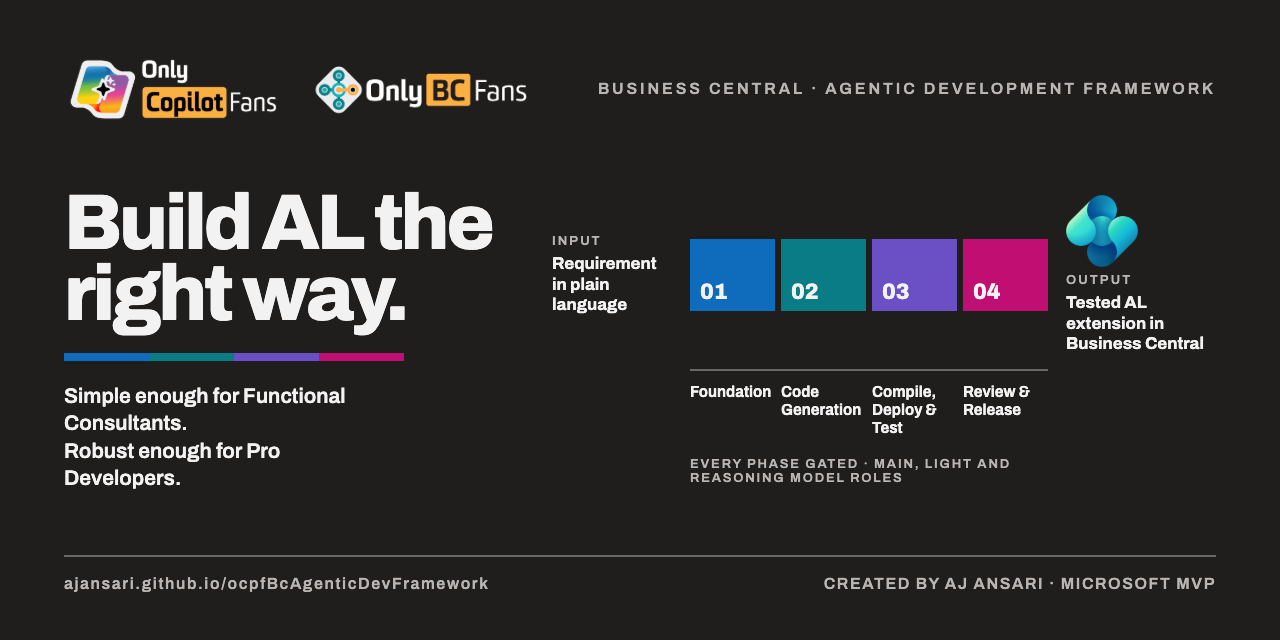
Starts a project with the framework: choose Full (14 steps) or Lite (7), installs the latest runbook, connects the AL tools, begins the routine. |
/ocpf-bc:status |
Reports where the project stands: phase, step, exit gate, what's waiting on you. Great when resuming a session. |
/ocpf-bc:documents <name> |
Writes any framework document (FRD, TDD, Build Plan, ChangeLog, …) from its official template into docs/. |
/ocpf-bc:usage |
Measures tokens, time, turns, and cost per step and refreshes the project's usage table. |
/ocpf-bc:roles |
Asks which AI models do the work (and thinking effort), and makes the choice actually take effect. |
/ocpf-bc:notifications |
Turns on notifications for when the agent finishes, asks, or waits on you. |
/ocpf-bc:al-mcp-setup |
Connects the AI to Microsoft's AL tools (compile, publish, test) — nothing to install. |
/ocpf-bc:al-standards |
Loads the OCPF AL Development Standards Guide for writing and reviewing AL code. |
/ocpf-bc:update-framework |
Checks for a newer runbook, shows what changed, updates only with your approval. |
Troubleshooting
I installed Git, but VS Code still says it's missing. VS Code only picks up newly installed programs at startup. After installing Git — whether from the extension's prompt or from git-scm.com — close and reopen VS Code completely, then run OCPF BC: Check Git Installation again.
Git asks who you are (or commits fail with an identity error). Git needs your name and email once per machine. Open the terminal in VS Code (Terminal → New Terminal) — or Command Prompt on Windows — and run these two commands, with your own details in the quotes:
git config --global user.email "you@example.com"
git config --global user.name "Your Name"
You only ever do this once; every project on the machine uses it from then on.
My AL files show red squiggly underlines, but the code compiles and the agent says there are no errors. The AL language service occasionally gets out of sync with the code on disk. Open the Command Palette (Ctrl+Shift+P, or Cmd+Shift+P on Mac), type Developer: Reload Window, and press Enter. The window reloads in a couple of seconds and the squiggles disappear.
Something else? Report it on the framework's issues page — include what you clicked and what you saw.
Requirements
- VS Code 1.96 or later
- Git (the extension checks and helps you install it)
- A Claude or GitHub Copilot subscription for the agent you choose to use (installing the extensions is free)
Created by AJ Ansari · Microsoft MVP