Cooked
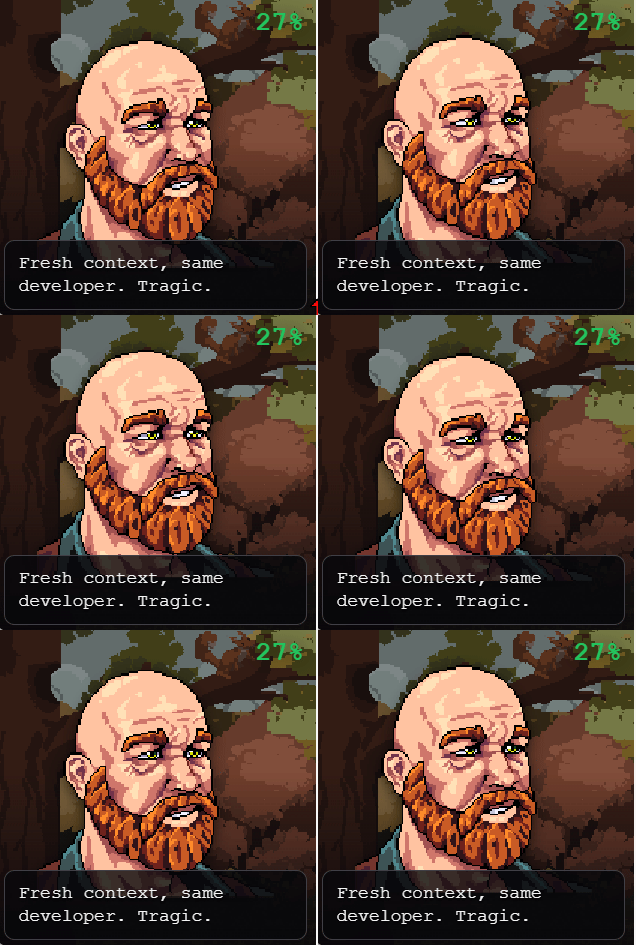
Cooked tracks your Claude Code context window usage in real time, then has a cast of NPCs roast you as your token usage climbs.
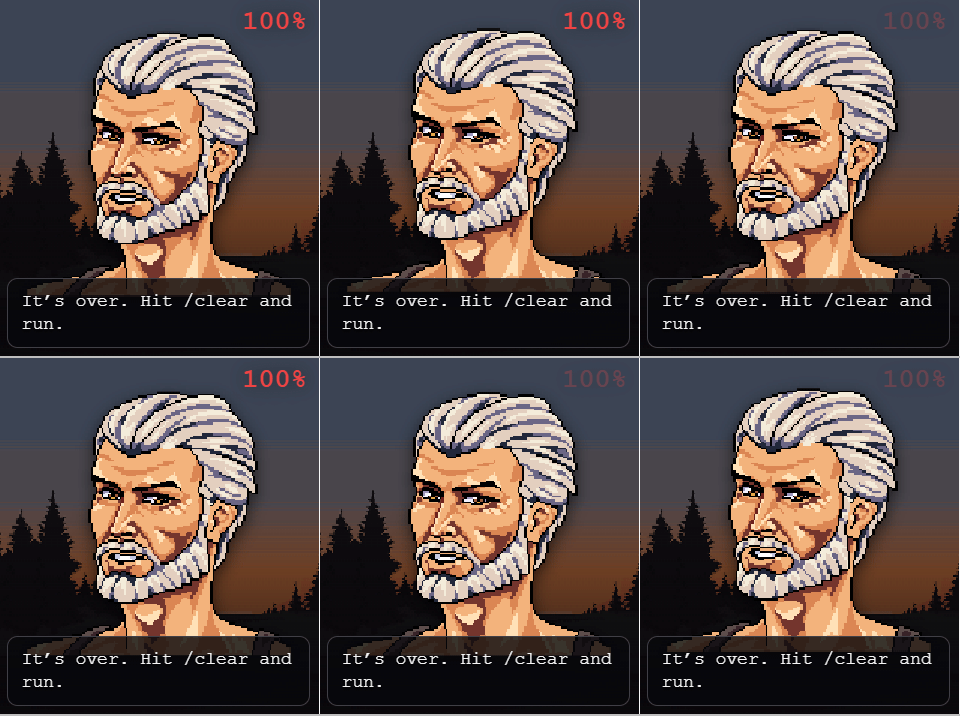
The closer your context gets to full, the harder they heckle. Coding along at 12%? They notice. About to overflow at 99%? They have already written your eulogy.
What it does
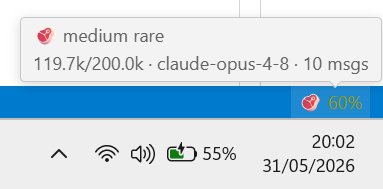
- 📊 Shows your live Claude Code context usage as a percentage, in the Explorer panel and the status bar.
- 🎭 An NPC shows up each beat and drops a roast line from a pool of 544 Claude-written burns.
- 🎲 Speaker, line, mood, prop and backdrop are all rolled at random, so you keep getting blindsided by ones you have never seen.
- 🔥 The roasts escalate with usage: light jabs early, full panic as you near overflow.
- ⏱️ Lines stay up long enough to read, so fast jumps in percentage do not flash by.
- 🍳 Ships an animated status line for the Claude Code terminal, with your 5-hour and 7-day usage limits, so you never open the Claude website to check.
It is purely cosmetic. No data leaves your machine.
Install
- VS Code: search "Cooked" in the Extensions view, or get it from the VS Code Marketplace.
- Cursor: search "Cooked" in the Extensions view (served by Open VSX).
Screenshots
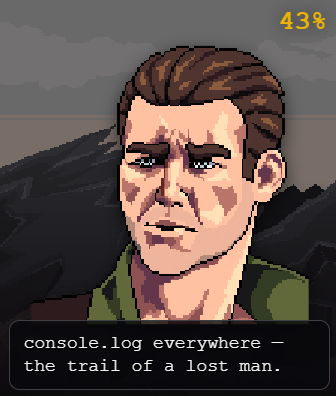
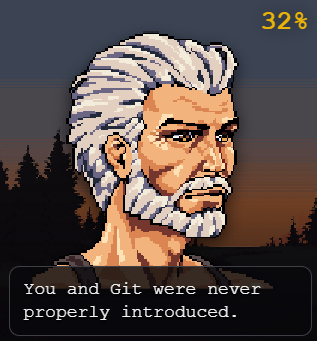
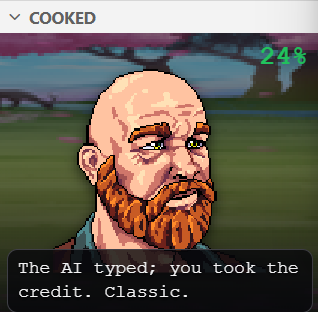
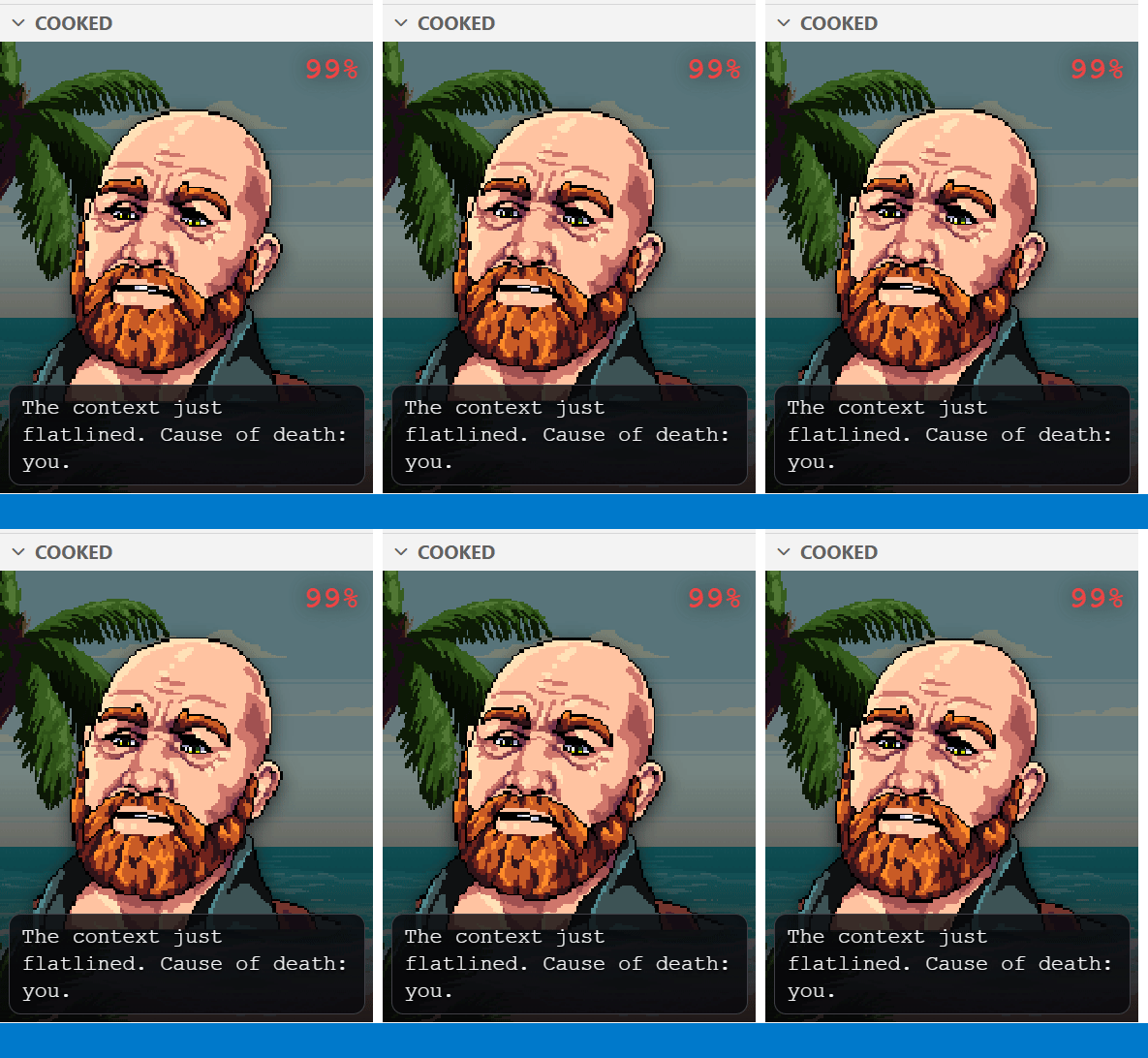
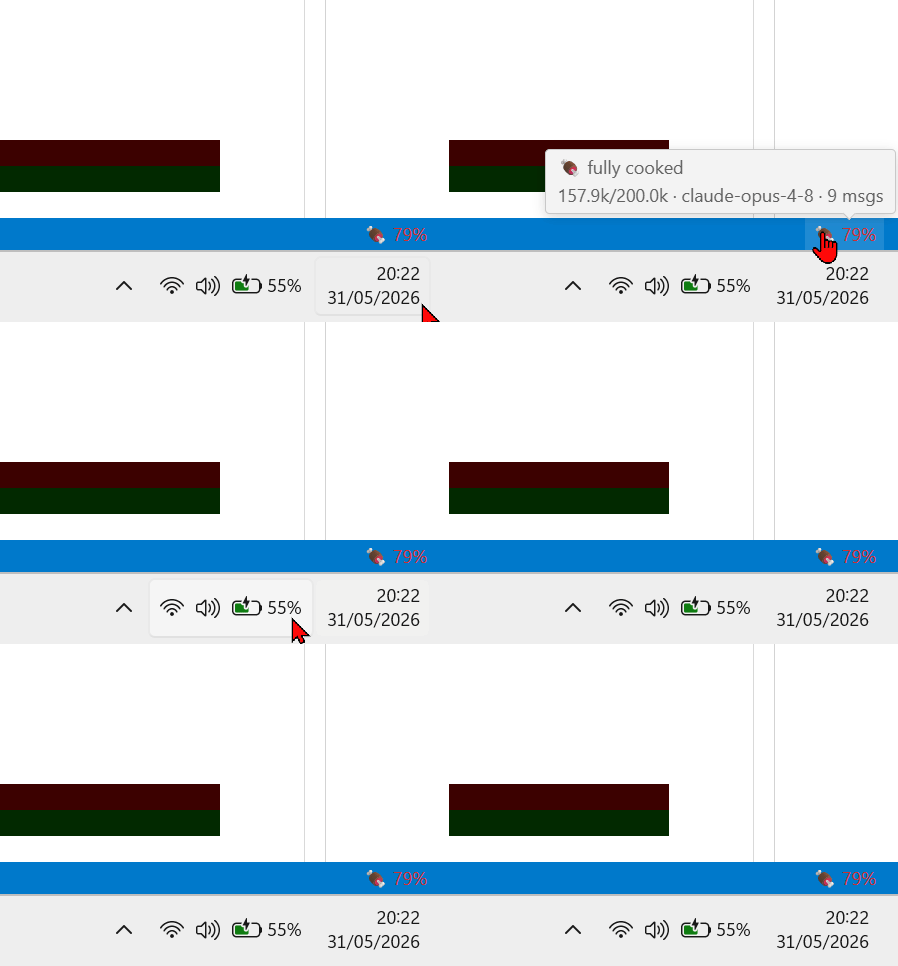
A status bar meter tracks the same percentage, with a tooltip showing tokens used, the active model, and message count:
How it works
Cooked watches ~/.claude for your active session, binds to the one owned by your focused terminal, and reads the context token total from the conversation log. It maps that to a percentage of the context window: 200k by default, switching to 1M as soon as the token count proves the session runs an extended window. With the status line installed (below), it uses Claude Code's own numbers instead.
Claude Code status line
Cooked offers this once, the first time it starts. You can also run Cooked: Install Claude Code Status Line from the command palette at any time. It is never installed behind your back: the status line is a shell command in Claude Code's own ~/.claude/settings.json, so it only goes in when you say so, and Cooked: Uninstall Claude Code Status Line takes it back out. If you already have a status line, Cooked asks before replacing it.
Once installed, the cook ladder moves into the Claude Code terminal itself, animated:
🥩 ▓▓▓▓▓▓▓▓▓▓▓▓▒░░░░░░░ 62%  624.3k/1M  $2.05  │  5h ▓▓▓▓▓▓▓▓▒░ 77% ↻ 2h04  │  7d ▓▓▓▓▓▓▒░░░ 59%
Tell me you didn't push to main.
- The 13-stage cook ladder (🥒 🥚 🐣 🐔 🍳 🥓 🥩 🍗 🍖 🔥 💊 💉 🧯) with tokens and window size. Each stage has its own small cast that takes turns every minute, so a long plateau never goes still.
- Your 5-hour and 7-day usage limits with live reset countdowns, so you never open the Claude website to check. Same bar, same colors, same reading: green while it is fine, yellow while it cooks, red when it burns.
- The same 500+ roast lines the panel uses, rotating every 25 seconds, matched to how cooked you are. Props and the riot police show up here too.
- An overflow ETA once you pass 60%, computed from how fast you are actually burning the window:
⏳ full in ~6m.
- A banner when you cross into a new stage, and a round of applause when you finally hit
/clear.
- Animated: an ember creeping along every bar, a percent that blinks past 90%.
- Restrained by default. The session cost only appears past $0.50, and the usage gauges are absent for API users, who have no subscription limits.
- Bars shrink, then the ETA and countdowns drop, as the terminal narrows. Needs Node.js on your machine.
Installing it also makes the panel more accurate. The status line receives Claude Code's own session data (the exact percentage you see in /context, and the real window size, 1M models included) and shares it with the extension, so nothing is guessed from the conversation log anymore.
Remove it anytime with Cooked: Uninstall Claude Code Status Line.
The panel
The status line tells you the numbers. The panel is where the NPCs live, and it is entirely optional: close it and nothing is lost. Open it and the scene reacts to how you work.
- It cooks with you. The room grades from cold blue to ember orange as the window fills, smoke thickens, sparks appear past 80%, and the whole scene shakes past 95%.
- The NPCs read your behavior. Burn tokens fast and they get angry. Poke them by clicking, and they get angrier, until they turn their back on you.
- Take the props. When an NPC offers you pills, a syringe or a bush, click it. The medicine calms the room for a while. The bush hides you, and they stop heckling until you come out.
- Shoot back. They mock you all day, so the weapon button lets you answer, and the cursor becomes whatever you are holding. Arrows arc across the scene and land with a thump; past 80% context they fly on fire, and past 95% they land like artillery. Bombs are lobbed. Hit them enough and they call the riot police on you, lights and all, and the only way to sit out the raid is to hide in the bush.
- Moments. Crossing a stage, wiping the context, earning something: the scene cuts away to a full screen for a few seconds, then hands itself back. Hitting
/clear washes the scene clean, which is meant literally.
The panel stops rendering entirely when you collapse or hide it, so leaving it installed costs nothing. And nothing you do in there changes a single token. It is theatre.
Turning on cooked.spicyMode also arms the blades, which draw cartoon pixel blood. It is off by default, and nothing violent renders until you turn it on.
The rap sheet
Cooked keeps a record. Twenty things you can be caught doing, and it will not tell you what they are until you have done them. Some are about how badly you cook a context. Some are about what you do to the NPCs, and how far you are willing to take it. A few you will earn by accident. One or two will take a while.
Run Cooked: Rap Sheet to see how much of it you have filled in, and how much is still redacted. Everything is stored locally, and Cooked: Reset Rap Sheet wipes it if you would rather nobody knew.
Commands
| Command |
What it does |
Cooked: Show Panel |
Focus the panel in the Explorer sidebar. |
Cooked: Rap Sheet |
Your achievements, and everything you have been caught doing. |
Cooked: Refresh |
Re-read the session right now. |
Cooked: Install Claude Code Status Line |
Add the cook ladder to the Claude Code terminal. |
Cooked: Uninstall Claude Code Status Line |
Remove it and clean up. |
Settings
| Setting |
Default |
Description |
cooked.contextWindowMax |
0 |
Force the context window size in tokens. 0 = auto: 200k or 1M detected from usage, or the exact size Claude Code reports when the status line is installed. |
cooked.pollIntervalMs |
3000 |
How often to refresh the reading (ms). |
cooked.spicyMode |
false |
🌶️ Unlock a meaner, cruder pool of roast lines (mild profanity). |
Open it from the Explorer sidebar (the "Cooked" view), or run Cooked: Show Panel from the command palette.
Credits
Pixel art from free CraftPix.net packs (used under the CraftPix license):
- Medieval NPC Avatars Pixel Pack for Dialogue
- Free Nature Pixel Backgrounds for Games
- Forest and Trees Free Pixel Backgrounds
- Free Autumn Pixel Backgrounds for Game
- Free City Backgrounds Pixel Art
- 4 Free Seamless Nature Pixel Backgrounds
- Free 4 Nature Backgrounds for RPG Battle
Extension code is MIT licensed.
Not affiliated with, endorsed by, or sponsored by Anthropic. "Claude" and "Claude Code" are trademarks of Anthropic, referenced here only to describe compatibility.

