The Construct — Calm Cyberpunk


A meticulously calibrated, low-contrast cyberpunk theme family for Visual
Studio Code, engineered for high-intensity deep work and ocular ergonomics.
Install
In VS Code: open the Extensions view (Ctrl/Cmd+Shift+X), search
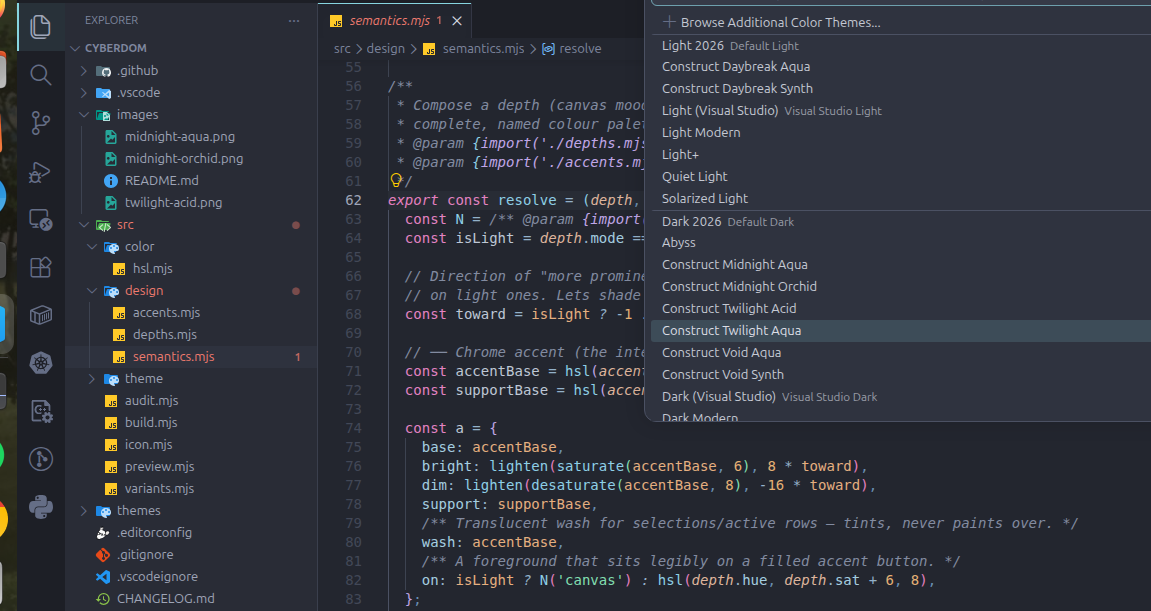
“Construct — Calm Cyberpunk”, Install, then Ctrl/Cmd+K Ctrl/Cmd+T →
pick a Construct variant.
From the command line:
code --install-extension abimael10.construct-theme
VSCodium / Cursor / Gitpod users: it's on Open VSX too.
The Construct rejects the high-fatigue neon arms race. Instead of blinding
saturation on void-black, it paints code on a cold, desaturated slate — night
city seen through fog — where chroma is rationed so that colour reads as
signal, not noise. The result is a visual environment you can live inside
for ten hours without your eyes filing a complaint.
The variants
Every theme is a pairing of a canvas depth (the substrate mood) and a
chrome accent (the interactive signature). Depth controls how the room is
lit; accent controls the colour your eye tracks while navigating.
Canvas depths
| Depth |
Mode |
Character |
| Midnight |
dark |
The reference. Cold blue-slate, balanced contrast. |
| Void |
dark |
Deeper substrate for OLED panels and dim rooms. |
| Twilight |
dark |
The lowest-contrast dark variant — maximally fatigue-averse. |
| Daybreak |
light |
A warm-cool paper canvas for daytime work. Never white. |
Chrome accents
| Accent |
Signature |
| Aqua |
Calm signal cyan — the default face. |
| Orchid |
Muted magenta — classic cyberpunk pink, drained of glare. |
| Synth |
Electric violet — the most synthwave of the set. |
| Acid |
Desaturated mint — the contrarian cool green. |
Eight variants ship by default; all sixteen combinations are one edit away (see
Extending).
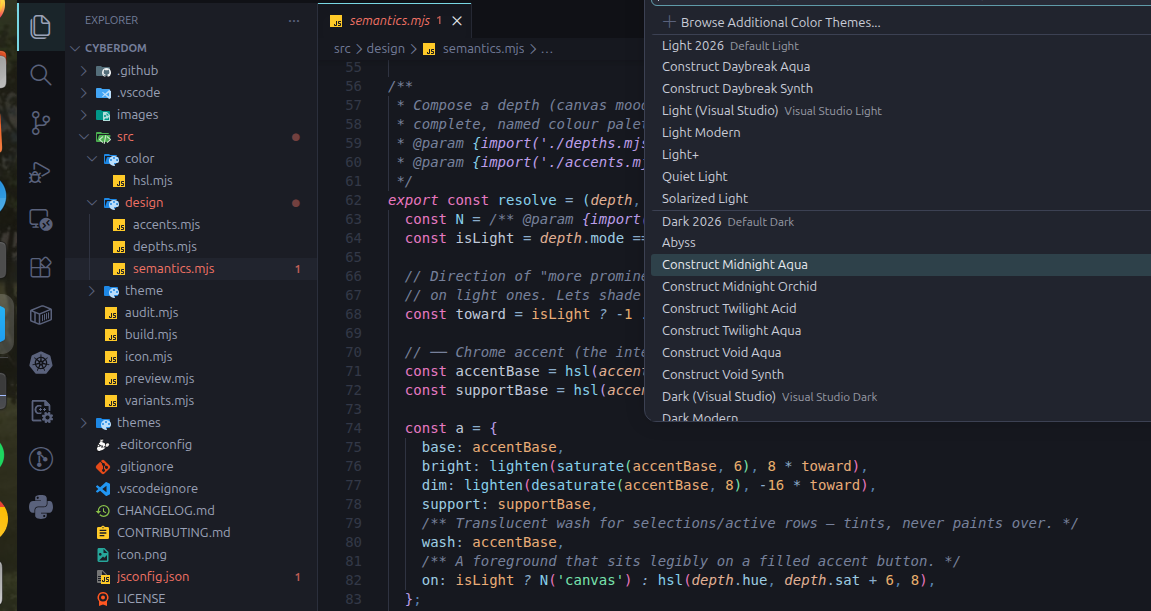
Pick one from Command Palette → Preferences: Color Theme, filtering on
"Construct".
Gallery
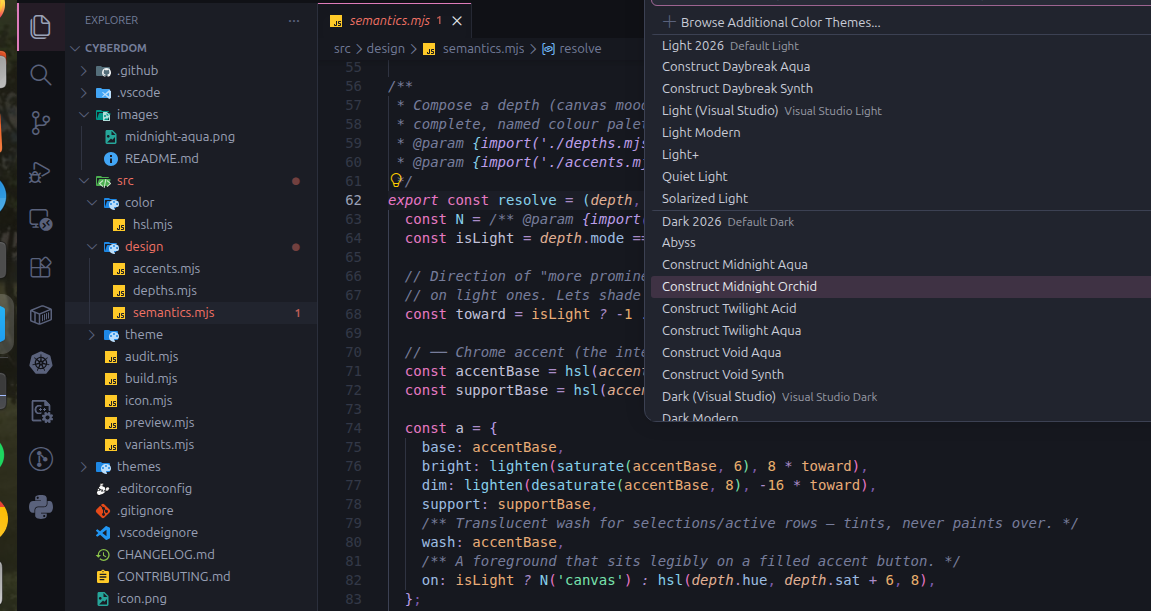
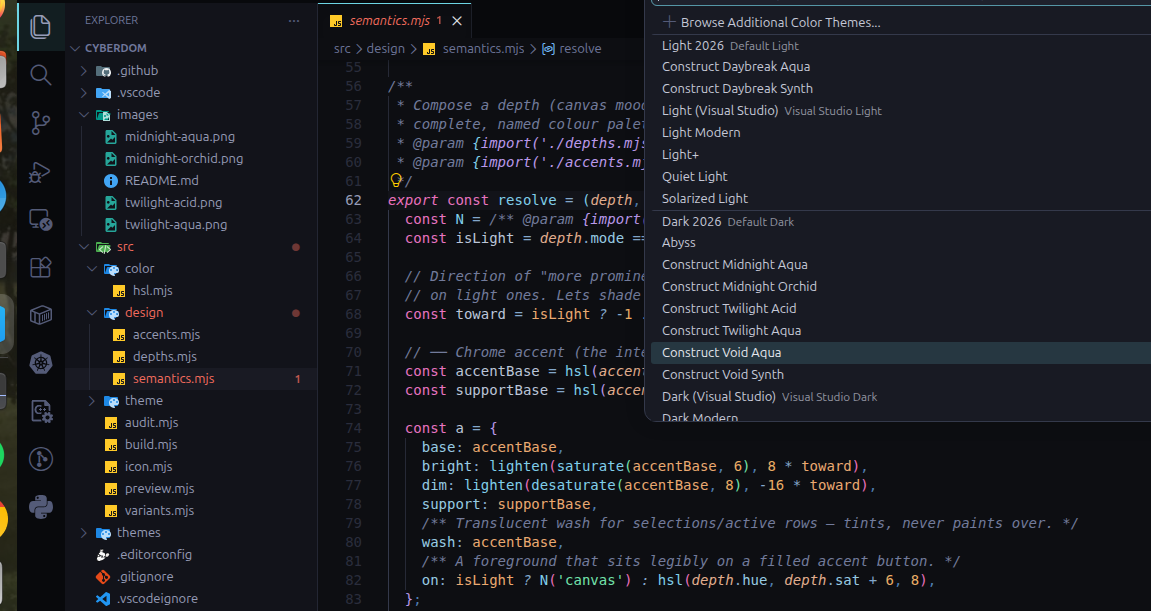
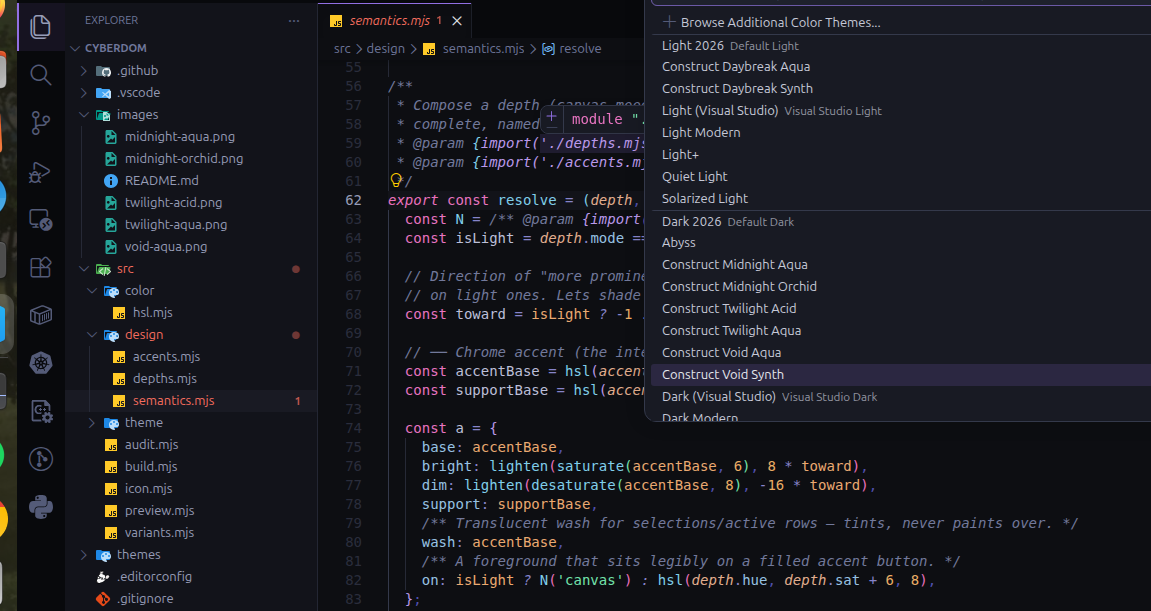
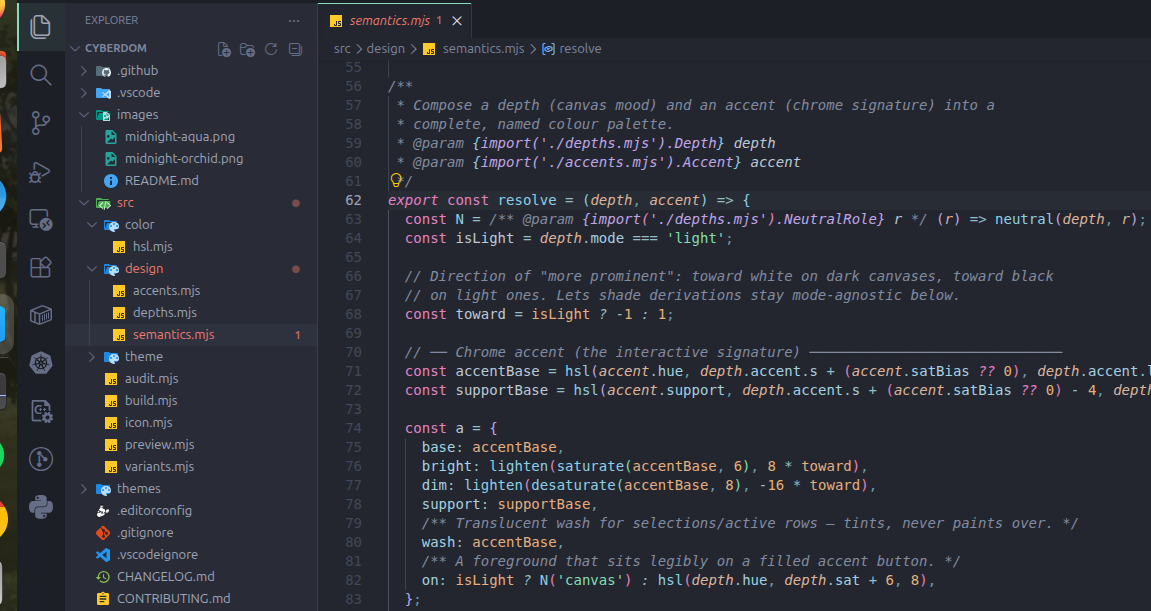
Each row pairs a canvas depth with its Aqua reference and an alternate
accent, so you can see both the depth shift and the accent-wash side by side.
| Midnight Aqua |
Midnight Orchid |
|
 |
| Void Aqua |
Void Synth |
 |
 |
| Twilight Aqua |
Twilight Acid |
 |
 |
Why it's easy on the eyes
Eye strain in editors comes mostly from two sources: extreme contrast (pure
white text on pure black) forcing constant pupil accommodation, and colour
overload (a saturated rainbow the brain must re-segment on every glance). The
Construct attacks both, by construction:
- No pure extremes. No background reaches
#000, no foreground reaches
#fff. Both ends of the contrast range are pulled inward.
- A two-channel code palette. Hue encodes category using a small harmonic
set; the bulk of code — variables, properties, punctuation — rests near the
foreground. Only load-bearing tokens (keywords, types, calls, literals) carry
chroma, so your eye locks onto structure instead of swimming.
- Perceptual calibration, not naive inversion. On the light canvas, accents
are darkened and re-saturated to hold equal perceived weight against a bright
background.
- A contract that's measured, not promised. A build-time audit checks every
variant against a readability floor and an anti-glare ceiling; the
build fails if a colour edit drifts out of the comfort envelope.
Architecture
The themes are not hand-authored JSON. They are compiled from a small,
dependency-free design system. Every concrete colour string is derived — never
typed — which is what keeps a whole family perceptually consistent.
src/
├── color/
│   └── hsl.mjs            Pure colour algebra: HSL→hex, mix, alpha, WCAG contrast
├── design/
│   ├── depths.mjs         Canvas moods — neutral ramps + chroma budgets
│   ├── accents.mjs        Chrome signatures — the interactive hue identities
│   └── semantics.mjs      THE source of truth: (depth × accent) → named palette
├── theme/
│   ├── workbench.mjs      Palette → VS Code `colors` (≈200 UI keys)
│   ├── syntax.mjs         Palette → TextMate `tokenColors`
│   ├── semanticTokens.mjs Palette → LSP `semanticTokenColors`
│   └── assemble.mjs       Compose one publishable theme document
├── variants.mjs           THE declarative matrix — the one file you edit
├── audit.mjs              Ergonomic contrast audit (floor + ceiling)
├── build.mjs              Compiler: emit themes/ + self-sync package.json
└── preview.mjs            Truecolor terminal swatches for quick inspection
The data flows in one direction, each stage depending only on the one before:
depths ┐
       ├─► semantics.resolve ─► workbench ┐
accents┘         (palette)   ─► syntax     ├─► assemble ─► themes/*.json
                             ─► semantic   ┘                    │
variants ───────────────────────────────────────► build ───────┴─► package.json
Because semantics.mjs is the only place colour meaning is decided, a single
edit there ripples consistently across all ~3,500 colour values in every theme.
Building
Zero runtime dependencies — just Node ≥ 18.
npm run build      # compile all variants → themes/, sync the manifest, run the audit
npm run check      # verify generated files are in sync (fails if stale)
npm run audit      # run the ergonomic contrast audit on its own
npm run preview    # render palette swatches in the terminal
build is the source of truth: it (1) writes one themes/<slug>.json per
variant, (2) rewrites package.json → contributes.themes to match, and (3)
refuses to succeed if any variant leaves the comfort envelope. The manifest can
never drift from the matrix.
Extending the matrix
The whole point of the architecture is frictionless extension.
Add a new theme — edit one line in src/variants.mjs:
export const variants = [
  // ...
  variant('twilight', 'orchid'),   // ← that's the entire change
];
Ship every combination — swap the curated list for the cross-product:
export { fullMatrix as variants } from './variants.mjs';
Invent a new accent — add one object to src/design/accents.mjs (a hue and
a harmonic support hue). It instantly becomes composable with every depth.
Tune a new canvas — add a depth to src/design/depths.mjs with its neutral
ramp and chroma budget. The audit will tell you immediately if it's too harsh.
Run npm run build after any change. No JSON is ever edited by hand.
License
MIT.

