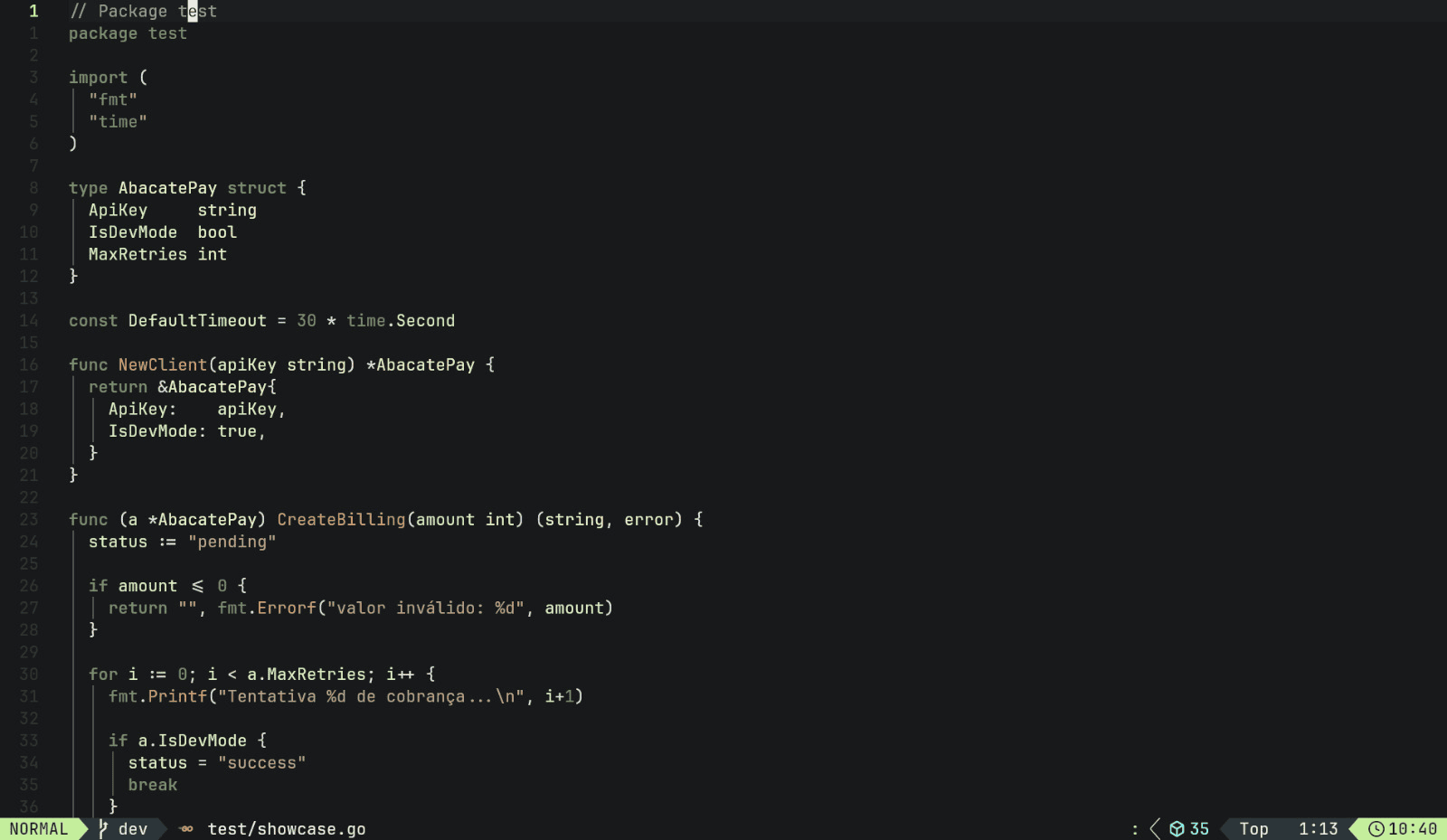
AbacatePay ThemeA green-first VS Code theme designed for AbacatePay. Installation Launch VS Code Quick Open ( Ctrl+P), paste the following command, and press enter.Copied to clipboard |

AbacatePay Theme 🥑A green-first theme crafted for AbacatePay and modern development workflows.
Theme · AbacatePay Dark Theme Match the Theme with your SystemTo match the theme with your system (Auto-switching between light and dark modes), add the following configuration to your Use in your favorite editorsSelect your favorite editor to view the instructions and start using AbacatePay Theme. 


Originally created by almeida and albuquerque |