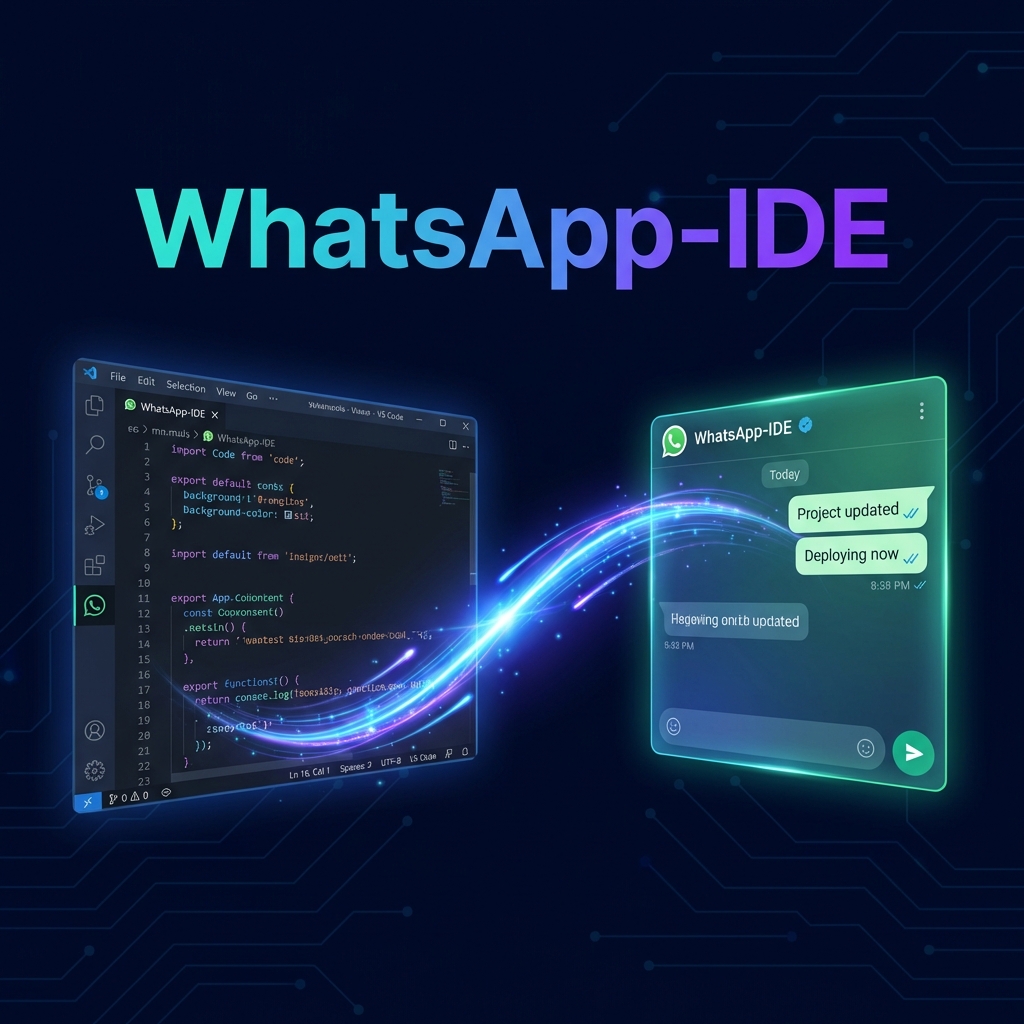
WhatsApp-IDE - Context SyncSync your IDE conversations and git context to WhatsApp-IDE for cross-IDE coding continuity Installation Launch VS Code Quick Open ( Ctrl+P), paste the following command, and press enter.Copied to clipboard |

WhatsApp-IDE - Context Sync
Sync your IDE conversations and git context to WhatsApp-IDE for cross-IDE coding continuity.WhatsApp-IDE turns your favorite chat app into a powerful AI developer agent. This extension works in the background to ensure that your AI agent on WhatsApp always knows exactly what you're working on in your local environment. 🚀 Quick Start (Onboarding)If you're discovering WhatsApp-IDE for the first time, follow these 5 steps to get started: 1. Download the ExtensionInstall the official extension for your editor: 2. Login with GitHub in ExtensionOpen the Command Palette ( 3. Link your phone (OTP flow)Visit whatsapp-ide.com, login, and follow the OTP Link flow to connect your WhatsApp account securely.
4. Enter your Anthropic KeyOn the Dashboard, enter your Anthropic API Key to enable the AI agent's brain. 5. Open Agent on WhatsAppClick the WhatsApp link on your dashboard to message the official bot. Send any message to authorize the bridge. ✨ Features
🛠️ Commands
📄 Documentation & LegalLicenseMIT © raphacoco |