SVG to Vue
Turn a folder of SVG files into a centralized Vue icon system: kebab-case SFCs under src/icons, a single registry, and a global <Icon /> wrapper. SVG output is optimized with SVGO (preset-default), fill is normalized to currentColor, and the root viewBox is preserved.
Try the Web Version

Demo
Features
<Icon name="..." /> — one component for all icons (no per-icon auto-import)- Per-icon Vue SFCs in
src/icons/ for the registry only
src/icons/index.ts exports a kebab-case icons mapsrc/components/Icon.vue resolves the map and forwards size- Nuxt-friendly: keep
Icon.vue under components/ so Nuxt can auto-import only Icon, not each icon
How it works
Choose a folder that contains .svg files (recursive scan).
The extension writes:
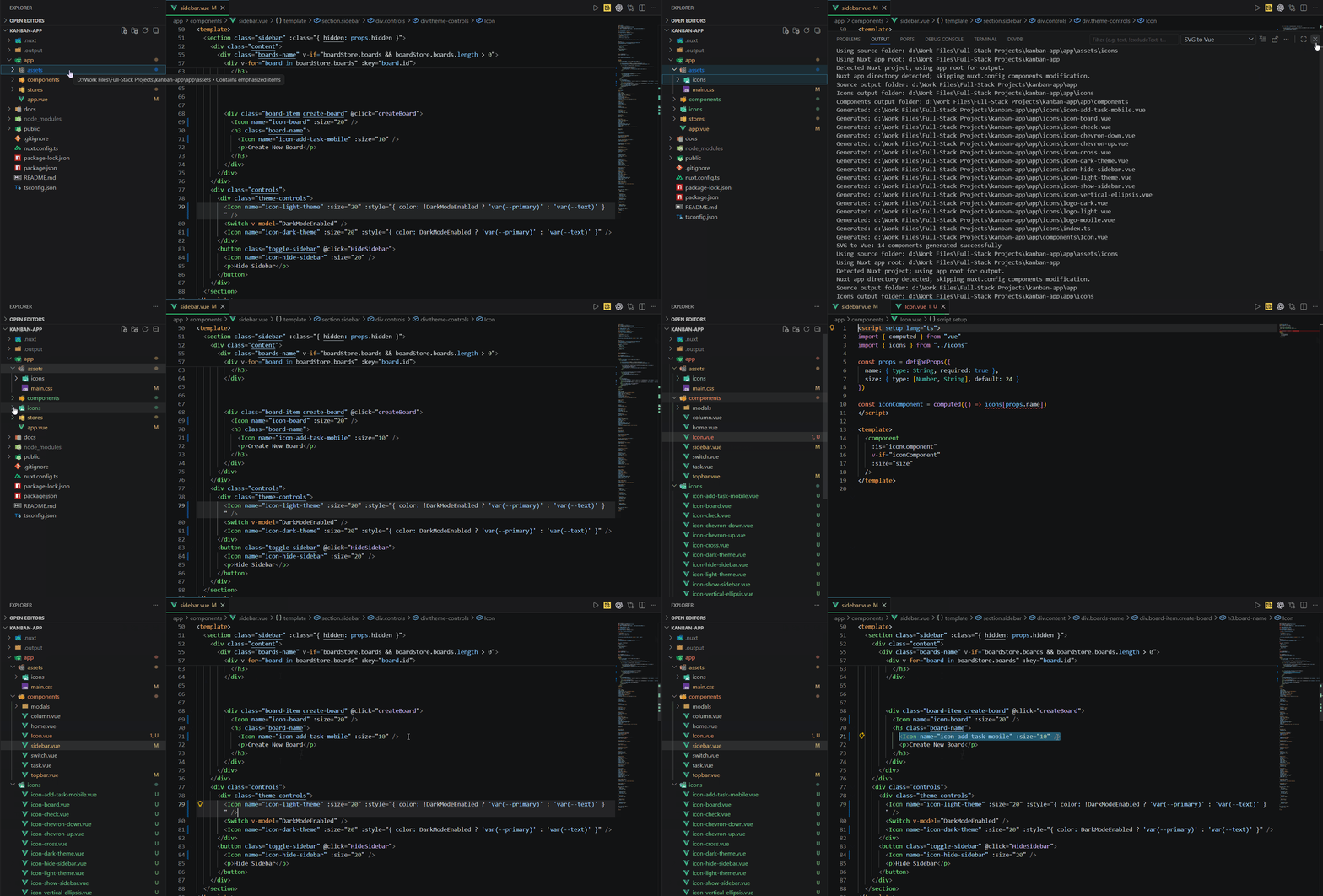
src/icons/<kebab-name>.vue — one script + template per SVGsrc/icons/index.ts — imports and export const icons = { "…": Component, … }src/components/Icon.vue — import { icons } from "@/icons" and dynamic <component :is="…" />
Each run overwrites those outputs. Existing src/icons/*.vue files are cleared first so removed or renamed SVGs do not leave stale components.
Usage
Generate icons
Command Palette: Ctrl+Shift+P → SVG to Vue: Generate Icon System
Explorer: Right-click a folder → SVG to Vue: Generate Icon System
Configure your app so @ points at src (Vite/Vue CLI/Nuxt as usual) so Icon.vue can import @/icons.
Use icons in templates
Prefer the icon system — you do not import each file:
<Icon name="user-check" />
<Icon name="arrow-left" size="32" />
Registry keys and file names are kebab-case and match the generated SVG basename (with deduplication suffixes like icon-2 if needed).
This approach gives you a scalable icon setup: add SVGs, re-run the command, and reference them by name instead of maintaining a growing list of manual imports.
Output layout
src/
  icons/
    user-check.vue
    arrow-left.vue
    close.vue
    index.ts
  components/
    Icon.vue
Optional: direct icon import
You can still import a single SFC when a rare case needs it:
<script setup>
import UserCheck from '@/icons/user-check.vue'
</script>

<template>
  <UserCheck :size="24" />
</template>
Web companion
Notes
- Icons use
fill="currentColor" so color comes from CSS (color on the parent or Icon).
- Root SVG
width / height are not kept on the outer <svg>; sizing is via the size prop.
viewBox is preserved (or derived when missing) so scaling stays correct.


